RoboCo v1.0 (upd.08.02.2026)
About The Game
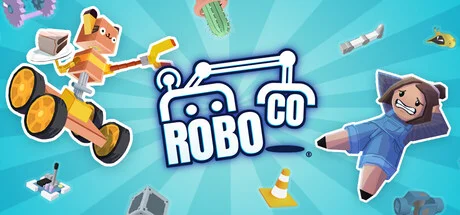
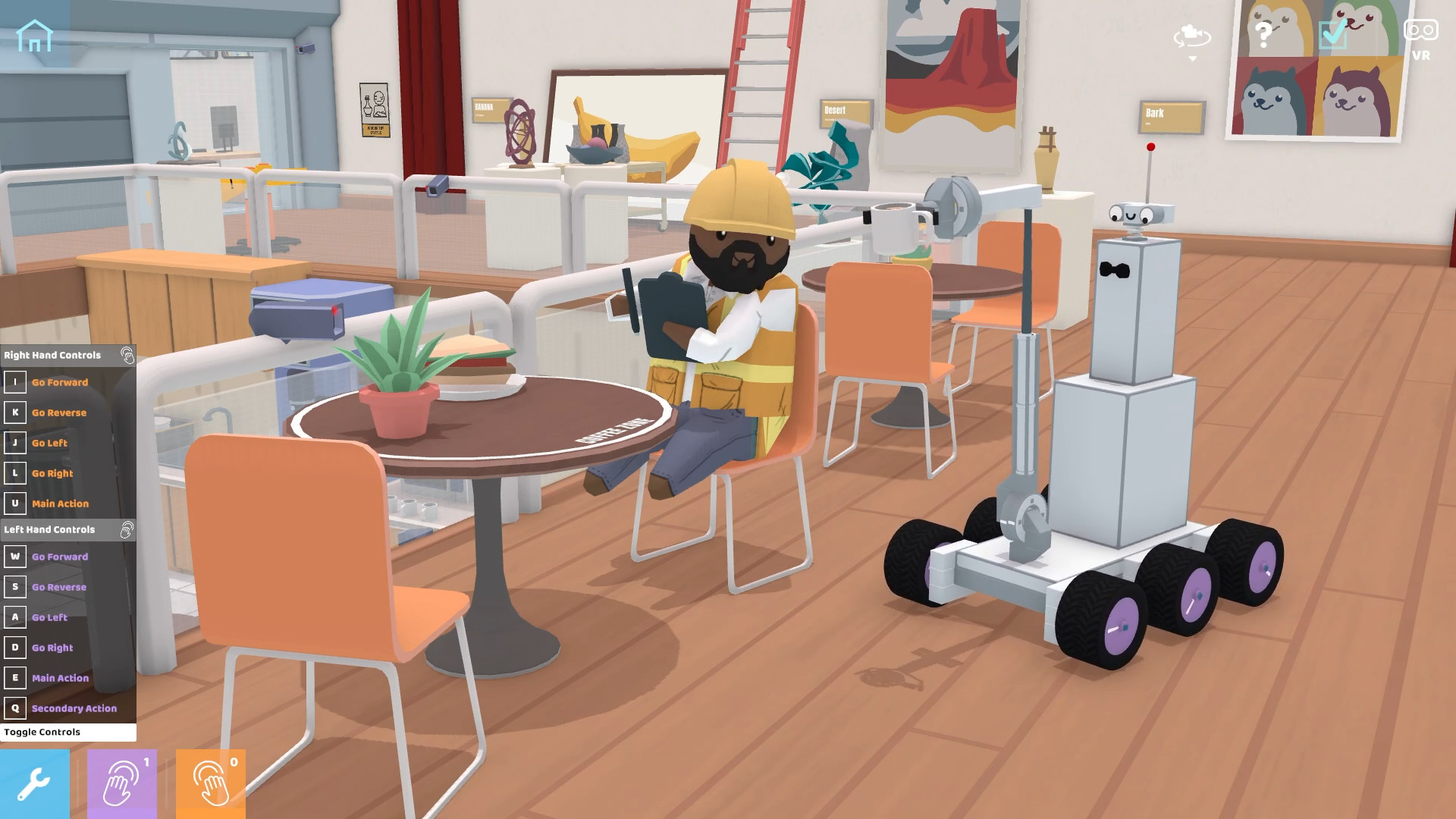
RoboCo adventures take the form of puzzles, where players design and build robots in a cybernetic factory. Players assemble droids that serve and support humans in their daily duties. The game features a sandbox environment with the ability to use virtual reality headsets. Players will conduct various experiments, tests, and creatively assemble machines.
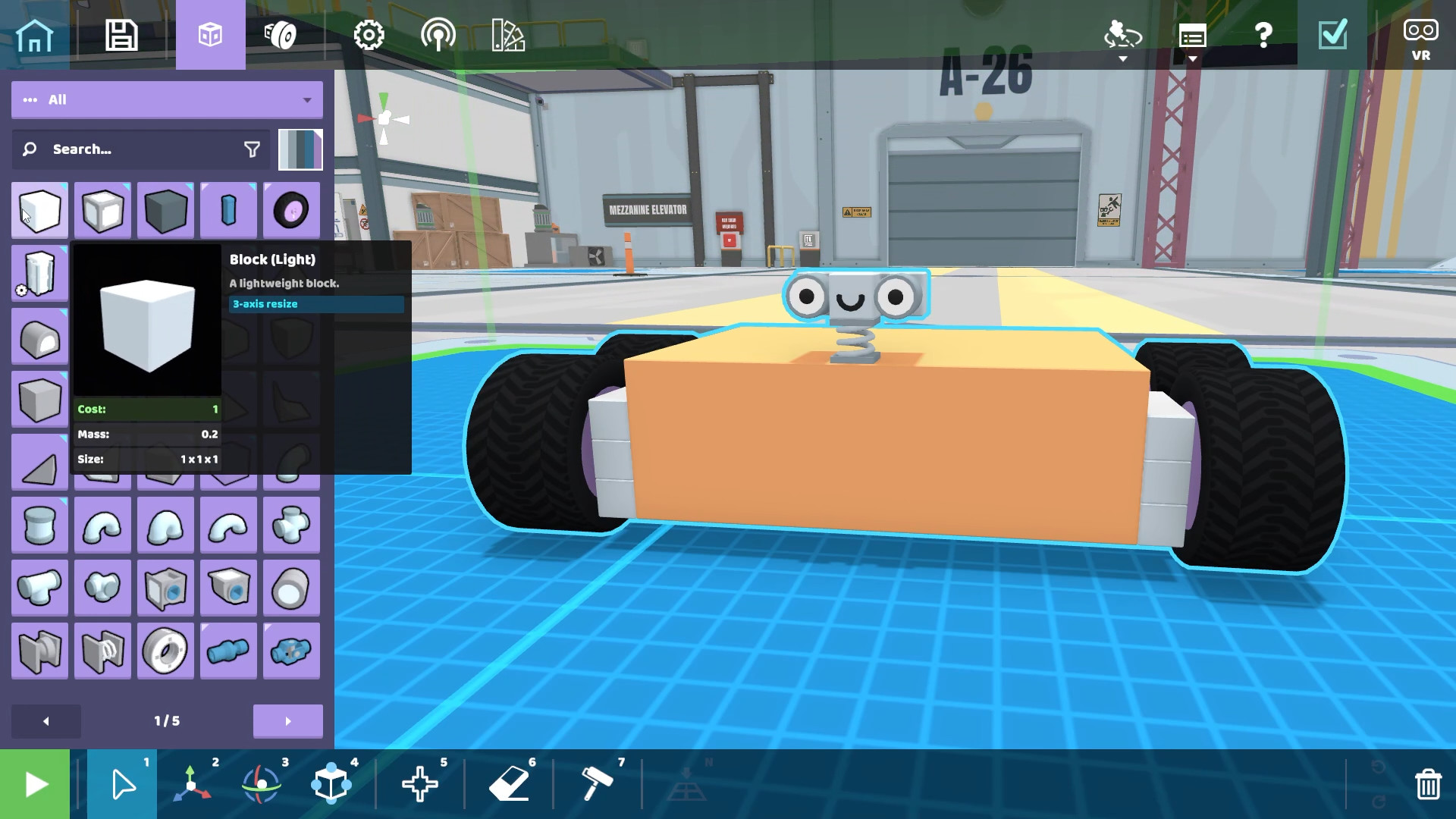
While creating robotic machines in RoboCo, players will connect a large number of parts and components. Players will be able to design droids, customizing their movement and basic motor functions, as well as connect controls and add cosmetic accessories to change and customize their appearance (eyes, hats, outfits, color, etc.). Players will have the opportunity to test their engineering skills by solving challenging puzzles.
In addition to designing technological machines and equipment, gamers will have the opportunity to apply their acquired skills in a variety of interactive missions. You'll be delivering sandwiches to hungry customers, preparing a romantic dinner, or demonstrating the dancing skills of your robot assistants. Gameplay mechanics allow you to play the single-player campaign or creative missions both in standard mode and using VR headsets.
NOTE. Uploaded version: 8 February 2026 [v1.0 / Build 20194442]. This is Full Release and latest version of game. The game is already Pre-Installed and ready to run the game, read the instruction below.
Game Details
- Title: RoboCo
- Genre: Indie, Simulation
- Developer: Filament Games
- Publisher: Filament Games
- Release year: 2026
- Available Languages: English, French, Italian, German, Spanish - Spain, Japanese, Korean, Polish, Portuguese - Portugal, Russian
- Release Name: RoboCo.v1.0.Build.20194442
- Game Version: v1.0 (upd.08.02.2026)
- Size: 4.5 GB
System Requirements
Minimum:
Requires a 64-bit processor and operating system
OS: Windows 10
Processor: Intel Core i5-3570 or AMD equivalent
Memory: 8 GB RAM
Graphics: NVIDIA GeForce GTX 750 or AMD equivalent
DirectX: Version 11
Storage: 2 GB available space
Recommended:
Requires a 64-bit processor and operating system
OS: Windows 11
Processor: Intel Core i5 4590 or AMD FX 8350 or greater
Memory: 8 GB RAM
Graphics: GTX 970 | R9 290 or Higher
DirectX: Version 11
Storage: 5 GB available space
Screenshots

Video
How to Install
1. The first thing we do is download the game files.
2. Unzip the archive to the hard disk. (how to unzip .rar)
3. Wait for the unpacking process to finish.
4. Start the game «RoboCo.exe» from game folder.
5. The language changes in the menu.
Download RoboCo v1.0 (upd.08.02.2026)
Alternative Download Links
Alternative Mirrors
Other Versions & DLCs
Game Update History
- RoboCo → v1.0 / Build 20194442 [ 08.02.2026 ]