Convento Build 22657283 (upd.11.04.2026) - TENOKE
About The Game
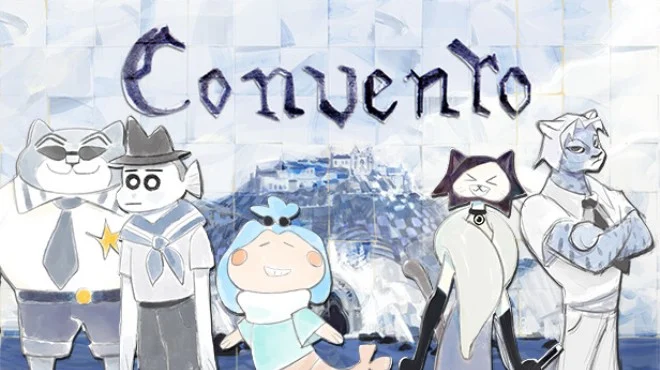
Convento is an upcoming adventure game developed by Sad Rooster and Lucak, combining elements of visual novels and casual games. The game follows a group of online players who exploit a loophole in the fictional game's virtual economy, allowing them to make a living by trading in-game items like skins and hats. Inspired by the developers' experiences with classic MMOs and community-focused games, Convento explores the relationships and bonds that form within online gaming communities over time.
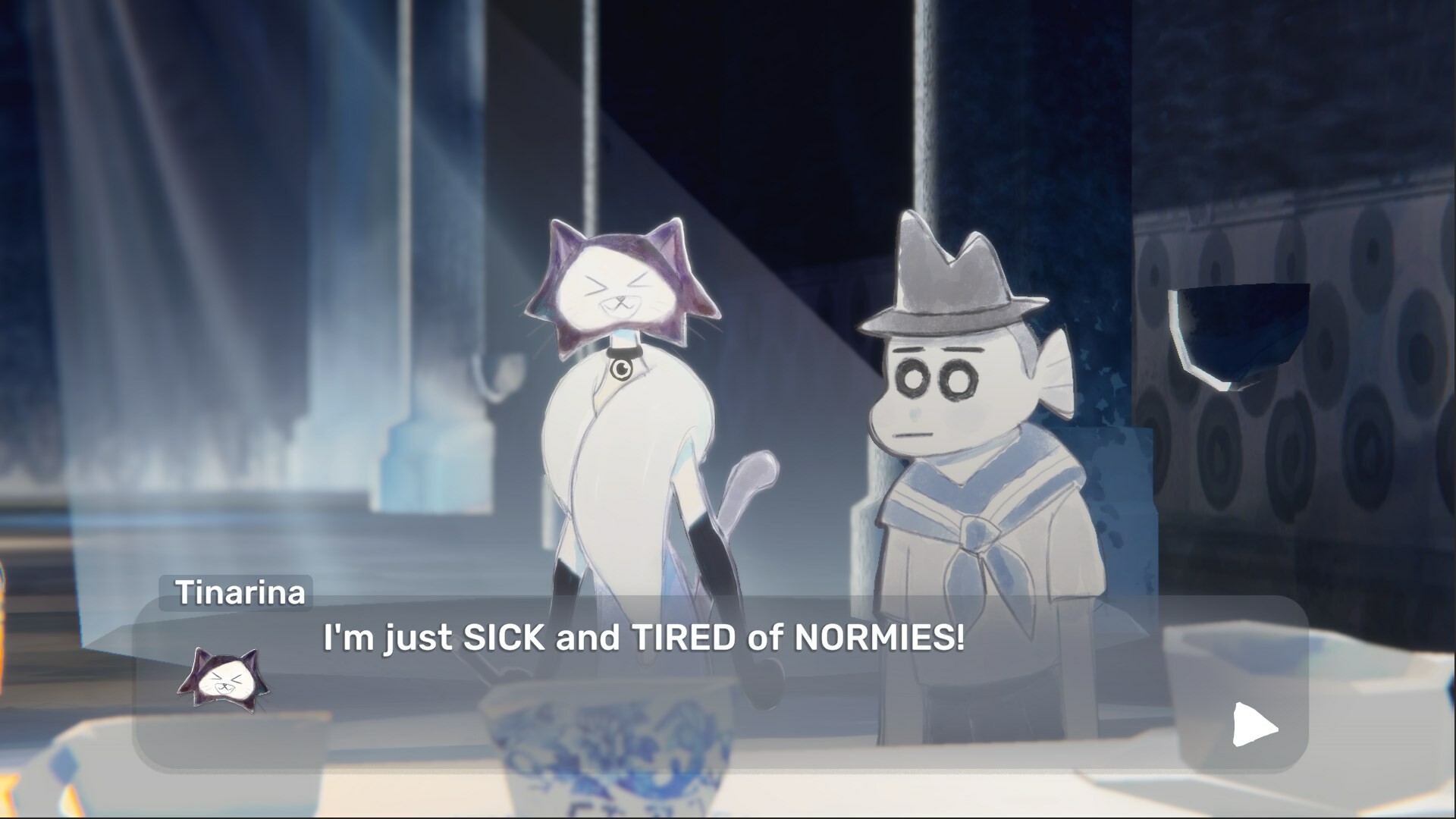
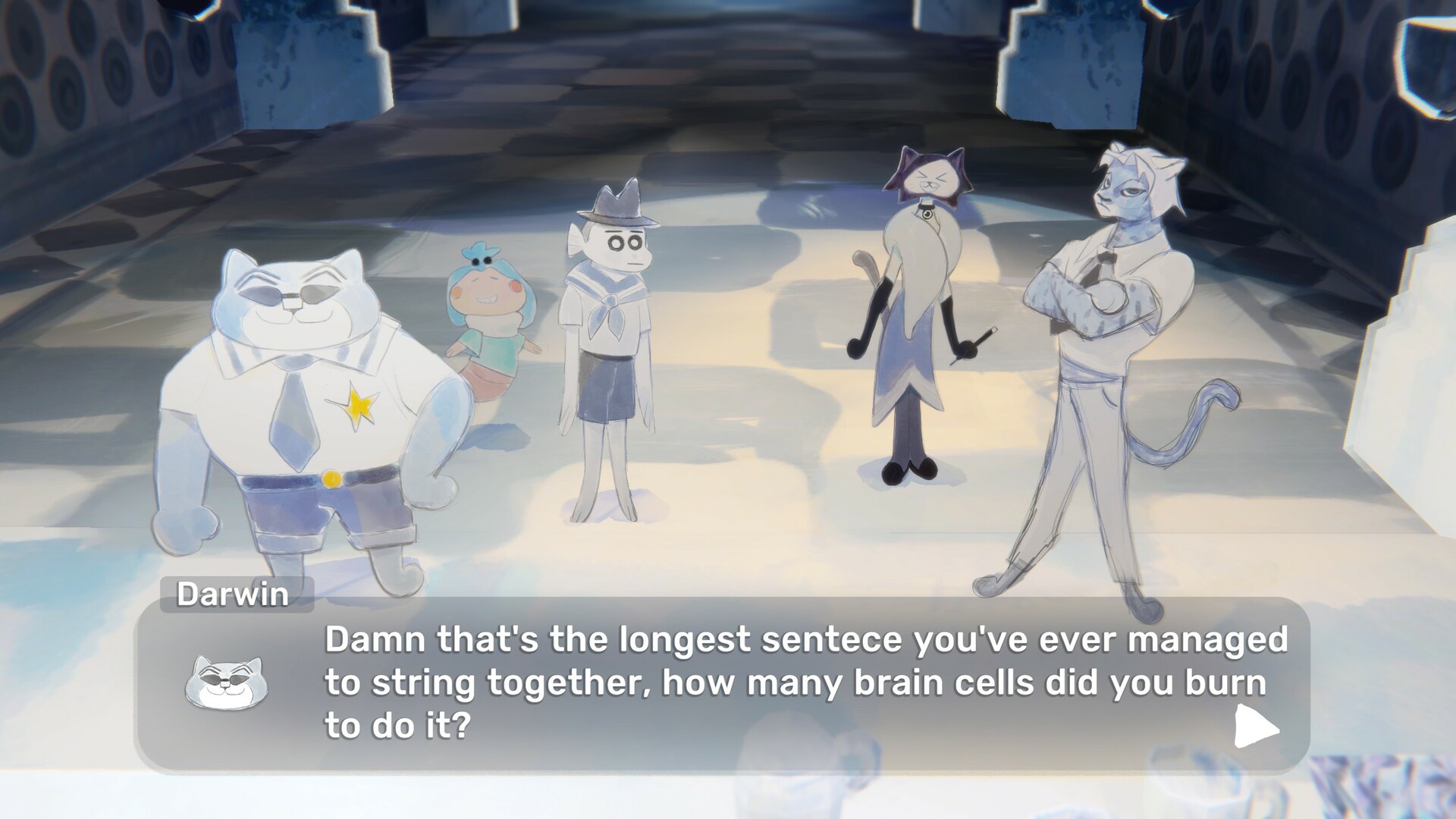
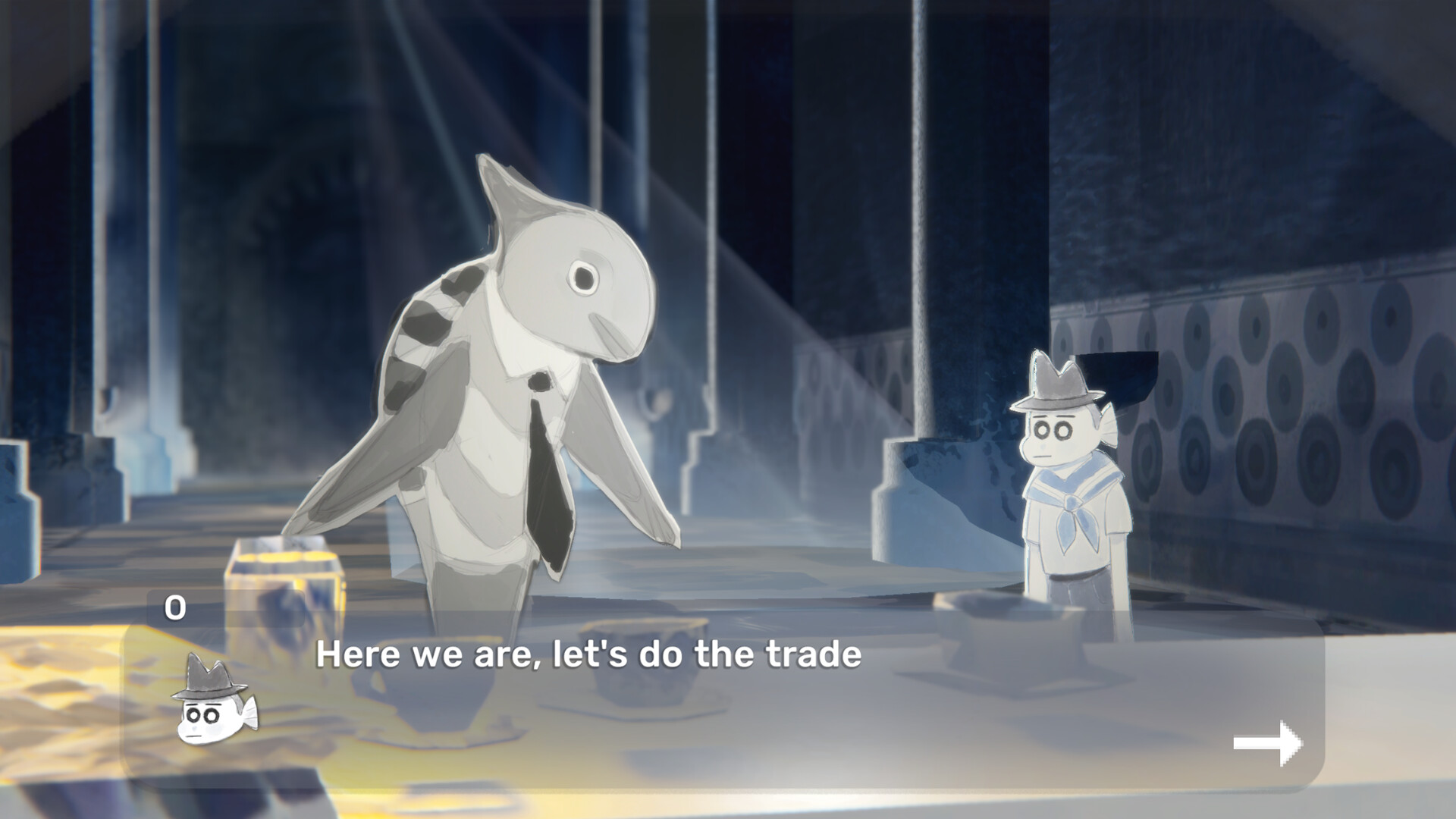
The game promises an emotionally gripping story told through scenes featuring hand-drawn animation and a rough art style. Gameplay resembles an interactive film, allowing players to control the pace of the narrative through small interactions. An original soundtrack, influenced by traditional Portuguese music and math rock, sets the tone for everything that unfolds. While storytelling takes center stage, Convento is designed to resonate with gamers who have formed strong bonds in online communities, capturing the nostalgia and unspoken farewells that come with parting with virtual friends.
NOTE. Uploaded version: 11 April 2026 [Build 22657283]. This is Full Release and latest version of game. The game is already Packaged in ISO File and ready to run, read the instruction below.
Game Details
- Title: Convento
- Genre: Visual Novel, Anime, Text-Based, Casual
- Developer: Sad Rooster, Lucak
- Publisher: Sad Rooster, Lucak
- Release year: 2026
- Available Languages: English
- Release Name: Convento.Build.22657283-TENOKE
- Game Version: Build 22657283 (upd.11.04.2026)
- Game Releaser: TENOKE
- Size: 506.63 MB
System Requirements
Minimum:
Requires a 64-bit processor and operating system
OS: Windows 10
Processor: 1.8GHz Dual-Core CPU
Memory: 4 GB RAM
Graphics: Integrated graphics card with 2GB or more
DirectX: Version 11
Storage: 1 GB available space
Recommended:
Requires a 64-bit processor and operating system
Screenshots
Video
How to Install
1. The first thing we do is download the game's installation files.
2. Unzip the archive to the hard disk.
3. Mount or burn the ISO image in the disk emulator (UltraISO program).
4. After mount ISO, go to the folder and run the file «setup.exe».
5. During the installation, we specify the location on the disk where we want to install it.
6. Copy the contents of the folder «CRACK» in the folder with the game.
7. At the end of the unpacking process, a shortcut appears on the desktop.
8. Launch the game!
Download Convento Build 22657283 (upd.11.04.2026) — TENOKE
Alternative Download Links
Alternative Mirrors
Game Update History
- Convento → Build 22657283 [ 11.04.2026 ]