Milling Machine Simulator 3D Build 23912202 (upd.05.07.2026)
About The Game
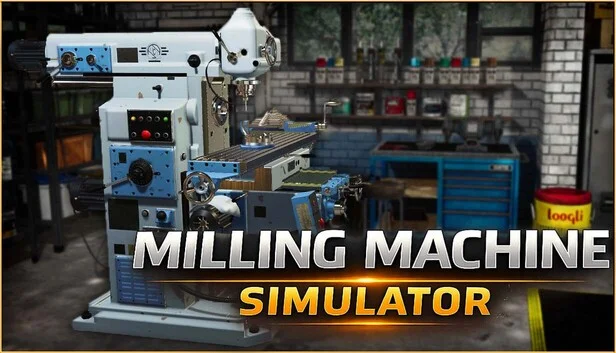
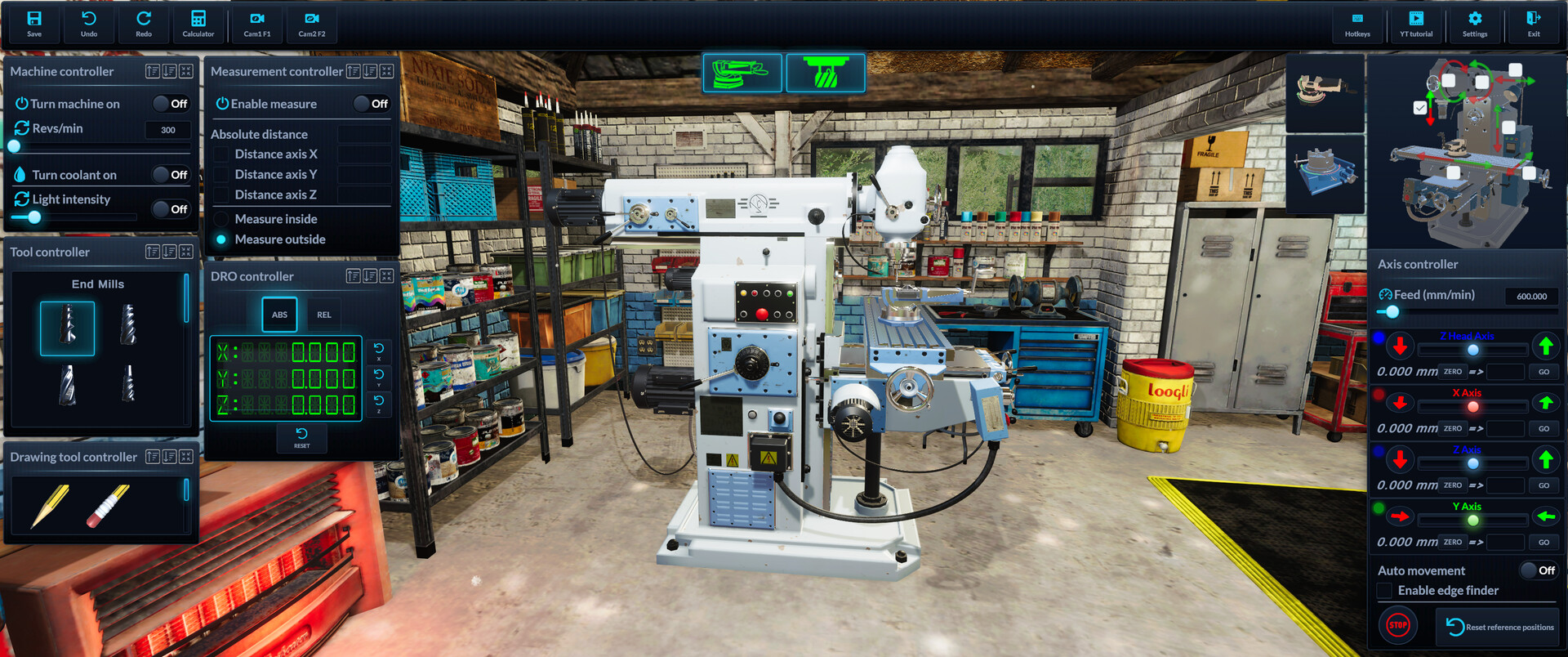
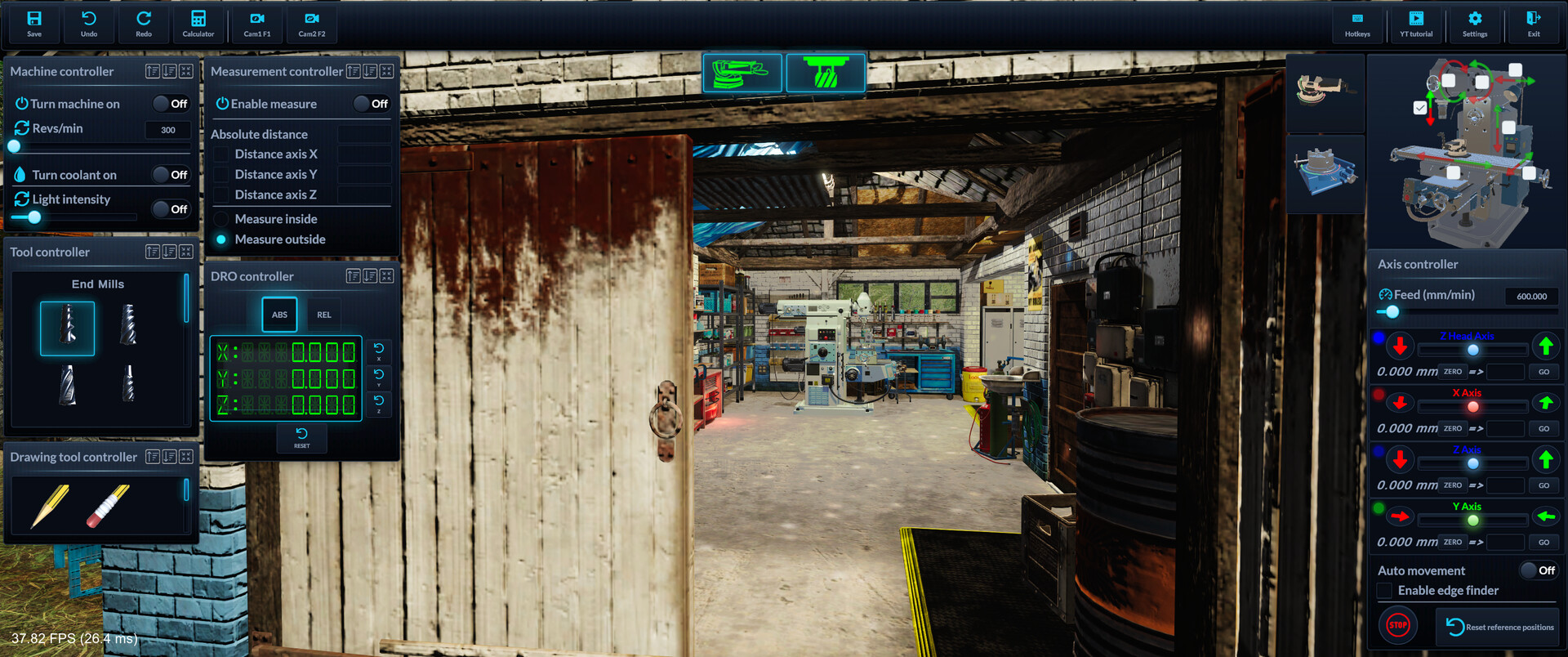
Milling Machine Simulator 3D allows players to step into the shoes of a craftsman operating a milling machine. You will drill, grind, cut, and mill inside a small cabin that houses the protagonist's private workshop. The game serves as a training tool, simulating machine operation in a 3D environment featuring realistic physics and the ability to closely examine components and equipment.
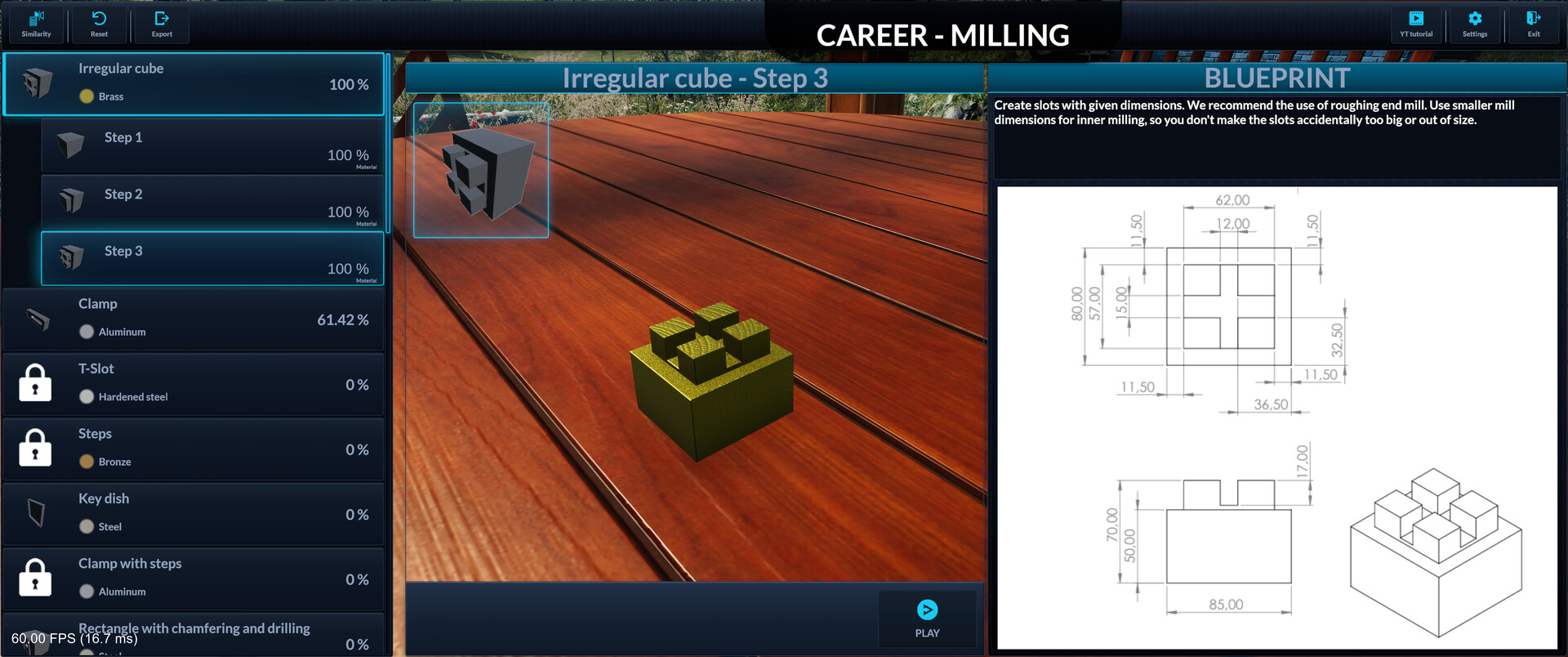
In Milling Machine Simulator, users gradually learn the basics of controls and the game's features as they create their own prototypes and products and tackle challenging tasks. The primary goal is to learn the ropes by progressing through campaign stages and mastering controls including creating workpieces, selecting materials, and determining dimensions. The game allows you to save your progress, enabling you to resume and finish a project in a later session.
Users interact with objects and items that serve as the raw materials for grinding and other operations. You can make full use of the workshop's capabilities by following the in-game tutorial, which provides helpful tips. A trial and error approach is encouraged, allowing players to experiment with the equipment and components to achieve creative and unique results when producing prototypes.
NOTE. Uploaded version: 05 July 2026 [Build 23912202]. This is Full Release and latest version of game. The game is already Pre-Installed and ready to run, read the instruction below.
Game Details
- Title: Milling Machine Simulator 3D
- Genre: Simulation, Песочница, Реализм
- Developer: Igor Frank
- Publisher: UI-Games
- Release year: 2022
- Available Languages: English, German, Japanese, Korean, Russian, Simplified Chinese, French, Italian, Spanish - Spain, Polish
- Release Name: Milling.Machine.Simulator.3D-Build_23912202
- Game Version: Build 23912202 (upd.05.07.2026)
- Size: 1.22 GB
System Requirements
Minimum:
OS: Windows 10, 11
Processor: i3
Memory: 8 GB RAM
Graphics: AMD Radeon (TM) Graphics 512MB
Storage: 5 GB available space
Recommended:
OS: Windows 10, 11
Processor: i5
Memory: 16 GB RAM
Graphics: NVIDIA GeForce GTX 1060 or equivalent
Storage: 10 GB available space
Screenshots
Video
How to Install
1. The first thing we do is download the game files.
2. Unzip the archive to the hard disk. (how to unzip .rar)
3. Wait for the unpacking process to finish.
4. Start the game «Milling.Machine.Simulator.3D.exe» from game folder.
5. The language changes in the menu.
Download Milling Machine Simulator 3D Build 23912202 (upd.05.07.2026)
Alternative Download Links
Alternative Mirrors
Game Update History
- Milling Machine Simulator 3D → Build 23912202 [ 05.07.2026 ]