Stellaris Federations v2.7.2 - CODEX
CODEX DLCFree DownloadLatest version Torrent File
Game updated on 26-05-2020, 15:23. Current version: v2.7.2.
About The Game
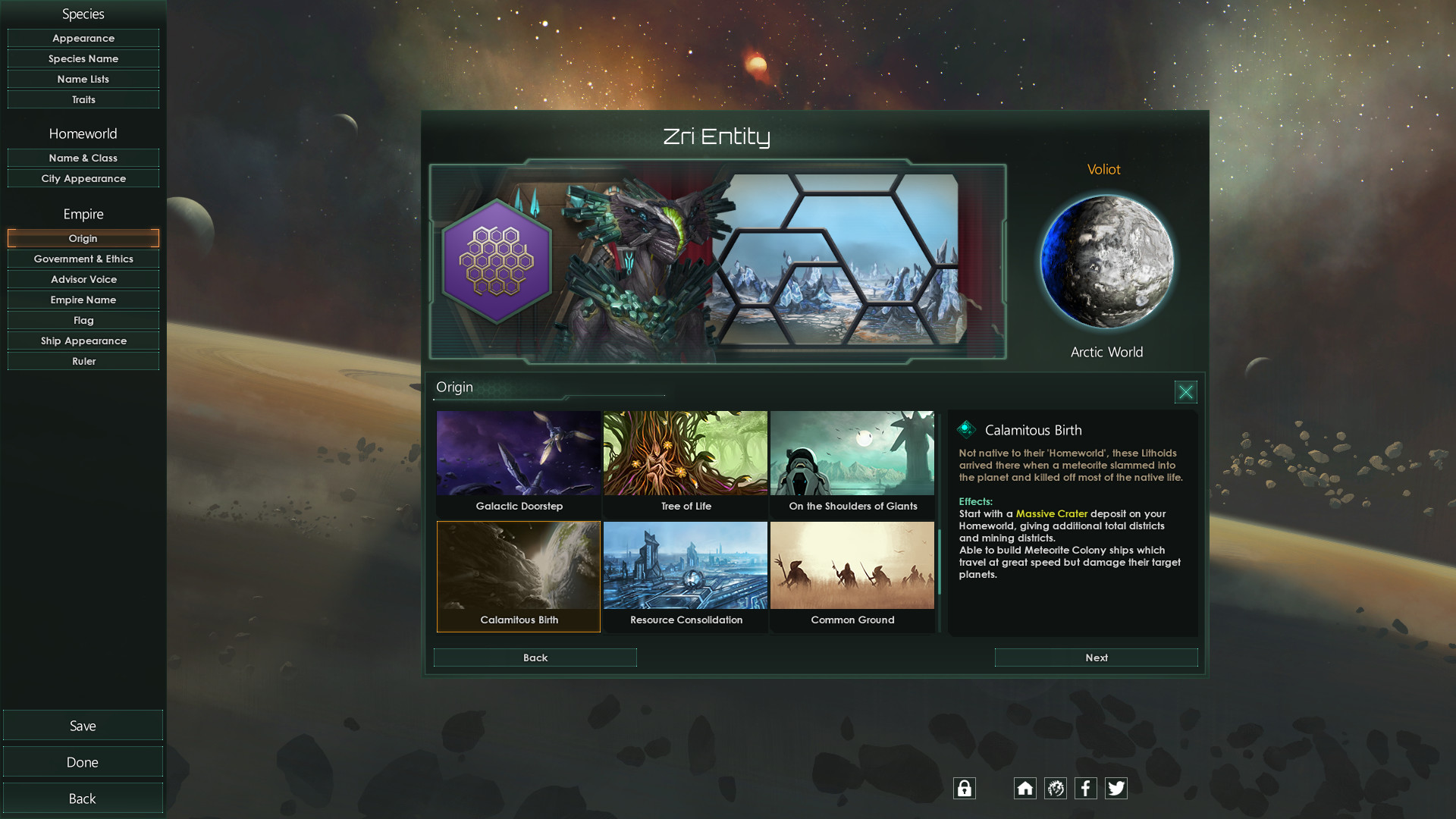
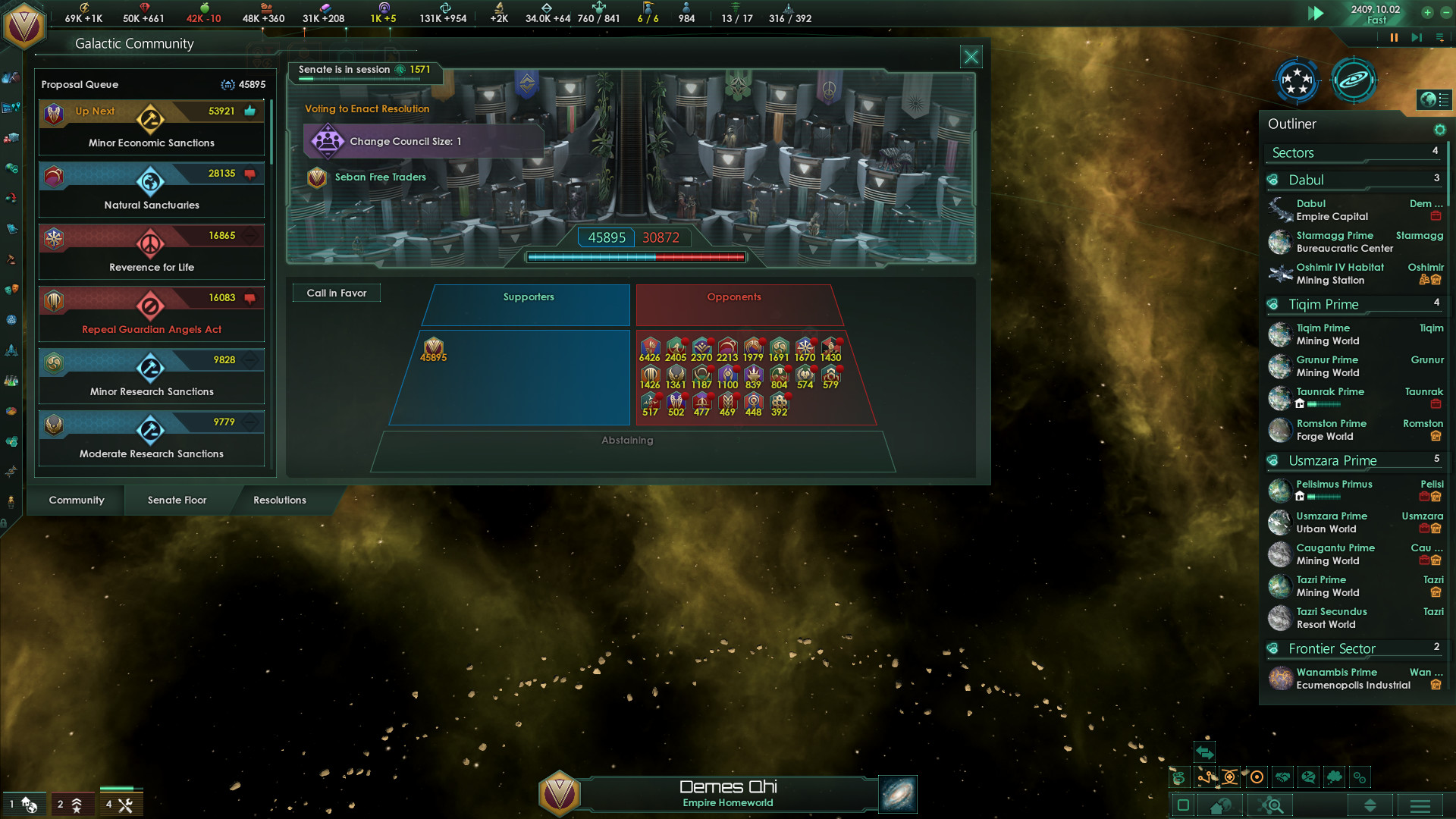
The global space strategy Stellaris has acquired the complement of Federations, the main theme of which was diplomacy and everything related to it. This is the fourth major add-on for Stellaris in almost four years of its existence. Federations takes the importance of diplomacy in Stellaris to a new level, we have to negotiate, manipulate allies, entangle enemies, in general, do everything possible and impossible in order to get maximum advantages and benefits for our space state without a single shot. Together with the addon, a galactic senate will appear in the game, in which nations will be able to gather to make decisions on various issues related to peaceful coexistence, as well as new gameplay capabilities such as the construction of a mobile space fleet repair base.
NOTE. This release is standalone.
NOTE. This release is standalone.
Game Details
- Title: Stellaris Federations
- Genre: Simulation, Strategy
- Developer: Paradox Development Studio
- Publisher: Paradox Interactive
- Release year: 2020
- Available Languages: english, russian, multi7, french, polish, spanish - spain, portuguese-brazil
- Release Name: Stellaris.Federations.v2.7.2-CODEX
- Game Version: v2.7.2
- Game Releaser: CODEX
- Size: 9.22 GB
Key Features
DLC:
- Stellaris: Leviathans Story Pack
- Stellaris: Arachnoid
- Stellaris: Creatures of the Void
- Stellaris: Plantoids Species Pack
- Stellaris: Symbols of domination
- Stellaris: Signup bonus
- Stellaris: Horizon Signal
- Stellaris: Utopia
- Stellaris: Synthetic Dawn
- Stellaris: Humanoids Species Pack
- Stellaris: Apocalypse
- Stellaris: Distant Stars Story Pack
- Stellaris: Distant Stars Story Pack
- Stellaris: MegaCorp
- Stellaris: Ancient Relics
- Stellaris: Lithoids Species Pack
- Stellaris: Federations
System Requirements
MINIMUM:
OS: Windows 7 x86 or newer
Processor: AMD Athlon II X4 640 @ 3.0 Ghz / or Intel Core 2 Quad 9400 @ 2.66 Ghz
Memory: 2 GB RAM
Graphics: AMD HD 5770 / or Nvidia GTX 460, with 1024MB VRAM. Latest available WHQL drivers from both manufacturers.
DirectX: Version 9.0c
Network: Broadband Internet connection
Storage: 4 GB available space
Sound Card: Direct X 9.0c- compatible sound card
Additional Notes: Controller support: 3-button mouse, keyboard and speakers. Special multiplayer requirements: Internet Connection or LAN for multiplayer.
RECOMMENDED:
OS: Windows 7 x64 or newer
Processor: AMD Phenom II X4 850 @ 3.3 Ghz or Intel i3 2100 @ 3.1 Ghz
Memory: 4 GB RAM
Graphics: AMD HD 6850 / or Nvidia GTX 560TI, with 1024MB VRAM
DirectX: Version 9.0c
Storage: 4 GB available space
Sound Card: DirectX 9.0c-compatible sound card
Additional Notes: Controller support: 3-button mouse, keyboard and speakers. Special multiplayer requirements: Internet Connection or LAN for multiplayer.
OS: Windows 7 x86 or newer
Processor: AMD Athlon II X4 640 @ 3.0 Ghz / or Intel Core 2 Quad 9400 @ 2.66 Ghz
Memory: 2 GB RAM
Graphics: AMD HD 5770 / or Nvidia GTX 460, with 1024MB VRAM. Latest available WHQL drivers from both manufacturers.
DirectX: Version 9.0c
Network: Broadband Internet connection
Storage: 4 GB available space
Sound Card: Direct X 9.0c- compatible sound card
Additional Notes: Controller support: 3-button mouse, keyboard and speakers. Special multiplayer requirements: Internet Connection or LAN for multiplayer.
RECOMMENDED:
OS: Windows 7 x64 or newer
Processor: AMD Phenom II X4 850 @ 3.3 Ghz or Intel i3 2100 @ 3.1 Ghz
Memory: 4 GB RAM
Graphics: AMD HD 6850 / or Nvidia GTX 560TI, with 1024MB VRAM
DirectX: Version 9.0c
Storage: 4 GB available space
Sound Card: DirectX 9.0c-compatible sound card
Additional Notes: Controller support: 3-button mouse, keyboard and speakers. Special multiplayer requirements: Internet Connection or LAN for multiplayer.
Screenshots
Video
How to Install
1. The first thing we do is download the game’s installation files.
2. Mount or burn the ISO image in the disk emulator (UltraISO program).
3. During the installation, we specify the location on the disk where we want to install it.
4. Wait until the installation process is complete, a shortcut will appear on the desktop.
5. Download & install Update v2.7.2, in game folder.
6. Copy the contents of the folder «CODEX» in the folder with the game.
7. Start the game.
Download update only: Stellaris.Federations.Update.v2.7.2-CODEX [ 41.9 MB ]
2. Mount or burn the ISO image in the disk emulator (UltraISO program).
3. During the installation, we specify the location on the disk where we want to install it.
4. Wait until the installation process is complete, a shortcut will appear on the desktop.
5. Download & install Update v2.7.2, in game folder.
6. Copy the contents of the folder «CODEX» in the folder with the game.
7. Start the game.
Download update only: Stellaris.Federations.Update.v2.7.2-CODEX [ 41.9 MB ]
Download Stellaris Federations v2.7.2 — CODEX
File Size: 9.22 GB
How to get your file — 3 quick steps
VPN detected. Our download does not accept VPN connections. Please disable your VPN to continue.
Re-check
1
Click download
Use any button below
2
Install Opera
On the page that opens
Switch to the tab that just opened — Opera installer is already there. After install, open this page in Opera and click Check install.
Opera not detected. Make sure it's installed and open this page in Opera browser, then click Check install again.
Opera is a free, official browser by Opera Software AS — safe to install. [ Opera Install Guide ]
Alternative Download Links
Alternative Mirrors
Searching mirrors…
Source Name
Size
Seeds
Leeches
Game Update History
- Stellaris Federations v2.7.1 → v2.7.2 [ 26.05.2020 ]
- Stellaris Federations v2.6.0 → v2.7.1 [ 12.05.2020 ]
- Stellaris Federations → v2.6.0 [ 17.03.2020 ]