Playne The Meditation Game v1.1.2 (upd.21.08.2020) - PLAZA

PLAZA Full gameFree DownloadLatest version Torrent File
Game updated on 21-08-2020, 14:56. Current version: v1.1.2 (upd.21.08.2020).
About The Game
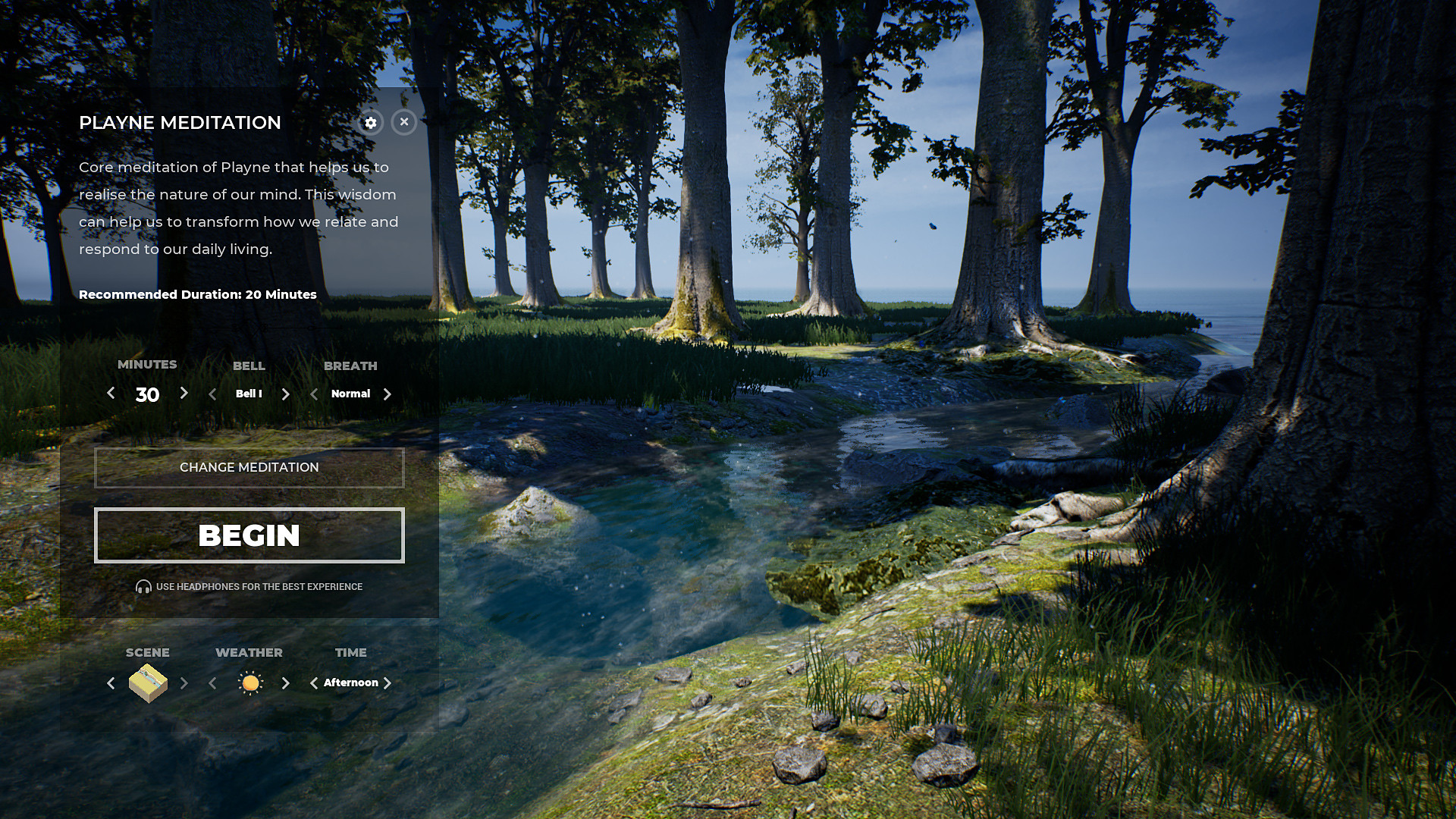
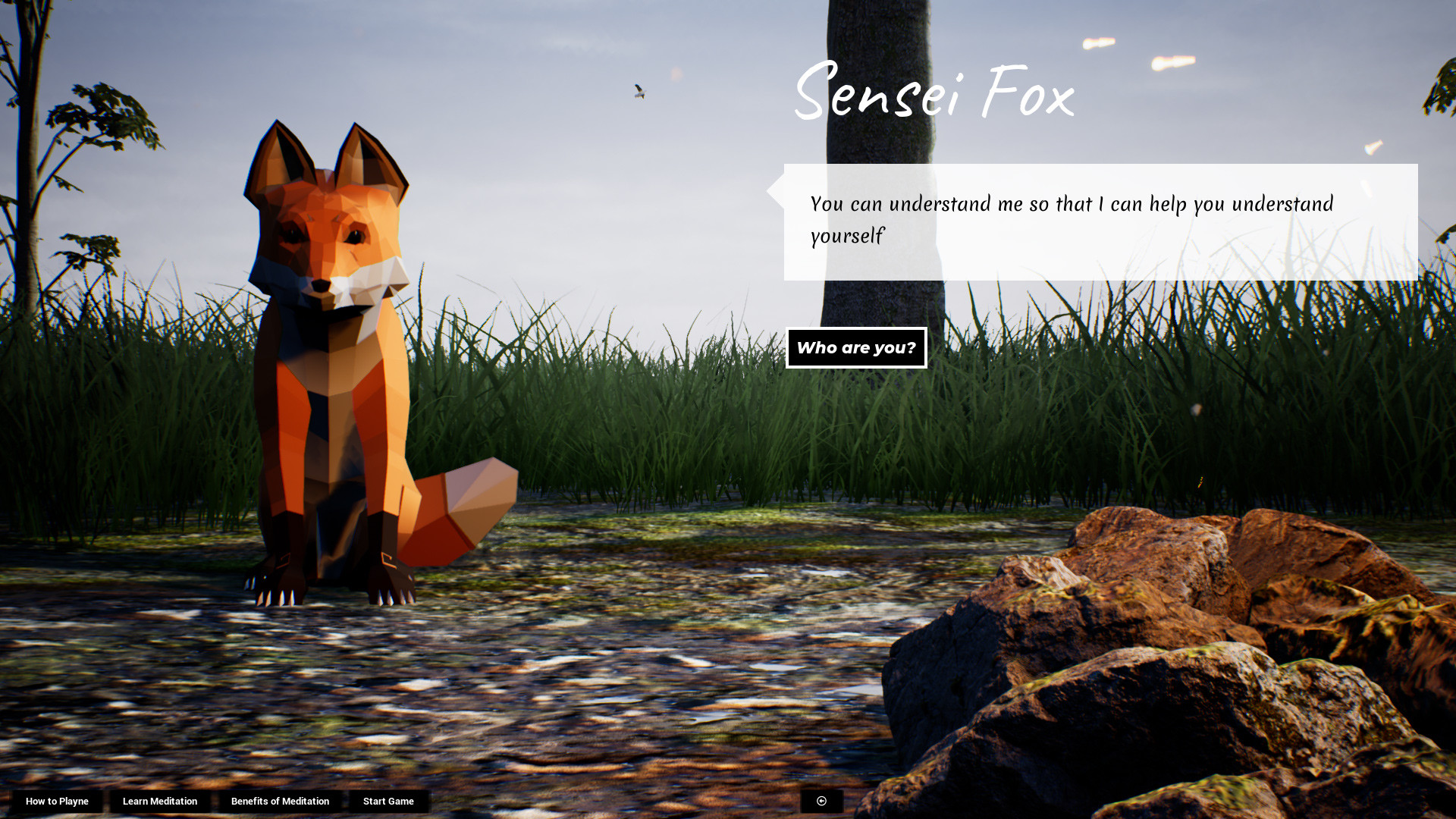
Playne The Meditation Game — is a meditation game where you can create a world that grows with your mindfulness. Meditate in an environment that immerses you in nature. Grow and develop your mental well-being. Playne’s gameplay is designed to help you build your daily meditation habit. Your daily meditations grow and transform the game world. Go through the skill tree and unlock effects like fireflies and powers that control the weather and time. Immerse yourself in nature, combine and choose the weather and time to create unique combinations of the atmosphere. Choose from a range of landscapes with their unique sound environments. Sit next to the bonfire or sit near the shore to hear waves splashing against stones.
Game Details
- Title: Playne The Meditation Game
- Genre: Casual, Indie, Simulation
- Developer: Krish Shrikumar
- Publisher: Vismaya
- Release year: 2020
- Available Languages: English, French, Italian, Spanish - Spain, Hungarian, Polish, Portuguese, German
- Release Name: PLAYNE.The.Meditation.Game-PLAZA
- Game Version: v1.1.2 (upd.21.08.2020)
- Game Releaser: PLAZA
- Size: 2.12 GB
Key Features
- Gameplay that helps to build a daily habit of meditation & mindfulness.
- Learn and practice meditation, journaling and breath exercises.
- Meditate in ambiances that immerse you in nature.
- Build resilience to stress, experience calm and develop mental well-being.
- An effective strategy for anyone looking to start new, healthier habits.
- No subscriptions — a purchase is for life.
System Requirements
MINIMUM:
OS: Windows 7 64-bit, 8.1 64-bit or Windows 10 64-bitProcessor: Intel core i3-2100T @ 2.5GHz/AMD FX 6100, or better
Memory: 8 GB RAM
Graphics: NVIDIA GeForce GTX 650Ti 2GB, AMD Radeon HD 7750 2GB
DirectX: Version 11
Storage: 2 GB available space
RECOMMENDED:
OS: Windows 7 64-bit, 8.1 64-bit or Windows 10 64-bit
Processor: Intel Core i5 3570K; AMD Ryzen 3 1300x or equivalent
Memory: 16 GB RAM
Graphics: Nvidia GTX 960; AMD R9 290 or equivalent
DirectX: Version 11
Storage: 2 GB available space
Screenshots
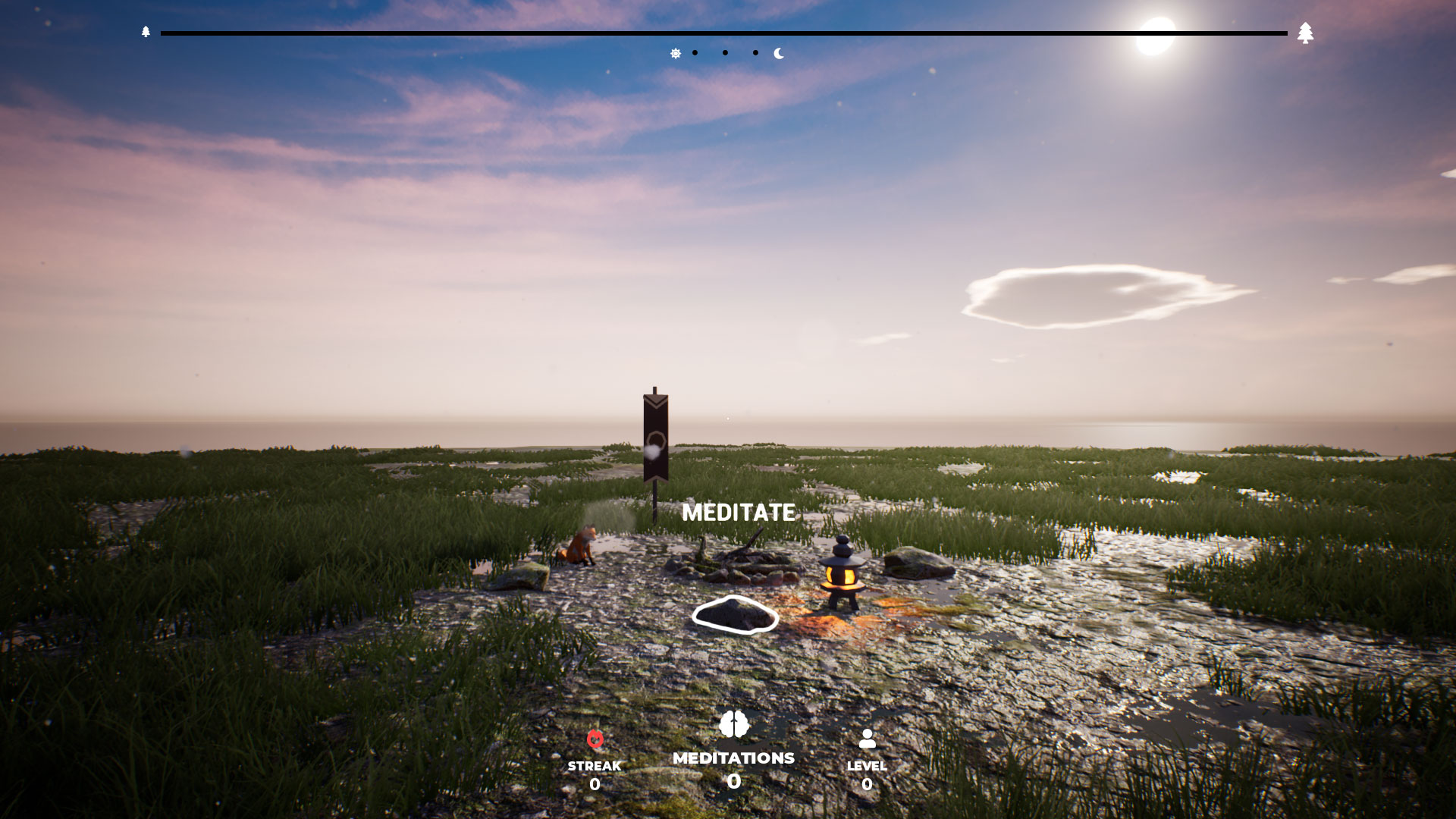
Video
How to Install
1. The first thing we do is download the game’s installation files.
2. Mount or burn the ISO image in the disk emulator (UltraISO program).
3. During the installation, we specify the location on the disk where we want to install it.
4. Wait until the installation process is complete, a shortcut will appear on the desktop.
5. Download & install Updates v1.1.2, in game folder.
6. Copy the contents of the folder «PLAZA» in the folder with the game.
7. Start the game.
Download update only: PLAYNE.The.Meditation.Game.Update.v1.1.2-PLAZA [ 113.3 MB ]
2. Mount or burn the ISO image in the disk emulator (UltraISO program).
3. During the installation, we specify the location on the disk where we want to install it.
4. Wait until the installation process is complete, a shortcut will appear on the desktop.
5. Download & install Updates v1.1.2, in game folder.
6. Copy the contents of the folder «PLAZA» in the folder with the game.
7. Start the game.
Download update only: PLAYNE.The.Meditation.Game.Update.v1.1.2-PLAZA [ 113.3 MB ]
Download Playne The Meditation Game v1.1.2 (upd.21.08.2020) — PLAZA
File Size: 2.12 GB
How to get your file — 3 quick steps
VPN detected. Our download does not accept VPN connections. Please disable your VPN to continue.
Re-check
1
Click download
Use any button below
2
Install Opera
On the page that opens
Switch to the tab that just opened — Opera installer is already there. After install, open this page in Opera and click Check install.
Opera not detected. Make sure it's installed and open this page in Opera browser, then click Check install again.
Opera is a free, official browser by Opera Software AS — safe to install. [ Opera Install Guide ]
Alternative Download Links
Alternative Mirrors
Searching mirrors…
Source Name
Size
Seeds
Leeches
Game Update History
- Playne The Meditation Game v1.0 → v1.1.2 [ 21.08.2020 ]
- Playne The Meditation Game → v1.0 [ 02.05.2020 ]