Auto Fire v0.6.61 upd.03.10.2022

About The Game
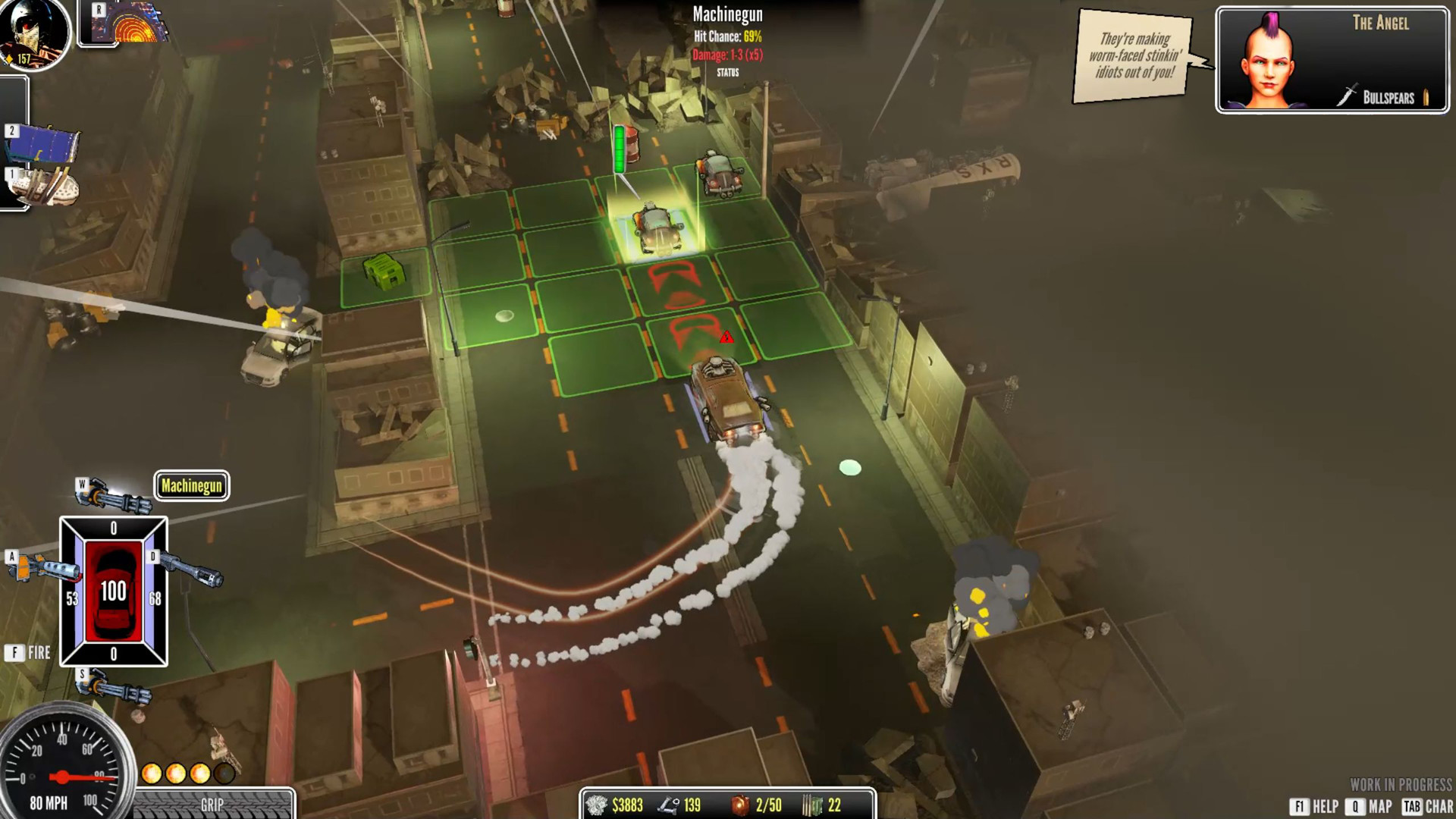
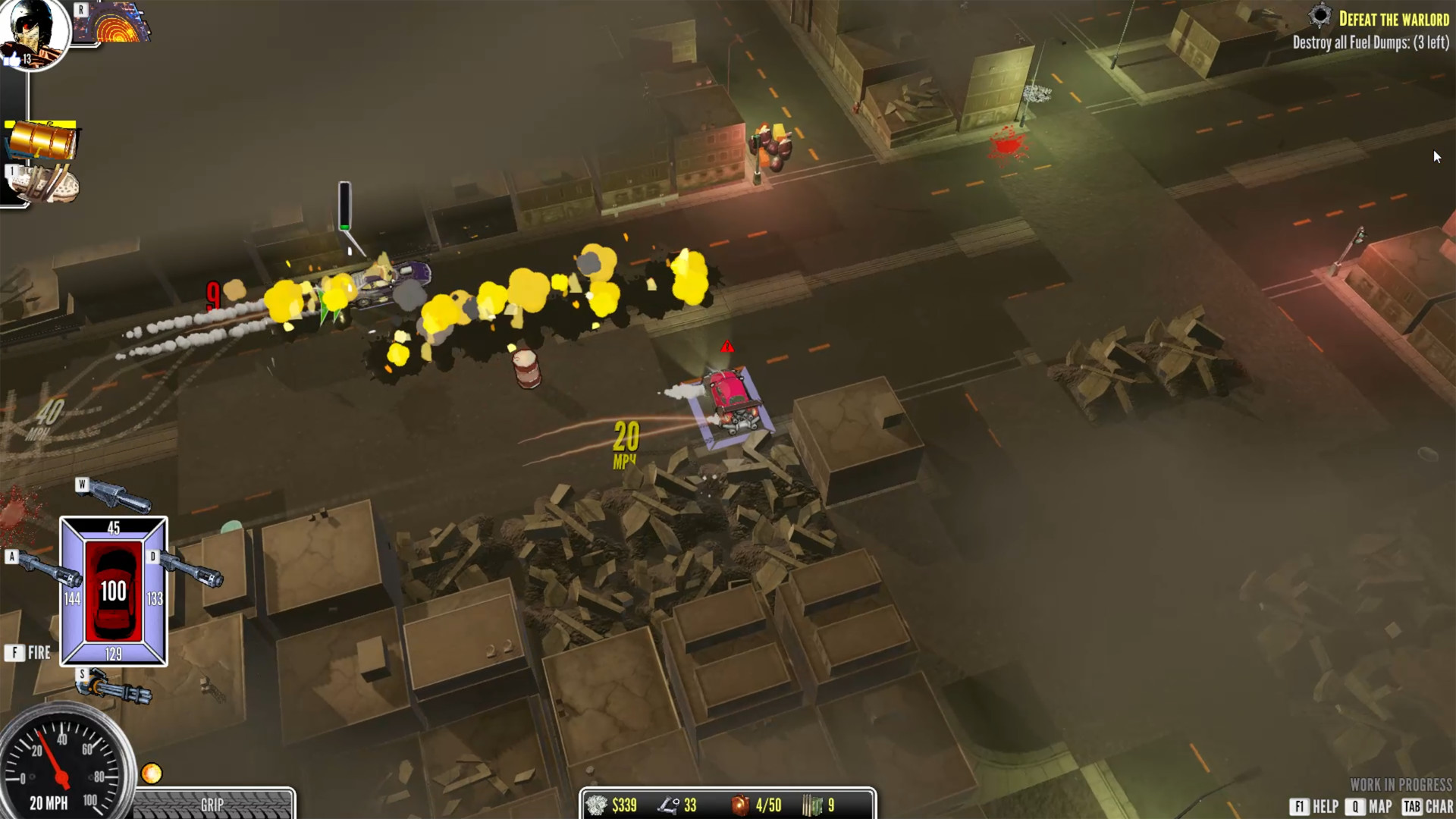
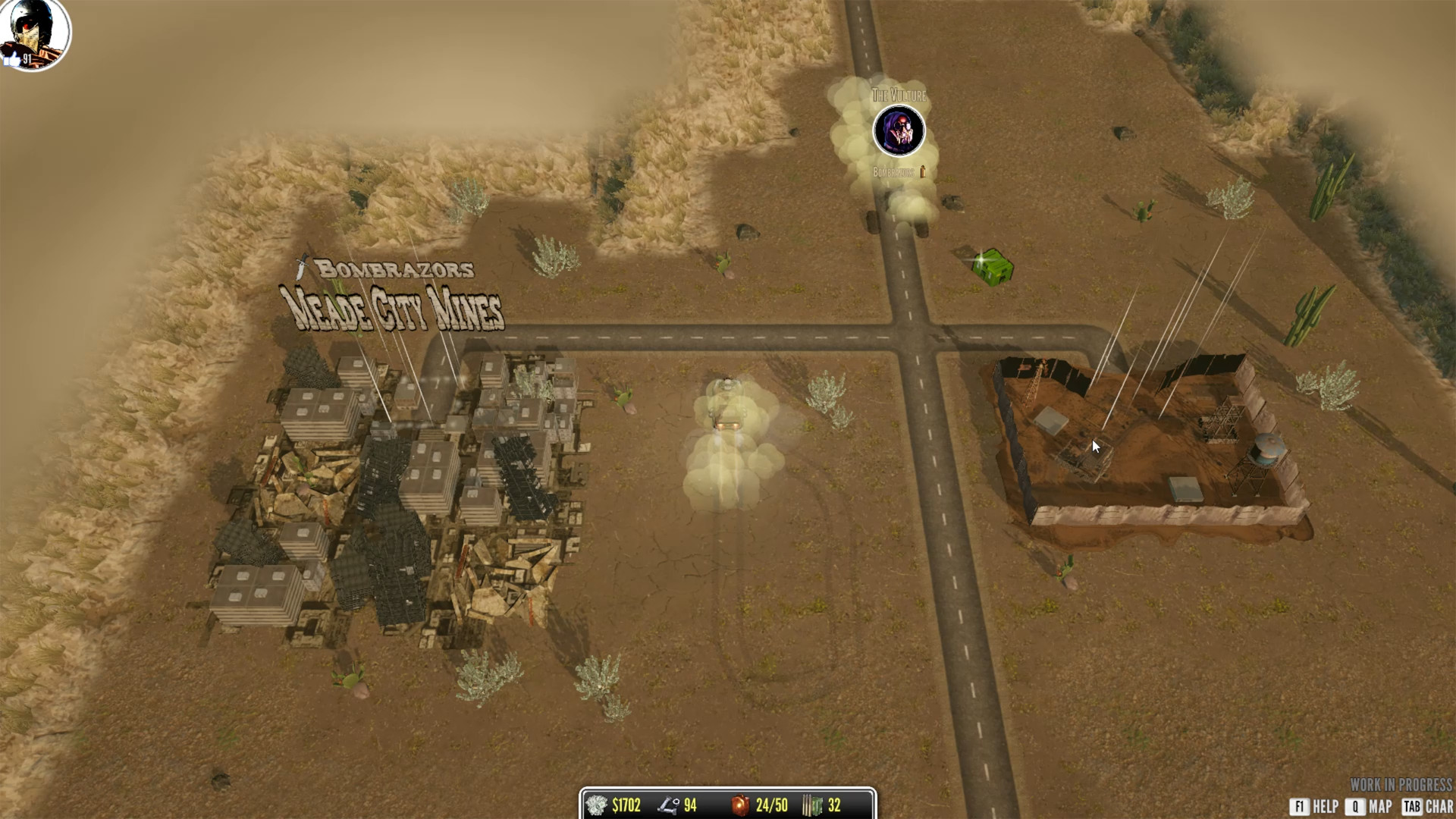
Auto Fire — is a tactical RPG game project in which you have to take part in a dynamic and insane battle in cars. The storyline will take you to an unusual world where racers are the main celebrities. You will travel to the past, namely to 1980, to join the atmosphere of that time and feel like a driver of legendary cars. Combat system is based precisely on tactical action planning, which will allow you to think over your moves in advance, thereby leaving your opponent behind. Will have a lot of opportunities, one of which is to choose and upgrade your own vehicle.
Game Details
- Title: Auto Fire
- Genre: Adventure, RPG
- Developer: Vertigames
- Publisher: Vertigames
- Release year: 2020
- Available Languages: English
- Release Name: Auto Fire v0.6.61 upd.03.10.2022
- Game Version: v0.6.61 upd.03.10.2022
- Size: 1.26 GB
Full Description
There will be a lot of missions and each of them is completely unique. Your task is to find the path to success, but getting to the top of the career ladder will not be so easy. You must be on the alert, because her opponent is dormant and ready at any time to snatch victory from your hands at any opportunity. The world of the game has a feature of random generation, which will make the pastime more interesting.
System Requirements
OS: Windows 7 or later (32 or 64 bit)
Processor: Dual Core CPU - 2GHz
Memory: 4 GB RAM
Graphics: Graphics card with DX10 capabilities
DirectX: Version 10
Storage: 2 GB available space
Screenshots
Video
How to Install
1. The first thing we do is download the game’s installation files.
2. After downloaded, go to the folder and run the file «setup.exe».
3. During the installation, we specify the location on the disk where we want to install it.
4. At the end of the unpacking process, a shortcut appears on the desktop.
5. Start the game.
Download Auto Fire v0.6.61 upd.03.10.2022
Alternative Download Links
Alternative Mirrors
Game Update History
- Auto Fire v0.6.52 → v0.6.61 [ 03.10.2022 ]
- Auto Fire v27.06.2022 → v0.6.52 [ 03.07.2022 ]
- Auto Fire v0.6.25 → v27.06.2022
- Auto Fire v0.6.23 → v0.6.25 [ 20.01.2021 ]
- Auto Fire v0.6.22 → v0.6.23 [ 15.12.2020 ]
- Auto Fire → v0.6.22 [ 09.12.2020 ]