Photomaly Build 24323561 (upd.22.07.2026) - TENOKE
About The Game
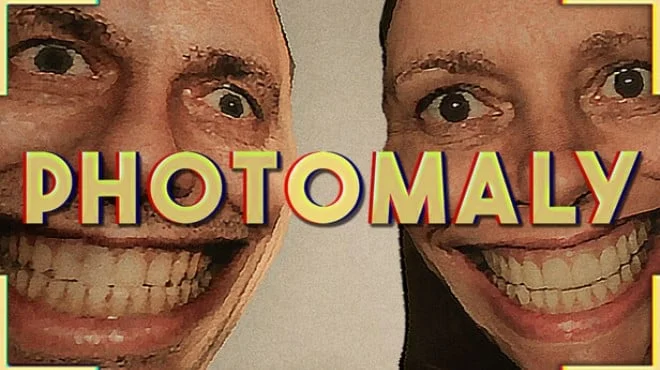
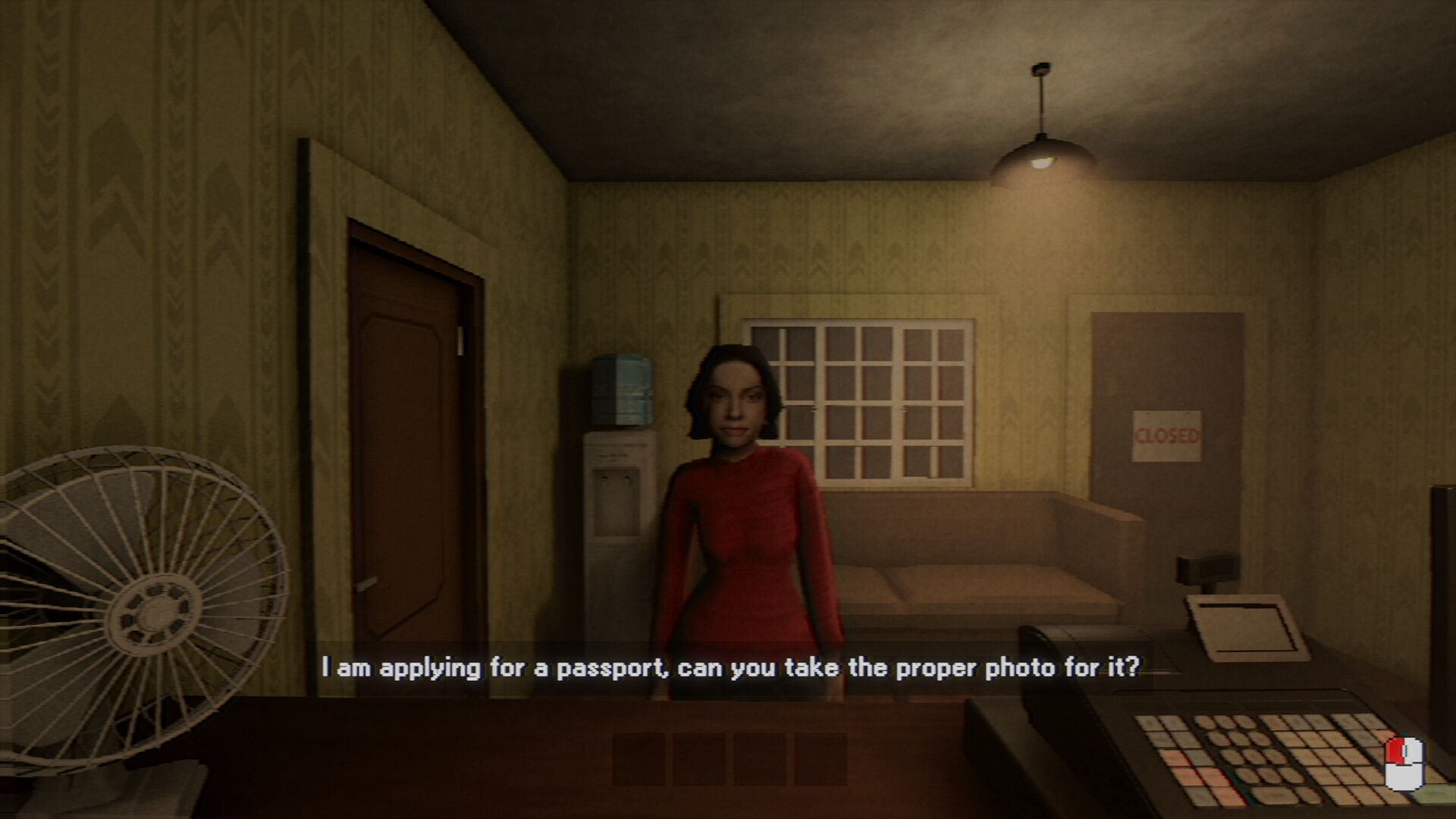
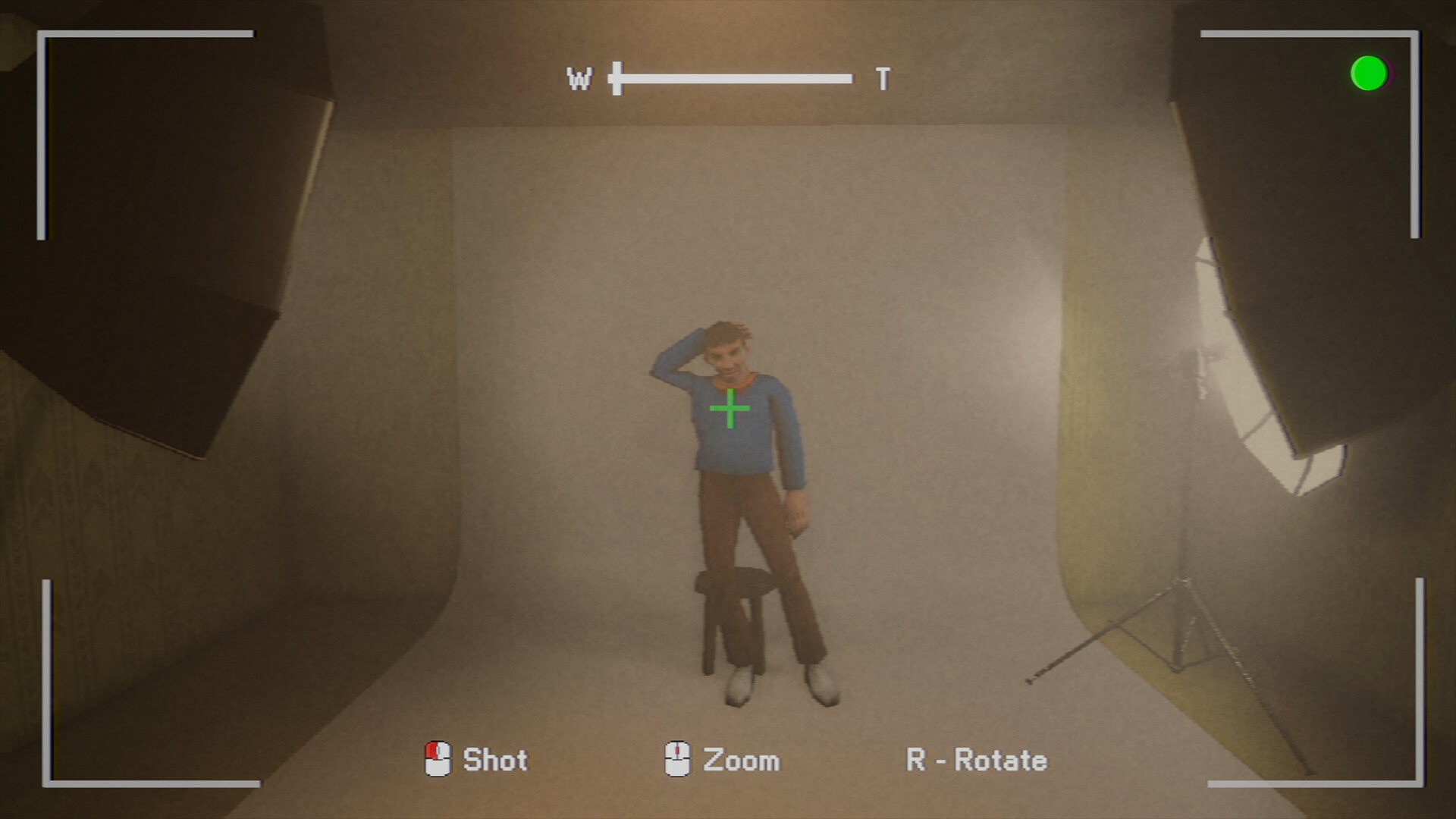
Photomaly is PSX style first person horror game where you take over the photography studio your father left behind. Process orders from strange customers, decorate your studio and keep an eye out for things that don’t seem quite right. Photography isn’t always as simple as pressing the shutter. Find the perfect angle, develop film under the right conditions, prepare the final photos, and make sure they end up in the right hands.
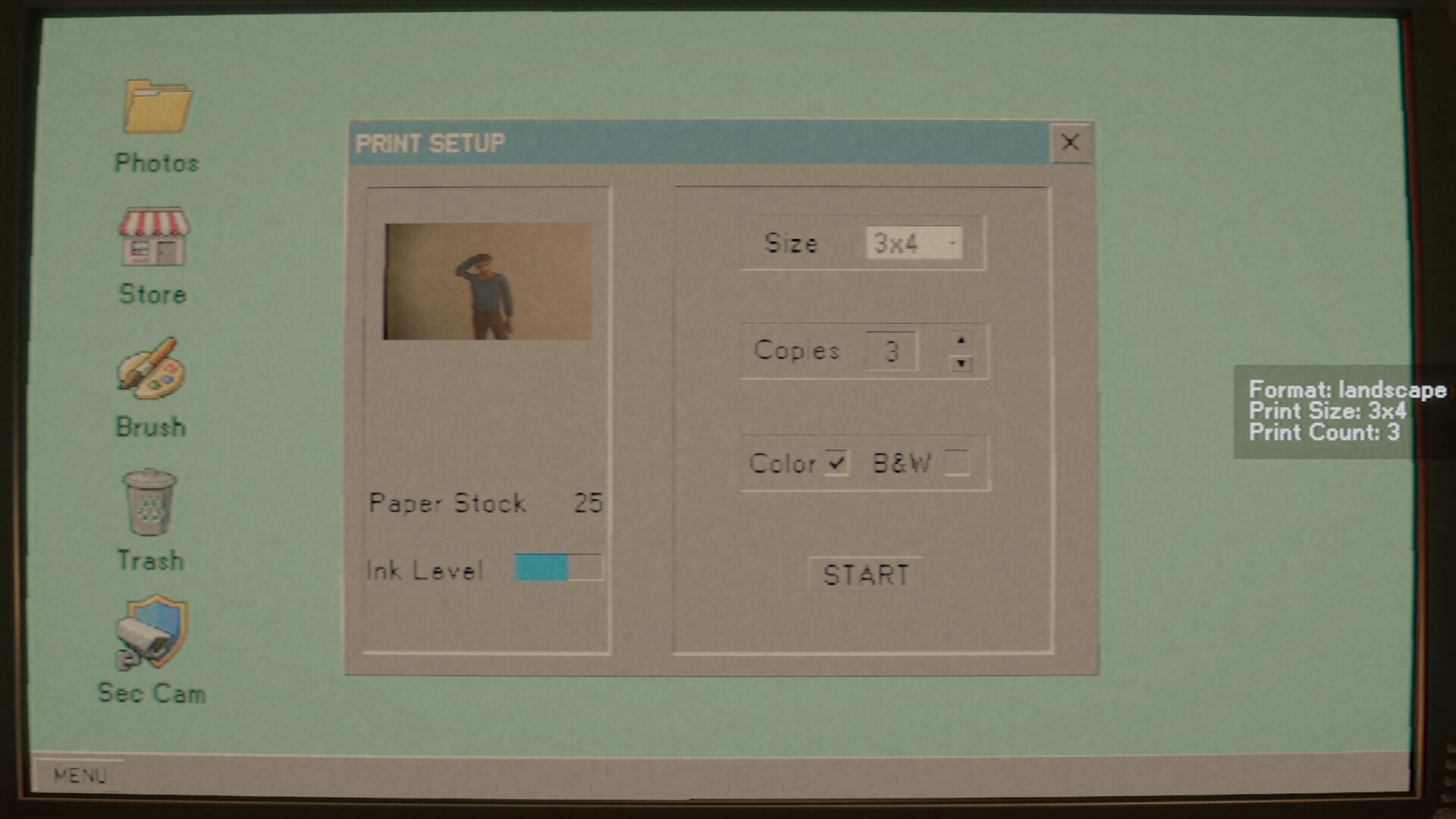
Greet and serve the local community. Each customer comes with their own unique requests, quirks, and stories. Get to know your patrons and fulfil their orders. Just make sure not to pry too deep. When business is slow, customise and decorate your workspace. Hang your favourite prints on the wall or create the perfect wallpaper for your PC. Use your profits to unlock and purchase studio upgrades better equipment, better setups, better results.
NOTE. Uploaded version: 22 July 2026 [Build 24323561]. This is Full Release and latest version of game. The game is already Packaged in ISO File and ready to run after install, read the instruction below.
Game Details
- Title: Photomaly
- Genre: Simulation, Horror, Management
- Developer: Revira Interactive
- Publisher: Alibi Games
- Release year: 2026
- Available Languages: English, French, Italian, German, Spanish - Spain, Japanese, Korean, Polish, Portuguese - Brazil, Russian, Simplified Chinese, Turkish, Spanish - Latin America
- Release Name: Photomaly.Build.24323561-TENOKE
- Game Version: Build 24323561 (upd.22.07.2026)
- Game Releaser: TENOKE
- Size: 771.92 MB
System Requirements
Minimum:
Requires a 64-bit processor and operating system
OS: Windows 10 64-bit
Processor: Intel Core i5-6500 / AMD Ryzen 3 1200
Memory: 8 GB RAM
Graphics: NVIDIA GTX 1050 Ti / AMD RX 560
DirectX: Version 12
Storage: 2 GB available space
Recommended:
Requires a 64-bit processor and operating system
OS: Windows 10/11 64-bit
Processor: Intel Core i5-8400 / AMD Ryzen 5 2600
Memory: 16 GB RAM
Graphics: NVIDIA GTX 1660 / AMD RX 580
DirectX: Version 12
Storage: 4 GB available space
Screenshots
Video
How to Install
1. The first thing we do is download the game's installation files.
2. Unzip the archive to the hard disk.
3. Mount or burn the ISO image in the disk emulator (UltraISO program).
4. After mount ISO, go to the folder and run the file «setup.exe».
5. During the installation, we specify the location on the disk where we want to install it.
6. Copy the contents of the folder «CRACK» in the folder with the game.
7. At the end of the unpacking process, a shortcut appears on the desktop.
8. Launch the game!
Download Photomaly Build 24323561 (upd.22.07.2026) — TENOKE
Alternative Download Links
Alternative Mirrors
Game Update History
- Photomaly → Build 24323561 [ 22.07.2026 ]