The Imperial Gatekeeper v1.05 (58551) - GOG

About The Game
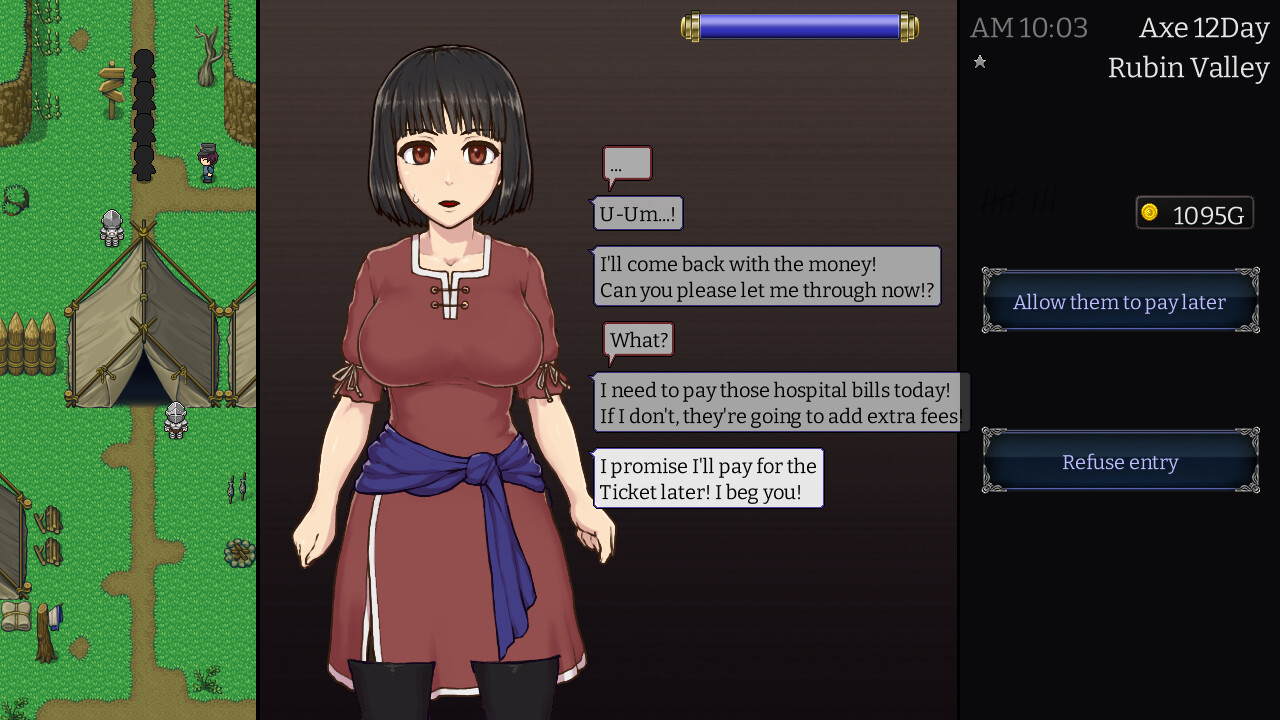
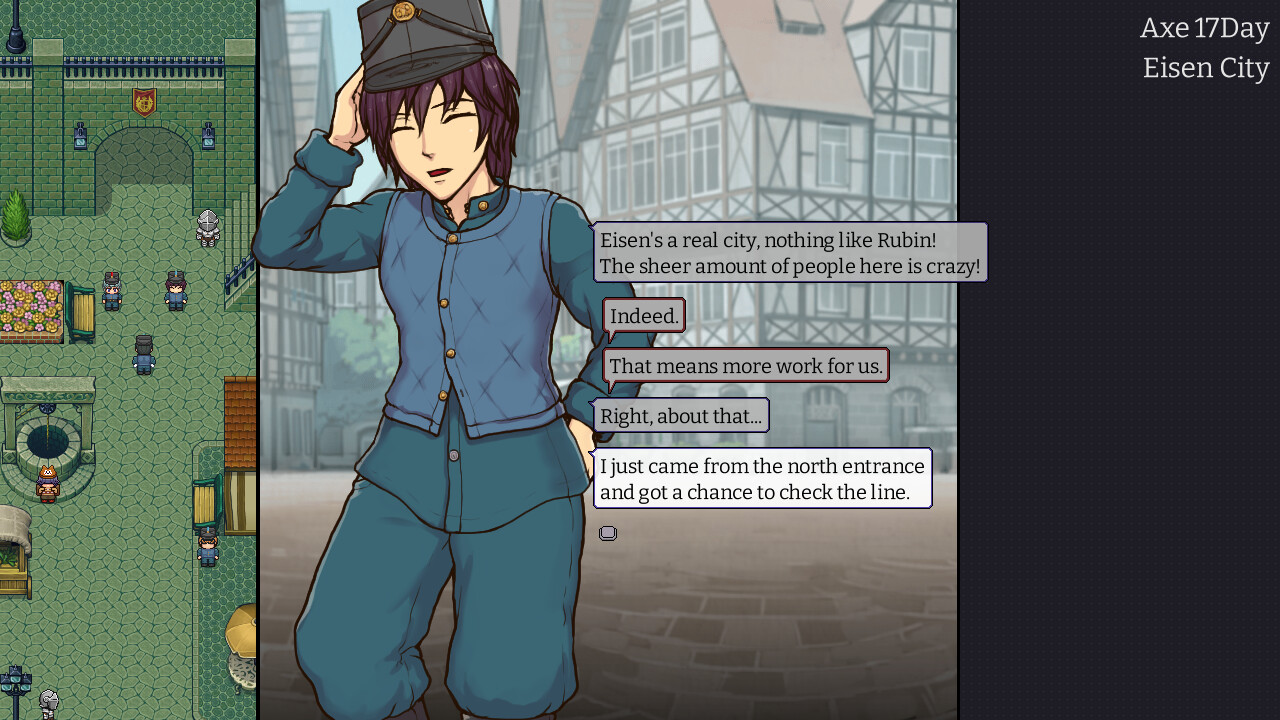
The Imperial Gatekeeper — takes place in a fictional medieval country reminiscent of Japan or China. Recently, there was a bloody civil war in the country, which lasted for years. The Great United War ended after all, and the main character named Till became one of its greatest heroes. The combat veteran still planned to continue his career in the army, but the government promised that there would be no more conflicts and the troops would be disbanded. Instead of the armed forces, the protagonist of The Imperial Gatekeeper offers a job in the new Road Safety Service.
Game Details
- Title: The Imperial Gatekeeper
- Genre: Adventure, Indie, RPG
- Developer: Tengsten
- Publisher: Kagura Games
- Release year: 2022
- Available Languages: English, Japanese, Simplified Chinese
- Release Name: the_imperial_gatekeeper_v2_(en_1.05_cn_1.03)_(58551)_gog
- Game Version: v1.05 (58551)
- Game Releaser: GOG
- Size: 142.8 MB
Full Description
His job now is to screen all travelers trying to cross the border. Although the man is reluctant, he agrees. His duties now include examining documents and checking people for prohibited items, including weapons, contraband and prohibited substances. As you progress, the gamer will be able to improve his character and buy unique gadgets and tools that increase his performance, such as a metal detector or perfume that calms the nerves of others, which will definitely help in dialogues. Some of those who want to enter your country are by no means law-abiding citizens, but criminals, and to count them you will have to pay attention to the wanted posters.
System Requirements
MINIMUM:
OS: Windows® 7/8/8.1/10
Processor: Intel Core2 Duo or better
Memory: 4 GB RAM
Graphics: DirectX 9/OpenGL 4.1 capable GPU
DirectX: Version 9.0
Storage: 50 MB available space
Additional Notes: 1280x768 or better Display. Lag may occur from loading menus or maps. Turn off other programs before running the game.
RECOMMENDED:
OS: Windows® 7/8/8.1/10
Processor: 2+ GHz Processor
Memory: 4 GB RAM
Graphics: OpenGL ES 2.0 hardware driver support required for WebGL acceleration. (AMD Catalyst 10.9, nVidia 358.50)
DirectX: Version 9.0
Storage: 4 GB available space
Additional Notes: 1280x768 or better Display. Lag may occur from loading menus or maps. Turn off other programs before running the game.
Screenshots

Video
How to Install
1. The first thing we do is download the game’s installation files.
2. After downloaded, go to the folder and run the file «setup.exe».
3. During the installation, we specify the location on the disk where we want to install it.
4. At the end of the unpacking process, a shortcut appears on the desktop.
5. Start the game.
Download The Imperial Gatekeeper v1.05 (58551) — GOG
Alternative Download Links
Alternative Mirrors
Game Update History
- The Imperial Gatekeeper → v1.0 [ 08.09.2022 ]