Not For Broadcast Live and Spooky Build 10850265 (upd.25.03.2023)
About The Game
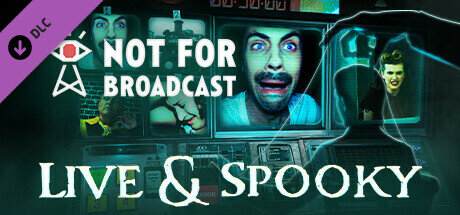
Not For Broadcast Live and Spooky is an adventure simulation game developed by NotGames. It puts players in the shoes of a producer at a television station who is tasked with selecting which footage to broadcast during a live news program. However, things quickly take a turn for the spooky when strange events begin to occur on and off camera. As the producer, players must navigate various ethical and moral dilemmas as they decide what to air on live television. Do they censor certain stories or show them in full? Do they cut to commercial when something goes wrong, or do they keep rolling and risk alienating viewers.
Game Details
- Title: Not For Broadcast Live and Spooky
- Genre: Adventure, Indie, Simulation, Early Access
- Developer: NotGames
- Publisher: tinyBuild
- Release year: 2023
- Available Languages: english, french, german, spanish - spain, portuguese - brazil, russian, simplified chinese
- Release Name: Not.For.Broadcast.Live.And.Spooky.Build.10850265
- Game Version: Build 10850265 (upd.25.03.2023)
- Size: 57.11 GB
Full Description
In addition to the main storyline, Not For Broadcast Live and Spooky also features a variety of side stories and subplots that players can explore. These range from office politics and personal drama to supernatural occurrences and conspiracy theories. The game features a unique, retro-futuristic aesthetic that combines elements of classic television broadcasting with modern technology. The gameplay is primarily focused on decision-making and resource management, as players must balance the demands of the station with the expectations of their audience.
Not For Broadcast: Live & Spooky is a thrilling and immersive adventure game that challenges players to think critically and make difficult choices in a high-pressure environment. With its engaging story, memorable characters, and creepy atmosphere, it is sure to keep players on the edge of their seats from start to finish.
System Requirements
MINIMUM:
OS: Windows 7 and up
Processor: 2.7Ghz and up
Memory: 8 GB RAM
Graphics: Dedicated video card is required. NVIDIA GeForce GTX 750 and up
DirectX: Version 11
Storage: 11 GB available space
Sound Card: Integrated
Screenshots
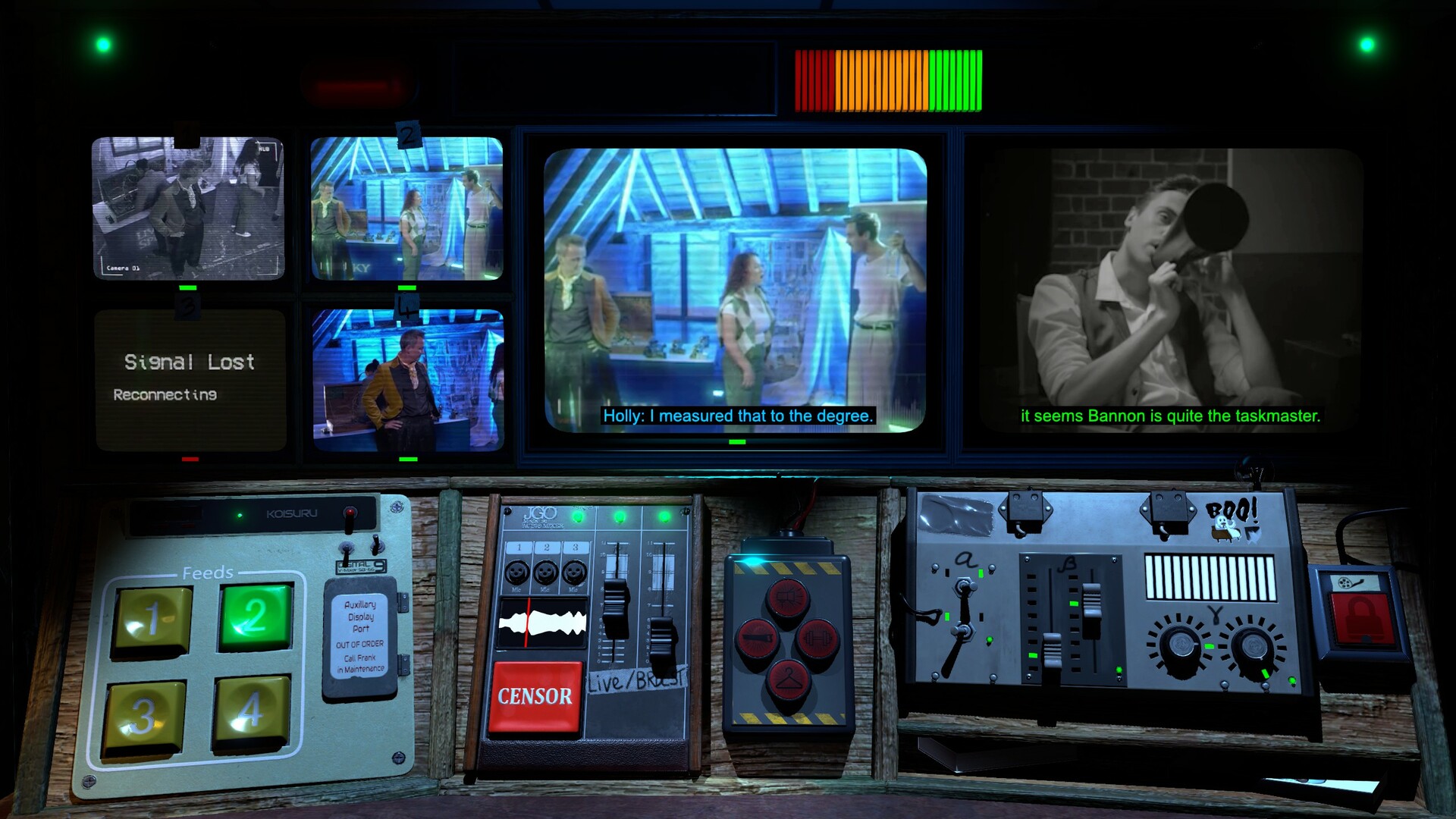
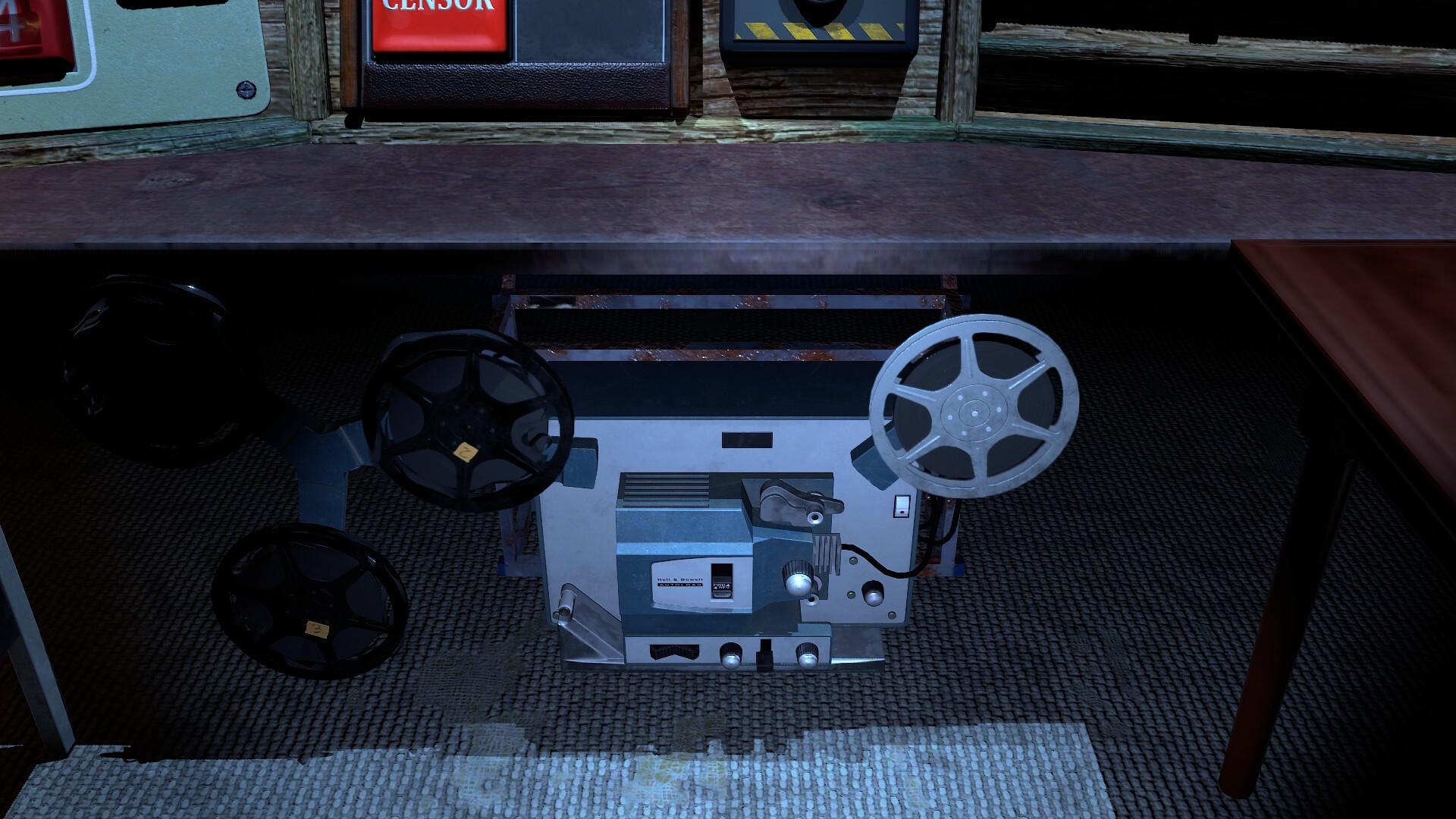
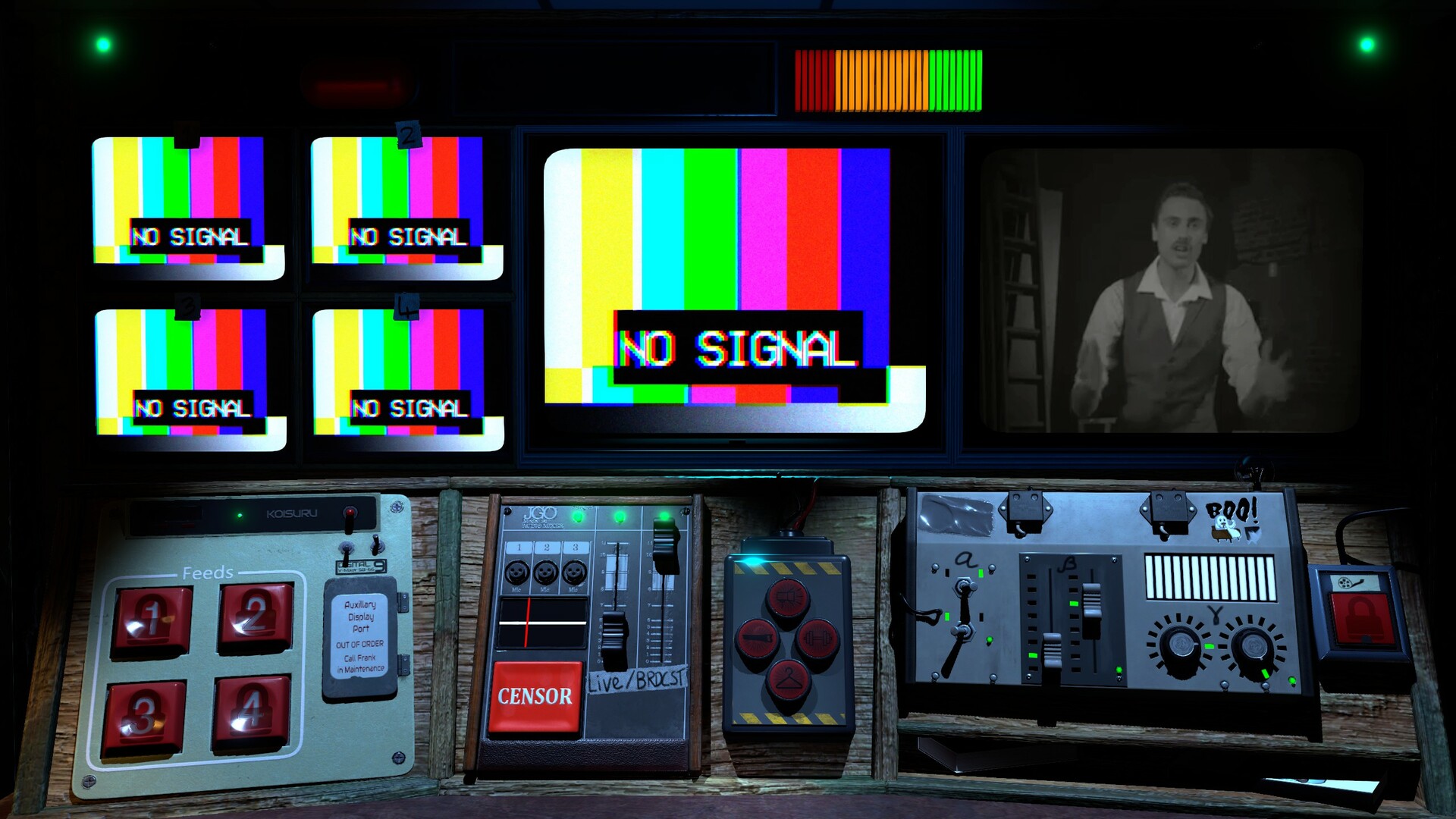
Video
How to Install
1. The first thing we do is download the game’s installation files.
2. Mount or burn the ISO image in the disk emulator (UltraISO program).
3. During the installation, we specify the location on the disk where we want to install it.
4. Wait until the installation process is complete, a shortcut will appear on the desktop.
5. Copy the contents of the folder «CRACK» in the folder with the game.
6. Start the game.
Download update only: Not.For.Broadcast.Update.v2023.05.12a-TENOKE [ 42.9 MB ]
-
Extract.
-
Run Update\PATCH.exe and install the update.
- Copy crack to install dir.
-
Play!
Download Not For Broadcast Live and Spooky Build 10850265 (upd.25.03.2023)
Alternative Download Links
Alternative Mirrors
Other Versions & DLCs
Game Update History
- Not For Broadcast Live and Spooky → Build 10850265 [ 25.03.2023 ]