Oddsparks An Automation Adventure v1.0.S31386 (upd.11.12.2025) + all DLC

About The Game
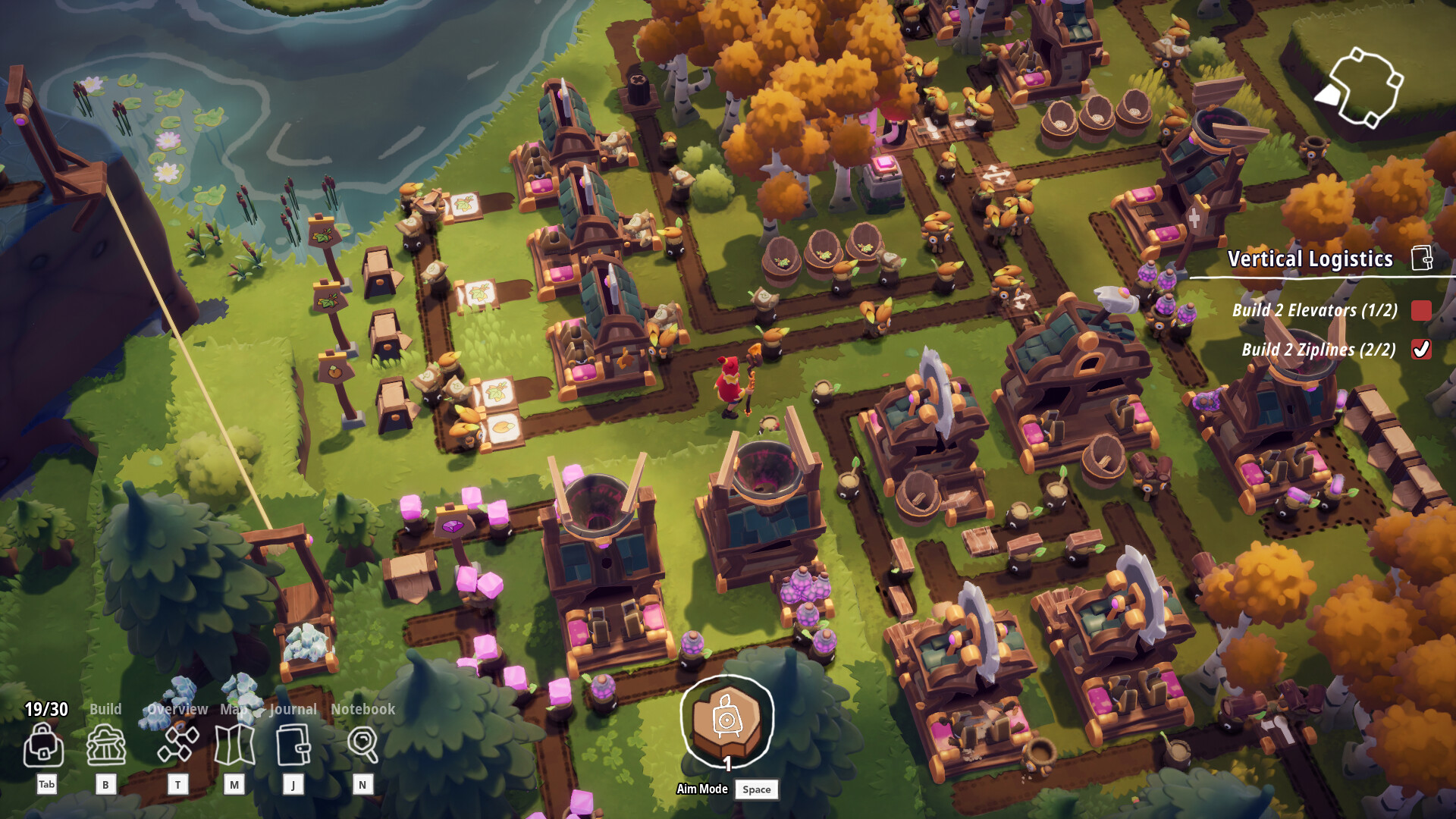
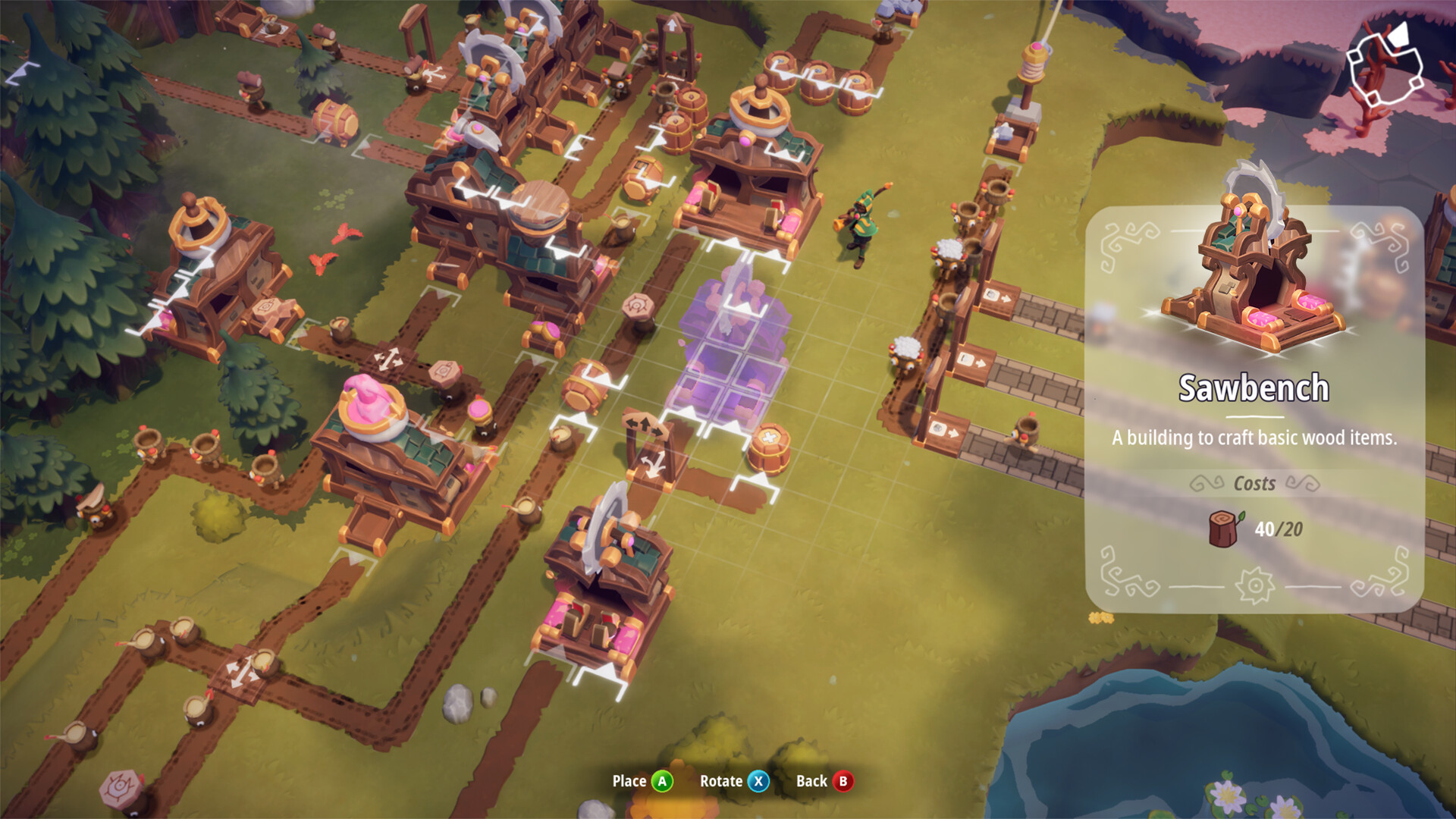
Oddsparks An Automation Adventure is an interesting strategy in every sense, where everything will develop in real time. Here you can have a great time solo, as well as try out a co-op mode where up to four players can play. In this story you will be able to create automatic workshops that are designed for cool and very cute Sparks. But the most important thing is that they will be able to carry absolutely everything you need in the near future. They will develop, try to survive in this dangerous world and constantly face a variety of enemies. Together with them you go on an exciting journey that will take place in a variety of amazing places.
This world is procedurally generated, so there are deadly enemies waiting for you at every corner who will definitely try to stop you. Get ready for crazy confrontations, develop your abilities to resist even the most powerful enemies. You have absolutely everything for this, so each of us can become a hero and save the poor Sparks. Explore various biomes, find something valuable along the way that will definitely come in handy in the near future and you will be able to use it.
NOTE. Uploaded version: 11 December 2025 [v1.0.S31386]. This is Full Release and latest version of game. The game is already Packaged in Installer and ready to run the game after install, read the instruction below.
This release is standalone and includes the following DLC:
- Oddsparks: An Automation Adventure Deluxe Upgrade
- Oddsparks: An Automation Adventure Tailor's Animal Costumes Pack
- Oddsparks: An Automation Adventure Craftsman's Elemental Decorations Pack
- Oddsparks: An Automation Adventure Making Music
- Oddsparks: An Automation Adventure Hats & Helmets
- Oddsparks: An Automation Adventure Coaster Rush
Game Details
- Title: Oddsparks An Automation Adventure
- Genre: Adventure, Indie, Simulation, Strategy, Early Access
- Developer: Massive Miniteam
- Publisher: HandyGames
- Release year: 2024
- Available Languages: English, French, German, Japanese, Simplified Chinese
- Release Name: Oddsparks_An_Automation_Adventure_v1.0.S31386
- Game Version: v1.0.S31386 (upd.11.12.2025) + all DLC
- Size: 3.69 GB
System Requirements
OS: Windows 7 SP1 (64 bit only), Windows 8 (64 bit only), Windows 10 (64 bit only)
Processor: X64 Dual Core CPU, 2+ GHz
Memory: 4 GB RAM
Graphics: Discrete Non Mobile GPU with 1 GB Ram
DirectX: Version 11
Storage: 2 GB available space
Sound Card: Any
Additional Notes: Internet connection required for online multiplayer
OS: Windows 7 SP1 (64 bit only), Windows 8 (64 bit only), Windows 10 (64 bit only)
Processor: X64 Quad Core CPU, 3+ GHz
Memory: 8 GB RAM
Graphics: Discrete Non Mobile GPU with 2 GB RAM
DirectX: Version 11
Network: Broadband Internet connection
Storage: 4 GB available space
Sound Card: Any
Screenshots

Video
How to Install
1. The first thing we do is download the game’s installation files.
2. After downloaded, go to the folder and run the file «setup.exe».
3. During the installation, we specify the location on the disk where we want to install it.
4. At the end of the unpacking process, a shortcut appears on the desktop.
5. Start the game.
Download update only: Dungeons.and.Dragons.Neverwinter.Nights.2.Enhanced.Edition.Update.v1.120-RUNE, MIRROR, MIRROR 2 [ 294.6 MB ]
- Extract.
- Run setup.exe and install the update.
- Copy crack from RUNE dir to install dir.
- Play!
Download Oddsparks An Automation Adventure v1.0.S31386 (upd.11.12.2025) + all DLC
Alternative Download Links
Alternative Mirrors
Game Update History
- Oddsparks An Automation Adventure v31287 → v1.0.S31386 [ 11.12.2025 ]
- Oddsparks An Automation Adventure Build 19311183 → v31287 [ 26.09.2025 ]
- Oddsparks An Automation Adventure v1.0.s30876 → v1.0.S31086 Build 19311183 (DLC Making Music) [ 24.07.2025 ]
- Oddsparks An Automation Adventure v1.0.s30597a → v1.0.s30876 [ 01.07.2025 ]
- Oddsparks An Automation Adventure v0.2.S23425 → v1.0.s30597a [ 27.05.2025 ]
- Oddsparks An Automation Adventure v0.2.S22291 → v0.2.S23425 [ 20.10.2024 ]
- Oddsparks An Automation Adventure v0.1.s20573 → v0.2.S22291 [ 28.08.2024 ]
- Oddsparks An Automation Adventure v0.1.s1805 → v0.1.s20573 [ 09.07.2024 ]
- Oddsparks An Automation Adventure v0.1 → v0.1.s1805 [ 25.04.2024 ]
- Oddsparks An Automation Adventure → v0.1 [ 30.01.2024 ]