Royal Order v1.0 (upd.24.04.2024) - TENOKE
About The Game
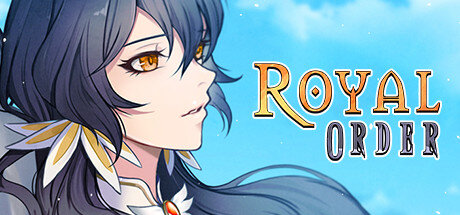
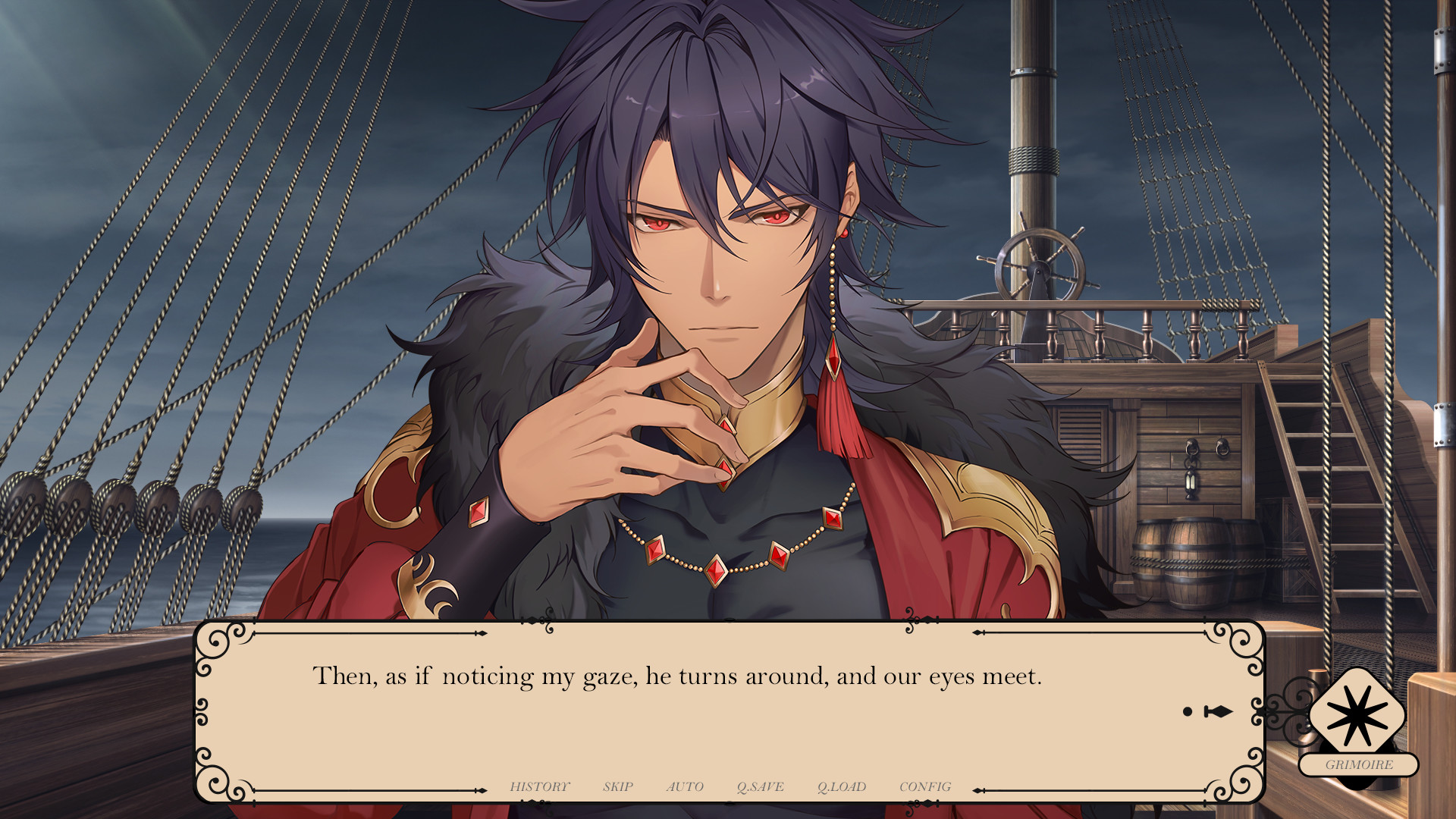
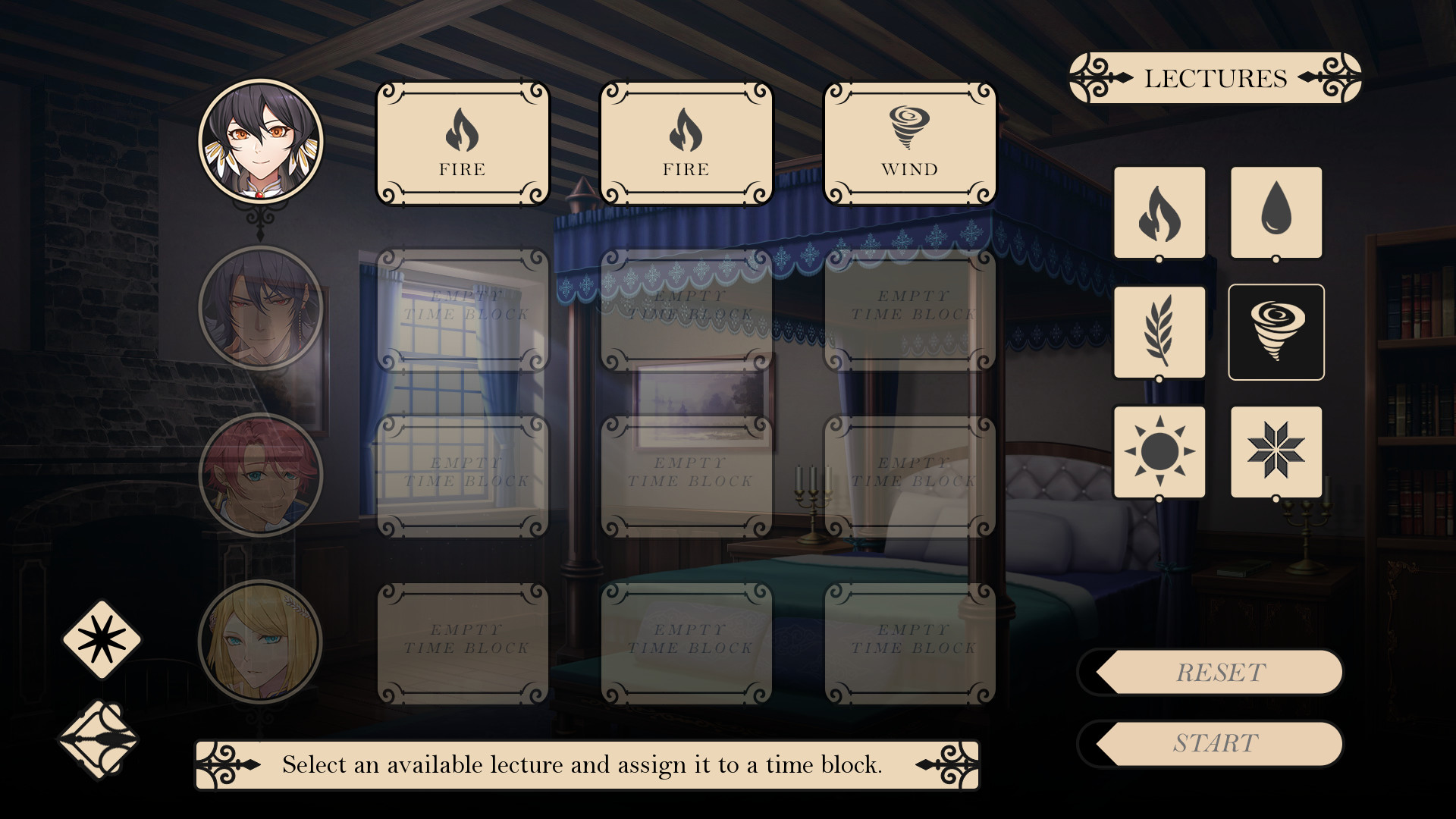
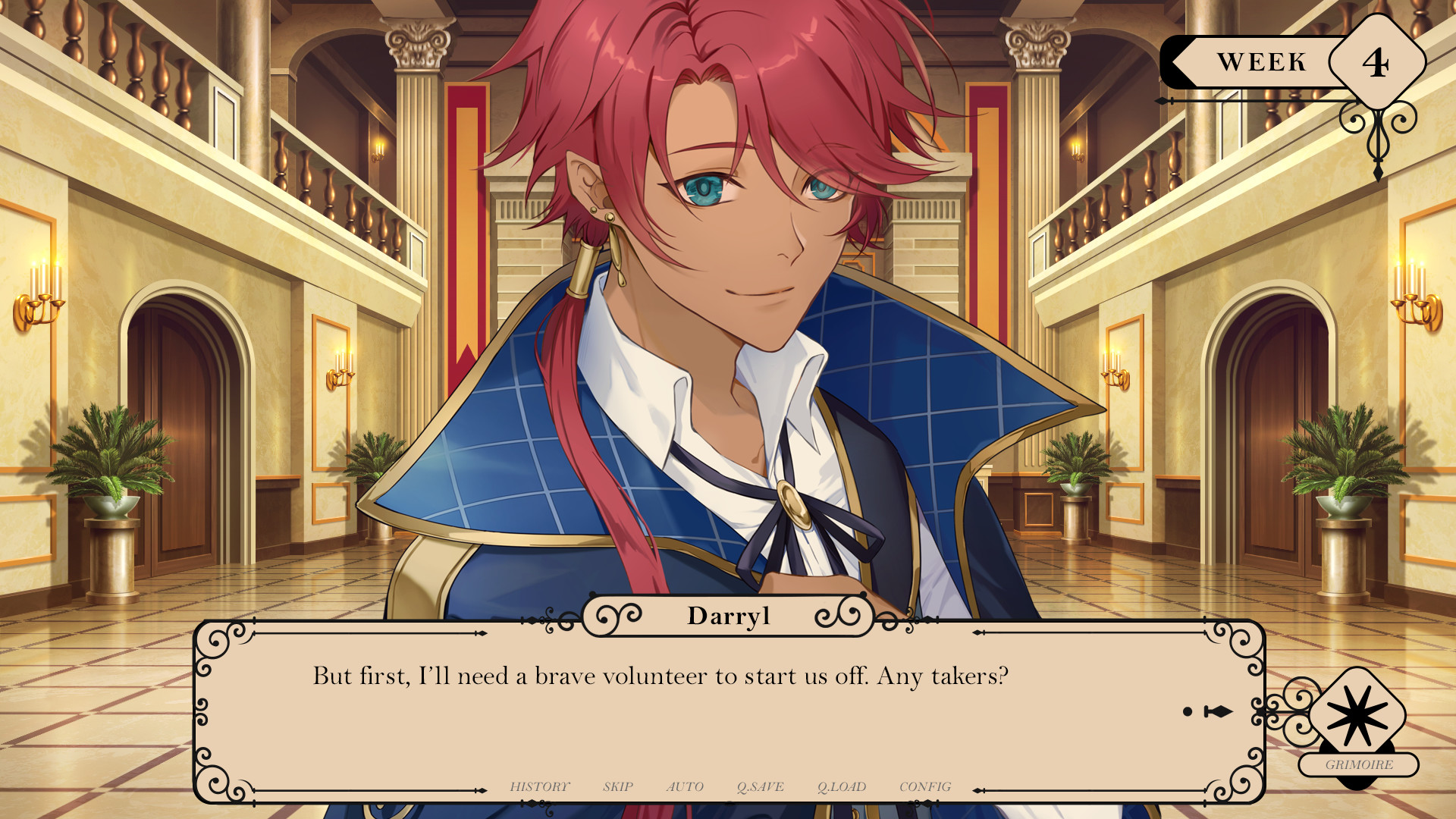
Royal Order will give you the opportunity to become the ruler of a majestic kingdom, where your every decision affects the fate and future of an entire nation. It is up to you to maintain a balance between domestic politics, foreign affairs and economic development to ensure the prosperity of your kingdom and protect it from external threats. Various tasks and challenges await you in the Royal Order, from fighting internal strife to waging wars with neighboring kingdoms. You will make important decisions, leading the country through trials and wars, ensuring prosperity and security for your people. The graphics of Royal Order fascinate with its detail and beauty, and the musical accompaniment complements the atmosphere of royal drama and intrigue. Every step you take will determine the further development of events, so get ready for challenges and adventures in the exciting world of Royal Order! Join the grand resolution in Royal Order by Nifty Visuals and Nifty Productions, and experience the true power and responsibility of ruling a kingdom.
Game Details
- Title: Royal Order
- Genre: RPG, Simulation, Strategy
- Developer: Nifty Visuals
- Publisher: Nifty Productions
- Release year: 2024
- Available Languages: English
- Release Name: Royal.Order-TENOKE
- Game Version: v1.0 (upd.24.04.2024)
- Game Releaser: TENOKE
- Size: 1.10 GB
System Requirements
MINIMUM:
OS: Windows 8 and newer
Processor: 1GHz
Memory: 512 MB RAM
Graphics: DirectX or OpenGL compatible card
Storage: 1 GB available space
Screenshots
Video
How to Install
1. The first thing we do is download the game’s installation files.
2. Mount or burn the ISO image in the disk emulator (UltraISO program).
3. During the installation, we specify the location on the disk where we want to install it.
4. Wait until the installation process is complete, a shortcut will appear on the desktop.
5. Copy the contents of the folder «TENOKE» in the folder with the game.
6. Start the game.
Download Royal Order v1.0 (upd.24.04.2024) — TENOKE
Alternative Download Links
Alternative Mirrors
Game Update History
- Royal Order → v1.0 [ 24.04.2024 ]