X Simulator Drone Build 15105463 (upd.02.08.2024) - TENOKE

About The Game
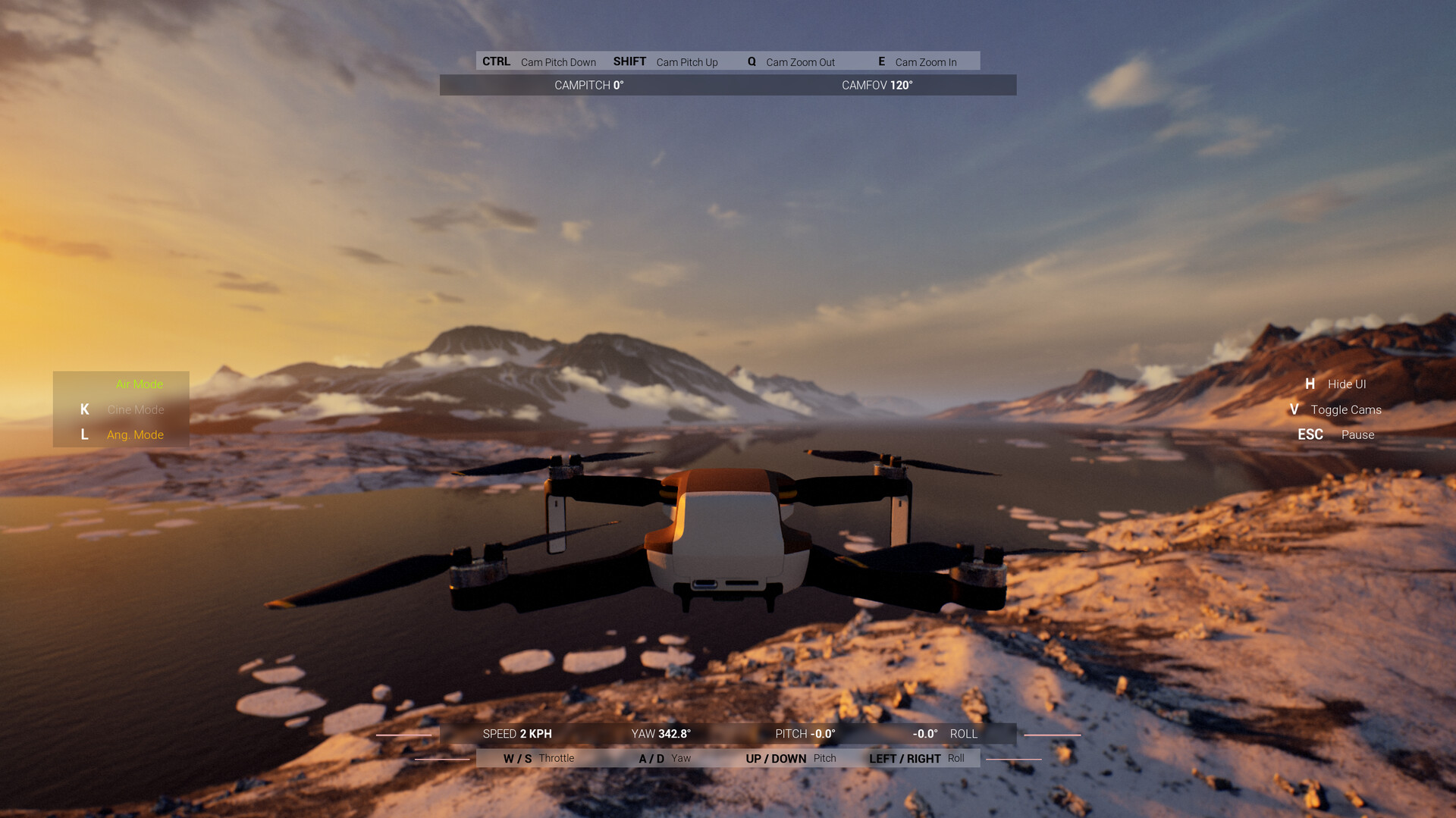
X Simulator Drone is a casual indie simulation game developed by Inonia Games using the Unreal Engine 5. Players can choose from two drones with different difficulty levels, designed for both beginners and experienced pilots. The game features carefully crafted maps with stunning visuals, allowing players to explore the environment from multiple perspectives. A key feature is the drone’s fully controllable camera, providing an authentic first-person view when flying. The game is a realistic and detailed drone simulator that allows players to practice their piloting skills in a new generation environment. Whether you want to practice flying a drone or simply enjoy breathtaking aerial exploration, X Simulator Drone will provide you with a comprehensive and visually impressive experience.
Game Details
- Title: X Simulator Drone
- Genre: Casual, Indie, Simulation
- Developer: Inonia Games
- Publisher: Inonia Games
- Release year: 2024
- Available Languages: English, French, Italian, German, Spanish - Spain, Korean, Russian, Turkish, Ukrainian, Japanese
- Release Name: X Simulator Drone-TENOKE
- Game Version: Build 15105463 (upd.02.08.2024)
- Game Releaser: TENOKE
- Size: 2.24 GB
System Requirements
Minimum:
Requires a 64-bit processor and operating system
OS: Windows 10 64-bit
Processor: Intel Core i5-6600K / AMD Ryzen 5 1400
Memory: 8 GB RAM
Graphics: NVIDIA GeForce RTX 2070 / AMD Radeon RX 5700 XT
DirectX: Version 12
Storage: 5 GB available space
Recommended:
Requires a 64-bit processor and operating system
Screenshots
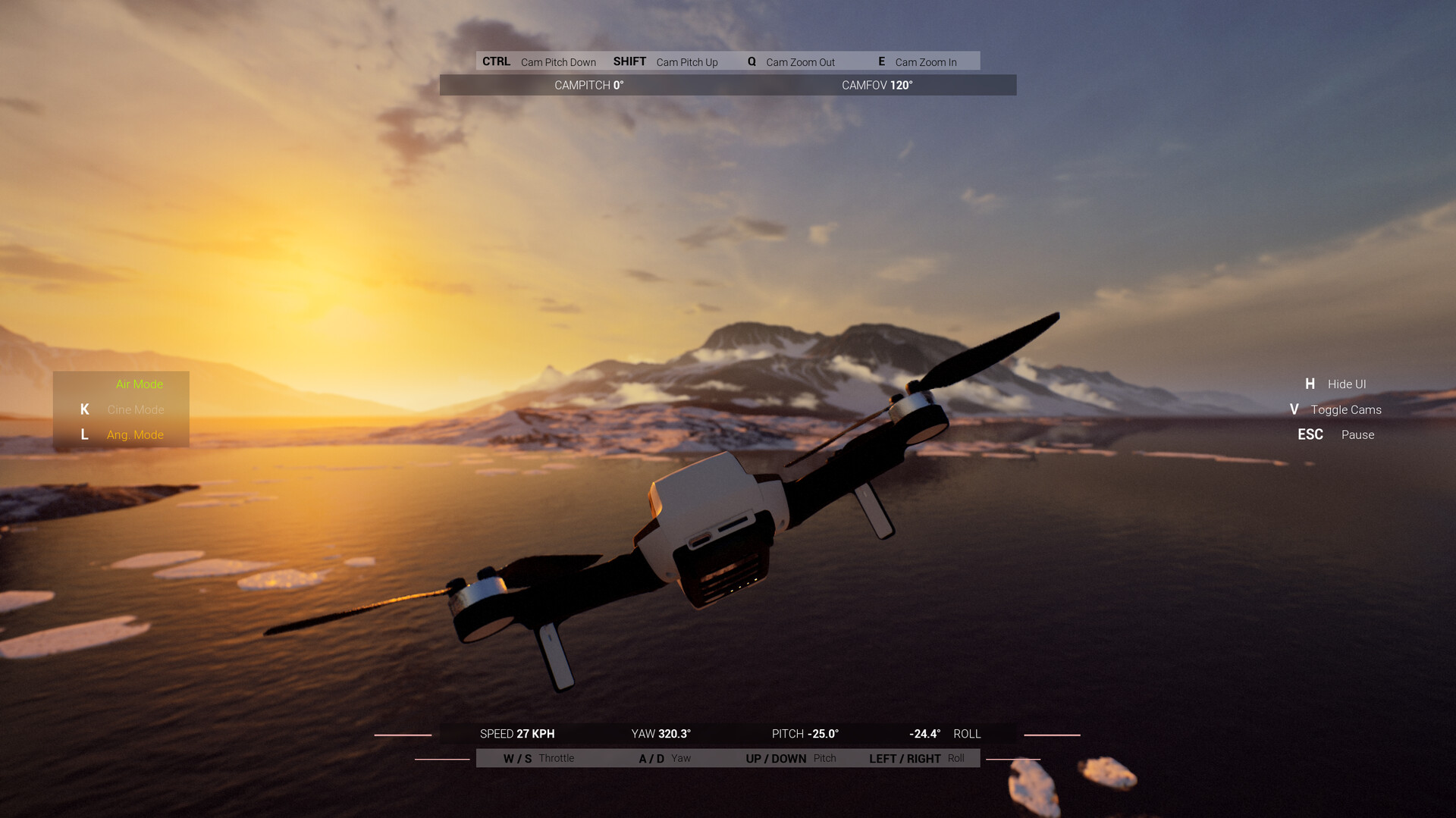
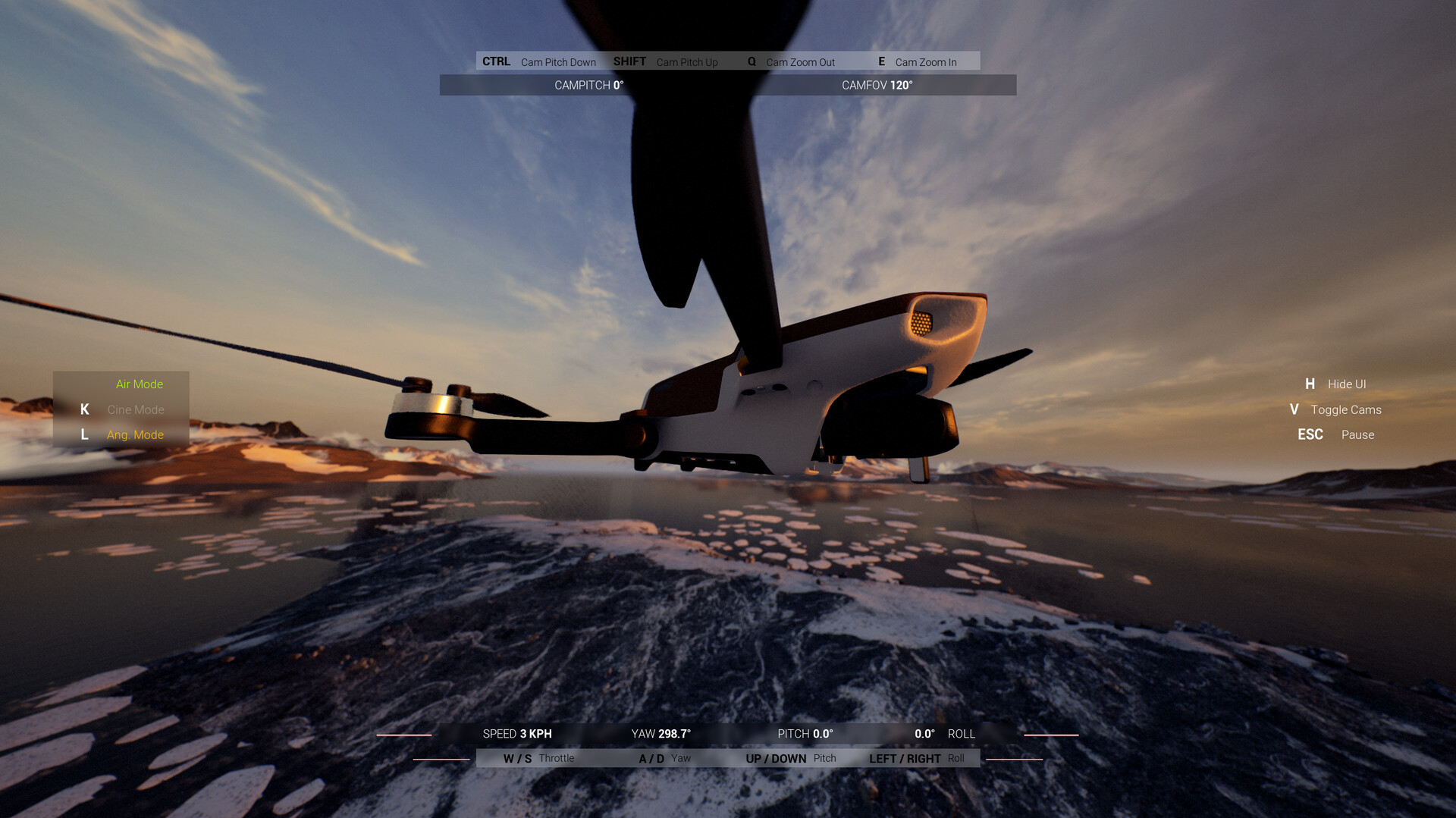
Video
How to Install
1. The first thing we do is download the game’s installation files.
2. Mount or burn the ISO image in the disk emulator (UltraISO program).
3. During the installation, we specify the location on the disk where we want to install it.
4. Wait until the installation process is complete, a shortcut will appear on the desktop.
5. Copy the contents of the folder «TENOKE» in the folder with the game.
6. Start the game.
Download X Simulator Drone Build 15105463 (upd.02.08.2024) — TENOKE
Alternative Download Links
Alternative Mirrors
Game Update History
- X Simulator Drone → Build 15105463 [ 02.08.2024 ]