
Living Shadows Build 18902858 (upd.29.06.2025) - TENOKE
About The Game
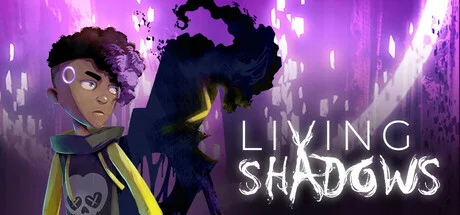
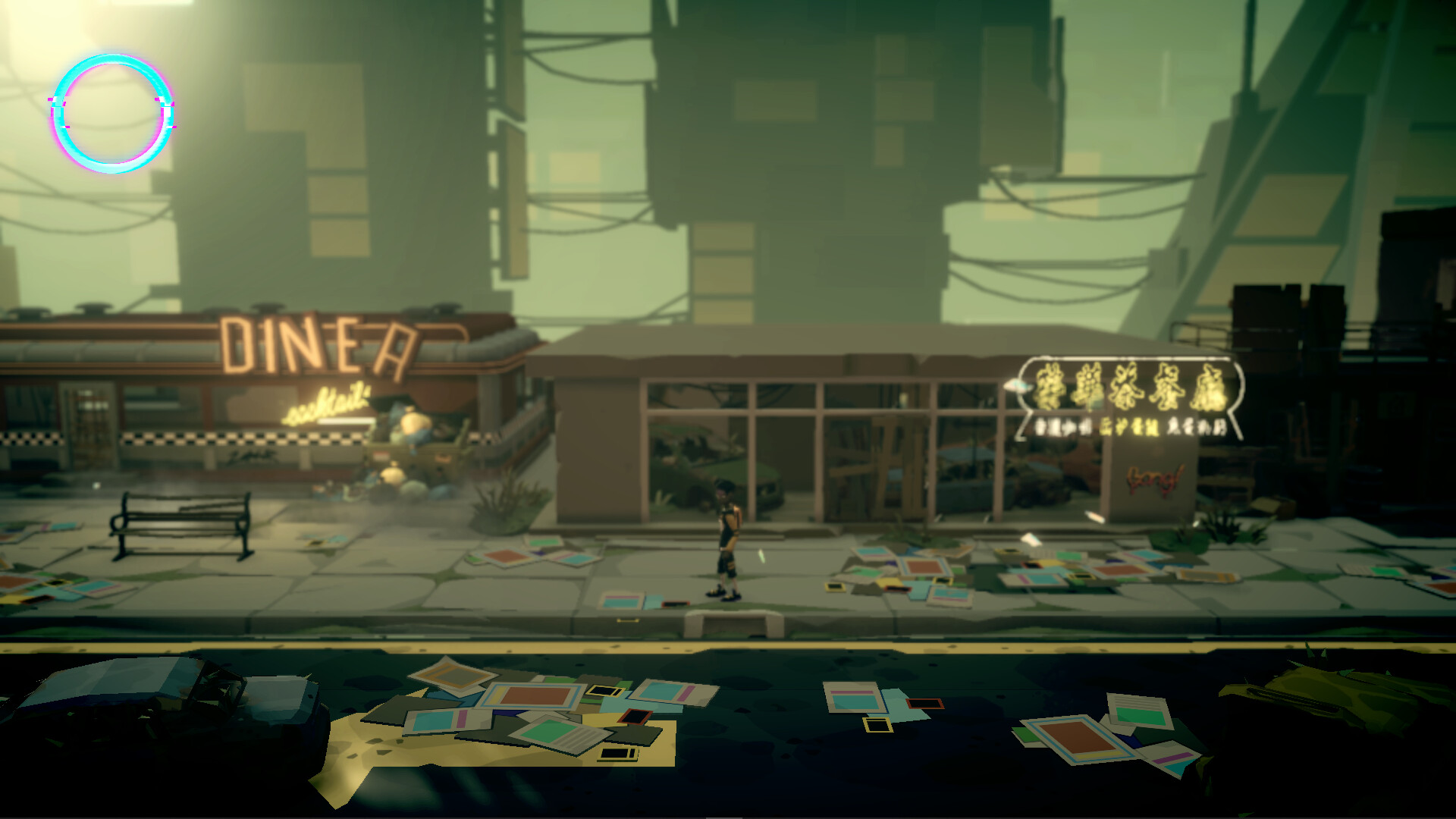
Living Shadows plunges players into a dystopian city, where humans and their shadows have been torn apart. Released on June 26, 2025, by MR Consulting and Messier Data e Creative, this indie adventure follows Theo, a young man grappling with apathy and despair. You navigate a desolate urban sprawl, facing eerie entities. The cast includes Theo, his elusive shadow, and cryptic figures hiding family secrets.
In Living Shadows, the goal is to uncover the truth behind the shadow separation, solving intricate puzzles to reveal a haunting narrative. Players make choices, like confronting fears or trusting strangers, that shape Theo’s journey and mental state, leading to multiple endings. Each decision deepens the exploration of anxiety and existential dread. The latest version, available for download on Steam, enhances puzzle mechanics for gripping immersion. These choices define Theo’s path through a fractured, shadowy world.
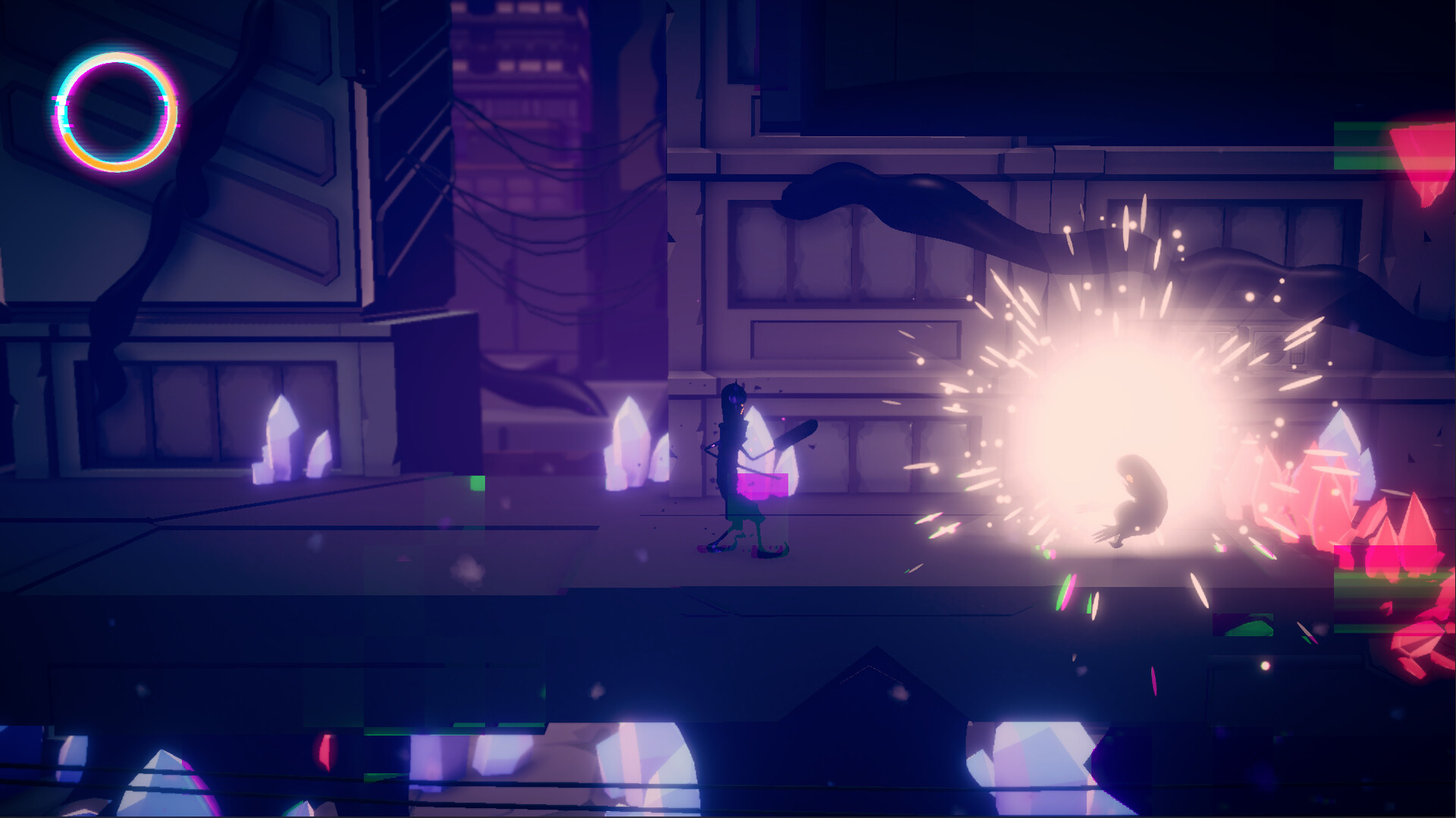
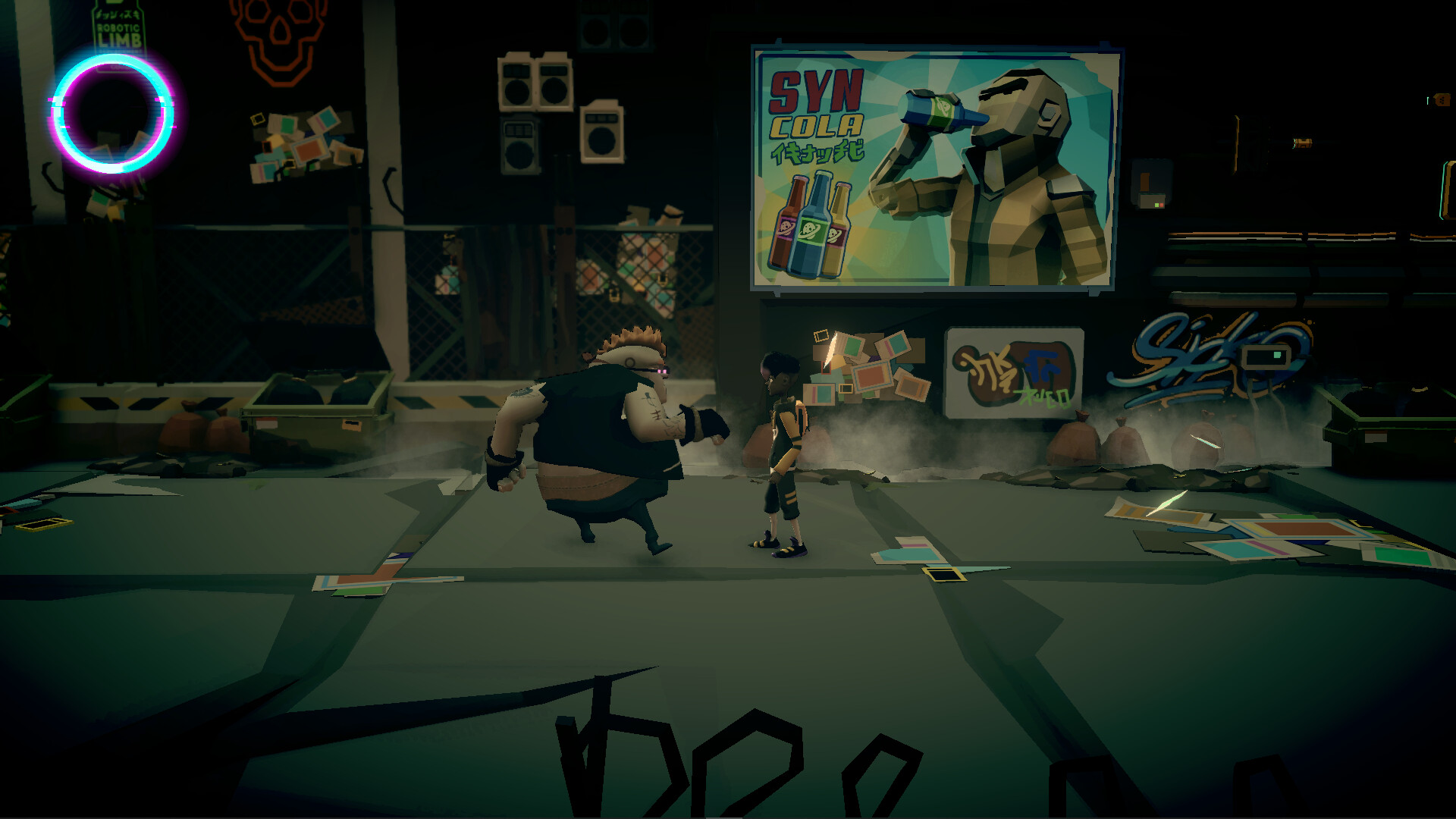
Gameplay blends action-packed exploration with cerebral puzzle-solving. Players wield makeshift tools and Theo’s wit to navigate traps and foes, balancing stealth with confrontation. Special abilities, like shadow manipulation, unlock secrets, but overuse risks psychological strain. The latest version, ready for download, refines visuals for chilling depth. This intense system demands care, as every step shapes Theo’s fate.
NOTE. Uploaded version: 29 June 2025 [Build 18902858]. This is Full Release and latest version of game. The game is already Packaged in ISO File and ready to run the game after install, read the instruction below.
Game Details
- Title: Living Shadows
- Genre: Action, Adventure, Indie
- Developer: MR Consulting, Messier Data e Creative
- Publisher: Messier Data e Creative
- Release year: 2025
- Available Languages: English, French, Italian, German, Spanish - Spain, Portuguese - Brazil, Russian
- Release Name: Living Shadows-TENOKE
- Game Version: Build 18902858 (upd.29.06.2025)
- Game Releaser: TENOKE
- Size: 869.54 MB
System Requirements
Minimum:
OS: Windows 10 or higher
Processor: I5 5th generation
Memory: 8 GB RAM
Graphics: GTX 1060
DirectX: Version 12
Storage: 15 GB available space
VR Support: No
Screenshots
How to Install
1. The first thing we do is download the game’s installation files.
2. Unzip the archive to the hard disk.
3. Mount or burn the ISO image in the disk emulator (UltraISO program).
4. After mount ISO, go to the folder and run the file «setup.exe».
5. During the installation, we specify the location on the disk where we want to install it.
6. Copy the contents of the folder «CRACK» in the folder with the game.
7. At the end of the unpacking process, a shortcut appears on the desktop.
8. Launch the game!
Download Living Shadows Build 18902858 (upd.29.06.2025) — TENOKE
Alternative Download Links
Alternative Mirrors
Game Update History
- Living Shadows → Build 18902858 [ 29.06.2025 ]

























































