The White Laboratory v1.0.2 - PLAZA
PLAZA Full gameFree DownloadLatest version Torrent File
Game updated on 10-04-2019, 17:52. Current version: v1.0.2.
About The Game
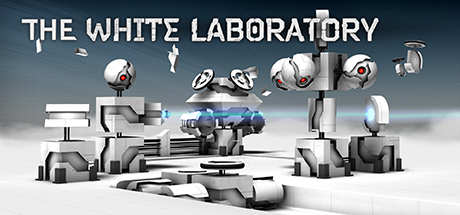
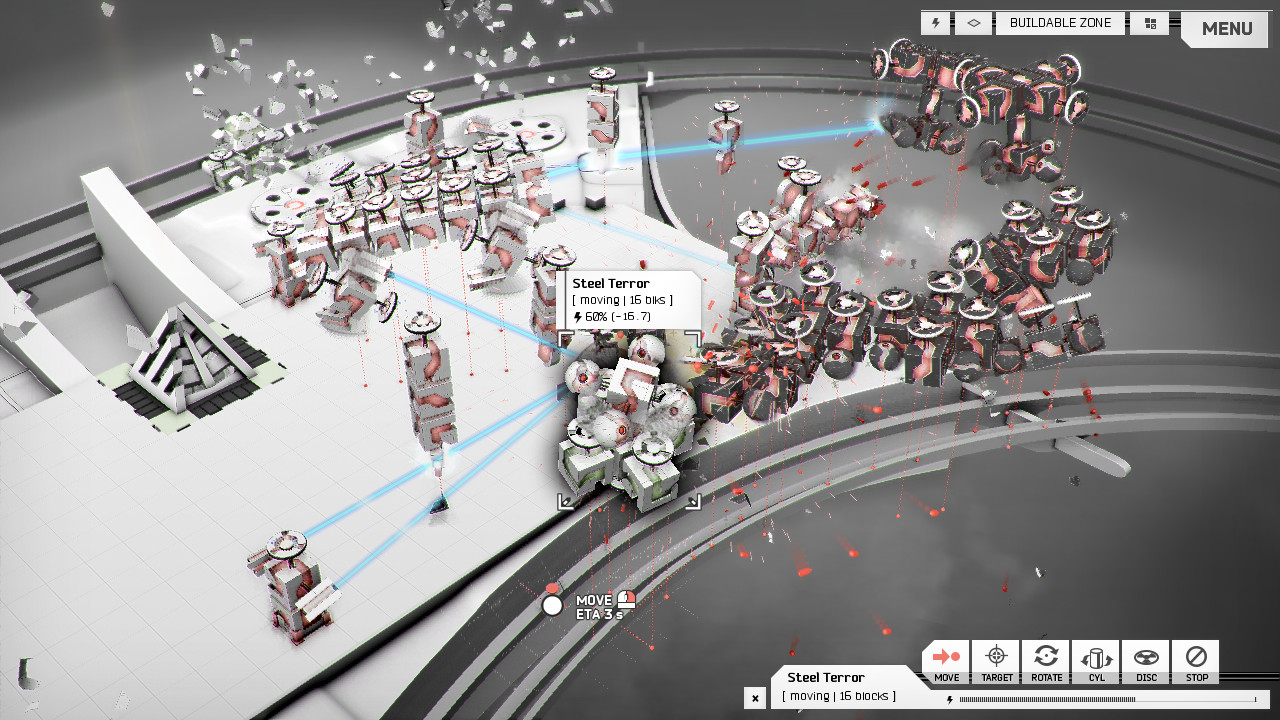
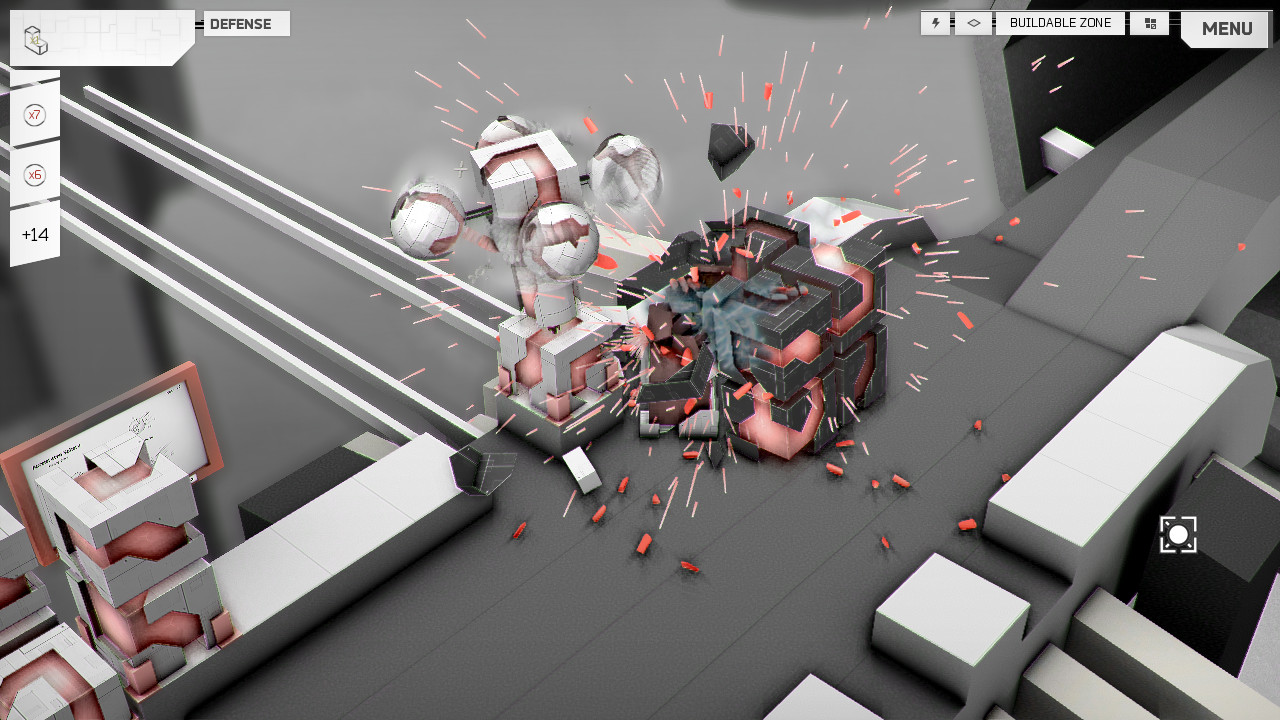
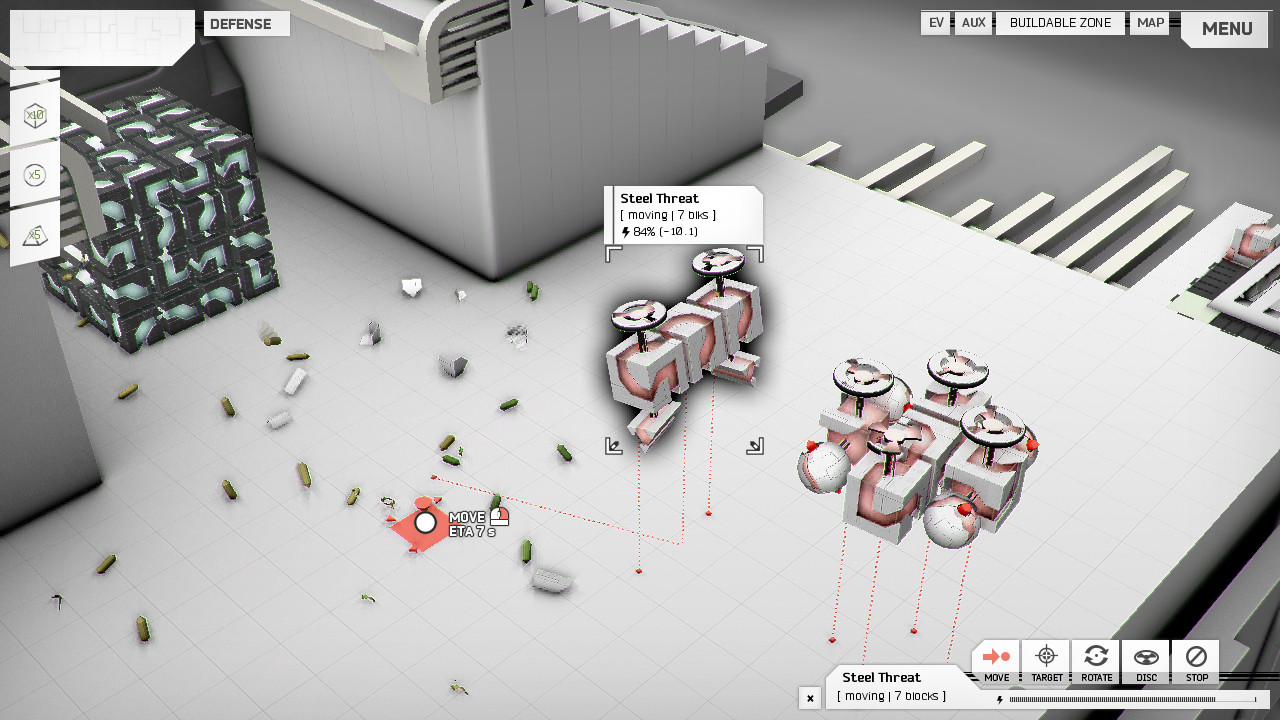
The White Laboratory is a physical tower defense and RTS physical game based on the sandbox, in which you modularly build and manage robotic structures operating on an object in the atmosphere of a distant gas planet. The time has come for our four-year test of work through various parts of the facility. In a series of missions, integrate the components of robotic modular geometry into various structures to adapt to combat situations. Build ground defense around, send propeller air probes, engage and transfer waste, as well as everything that physics allows. Clear all unnecessary maintenance tasks. 99% of the material is physically modeled, which affects how objects move and behave in action. Consider a physical phenomenon when making strategic decisions. for example, a bullet bounces off untargeted targets. Obstacles or drones can physically influence an enemy rush.
Game Details
- Title: The White Laboratory
- Genre: Indie, Strategy
- Developer: Laboratory Systems
- Publisher: Laboratory Systems, Gamera Game
- Release year: 2019
- Available Languages: english, simplified chinese, traditional chinese
- Release Name: The.White.Laboratory.v1.0.2-PLAZA
- Game Version: v1.0.2
- Game Releaser: PLAZA
- Size: 920.53 MB
System Requirements
MINIMUM:
OS: Windows 7Processor: Core 2 Duo
Memory: 3 GB RAM
Graphics: Shader Model 3.0 1.0 GB VRAM
DirectX: Version 9.0c
Storage: 2 GB available space
Additional Notes: Minimum Resolution 1280x720
RECOMMENDED:
OS: Windows 7Memory: 4 GB RAM
Graphics: Shader Model 3.0 2.0 GB VRAM
DirectX: Version 9.0c
Storage: 2 GB available space
Screenshots
Video
How to Install
1. The first thing we do is download the game’s installation files.
2. Mount or burn the ISO image in the disk emulator (UltraISO program).
3. During the installation, we specify the location on the disk where we want to install it.
4. Wait until the installation process is complete, a shortcut will appear on the desktop.
5. Download & install Update v1.0.1 / v1.0.2, in game folder.
6. Copy the contents of the folder «PLAZA» in the folder with the game.
7. Start the game.
Download update only: The.White.Laboratory.Update.v1.0.2-PLAZA [ 94.25 MB ]
Download update only: The.White.Laboratory.Update.v1.0.1-PLAZA [ 57.09 MB ]
2. Mount or burn the ISO image in the disk emulator (UltraISO program).
3. During the installation, we specify the location on the disk where we want to install it.
4. Wait until the installation process is complete, a shortcut will appear on the desktop.
5. Download & install Update v1.0.1 / v1.0.2, in game folder.
6. Copy the contents of the folder «PLAZA» in the folder with the game.
7. Start the game.
Download update only: The.White.Laboratory.Update.v1.0.2-PLAZA [ 94.25 MB ]
Download update only: The.White.Laboratory.Update.v1.0.1-PLAZA [ 57.09 MB ]
Download The White Laboratory v1.0.2 — PLAZA
File Size: 920.53 MB
How to get your file — 3 quick steps
VPN detected. Our download does not accept VPN connections. Please disable your VPN to continue.
Re-check
1
Click download
Use any button below
2
Install Opera
On the page that opens
Switch to the tab that just opened — Opera installer is already there. After install, open this page in Opera and click Check install.
Opera not detected. Make sure it's installed and open this page in Opera browser, then click Check install again.
Opera is a free, official browser by Opera Software AS — safe to install. [ Opera Install Guide ]
Alternative Download Links
Alternative Mirrors
Searching mirrors…
Source Name
Size
Seeds
Leeches