A-Train9 TRAIN CONSTRUCTION v1.0.1 (upd.06.01.2026) - P2P
About The Game
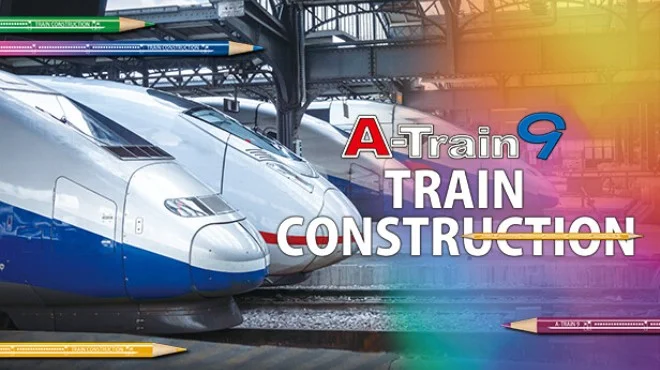
A-Train 9 TRAIN CONSTRUCTION offers players the opportunity to design and customize their own trains in a dynamic 3D environment. This simulator combines creativity and strategy as players build a business from the ground up. Players can experiment with the construction kit, changing the shape, appearance, and individual components of each vehicle to bring their ideas to life.
The game focuses on various elements, including crafting, management, and design. Here, players can connect tracks, optimize routes, and create a functional rail network, exploring sandbox mechanics that provide freedom for design and innovation. Balancing efficiency and aesthetics, the game allows players to control and manage vehicles, mastering the challenges that come with management.
Gamers will find that A-Train 9 TRAIN CONSTRUCTION offers an immersive experience as they design detailed railways, create connections, and refine routes. It combines city-building mechanics with train management and design principles. This approach allows for a realistic approach to the gameplay while encouraging creative freedom in creating individual projects.
NOTE. Uploaded version: 6 January 2026 [v1.0.1 Build 16807009]. This is Full Release and latest version of game. The game is already Pre-Installed and ready to run the game, read the instruction below.
Game Details
- Title: A-Train9 TRAIN CONSTRUCTION
- Genre: Simulation, Management
- Developer: ARTDINK
- Publisher: ARTDINK
- Release year: 2026
- Available Languages: English, Japanese
- Release Name: ATrain9.TRAIN.CONSTRUCTION.v1.0.1.Build.16807009-P2P
- Game Version: v1.0.1 (upd.06.01.2026)
- Game Releaser: P2P
- Size: 2.01 GB
System Requirements
Minimum:
Requires a 64-bit processor and operating system
OS: Windows 11 / 10 (64 bit required)
Processor: Intel Core i5 3.2GHz
Memory: 8 GB RAM
Graphics: GeForce GTX1050Ti
DirectX: Version 11
Storage: 4 GB available space
Recommended:
Requires a 64-bit processor and operating system
Screenshots
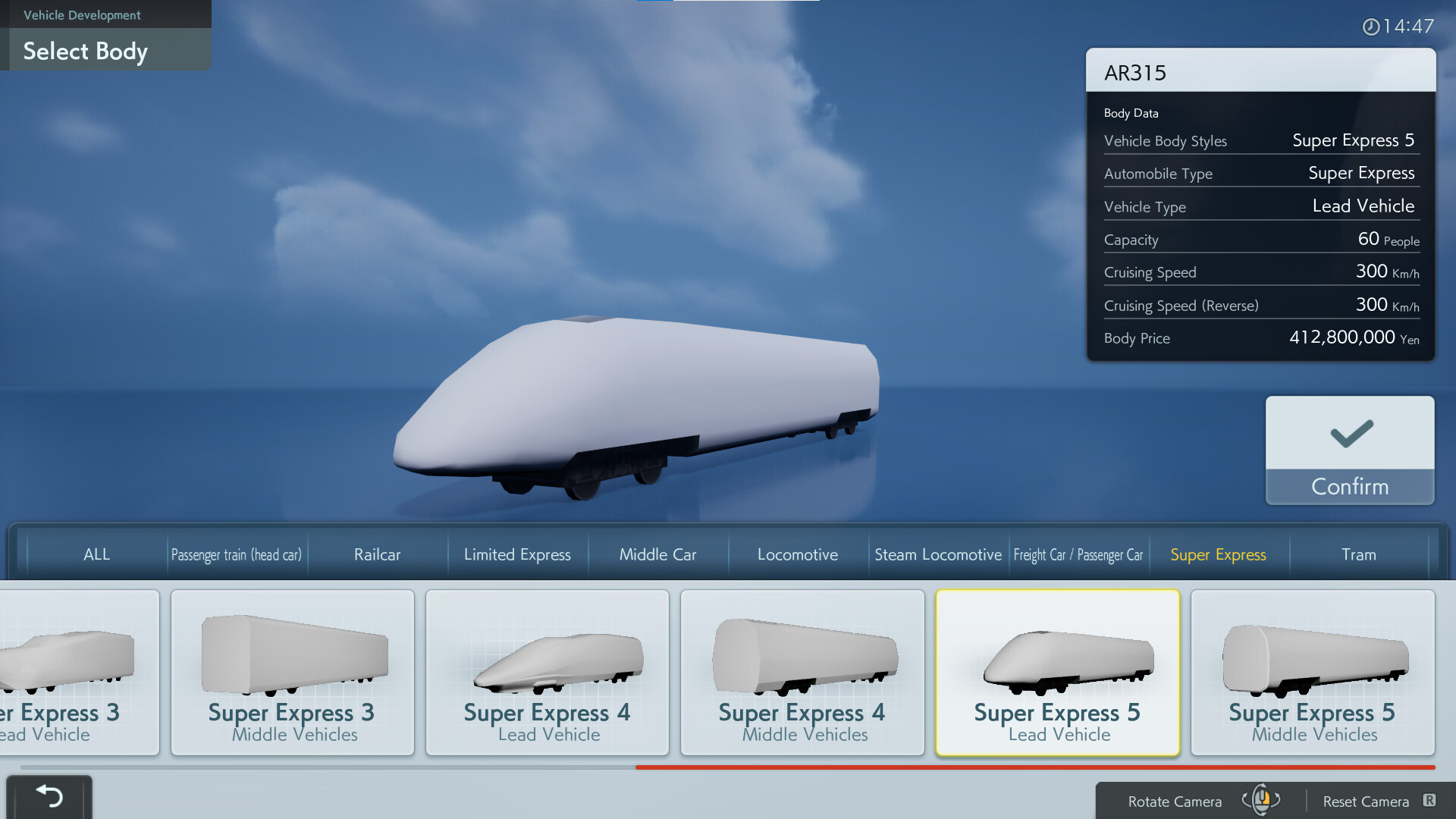
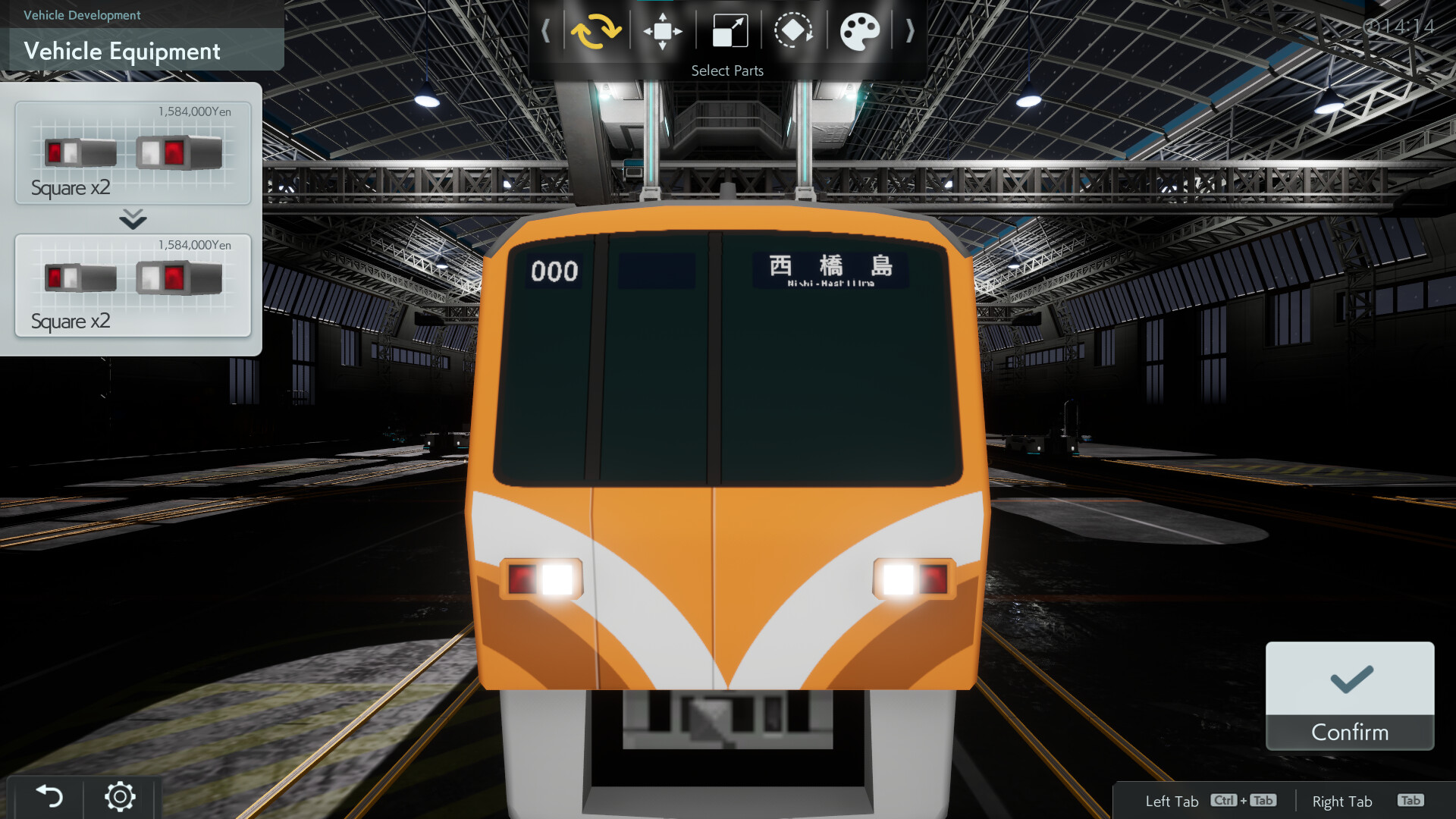
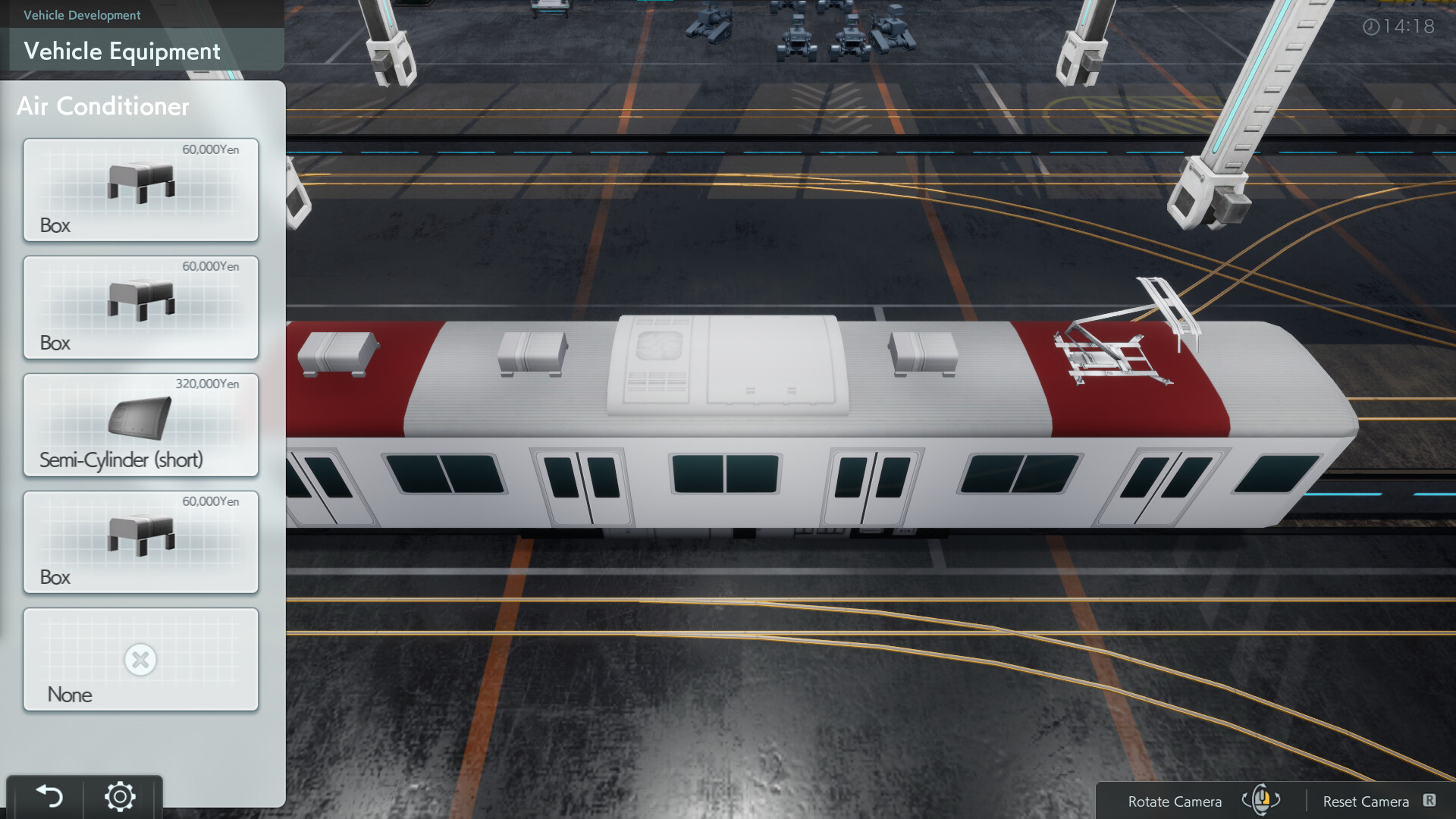
Video
How to Install
1. The first thing we do is download the game files.
2. Unzip the archive to the hard disk. (how to unzip .rar)
3. Wait for the unpacking process to finish.
4. Start the game «ATrain9.TRAIN.CONSTRUCTION.exe» from game folder.
5. The language changes in the menu.
Download A-Train9 TRAIN CONSTRUCTION v1.0.1 (upd.06.01.2026) — P2P
Alternative Download Links
Alternative Mirrors
Game Update History
- A-Train9 TRAIN CONSTRUCTION → v1.0.1 Build 16807009 [ 06.01.2026 ]