Forbidden Solitaire Build 23013408 (upd.01.05.2026) - TENOKE
About The Game
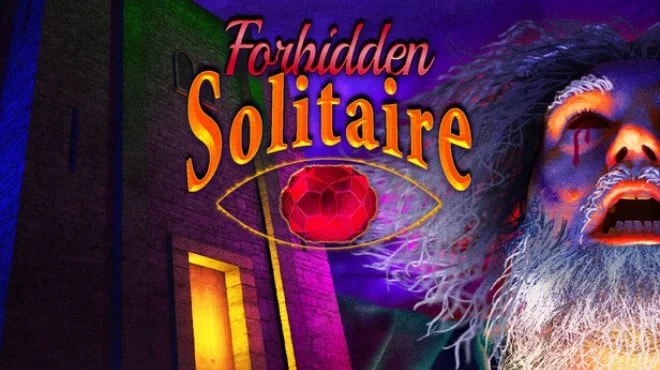
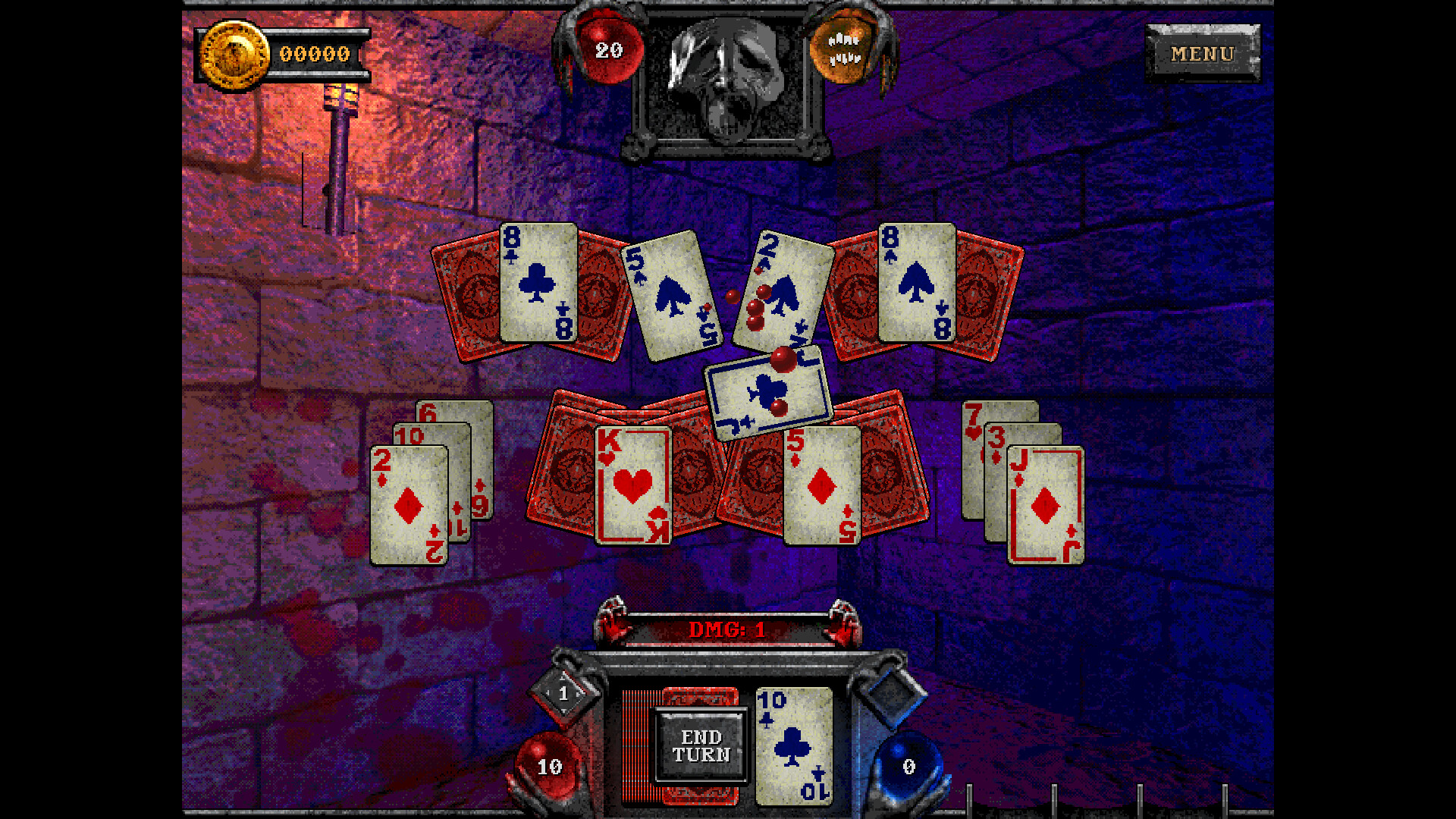
Forbidden Solitaire is an indie strategy game that combines the retro aesthetic of 90s FMVs with dark solitaire mechanics. Set in 2019, you've just purchased a mysterious CD-ROM game from 1995, vaguely remembered for its controversy at the time, and are now immersed in its disturbing digital world. Developed by Grey Alien Games and Night Signal Entertainment, the game combines atmospheric horror from the team behind Home Safety Hotline with proven solitaire gameplay from the developers of Shadowhand and Regency Solitaire.
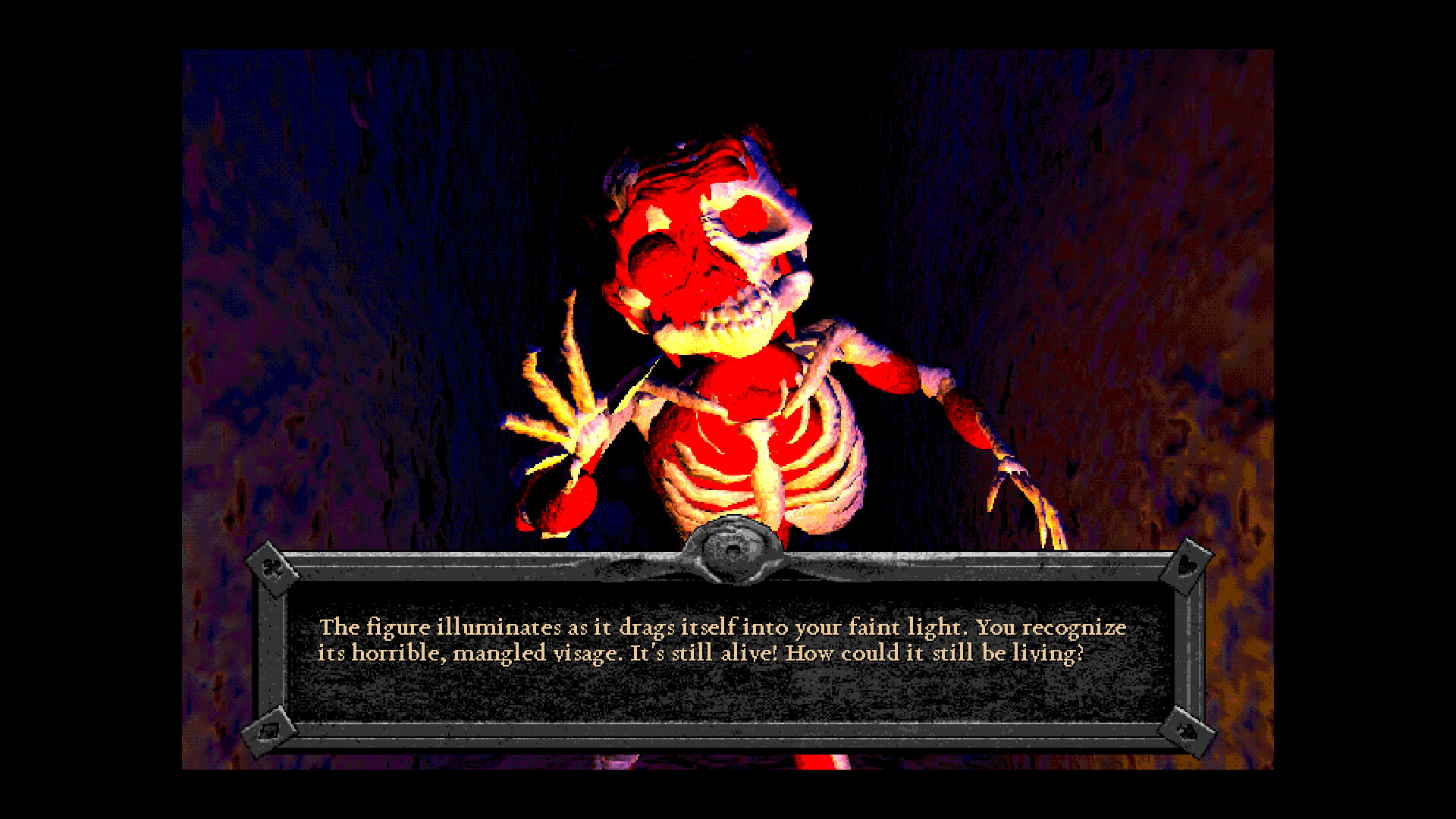
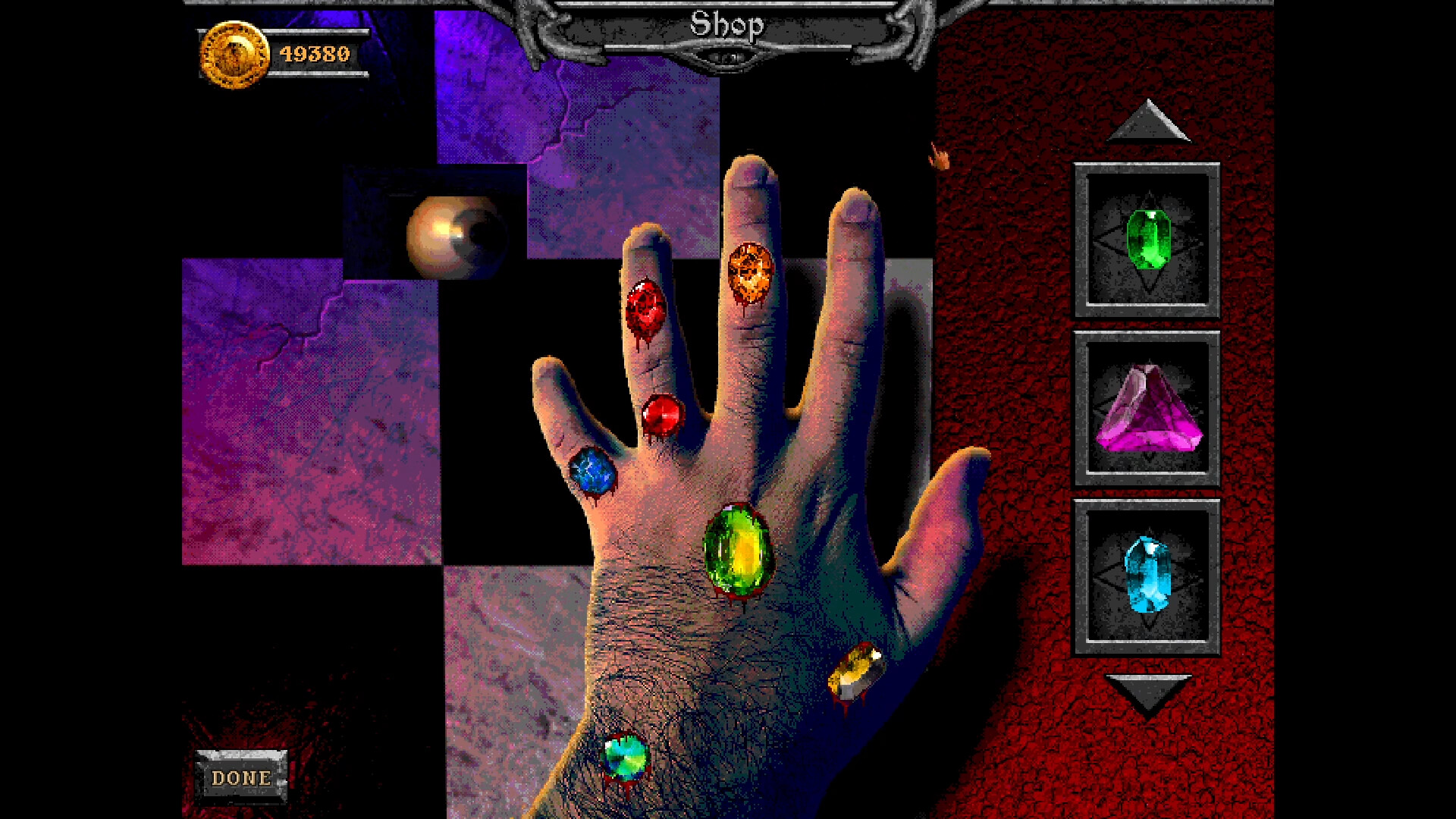
You'll navigate dungeons using blood-solitaire mechanics, where survival depends on strategic card play. The game features an unsettling Observer a friendly eye embedded in the walls who sells you upgrades as you progress. Various wildcards add unpredictability to the gameplay, offering either beneficial advantages or detrimental effects that can derail your strategy. The entire experience is shrouded in FMV-inspired visuals and music that evoke the eerie, low-budget digital horror of mid-90s computer games. The game's meta-narrative warns you to uninstall it before things get too far, hinting that the idea of cursed software goes beyond mere ambiance.
NOTE. Uploaded version: 01 May 2026 [Build 23013408]. This is Full Release and latest version of game. The game is already Pre-Installed and ready to run, read the instruction below.
Game Details
- Title: Forbidden Solitaire
- Genre: Horror, Visual Novel, Point & Click, Casual
- Developer: Grey Alien Games, Night Signal Entertainment
- Publisher: Night Signal Entertainment, Grey Alien Games
- Release year: 2026
- Available Languages: English
- Release Name: Forbidden.Solitaire.Build.23013408-TENOKE
- Game Version: Build 23013408 (upd.01.05.2026)
- Game Releaser: TENOKE
- Size: 1.02 GB
System Requirements
Minimum:
OS: Windows 10
Processor: 2Ghz
Memory: 4 GB RAM
Graphics: 1GB VRAM
Storage: 960 MB available space
Sound Card: Any
Screenshots
Video
How to Install
1. The first thing we do is download the game's installation files.
2. Unzip the archive to the hard disk.
3. Mount or burn the ISO image in the disk emulator (UltraISO program).
4. After mount ISO, go to the folder and run the file «setup.exe».
5. During the installation, we specify the location on the disk where we want to install it.
6. Copy the contents of the folder «CRACK» in the folder with the game.
7. At the end of the unpacking process, a shortcut appears on the desktop.
8. Launch the game!
Download Forbidden Solitaire Build 23013408 (upd.01.05.2026) — TENOKE
Alternative Download Links
Alternative Mirrors
Game Update History
- Forbidden Solitaire → Build 23013408 [ 01.05.2026 ]