Wizzerd Quest 2 Build 23866761 (upd.23.06.2026) - TENOKE
About The Game
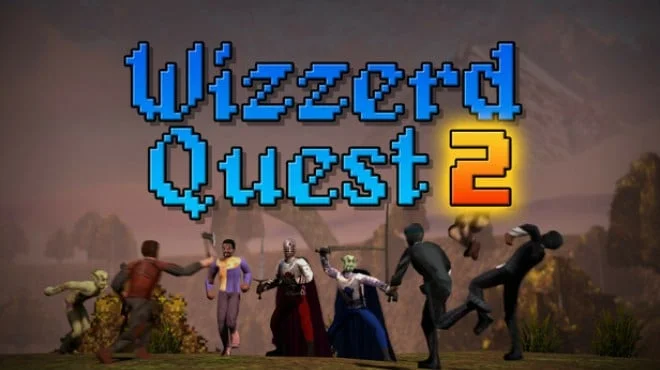
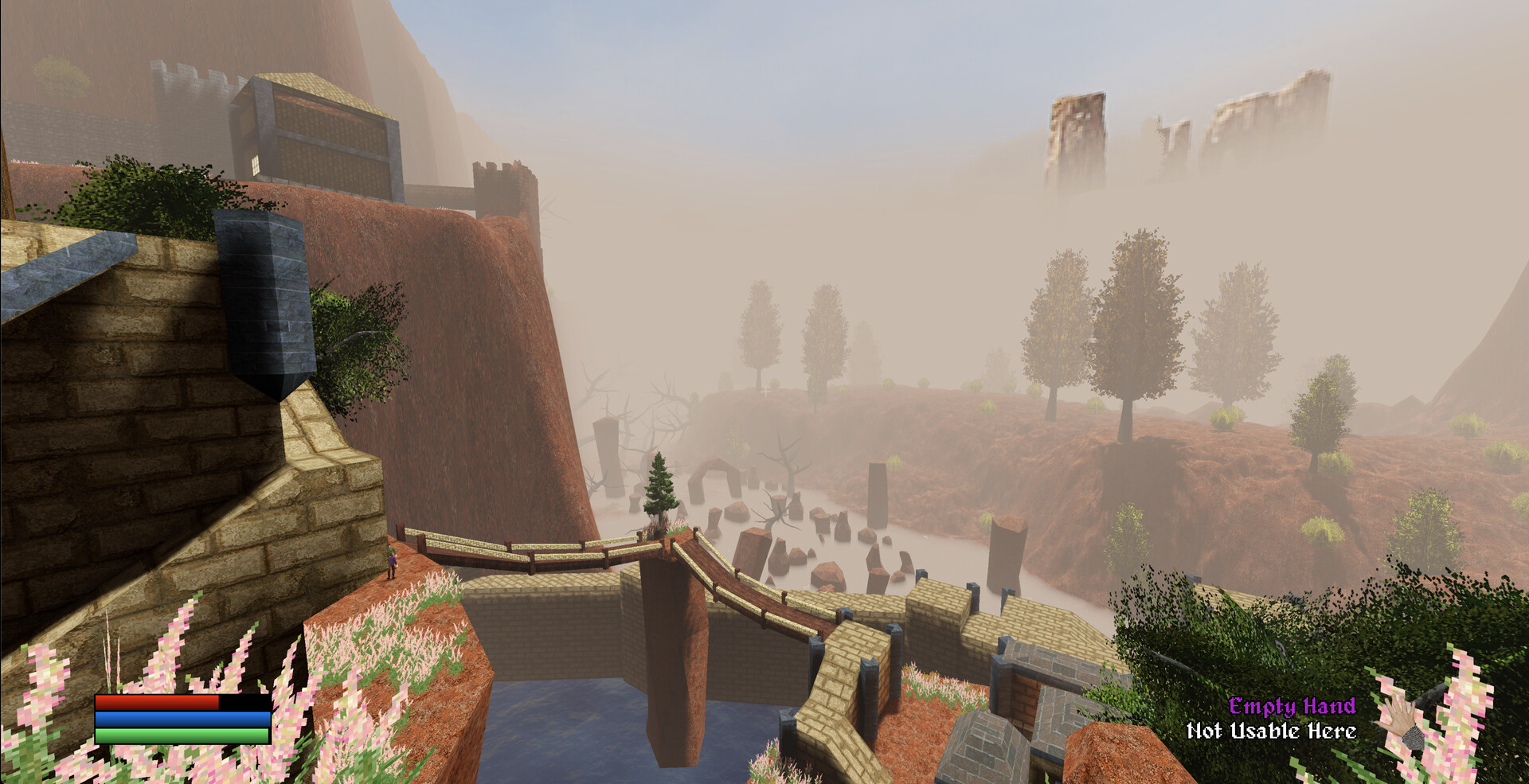
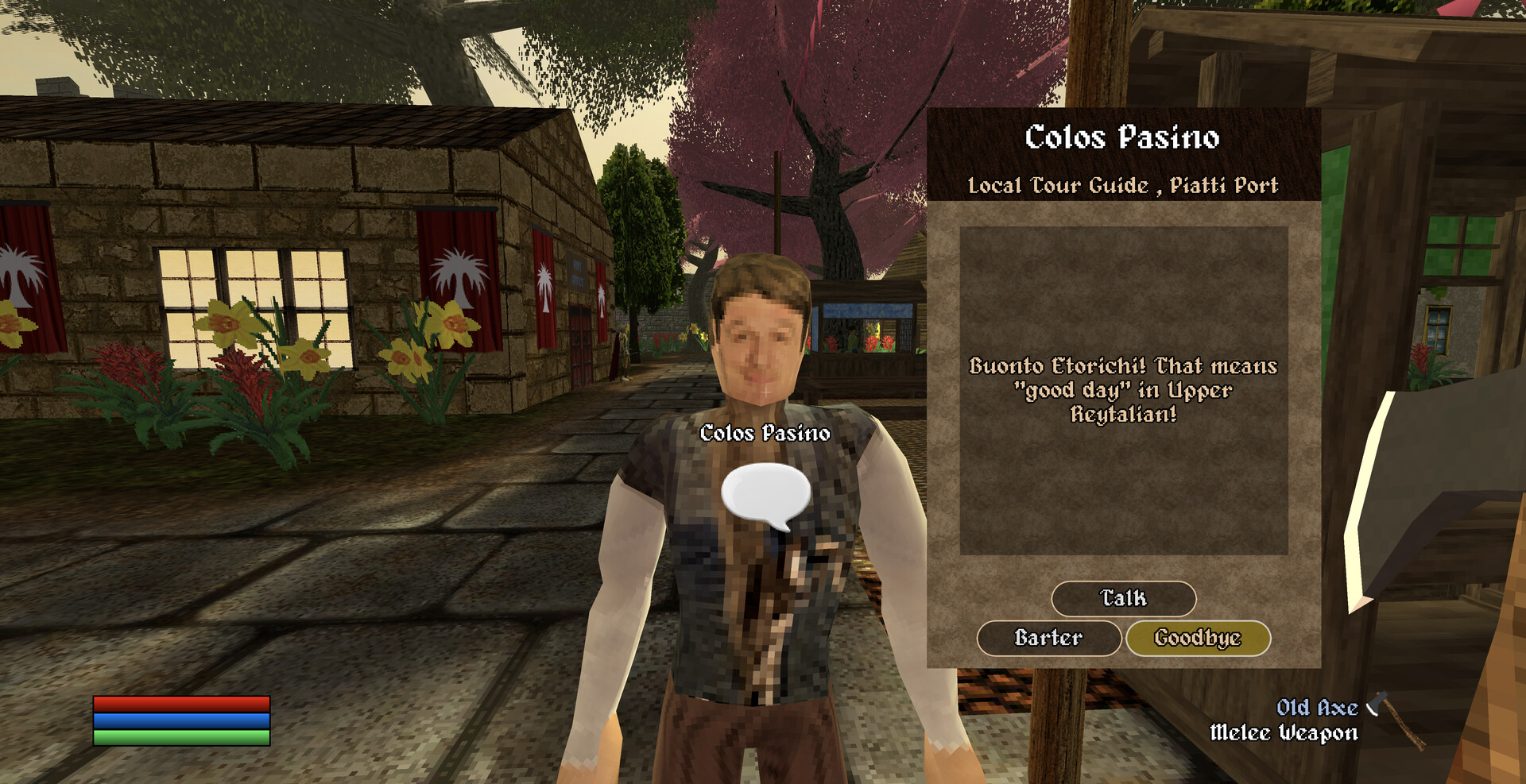
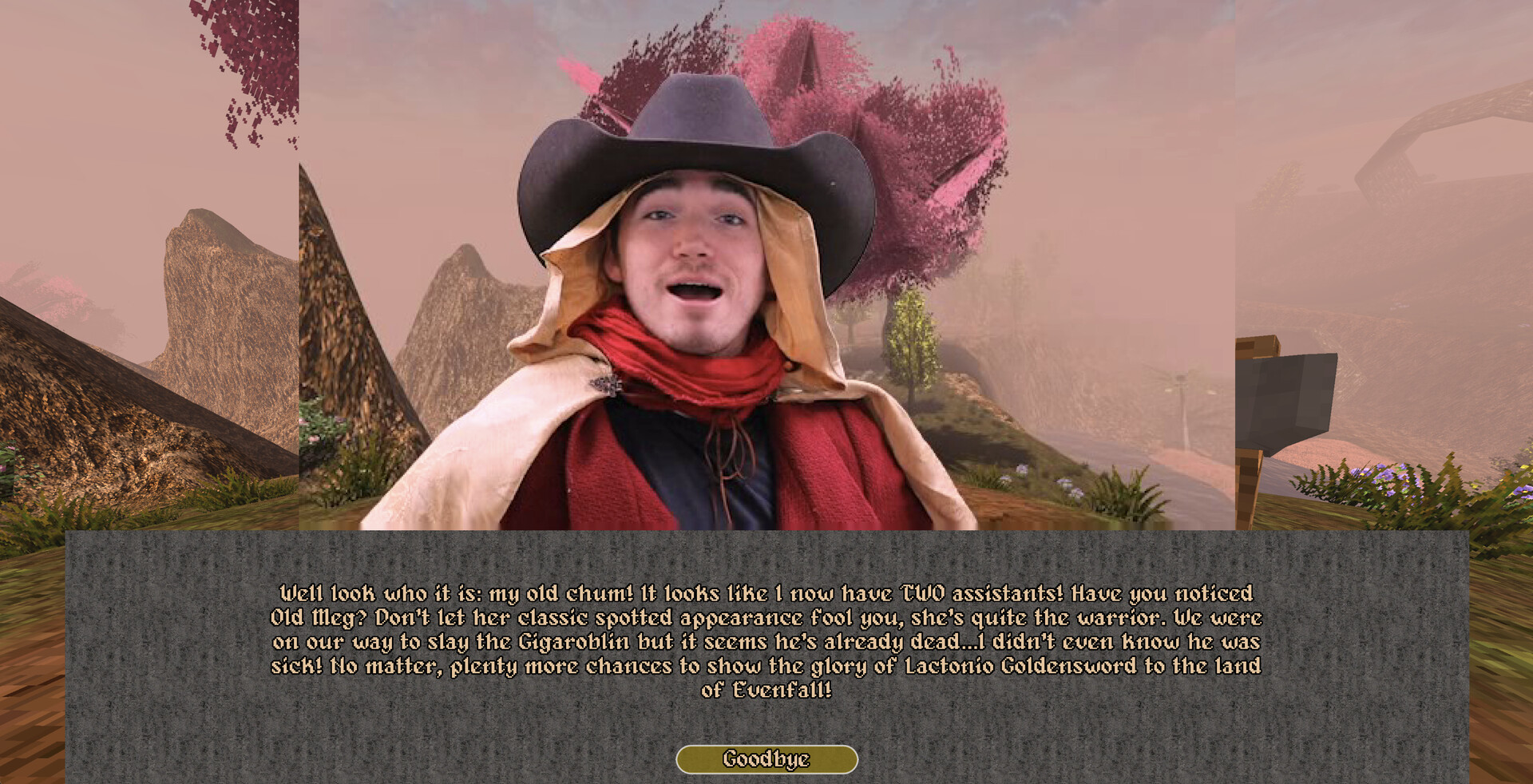
Wizzerd Quest 2 is an adventure RPG from Kondoorsoft that significantly expands on its shareware predecessor with a fully-fledged 3D open world and live-action cinematics (FMV). Having vanquished the threats of Wayward Island, you must now liberate the mainland of Evenfall from a necromancer cult that has seized the emperor's body for sinister purposes. The game supports both single-player and split screen co op (requires two controllers), where you battle region by region to restore freedom.
Key improvements include full 3D movement with customizable controls, a revamped inventory and barter system, and a fully functional map that displays locations without intrusive quest markers. Expect handwritten dialogue for each NPC, a variety of minigames and side quests, and a variety of factions to interact with in this meticulously crafted world. The developers promise a complete absence of microtransactions, intrusive DRM, and AI generated content only a pure retro RPG experience. The main campaign takes a reasonable 5-10 hours to complete, making the game a focused adventure that respects your time and is filled with charm and humor throughout.
NOTE. Uploaded version: 23 June 2026 [Build 23866761]. This is Full Release and latest version of game. The game is already Pre-Installed and ready to run, read the instruction below.
Game Details
- Title: Wizzerd Quest 2
- Genre: Adventure
- Developer: Kondoorsoft
- Publisher: Kondoorsoft, KIDA
- Release year: 2026
- Available Languages: English
- Release Name: Wizzerd.Quest.2.Build.23866761-TENOKE
- Game Version: Build 23866761 (upd.23.06.2026)
- Game Releaser: TENOKE
- Size: 1.74 GB
System Requirements
Minimum:
Requires a 64-bit processor and operating system
OS: Windows 10 x64
Processor: Intel Pentium G4560 or AMD Athlon 3000G
Graphics: Radeon RX 550 or GeForce GT 1030 2GB
Storage: 2 GB available space
Recommended:
Requires a 64-bit processor and operating system
Screenshots
Video
How to Install
1. The first thing we do is download the game's installation files.
2. Unzip the archive to the hard disk.
3. Mount or burn the ISO image in the disk emulator (UltraISO program).
4. After mount ISO, go to the folder and run the file «setup.exe».
5. During the installation, we specify the location on the disk where we want to install it.
6. Copy the contents of the folder «CRACK» in the folder with the game.
7. At the end of the unpacking process, a shortcut appears on the desktop.
8. Launch the game!
Download Wizzerd Quest 2 Build 23866761 (upd.23.06.2026) — TENOKE
Alternative Download Links
Alternative Mirrors
Game Update History
- Wizzerd Quest 2 → Build 23866761 [ 23.06.2026 ]