Desktop Explorer Build 24279858 (upd.19.07.2026) - TENOKE
About The Game
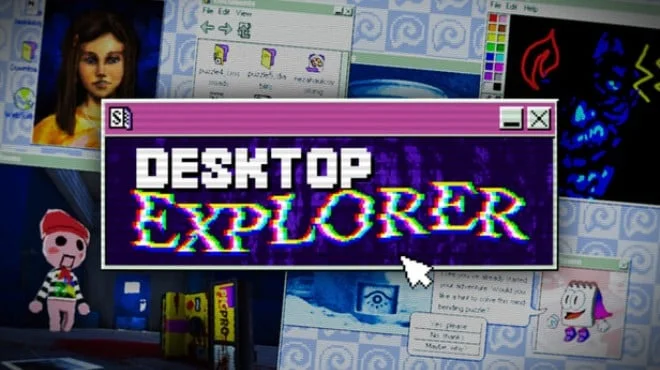
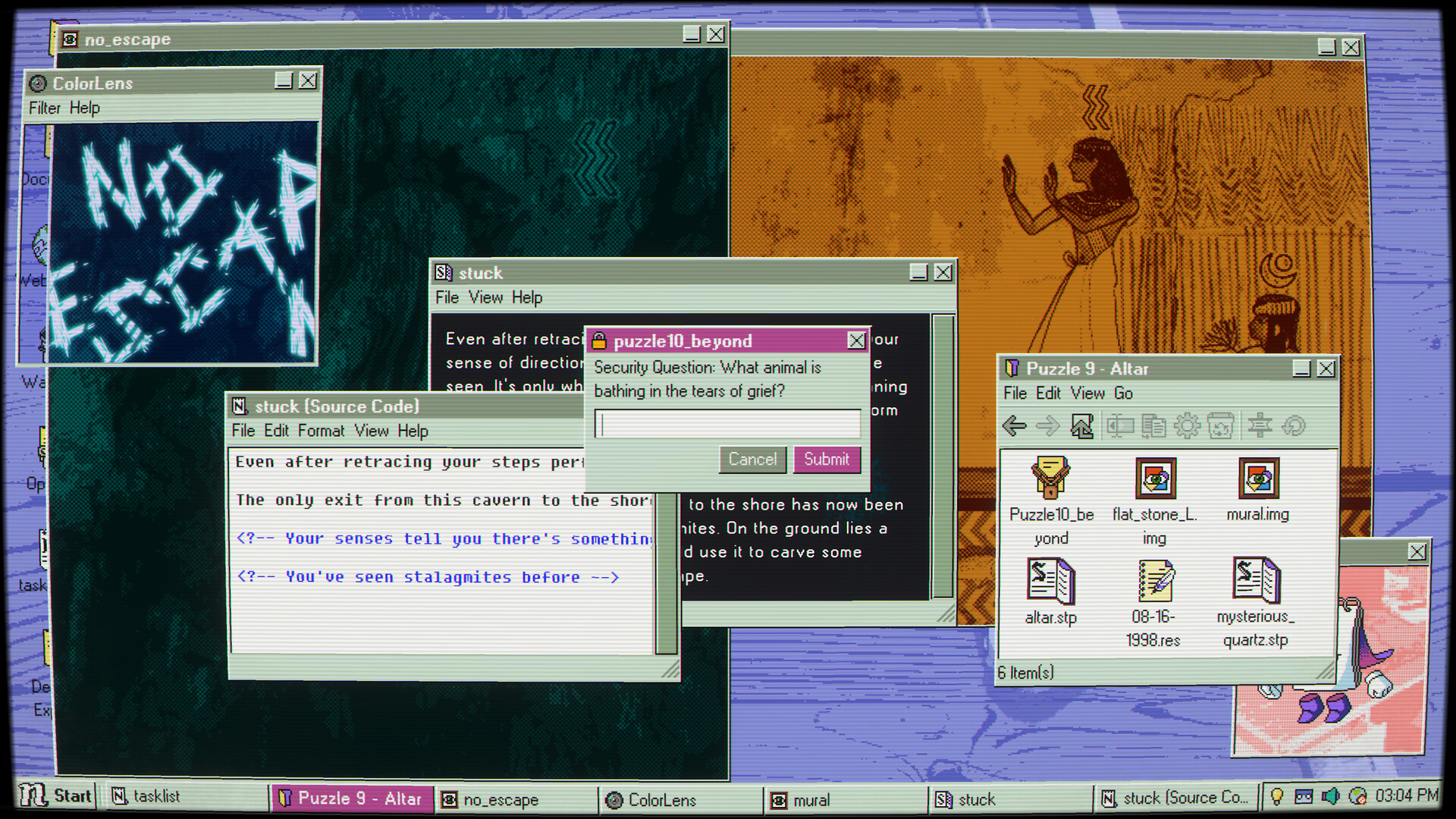
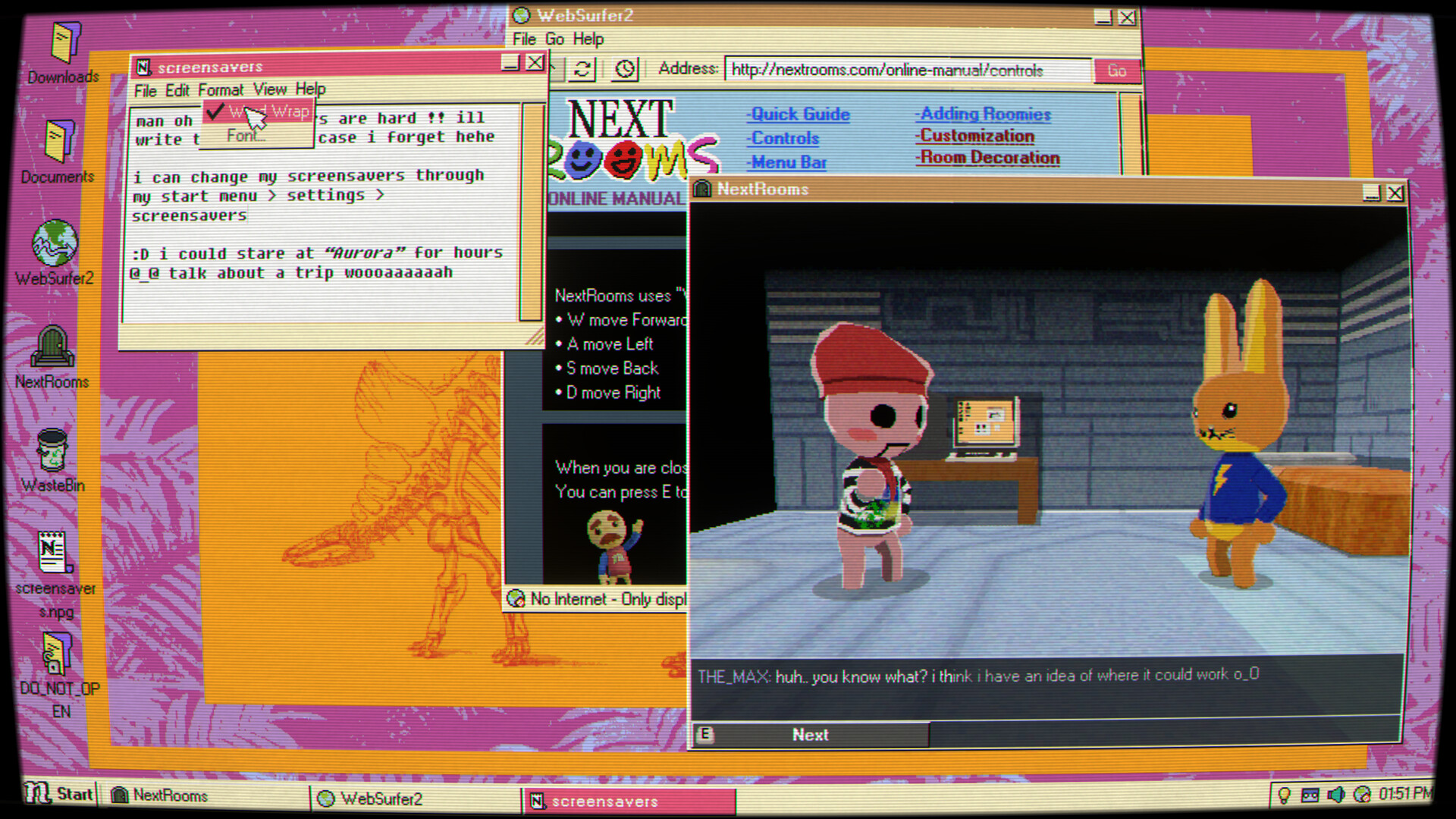
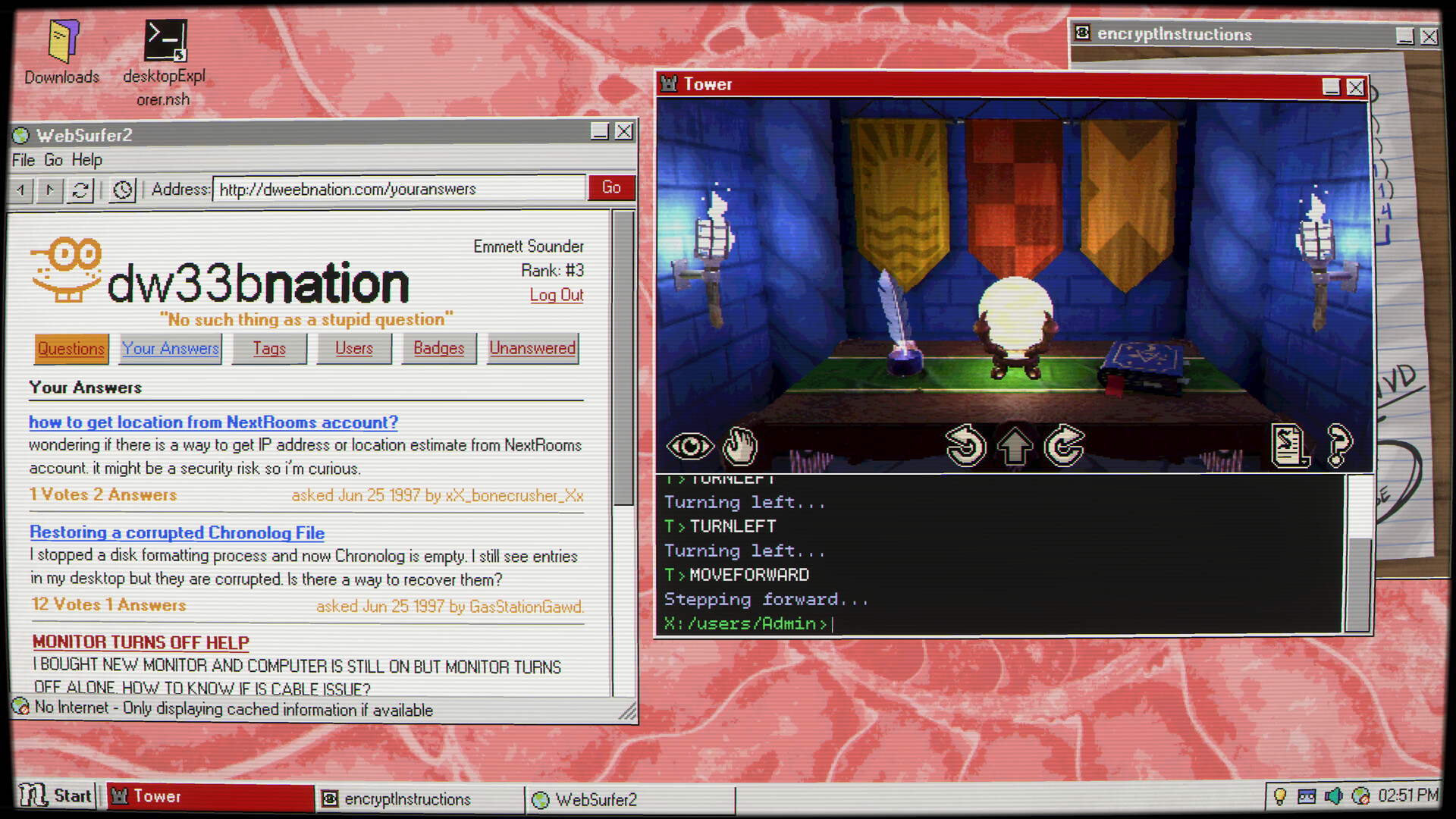
Desktop Explorer is an indie simulation adventure in which you inherit your uncle's old computer and discover it harbors dark secrets. A letter found on the computer tasks you with investigating a missing person's case through a mysterious puzzle of the same name. During the course of the investigation, you discover that the computer contains traces of multiple users, and the program itself plays a key role in a disturbing digital mystery from the 1990s. You must explore the authentic interface of the retro operating system, solving puzzles, delving through file explorers, chat logs, corrupted applications, and forgotten software to piece together the truth.
The game combines psychological horror with detective work, telling its story through eerie computer interfaces and fragmented memories, offering immersive 3D environments rendered in a retro digital aesthetic. You'll be able to interact with classic pre-installed computer games and enjoy an original soundtrack that combines evocative music with nostalgic computer sounds. Developed by Recurring Dream using exclusively traditional creative processes without AI generated content, the game conveys the unsettling atmosphere of abandoned digital spaces. Players should be aware that the game periodically features flashing lights and screen effects that may affect those with photosensitive conditions. Every window and every file contains potential clues in this atmospheric mystery, which transforms mundane OS tools into investigative tools.
NOTE. Uploaded version: 19 July 2026 [Build 24279858]. This is Full Release and latest version of game. The game is already Packaged in ISO File and ready to run after install, read the instruction below.
Game Details
- Title: Desktop Explorer
- Genre: Point & Click, Puzzle, Simulation, Adventure, Text-Based, Visual Novel
- Developer: Recurring Dream
- Publisher: Recurring Dream, Outersloth, indienova
- Release year: 2026
- Available Languages: English, Simplified Chinese, Spanish - Latin America, Traditional Chinese
- Release Name: Desktop.Explorer.Build.24279858-TENOKE
- Game Version: Build 24279858 (upd.19.07.2026)
- Game Releaser: TENOKE
- Size: 540.05 MB
System Requirements
Minimum:
OS *: Windows 7 SP1+ (or later)
Processor: Intel or AMD Dual Core at 2 GHz or better
Memory: 2 GB RAM
Graphics: Intel Graphics 4400 or better
DirectX: Version 11
Storage: 400 MB available space
* Starting January 1st, 2024, the Steam Client will only support Windows 10 and later versions.
Screenshots
Video
How to Install
1. The first thing we do is download the game's installation files.
2. Unzip the archive to the hard disk.
3. Mount or burn the ISO image in the disk emulator (UltraISO program).
4. After mount ISO, go to the folder and run the file «setup.exe».
5. During the installation, we specify the location on the disk where we want to install it.
6. Copy the contents of the folder «CRACK» in the folder with the game.
7. At the end of the unpacking process, a shortcut appears on the desktop.
8. Launch the game!
Download Desktop Explorer Build 24279858 (upd.19.07.2026) — TENOKE
Alternative Download Links
Alternative Mirrors
Game Update History
- Desktop Explorer → Build 24279858 [ 19.07.2026 ]