Inspection Build 13429955 (upd.18.02.2024) - TENOKE

About The Game
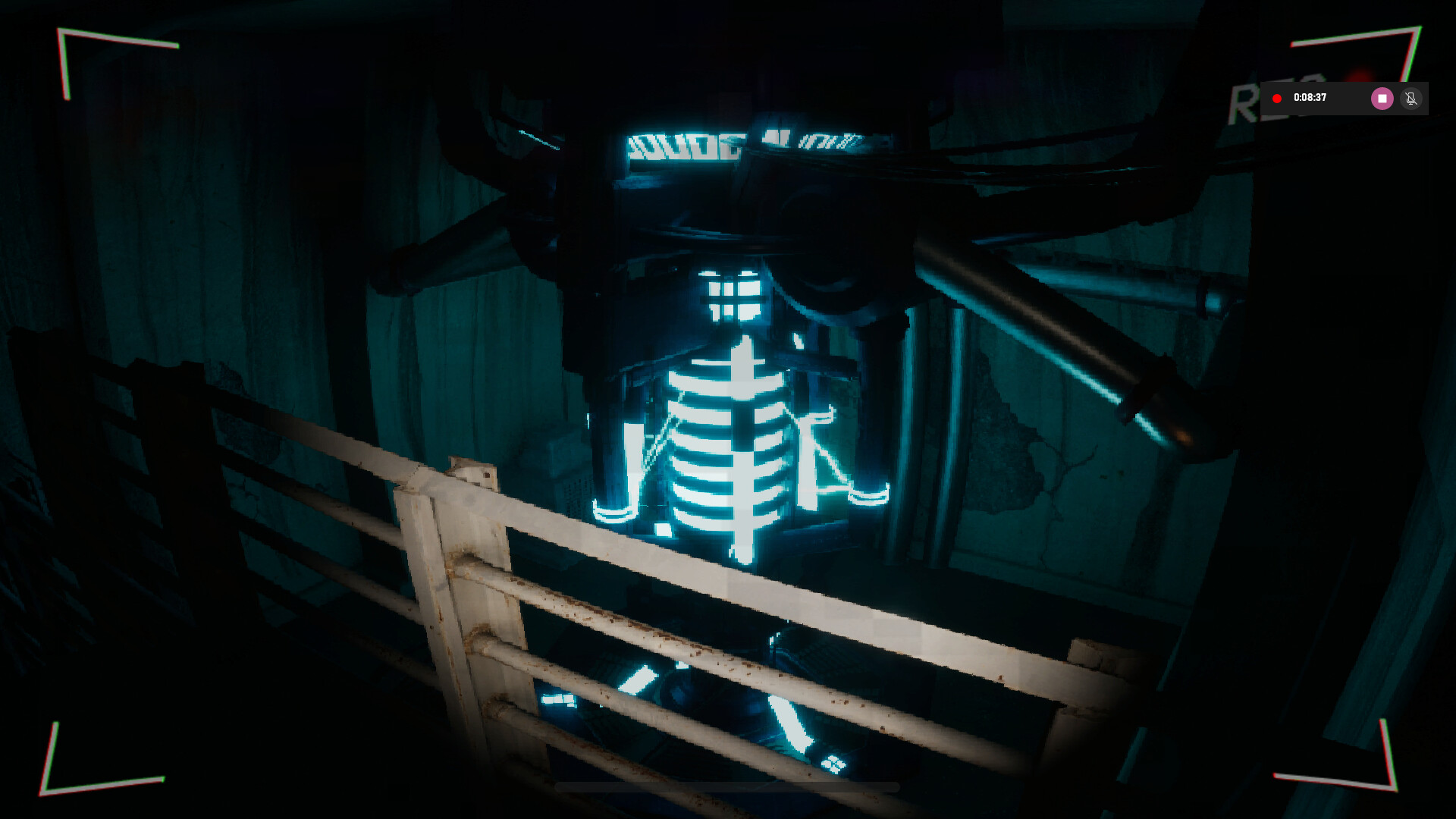
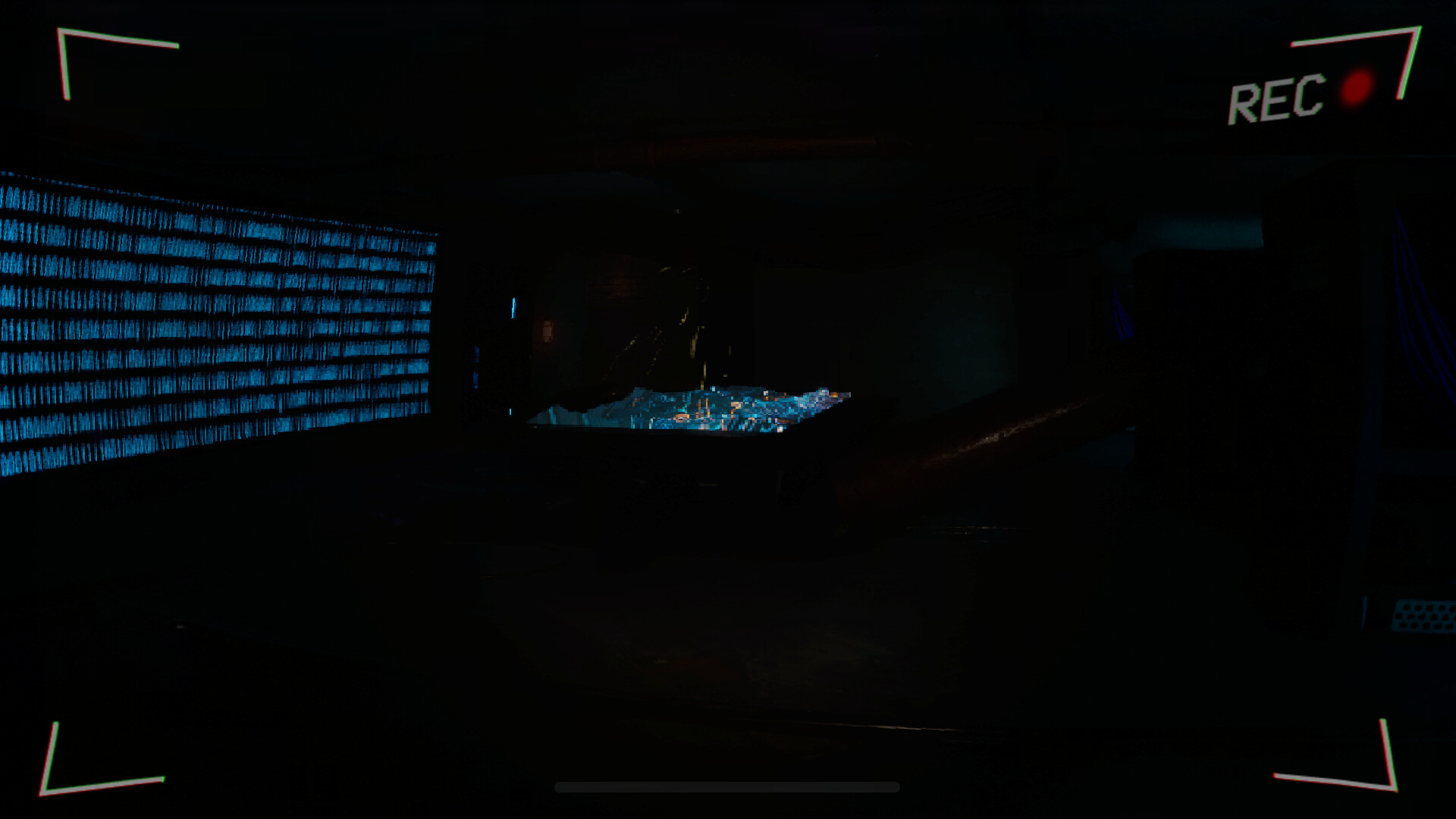
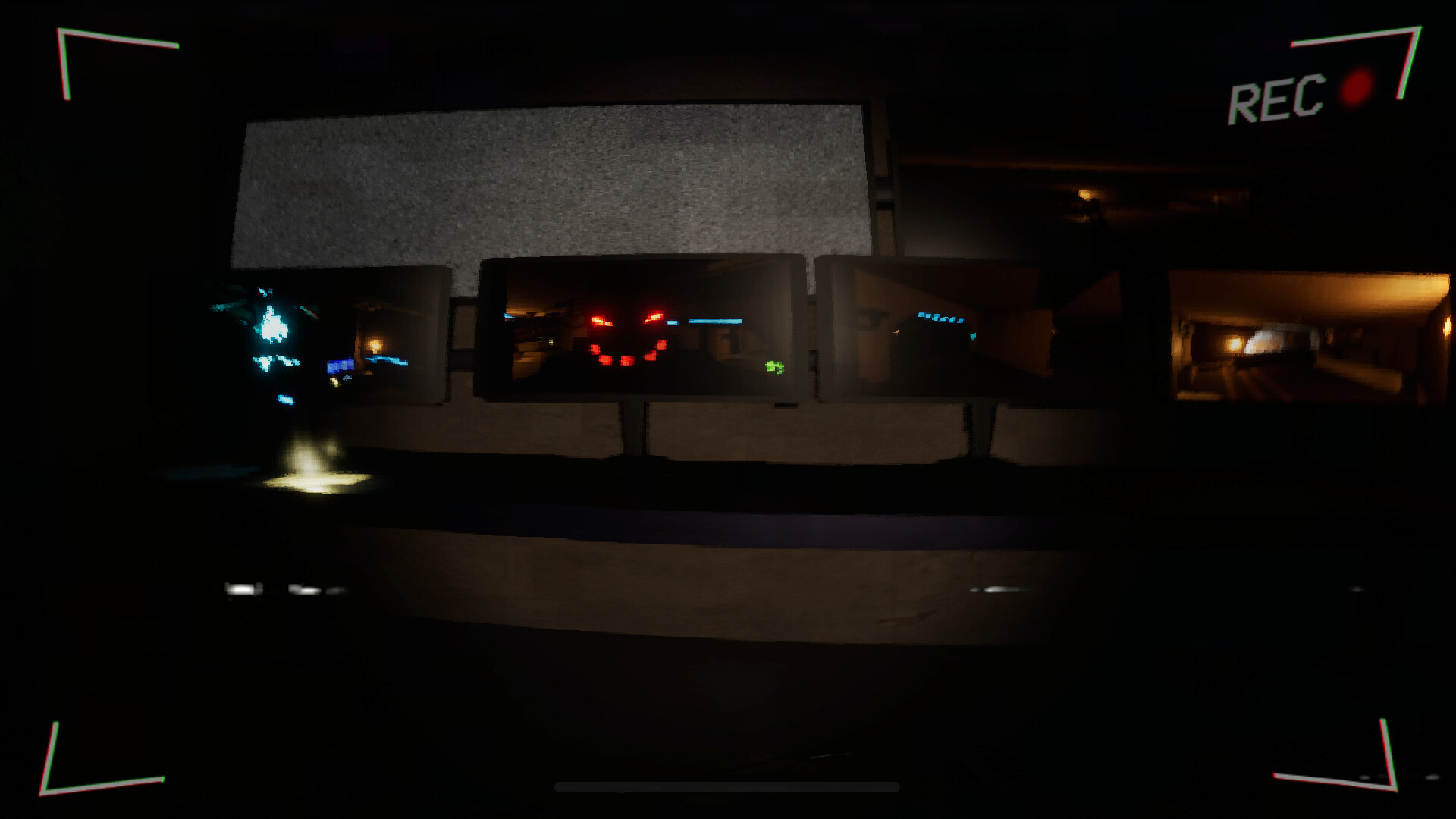
Dive into a world of mystery and intrigue in Inspection, an atmospheric adventure game developed by Adam Crockford, William Hargrave-Pawson, and Callum Skinner, and published by Shloppy Studios. Released in 2024, «Inspection» immerses players in a captivating indie experience that will keep you on the edge of your seat. In Inspection, you step into the shoes of a novice inspector tasked with unraveling the secrets of a forgotten and mysterious location. As you explore the intricately designed environments, you’ll uncover clues, solve puzzles, and interact with a cast of intriguing characters, each with their own hidden agendas and motivations.
But be warned every decision you make will have consequences, shaping the outcome of your investigation and ultimately determining the fate of the world around you. Will you uncover the truth and bring light to the darkness, or will you succumb to the shadows that lurk within? With its gripping narrative, immersive gameplay, and stunning visuals, Inspection offers a unique and unforgettable adventure for players seeking a thought-provoking indie experience. So prepare to embark on a journey of discovery and deception in «Inspection,» where every choice matters and nothing is as it seems.
Game Details
- Title: Inspection
- Genre: Adventure, Indie
- Developer: Adam Crockford, William Hargrave-Pawson, Callum Skinner
- Publisher: Shloppy Studios
- Release year: 2024
- Available Languages: English
- Release Name: Inspection-TENOKE
- Game Version: Build 13429955 (upd.18.02.2024)
- Game Releaser: TENOKE
- Size: 1.75 GB
System Requirements
MINIMUM:
OS: Windows 10
Processor: Intel Core i7-6500U CPU @ 2.5 GHz
Memory: 8 GB RAM
Graphics: GeForce MX550 2GB GDDR6
Network: Broadband Internet connection
Storage: 7 GB available space
Sound Card: Realtek Audio
RECOMMENDED:
OS: Windows 10
Processor: AMD Ryzen 9 5950X 16-Core Processor @ 3.40 GHz
Memory: 64 GB RAM
Graphics: NVIDIA GeForce RTX 3060ti
Network: Broadband Internet connection
Storage: 7 GB available space
Sound Card: NVIDIA High Definition Audio
Screenshots
Video
How to Install
1. The first thing we do is download the game’s installation files.
2. Unzip the archive to the hard disk.
3. Mount or burn the ISO image in the disk emulator (UltraISO program).
4. After mount ISO, go to the folder and run the file «setup.exe».
5. During the installation, we specify the location on the disk where we want to install it.
6. Copy the contents of the folder «CRACK» in the folder with the game.
7. At the end of the unpacking process, a shortcut appears on the desktop.
8. Launch the game!
Download Inspection Build 13429955 (upd.18.02.2024) — TENOKE
Alternative Download Links
Alternative Mirrors
Game Update History
- Inspection → v1.0 Build 13429955 [ 18.02.2024 ]