CYBER INTERNET CLUB SIMULATOR Build 15163168 (upd.27.07.2024) - TENOKE

About The Game
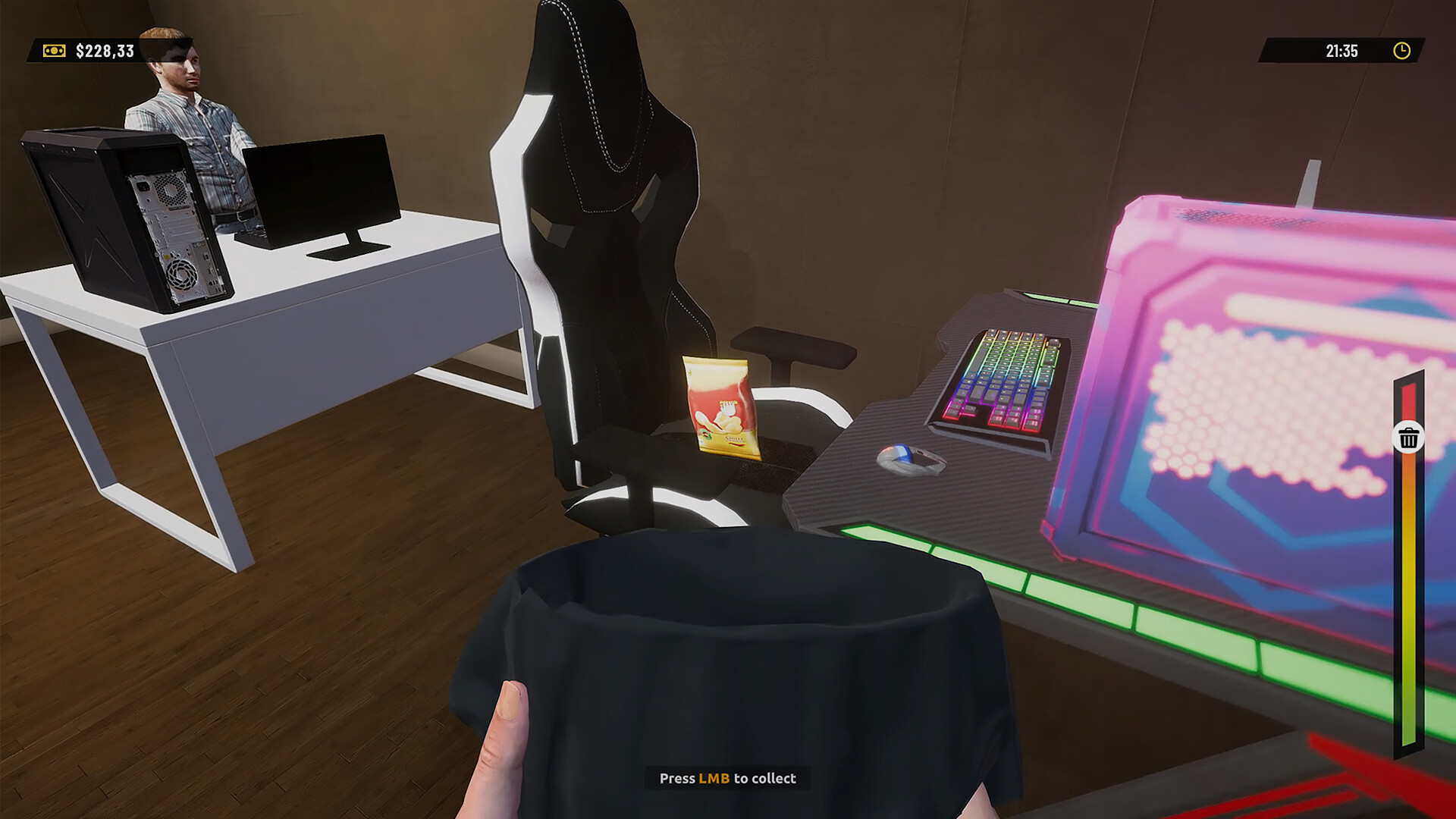
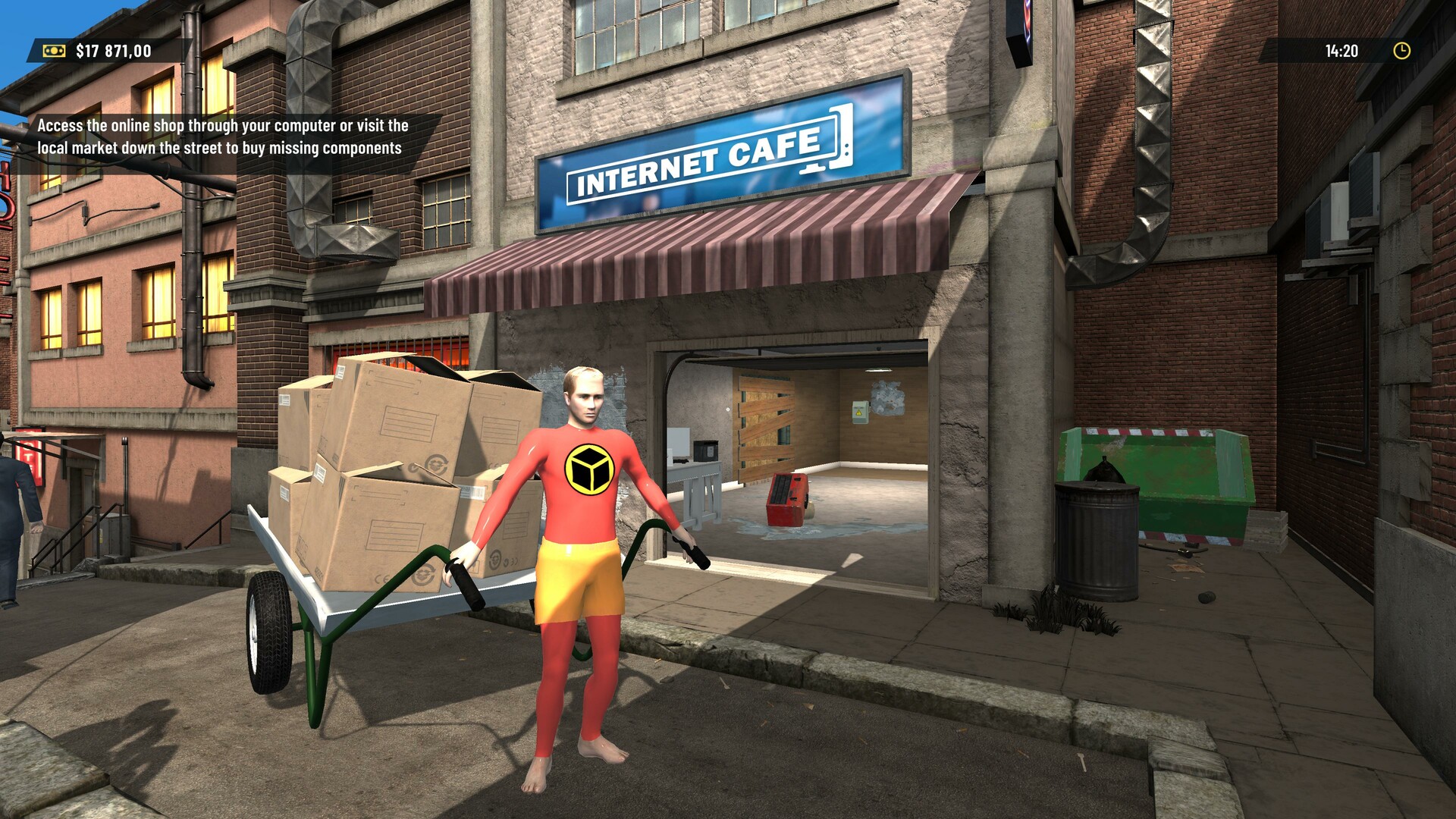
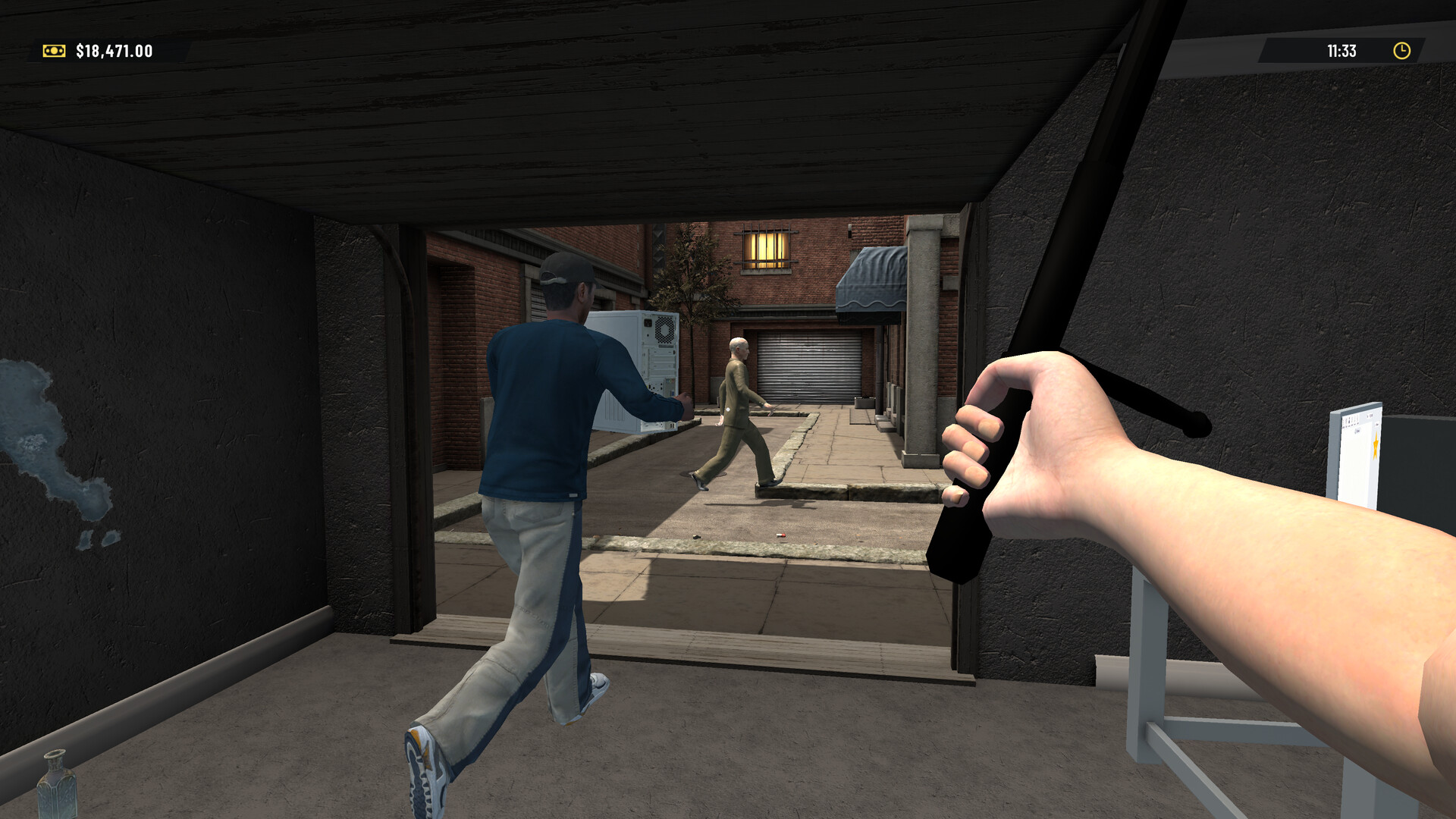
CYBER INTERNET CLUB SIMULATOR is a casual simulation game developed by Geekon in which you manage and expand a futuristic cyber cafe. As the mastermind behind the hottest digital party animal in town, you’ll face challenges from hackers and competitors as you try to build your empire. From humble beginnings, you’ll strategically manage resources, make smart investments, and maintain cash flow to transform your base establishment into the ultimate cyber haven.
The game is highly customizable, allowing you to tailor your club’s aesthetic from sleek futurism to retro vibes. You’ll need to constantly update your hardware, including gaming PC and VR rigs, to attract a diverse clientele of tech enthusiasts. Customer satisfaction is key, so paying close attention to feedback and adapting your approach is key to success. Through a combination of management simulator, strategic decision-making and creative customization, CYBER INTERNET CLUB SIMULATOR offers an exciting experience for players looking to build and manage their own digital empire in a competitive cyber landscape.
Game Details
- Title: CYBER INTERNET CLUB SIMULATOR
- Genre: Casual, Simulation
- Developer: Geekon
- Publisher: Midnight Games
- Release year: 2024
- Available Languages: English, French, Italian, German, Spanish - Spain, Simplified Chinese, Russian
- Release Name: CYBER INTERNET CLUB SIMULATOR-TENOKE
- Game Version: Build 15163168 (upd.27.07.2024)
- Game Releaser: TENOKE
- Size: 3.04 GB
System Requirements
Minimum:
Requires a 64-bit processor and operating system
Processor: i3
Graphics: Intel HD Graphics
Recommended:
Requires a 64-bit processor and operating system
OS: Win 10
Processor: i5
Graphics: GTX 1060
Screenshots
Video
How to Install
1. The first thing we do is download the game’s installation files.
2. Mount or burn the ISO image in the disk emulator (UltraISO program).
3. During the installation, we specify the location on the disk where we want to install it.
4. Wait until the installation process is complete, a shortcut will appear on the desktop.
5. Copy the contents of the folder «TENOKE» in the folder with the game.
6. Start the game.
Download CYBER INTERNET CLUB SIMULATOR Build 15163168 (upd.27.07.2024) — TENOKE
Alternative Download Links
Alternative Mirrors
Game Update History
- CYBER INTERNET CLUB SIMULATOR → Build 15163168 [ 27.07.2024 ]