Train Traffic Manager Build 12176219 (upd.16.09.2024) - TENOKE
About The Game
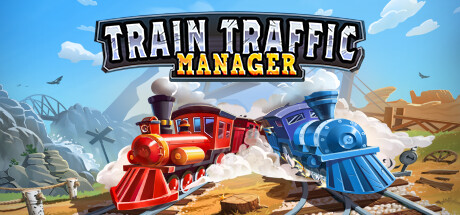
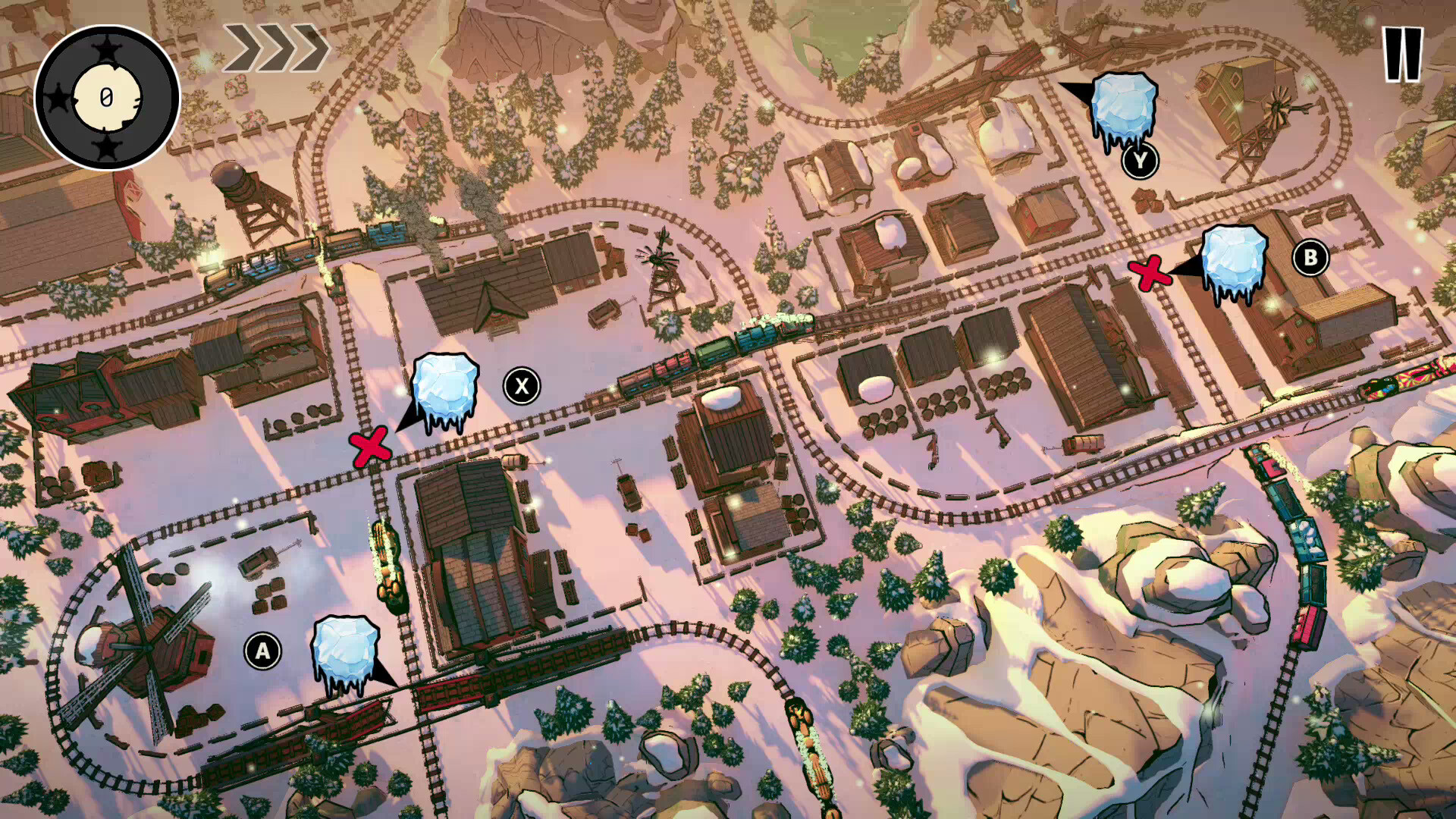
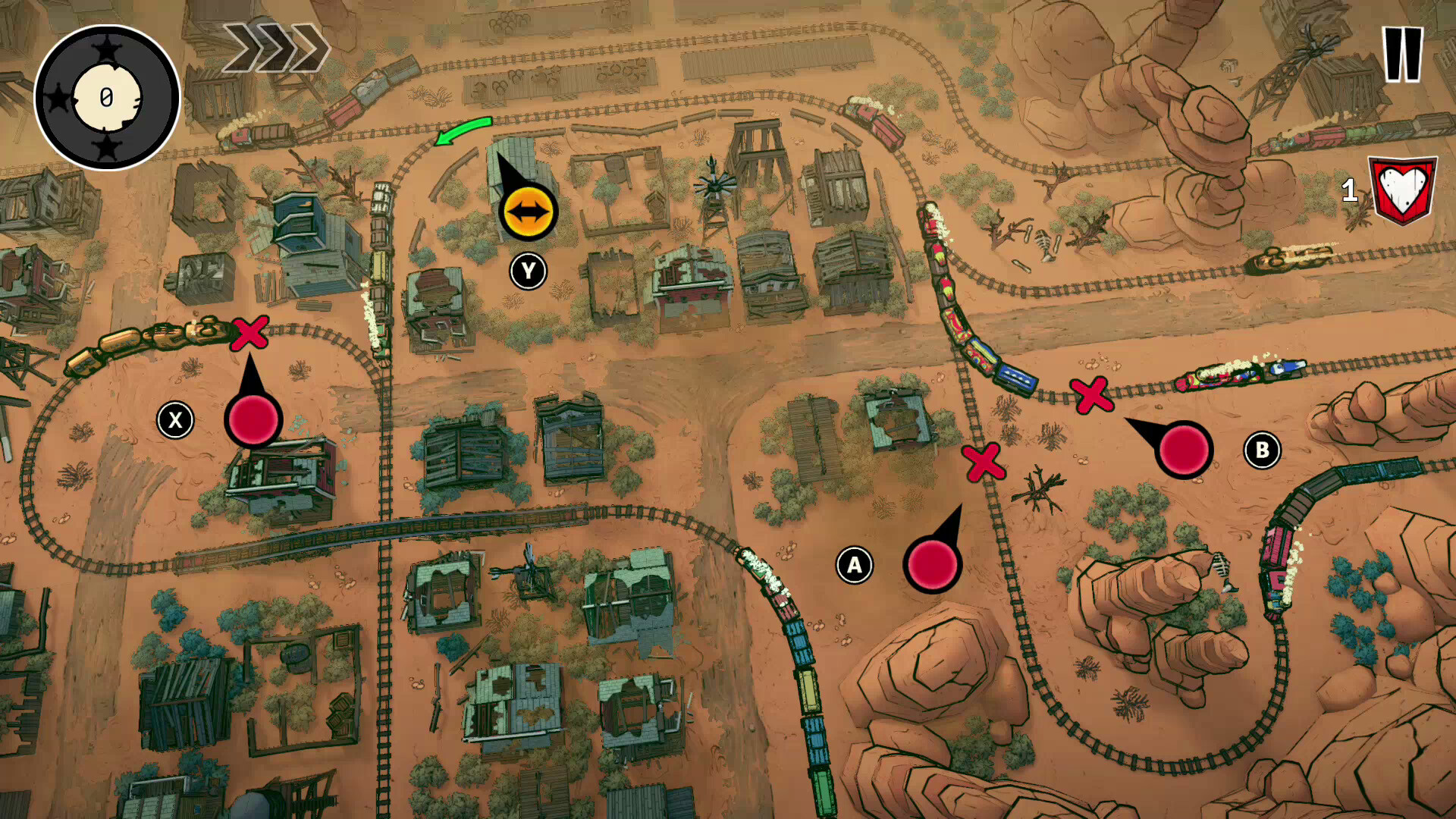
Train Traffic Manager is a puzzle strategy game that challenges players to manage a complex railway system. Developed by Baltoro Games, this casual indie game challenges players to operate switches, signals, and drawbridges while preventing trains from colliding. The game features over 80 levels set in a variety of environments, including deserts, forests, and winter landscapes, with unique obstacles such as meteor showers and fallen trees. Players must think quickly and plan effectively to overcome these challenges. For those looking for a more relaxed experience, there is an endless mode that allows players to play without a goal. With a combination of strategic thinking and fast-paced gameplay, Train Traffic Manager offers a fresh take on the traditional model railway concept and offers a fun experience for puzzle and strategy enthusiasts alike.
NOTE. Uploaded version: 16 September 2024 [v1.0 Build 12176219]. This is Full Release and latest version of game. The game is already Packaged in ISO File and ready to run the game after install, read the instruction below.
Game Details
- Title: Train Traffic Manager
- Genre: Casual, Indie, Strategy
- Developer: Baltoro Games
- Publisher: Baltoro Games
- Release year: 2024
- Available Languages: English, French, German, Spanish - Spain, Traditional Chinese, Japanese, Korean, Polish
- Release Name: Train.Traffic.Manager-TENOKE
- Game Version: Build 12176219 (upd.16.09.2024)
- Game Releaser: TENOKE
- Size: 4.37 GB
System Requirements
MINIMUM:
OS: Windows 7
Processor: Core i3 or equivalent
Memory: 2 GB RAM
Graphics: DirectX 11 and/or OpenGL 3.3 compatible video card
DirectX: Version 11
Storage: 1 GB available space
RECOMMENDED:
OS: Windows 10 64-bit
Processor: Core i5 or equivalent
Memory: 4 GB RAM
Graphics: DirectX 11 and/or OpenGL 3.3 compatible video card
DirectX: Version 11
Storage: 1 GB available space
Screenshots

Video
How to Install
1. The first thing we do is download the game’s installation files.
2. Unzip the archive to the hard disk.
3. Mount or burn the ISO image in the disk emulator (UltraISO program).
4. After mount ISO, go to the folder and run the file «setup.exe».
5. During the installation, we specify the location on the disk where we want to install it.
6. Copy the contents of the folder «CRACK» in the folder with the game.
7. At the end of the unpacking process, a shortcut appears on the desktop.
8. Launch the game!
Download Train Traffic Manager Build 12176219 (upd.16.09.2024) — TENOKE
Alternative Download Links
Alternative Mirrors
Game Update History
- Train Traffic Manager → Build 12176219 [ 16.09.2024 ]