DIG VR Build 18129922 (upd.25.05.2025)
About The Game
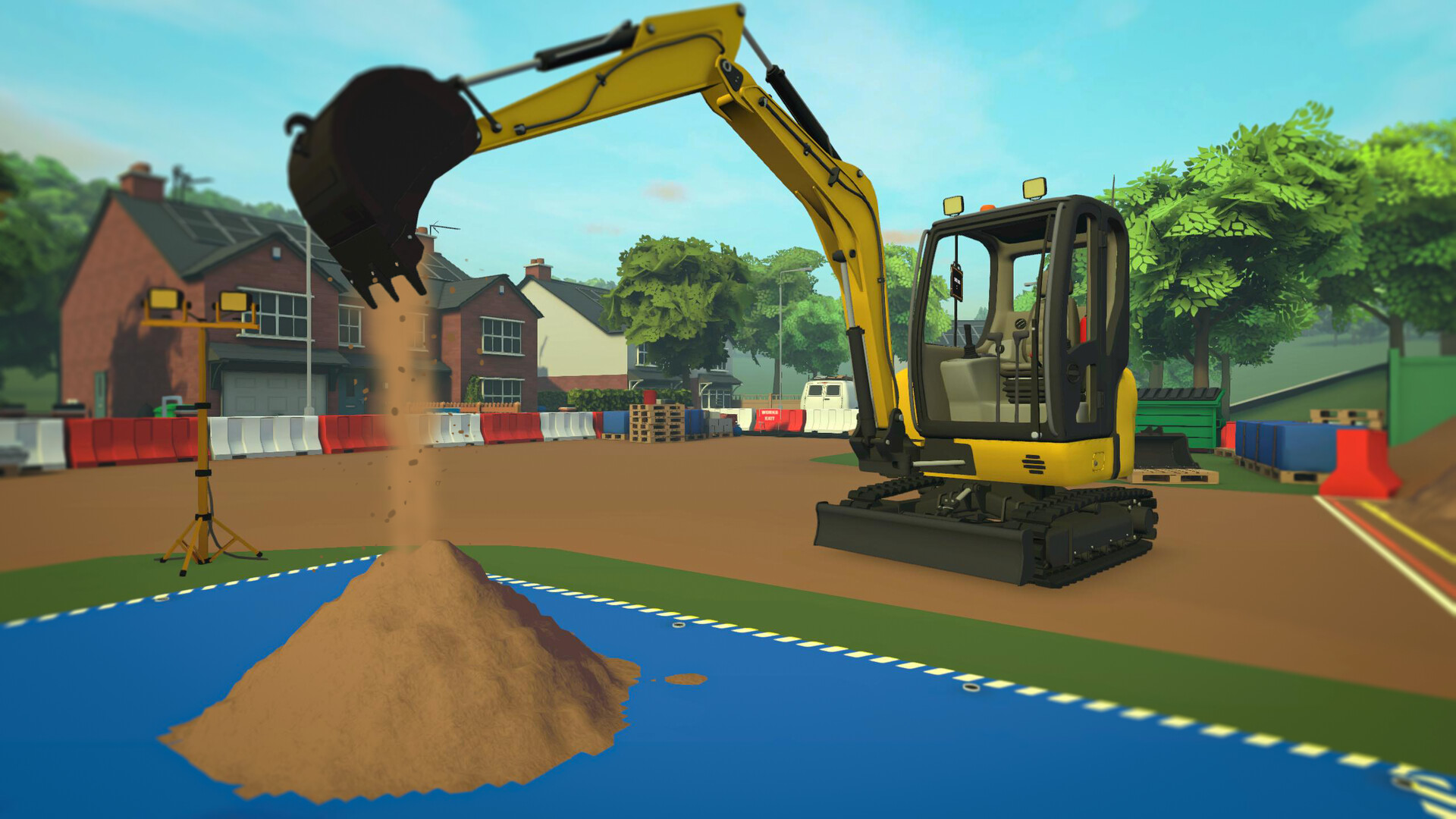
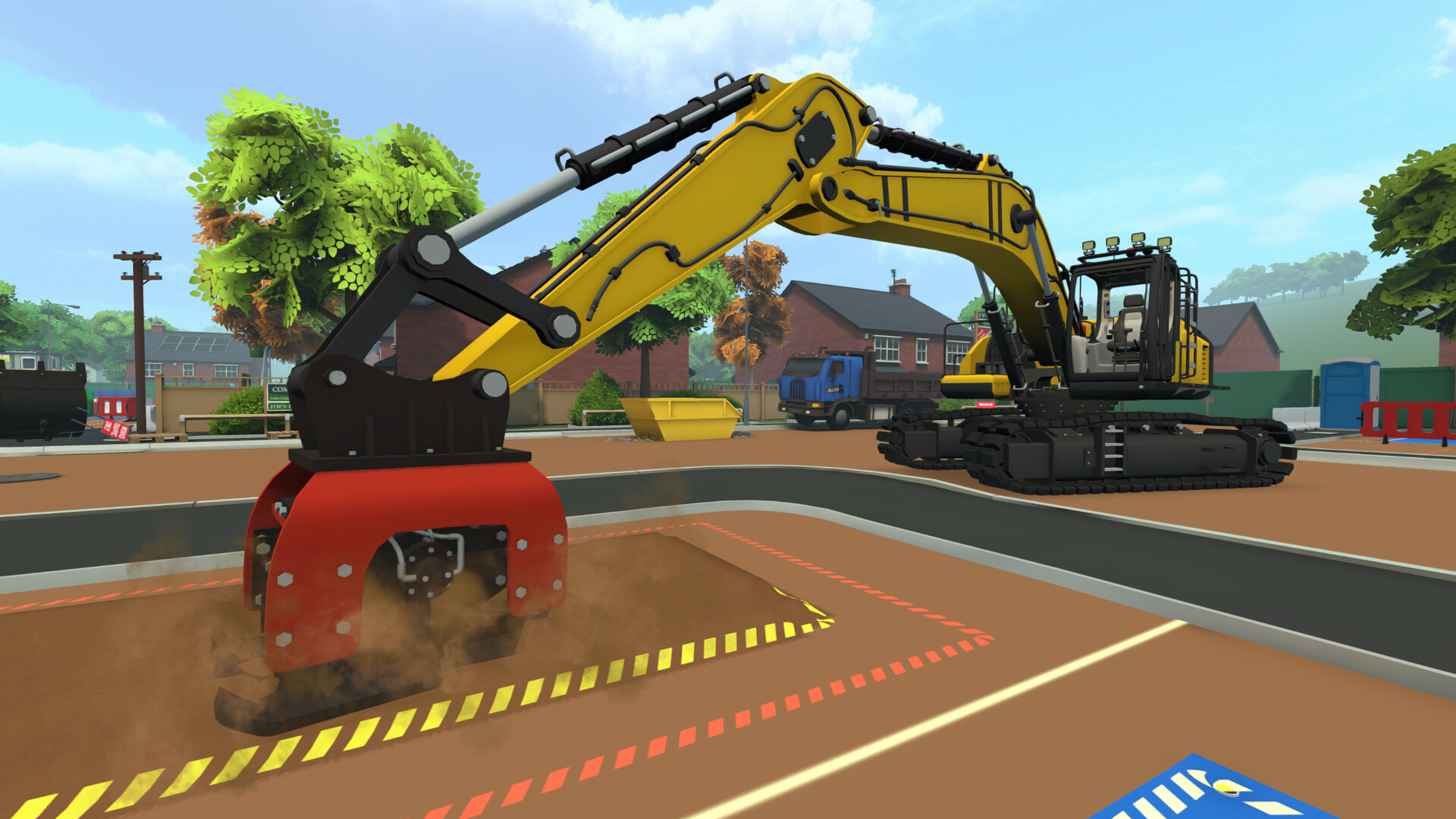
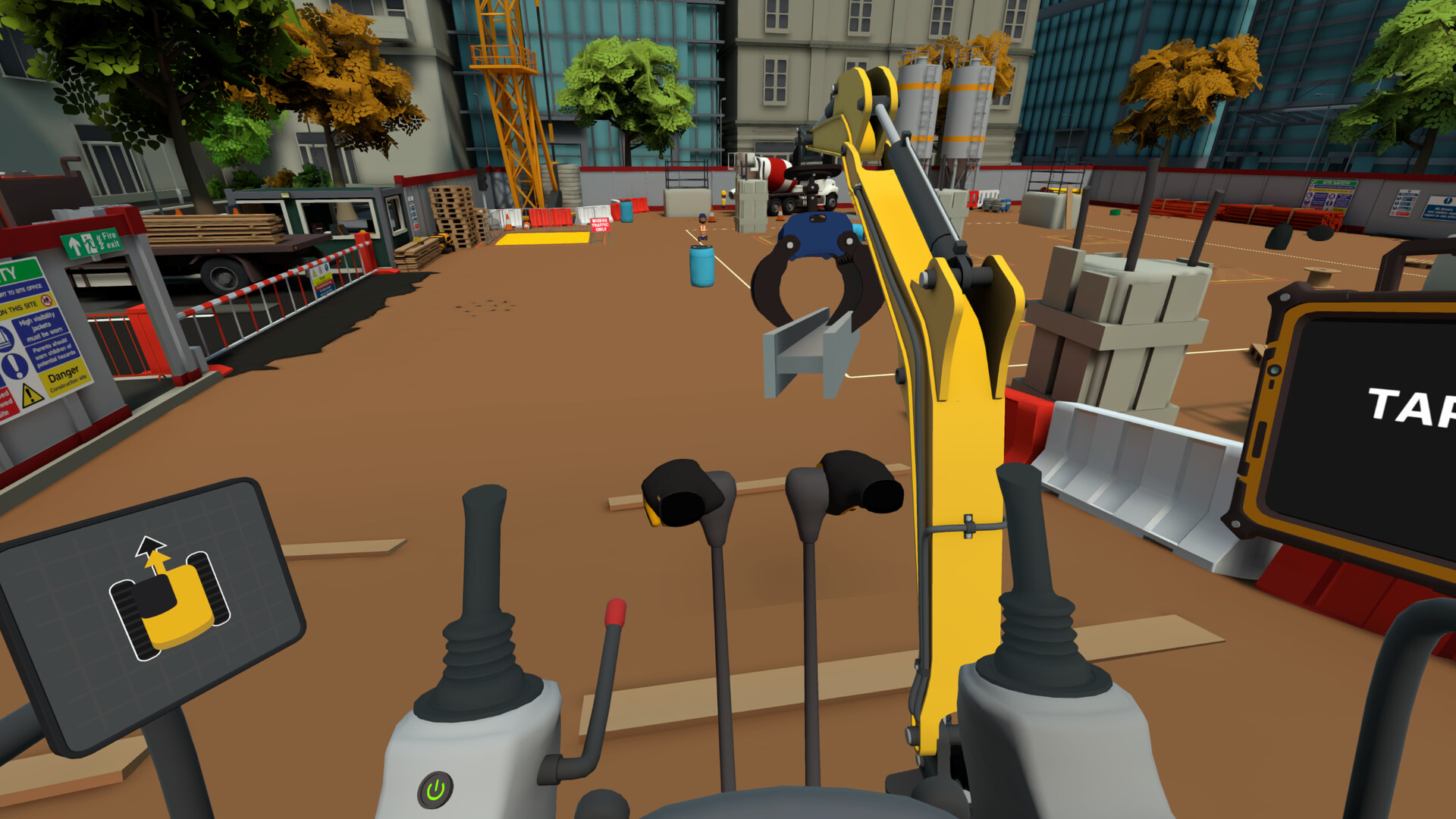
DIG VR is a casual simulation game developed by Just Add Water that puts you behind the wheel of a variety of excavators in the charming town of Digglington. The game features authentic controls that replicate the feel of a real excavator, while remaining an accessible arcade experience for players of all experience levels. You’ll build your construction business by completing a variety of tasks for the townspeople, from standard construction jobs to quirky requests, all while listening.
DIG FM soundtrack. Progress through the ranks by upgrading tiny excavators to massive machines with a variety of attachments, and personalise your machines with over 70 customisation options, including decals, paints and skins. The game offers multiple play styles: a career mode with options for serious and casual players, action-packed mini-games for quick sessions, a relaxing sandbox mode and a regularly updated Lost Treasure mode where you can discover new items.
NOTE. Uploaded version: 25 May 2025 [Build 18129922]. This is Full Release and latest version of game. The game is already Packaged in Installer and ready to run the game after install, read the instruction below.
Game Details
- Title: DIG VR
- Genre: Casual, Indie, Simulation
- Developer: Just Add Water
- Publisher: Wired Productions
- Release year: 2025
- Available Languages: English, French, Italian, German, Spanish - Spain, Japanese, Korean, Polish, Simplified Chinese, Traditional Chinese
- Release Name: DIG-VR-Build-18129922
- Game Version: Build 18129922 (upd.25.05.2025)
- Size: 3.05 GB
System Requirements
Minimum:
OS: Windows 10 64bit
Processor: Intel Core i5-4590 / AMD FX 8350
Memory: 8 GB RAM
Graphics: NVIDIA GeForce GTX 1070, AMD Vega-64
Storage: 5 GB available space
VR Support: Meta Quest 2/3 and Valve Index supported
Screenshots
How to Install
1. The first thing we do is download the game files.
2. Unzip the archive to the hard disk. (how to unzip .rar)
3. Wait for the unpacking process to finish.
4. Start the game «dig-vr.exe» from game folder.
5. The language changes in the menu.
Download DIG VR Build 18129922 (upd.25.05.2025)
Alternative Download Links
Alternative Mirrors
Game Update History
- DIG VR → Build 18129922 [ 25.05.2025 ]