
Chronicles of the Wolf Build 18810911 (upd.22.06.2025) - TENOKE

About The Game
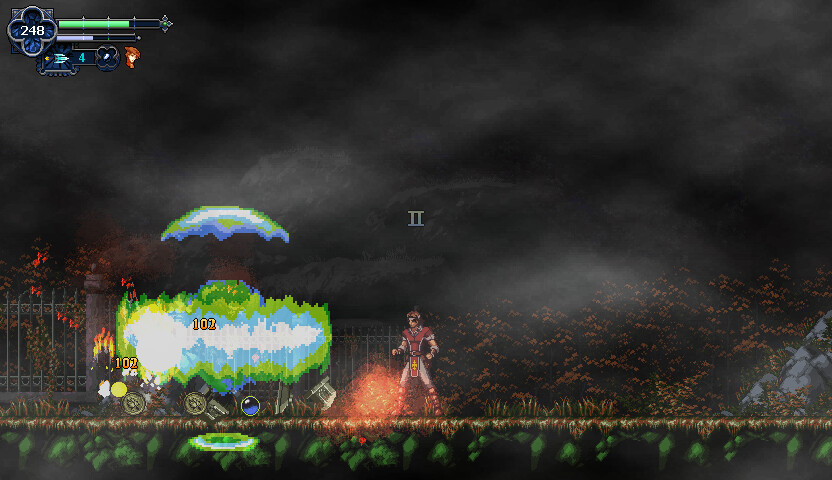
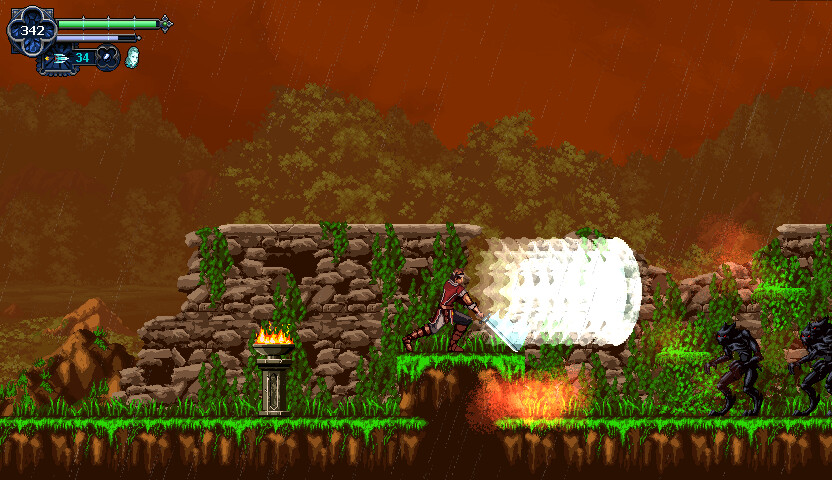
Chronicles of the Wolf is an action-adventure platformer that casts you as Mateo Lombardo, the last disciple of the Order of the Rose Cross, hunting the legendary Beast of Gevaudan. This interconnected Metroidvania-style adventure combines fast-paced combat with challenging exploration of environments such as sprawling castles, dangerous forests, and ancient ruins.
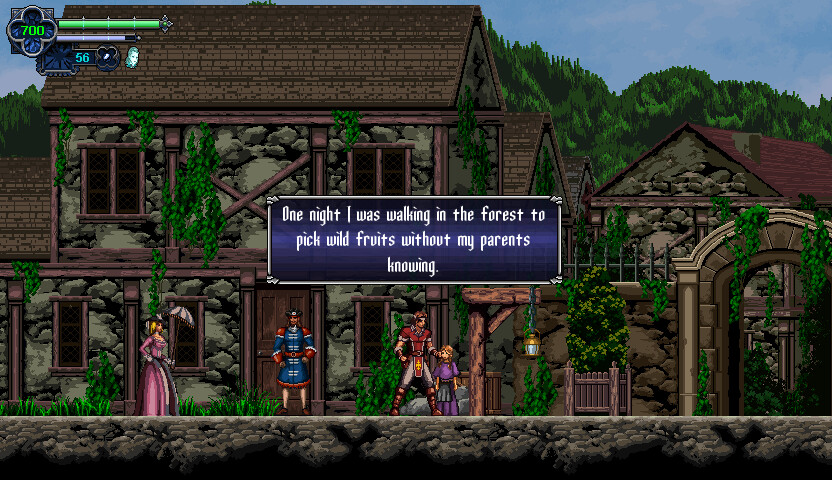
The game places a strong emphasis on player choice, with multiple progression paths allowing you to collect weapons, solve challenging puzzles, and unlock new abilities that open up previously inaccessible areas. Combat is intense and skill-based, with brutal bosses that require mastery of your growing arsenal and abilities. The world comes alive through interactions with local NPCs, who add context and depth to your quest to hunt monsters.
Developed by Migami Games, the game features impressive production values, with illustrated scenes and an atmospheric score by Jeffrey Montoya, complemented by a guest track from Oscar Araujo (Castlevania: Lords of Shadow). The voice cast includes Robert Belgrad (Alucard from Castlevania: Symphony of the Night), as well as a special guest appearance by Bloodless from the Bloodstained series, voiced by Kira Buckland. The game draws inspiration from history, and the gothic atmosphere creates an immersive, cinematic experience perfect for fans of challenging action platformers.
NOTE. Uploaded version: 22 June 2025 [Build 18810911]. This is Full Release and latest version of game. The game is already Packaged in ISO File and ready to run the game after install, read the instruction below.
Game Details
- Title: Chronicles of the Wolf
- Genre: Action, Adventure, Indie
- Developer: Migami Games
- Publisher: PQube, PixelHeart
- Release year: 2025
- Available Languages: English, French, Italian, Spanish - Spain, Japanese, Simplified Chinese, Portuguese - Brazil
- Release Name: Chronicles.of.the.Wolf-TENOKE
- Game Version: Build 18810911 (upd.22.06.2025)
- Game Releaser: TENOKE
- Size: 2.2 GB
System Requirements
Minimum:
OS *: Windows 7+
Processor: Dual Core 1.8ghz
Memory: 1 GB RAM
Graphics: Intel HD
Storage: 50 MB available space
* Starting January 1st, 2024, the Steam Client will only support Windows 10 and later versions.
Screenshots
How to Install
1. The first thing we do is download the game’s installation files.
2. Unzip the archive to the hard disk.
3. Mount or burn the ISO image in the disk emulator (UltraISO program).
4. After mount ISO, go to the folder and run the file «setup.exe».
5. During the installation, we specify the location on the disk where we want to install it.
6. Copy the contents of the folder «CRACK» in the folder with the game.
7. At the end of the unpacking process, a shortcut appears on the desktop.
8. Launch the game!
Download Chronicles of the Wolf Build 18810911 (upd.22.06.2025) — TENOKE
Alternative Download Links
Alternative Mirrors
Game Update History
- Chronicles of the Wolf → Build 18810911 [ 22.06.2025 ]

























































