
Spacenap Build 20392216 (upd.16.10.2025) - TENOKE
About The Game
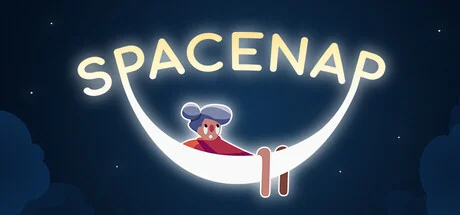
Spacenap is a relaxing casual simulation game where players manage a cozy space station designed for interstellar travelers seeking rest among the stars. Developed and published by Eleven Dusks Studios, the game invites you to build, decorate, and expand your orbital haven while keeping your alien guests happy and comfortable.
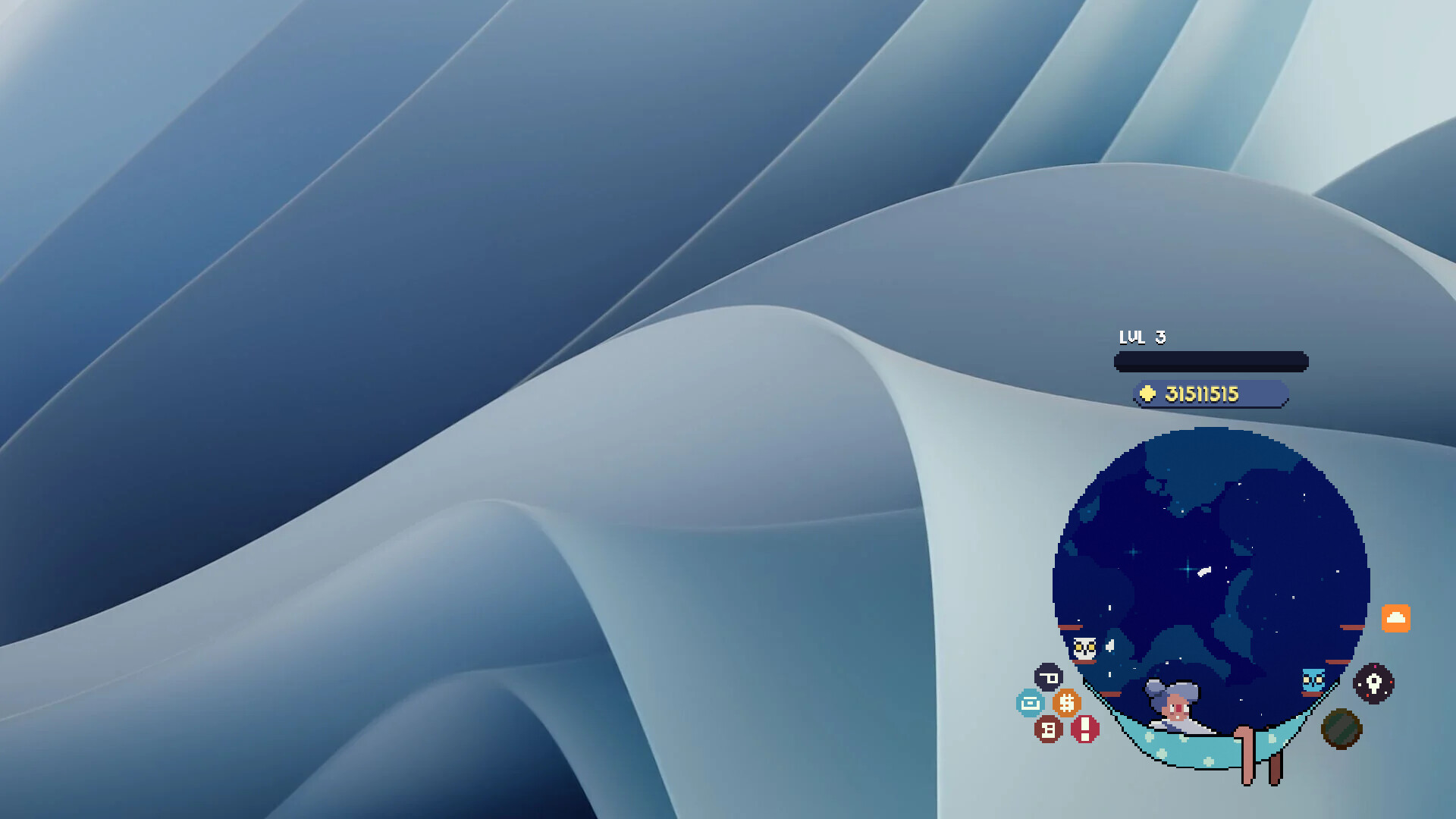
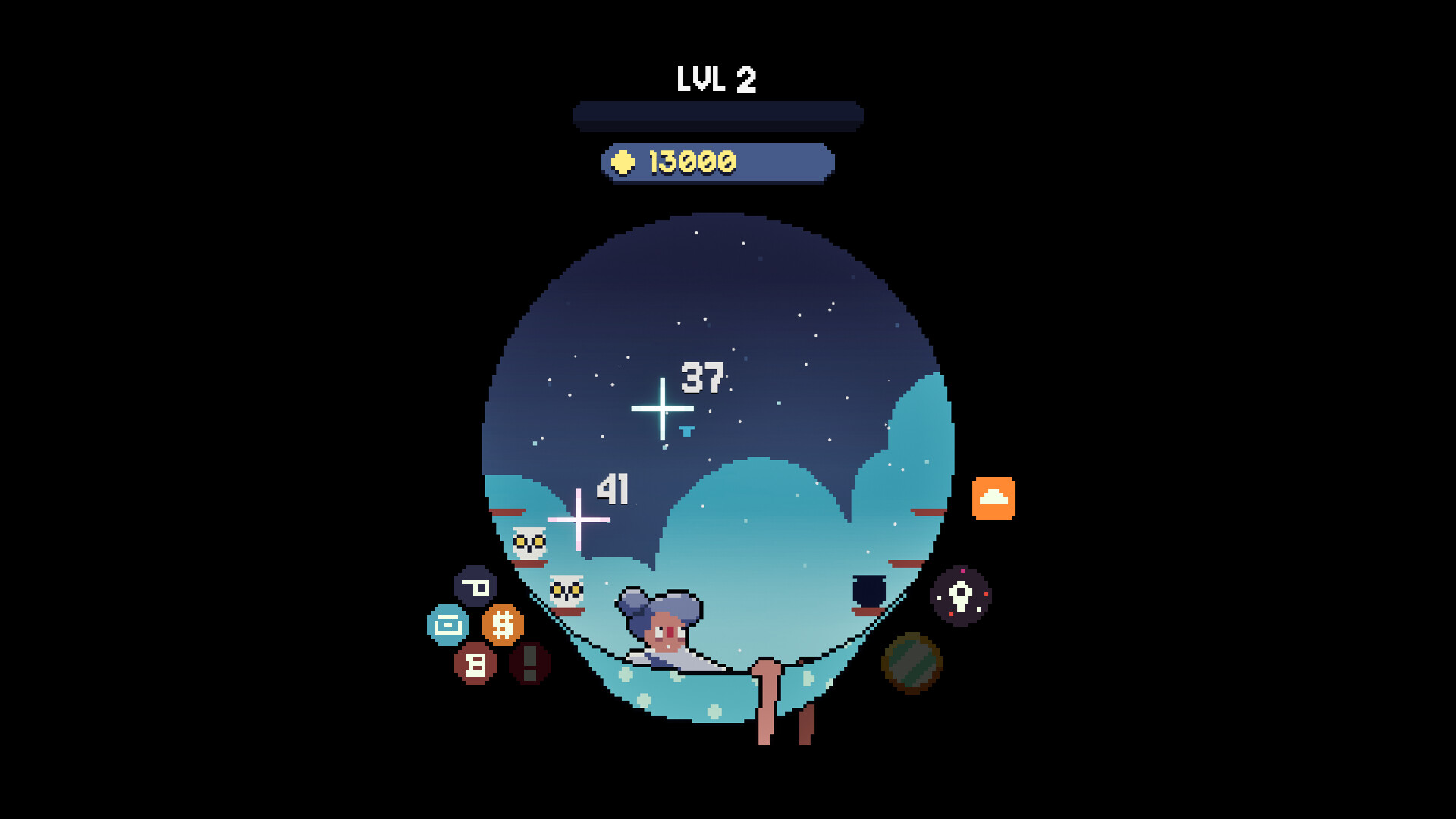
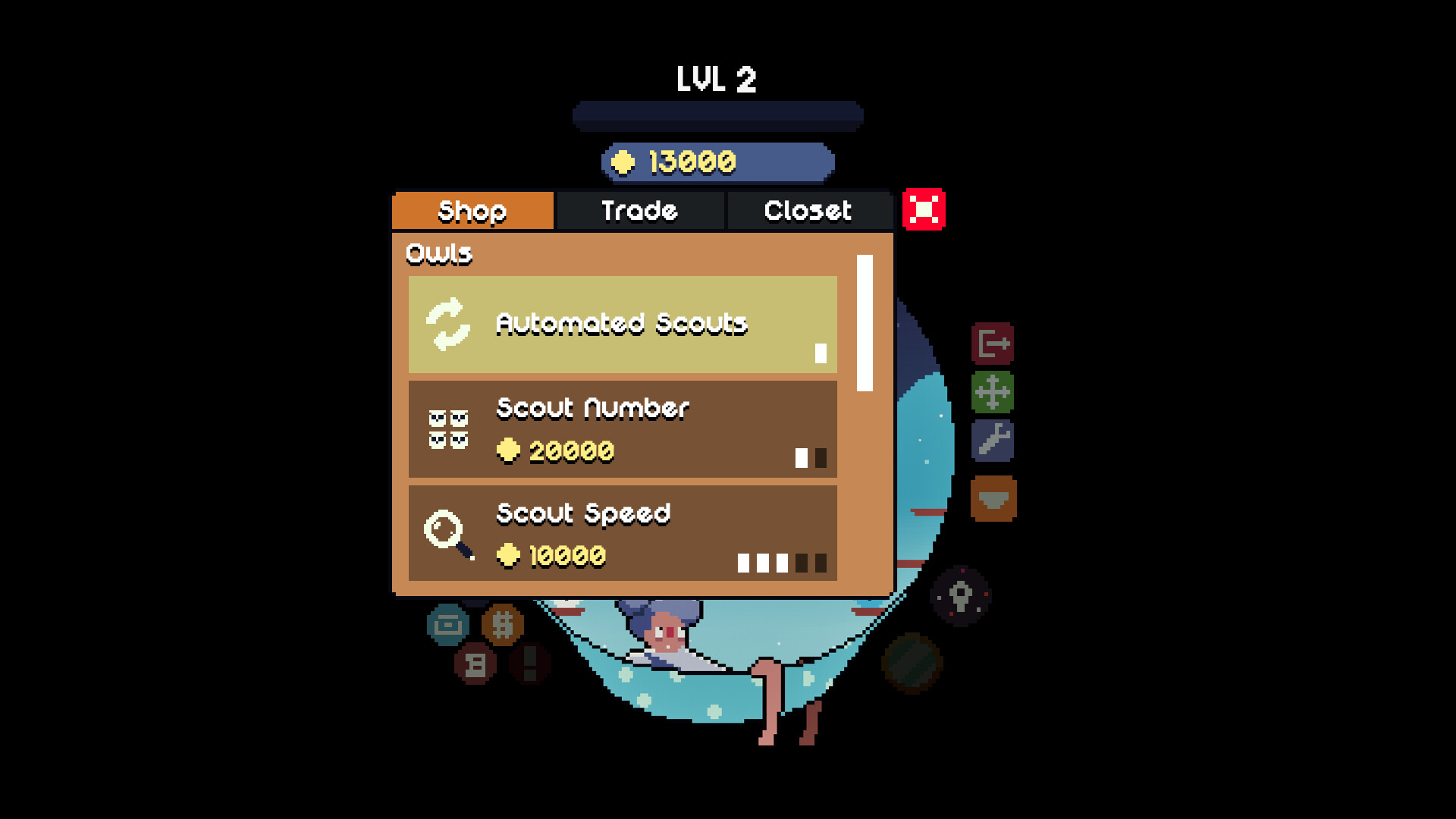
Every choice in Spacenap matters from placing the right amenities to balancing resources and energy. You will design sleeping pods, grow hydro gardens, and maintain advanced systems to ensure smooth operation in zero gravity. The intuitive management tools make it easy to personalize your station while learning about the quirks of your diverse cosmic visitors.
The latest version of the game offers improved visuals, new customization options, and enhanced simulation depth. Whether you prefer a peaceful creative mode or a strategic management challenge, Spacenap delivers an immersive and charming space experience that’s both relaxing and rewarding.
NOTE. Uploaded version: 16 October 2025 [Build 20392216]. This is Full Release and latest version of game. The game is already Packaged in ISO File and ready to run the game, read the instruction below.
Game Details
- Title: Spacenap
- Genre: Casual, Simulation, Management
- Developer: Eleven Dusks Studios
- Publisher: Eleven Dusks Studios
- Release year: 2025
- Available Languages: English, French, Italian, German, Spanish - Spain, Japanese, Korean, Portuguese - Portugal, Russian, Simplified Chinese, Spanish - Latin America, Traditional Chinese, Turkish, Ukrainian
- Release Name: Spacenap.Build.20392216-TENOKE
- Game Version: Build 20392216 (upd.16.10.2025)
- Game Releaser: TENOKE
- Size: 621.68 MB
System Requirements
Minimum:
Requires a 64-bit processor and operating system
OS: Windows 10 / Windows 11
Processor: 2 GHz
Memory: 2 GB RAM
Graphics: GeForce GTX 760
DirectX: Version 11
Storage: 500 MB available space
Recommended:
Requires a 64-bit processor and operating system
Screenshots
How to Install
1. The first thing we do is download the game’s installation files.
2. Unzip the archive to the hard disk.
3. Mount or burn the ISO image in the disk emulator (UltraISO program).
4. After mount ISO, go to the folder and run the file «setup.exe».
5. During the installation, we specify the location on the disk where we want to install it.
6. Copy the contents of the folder «CRACK» in the folder with the game.
7. At the end of the unpacking process, a shortcut appears on the desktop.
8. Launch the game!
Download Spacenap Build 20392216 (upd.16.10.2025) — TENOKE
Alternative Download Links
Alternative Mirrors
Game Update History
- Spacenap → Build 20392216 [ 16.10.2025 ]













