Solo Leveling ARISE OVERDRIVE v1.1.67.0 (upd.27.11.2025) Deluxe Edition

About The Game
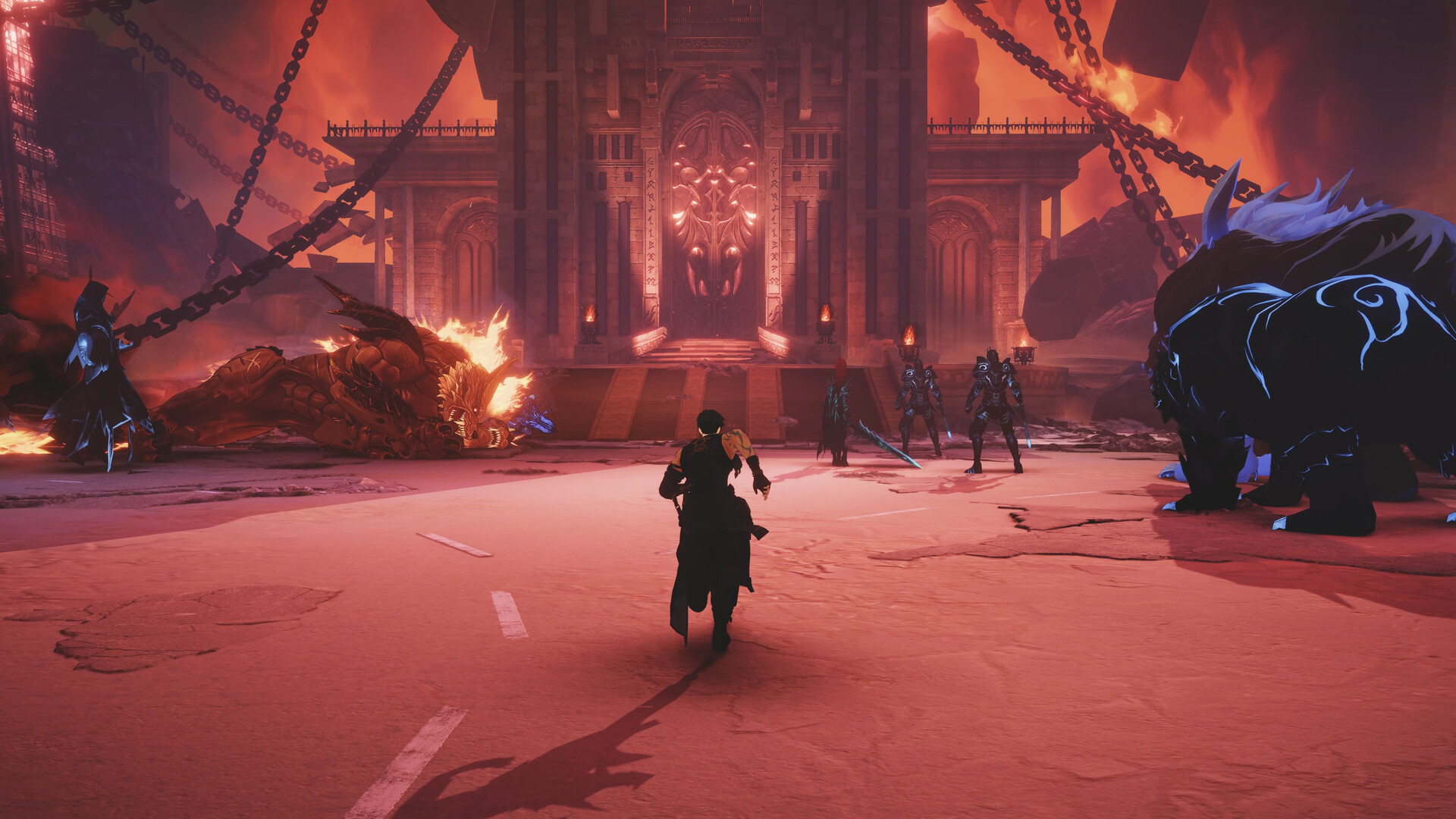
Solo Leveling ARISE OVERDRIVE delivers on the core fantasy of escalating power, successfully translating the explosive energy of the source material into a visually spectacular and mechanically deep Action RPG. Netmarble Neo realizes the promise of Sung Jinwoo’s journey, creating fluid, high speed combat encounters that demand rapid decision making and expert timing. This kinetic title excels at merging aggressive melee fighting with instantaneous utility, ensuring that every encounter from clearing basic dungeons to facing colossal bosses is a showcase of raw, overwhelming might.
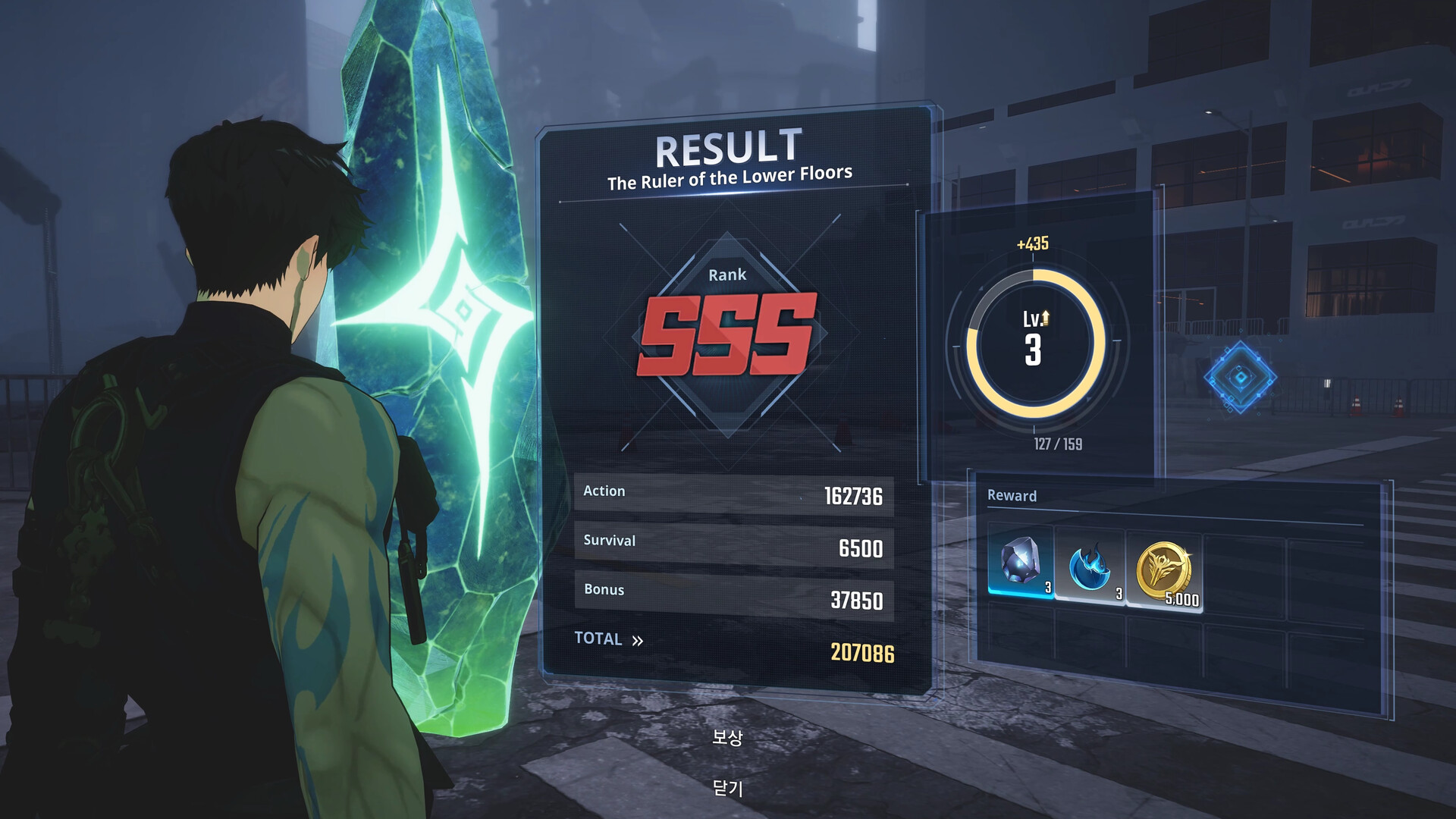
The core gameplay centers on fluid character switching and utilizing devastating ultimate abilities. The unique mechanic is the Shadow Summoning System. By collecting the shadows of defeated boss monsters, players gain access to customizable summoned units that fight alongside Jinwoo, adding layers of tactical crowd control and supplementary damage to the real time combat. Progression is tied to completing time sensitive A Rank Gates, which yield materials necessary to enhance specific skills, strengthening both the Wielder and his growing army of shadows. The sheer visual fidelity during these clashes is unmatched.
The developer has been diligent in refining the control responsiveness and introduced new high tier raid challenges in the latest version of the game. For fans seeking a rewarding, frantic experience where power fantasy meets skill based combat, you should absolutely download the game and command your loyal army.
NOTE. Uploaded version: 27 November 2025 [v1.1.67.0]. This is Full Release and latest version of game. The game is already Pre-Installed and ready to run the game, read the instruction below.
Game Details
- Title: Solo Leveling ARISE OVERDRIVE
- Genre: Action, RPG
- Developer: Netmarble Neo
- Publisher: Netmarble
- Release year: 2025
- Available Languages: English, Korean, French, Italian, German, Spanish - Spain, Russian, Indonesian, Japanese, Simplified Chinese, Traditional Chinese, Thai, Portuguese - Brazil
- Release Name: Solo_Leveling_ARISE_OVERDRIVE_v1.1.67.0
- Game Version: v1.1.67.0 (upd.27.11.2025) Deluxe Edition
- Size: 30.99 GB
System Requirements
Minimum:
Requires a 64-bit processor and operating system
OS: Windows 10/11 (64-bit Required)
Processor: i5 4460 3.2 GHz Over or AMD equivalent
Memory: 12 GB RAM
Graphics: NVIDIA® GeForce GTX™ 1050 Over
DirectX: Version 11
Network: Broadband Internet connection
Storage: 40 GB available space
Additional Notes: SSD recommended
Recommended:
Requires a 64-bit processor and operating system
OS: Windows 11 (64-bit Required)
Processor: i5-9400 2.9 GHz Over or AMD equivalent
Memory: 16 GB RAM
Graphics: NVIDIA® GeForce GTX™ 2060 Over
DirectX: Version 11
Network: Broadband Internet connection
Storage: 40 GB available space
Additional Notes: SSD recommended
Screenshots

Video
How to Install
1. The first thing we do is download the game files.
2. Unzip the archive to the hard disk. (how to unzip .rar)
3. Wait for the unpacking process to finish.
4. Start the game «Solo.Leveling.exe» from game folder.
5. The language changes in the menu.
Play via: Microsoft Store
To begin, extract the archive from the Fix Repair folder into the game directory. If prompted, agree to replace the files.
How to launch:
1. Read the system requirements.
System Requirements:
- At minimum, Windows 10 x64 version 1909 or higher with Microsoft Store, Xbox, and Xbox Gaming Services installed.
2. Run GDK_Helper.bat located in the game folder. (performed once)
3. Enable Developer Mode. (Restart your PC if required) (performed once)
Before enabling Developer Mode, make sure you understand what it does by reading about it online.
4. Install the game (Install Game). (performed once)
5. Disable Developer Mode. (performed once)
6. Launch the game through the Start Menu.
In-game:
Complete the first two chapters.
Connecting:
Co-Op Play - Search Co-Op Lobby - IDs - Enter your friend’s lobby ID and join.
Creating a server:
Co-Op Play - Co-Op Lobby - Create Co-Op Lobby - Enter - Share the lobby ID with your friends and wait for them to connect.
Download Solo Leveling ARISE OVERDRIVE v1.1.67.0 (upd.27.11.2025) Deluxe Edition
Alternative Download Links
Alternative Mirrors
Other Versions & DLCs
Game Update History
- Solo Leveling ARISE OVERDRIVE Build 20860671 → v1.1.67.0 [ 27.11.2025 ]
- Solo Leveling ARISE OVERDRIVE → Deluxe Edition Build 20860671 [ 23.11.2025 ]