AFL 26 Build 20823182 (upd.25.11.2025) - RUNE

About The Game
AFL 26 is a sports simulation developed by Big Ant Studios that brings authentic Australian rules football to life with fast-paced, action-packed gameplay from kickoff to final siren. The game features multiple career modes, including Player Career, where you guide a rookie from draft day through the professional ranks of the AFL or AFLW, and Manager Career, where you'll take the helm, build your squad, develop talent, and make crucial tactical decisions on game day. In PRO TEAM mode, you can build teams, participate in seasonal competitions for exclusive rewards, and compete against opponents online.
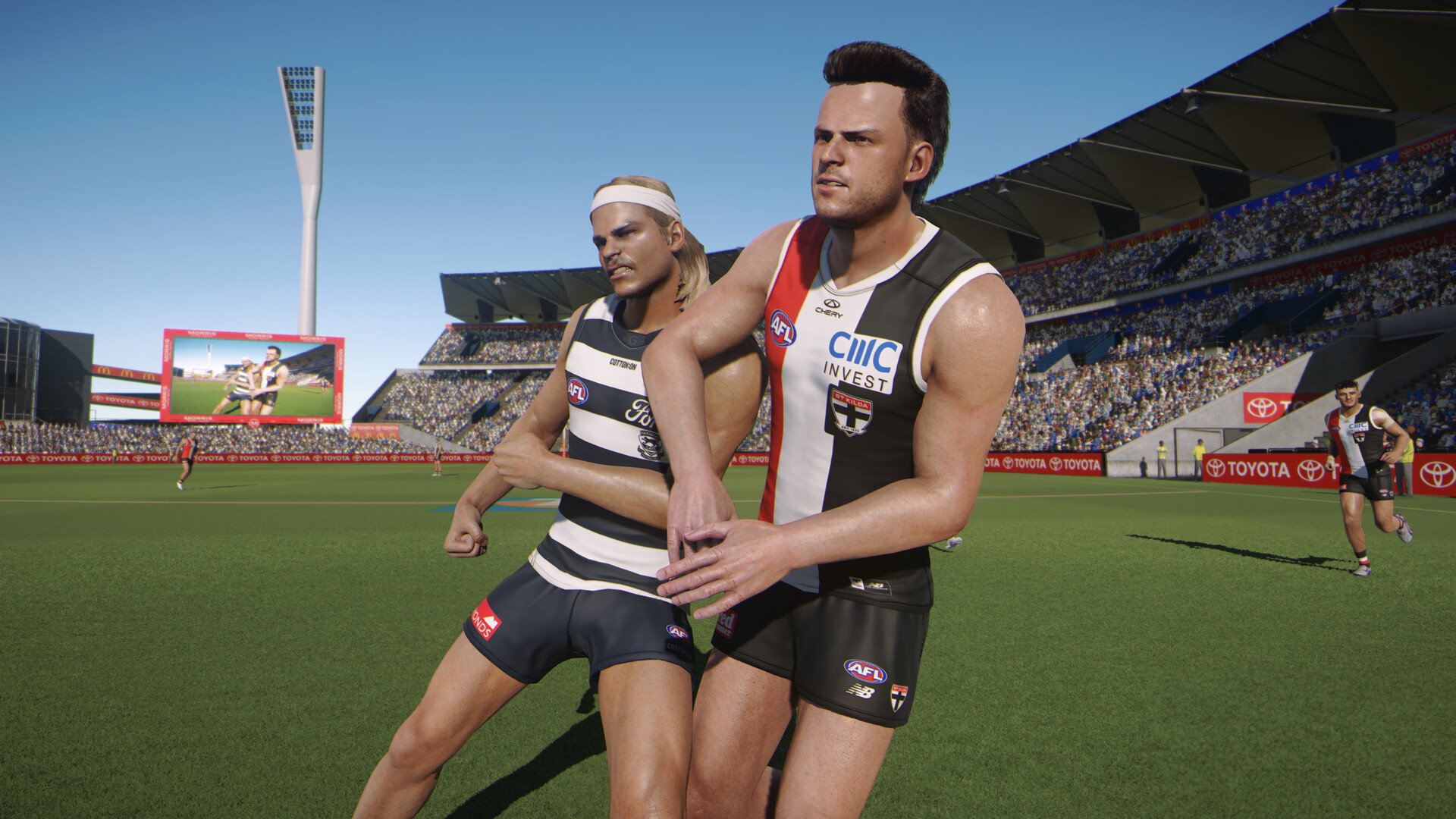
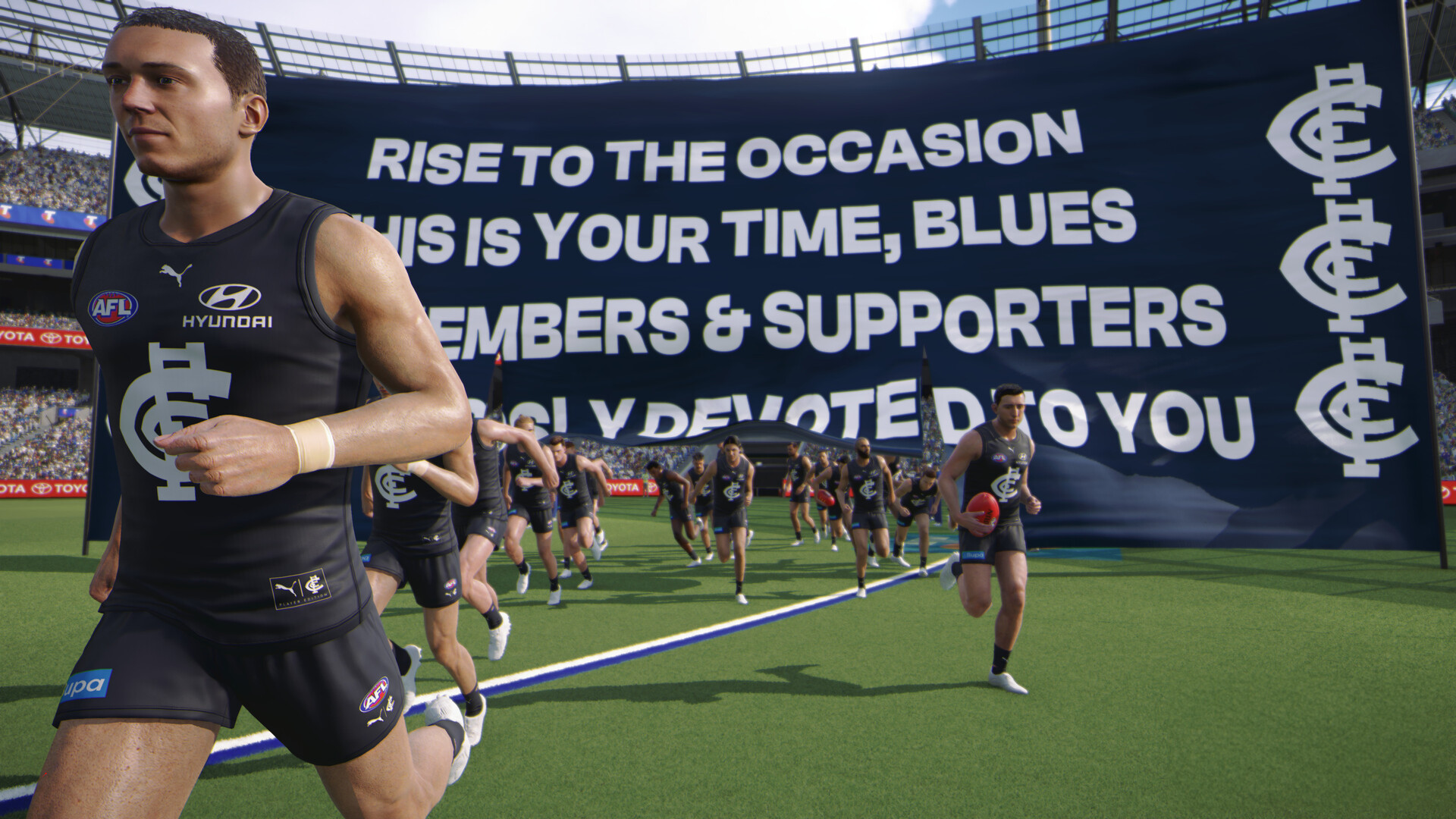
The game achieves stunning visual fidelity thanks to photogrammetry technology, which captures the physical features of real players and their signature playing styles in exquisite detail. Crowd roars and expert commentary enhance the atmosphere of matches. Comprehensive Academy tools allow players to create and customize their own clubs, players, and stadiums. The game features the AFL and AFLW leagues, with a meticulously recreated full roster of players. Whether you're building your legacy as a player, managing a team to Premier League glory, or dominating with your own PRO team, AFL 26 will immerse you in the Australian football experience.
NOTE. Uploaded version: 25 November 2025 [Build 20823182]. This is Full Release and latest version of game. The game is already Packaged in ISO File and ready to run the game, read the instruction below.
Game Details
- Title: AFL 26
- Genre: Simulation, Management
- Developer: Big Ant Studios
- Publisher: Nacon
- Release year: 2025
- Available Languages: English
- Release Name: AFL.26.Build.20823182-RUNE
- Game Version: Build 20823182 (upd.25.11.2025)
- Game Releaser: RUNE
- Size: 97.90 GB
System Requirements
Minimum:
Requires a 64-bit processor and operating system
OS: Windows 10
Processor: Intel i3 2100 (3.1 GHz) / AMD FX 6300 (3.5 GHz)
Memory: 8 GB RAM
Graphics: NVIDIA GeForce GTX 770 (4 GB) / AMD Radeon R9 270 (4 GB)
DirectX: Version 12
Storage: 85 GB available space
Additional Notes: Though not required, SSD for storage is recommended.
Recommended:
Requires a 64-bit processor and operating system
OS: Windows 10 or Windows 11
Processor: Intel i5 6600K (3.5 GHz) / AMD Ryzen 5 1600X (3.6 GHz)
Memory: 8 GB RAM
Graphics: NVIDIA GeForce GTX 1660 Ti (6 GB) / AMD RX 5700XT (8 GB)
DirectX: Version 12
Storage: 85 GB available space
Additional Notes: Though not required, SSD for storage is recommended.
Screenshots

Video
How to Install
1. The first thing we do is download the game’s installation files.
2. Mount or burn the ISO image in the disk emulator (UltraISO program).
3. During the installation, we specify the location on the disk where we want to install it.
4. Wait until the installation process is complete, a shortcut will appear on the desktop.
5. Copy the contents of the folder «RUNE» in the folder with the game.
6. Start the game.
Download AFL 26 Build 20823182 (upd.25.11.2025) — RUNE
Alternative Download Links
Alternative Mirrors
Game Update History
- AFL 26 → Build 20823182 [ 25.11.2025 ]