
Comic Book Store Simulator Build 20980372 (upd.01.12.2025) - TENOKE
About The Game
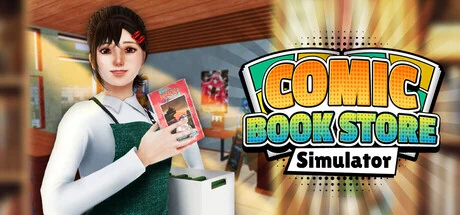
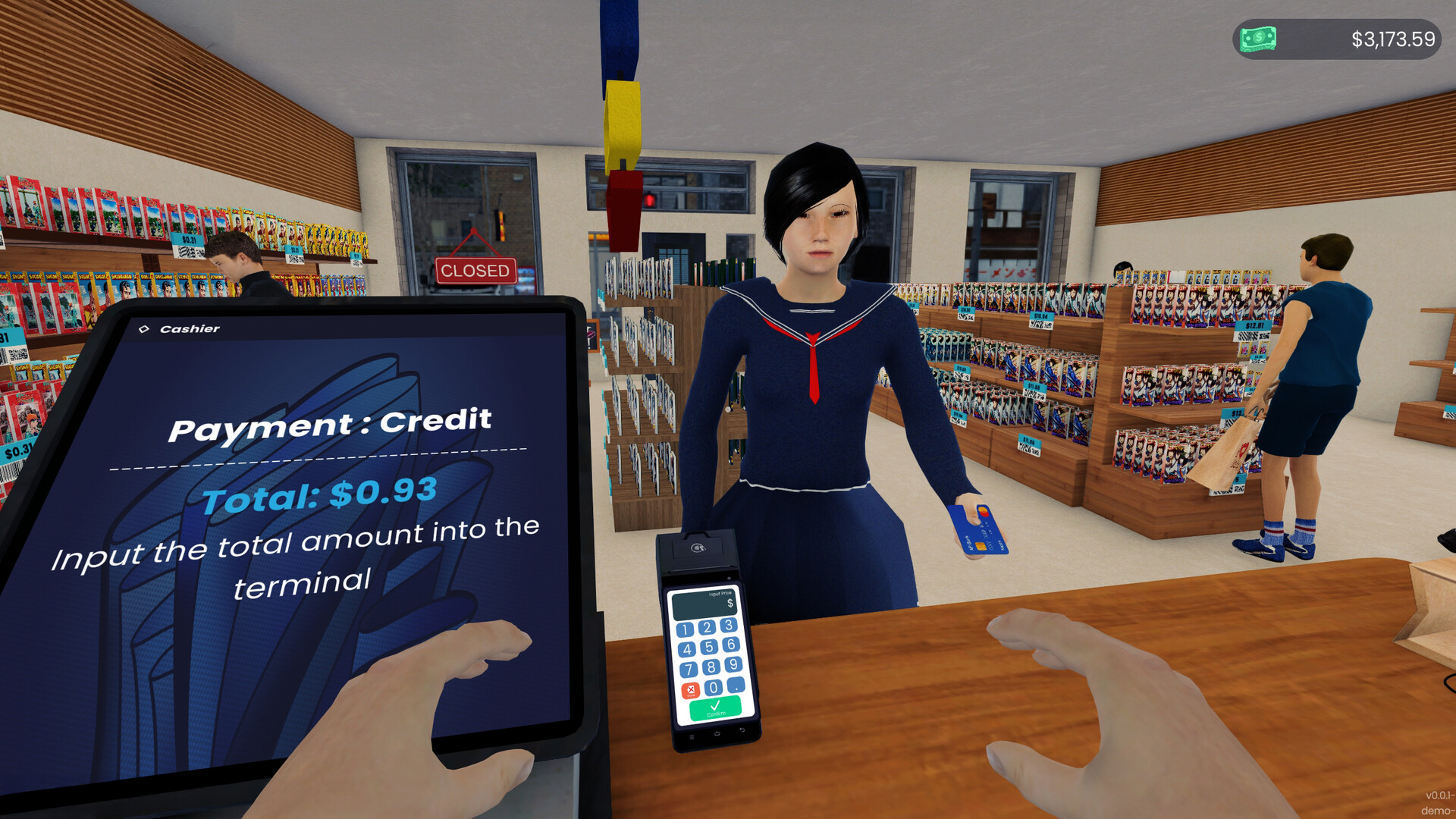
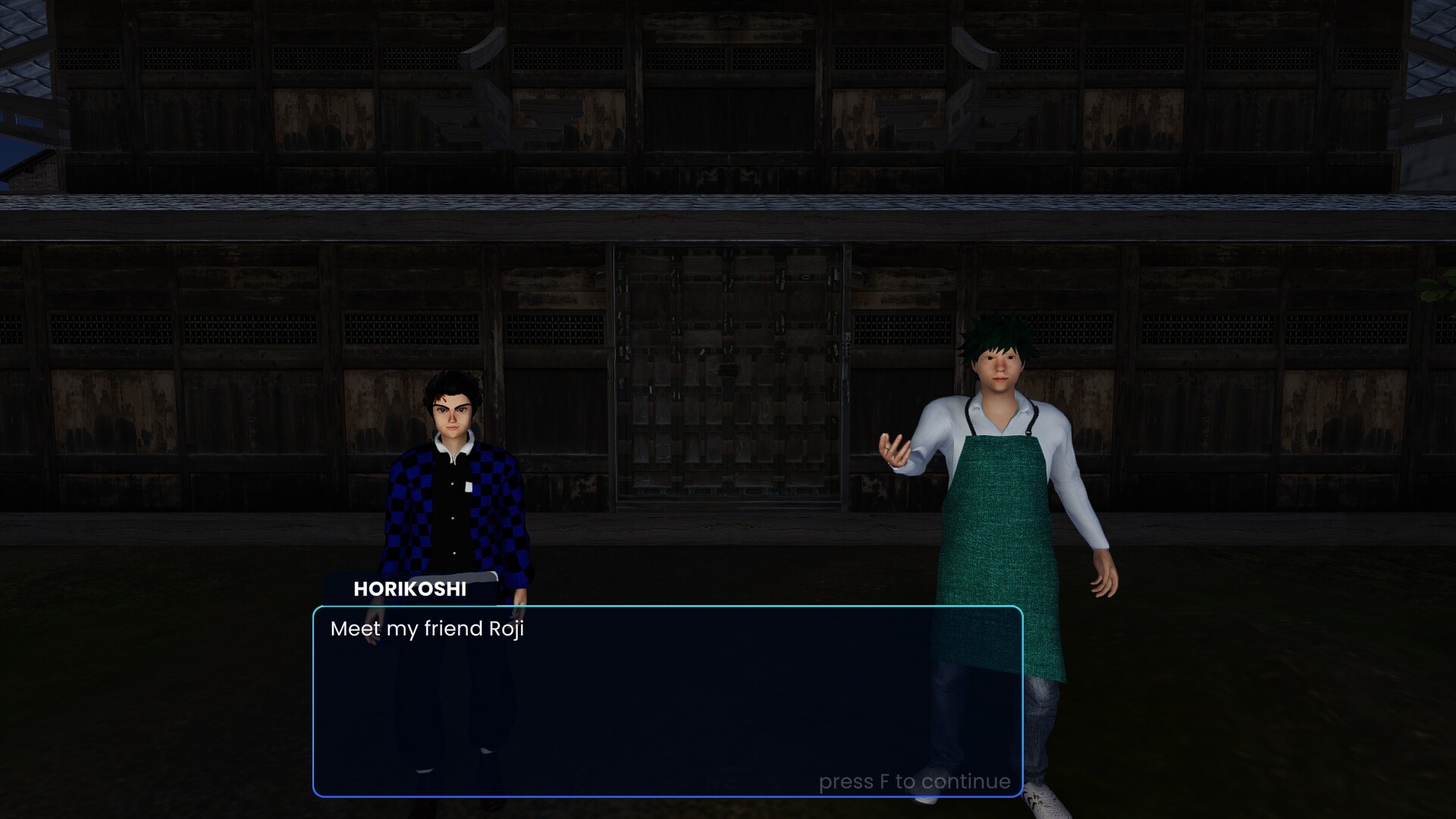
Comic Book Store Simulator offers a journey from managing a modest storefront to founding a thriving hub for graphic novel enthusiasts. Daily responsibilities include not only maintaining impeccable cleanliness but also dealing with troublemakers who might cause damage to the establishment. Beyond the storefront lies a vibrant city, styled after Japanese backstreets. Establishing relationships with its eccentric inhabitants and learning about their unique stories opens new horizons for commercial growth through a deep understanding of audience demands.
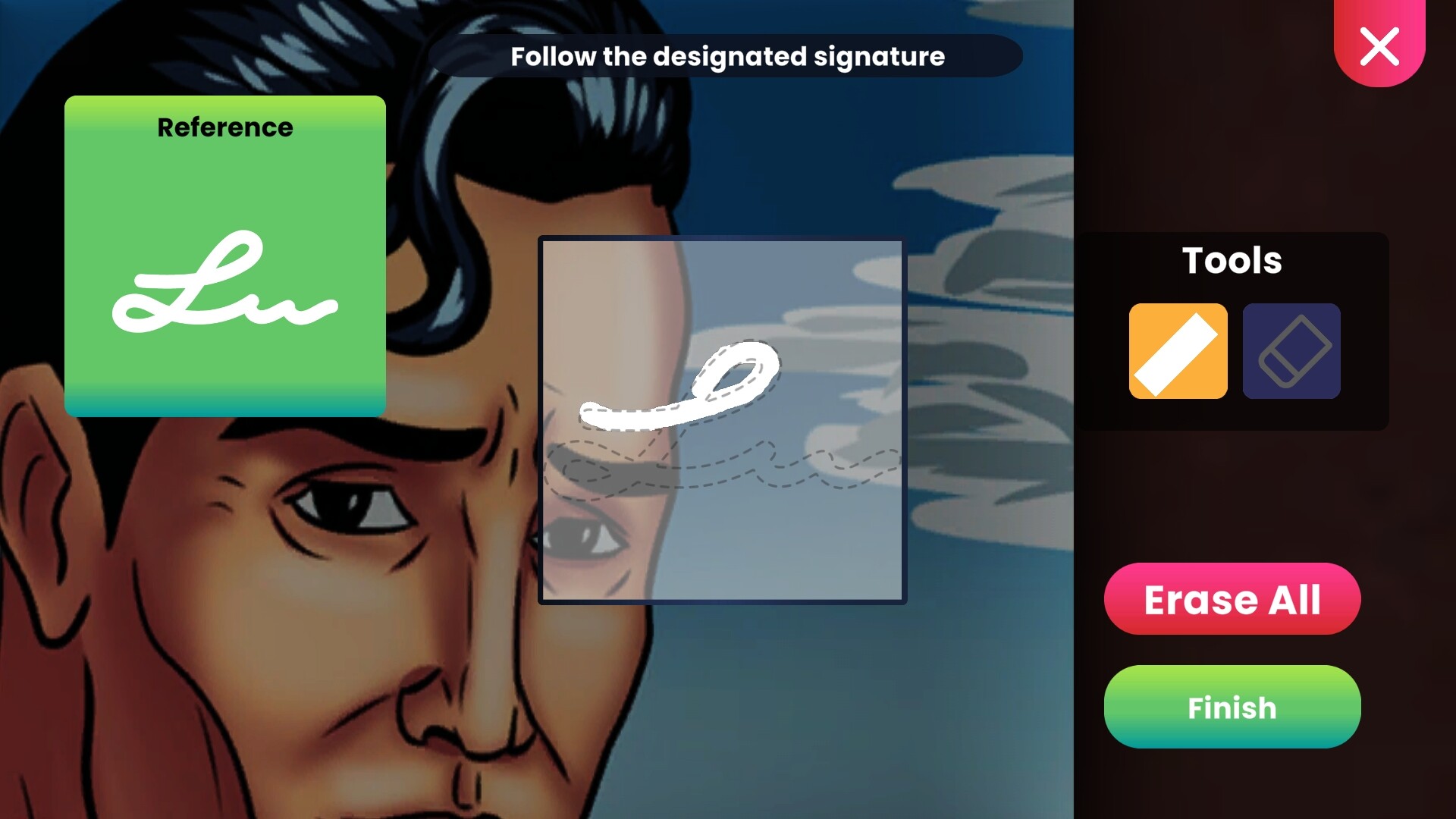
Achieving commercial success rests on several pillars, including creating a unique façade and interior design, recruiting competent staff to optimize operations, and investing in modern equipment and expanding retail space. Central to this is meticulous inventory management, which comprises over three hundred items from over 75 series parodies of famous works. The entrepreneur must carefully curate a selection of printed materials, combining sought-after Western comics with rare Japanese manga and Korean manhwa. Discovering and selling collectible rarities signed by their creators, as well as hosting themed events like autograph sessions, helps build their reputation. The ultimate ambition is to transform the small shop into a significant cultural landmark that will become a magnet for collectors and enthusiasts from all over the area.
NOTE. Uploaded version: 1 December 2025 [Build 20980372]. This is Full Release and latest version of game. The game is already Packaged in ISO File and ready to run the game, read the instruction below.
Game Details
- Title: Comic Book Store Simulator
- Genre: Simulation, Management, Casual
- Developer: Akhir Pekan Studio
- Publisher: PlayWay S.A.
- Release year: 2025
- Available Languages: English, Indonesian, French, Italian, German, Spanish - Spain, Japanese, Korean, Polish, Portuguese - Brazil, Portuguese - Portugal, Russian, Simplified Chinese, Turkish
- Release Name: Comic.Book.Store.Simulator.Build.20980372-TENOKE
- Game Version: Build 20980372 (upd.01.12.2025)
- Game Releaser: TENOKE
- Size: 1.54 GB
System Requirements
Minimum:
Requires a 64-bit processor and operating system
OS: Windows 7 (SP1+), Windows 10 and Windows 11
Processor: x86, x64 architecture with SSE2 instruction set support
Graphics: DX10, DX11, DX12 capable
Recommended:
Requires a 64-bit processor and operating system
Screenshots
Video
How to Install
1. The first thing we do is download the game’s installation files.
2. Mount or burn the ISO image in the disk emulator (UltraISO program).
3. During the installation, we specify the location on the disk where we want to install it.
4. Wait until the installation process is complete, a shortcut will appear on the desktop.
5. Copy the contents of the folder «TENOKE» in the folder with the game.
6. Start the game.
Download Comic Book Store Simulator Build 20980372 (upd.01.12.2025) — TENOKE
Alternative Download Links
Alternative Mirrors
Game Update History
- Comic Book Store Simulator → Build 20980372 [ 01.12.2025 ]













