Crabmeat Build 22371415 (upd.22.03.2026) - TENOKE
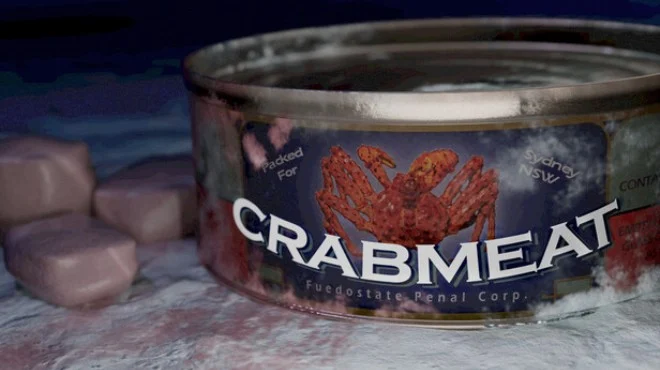
About The Game
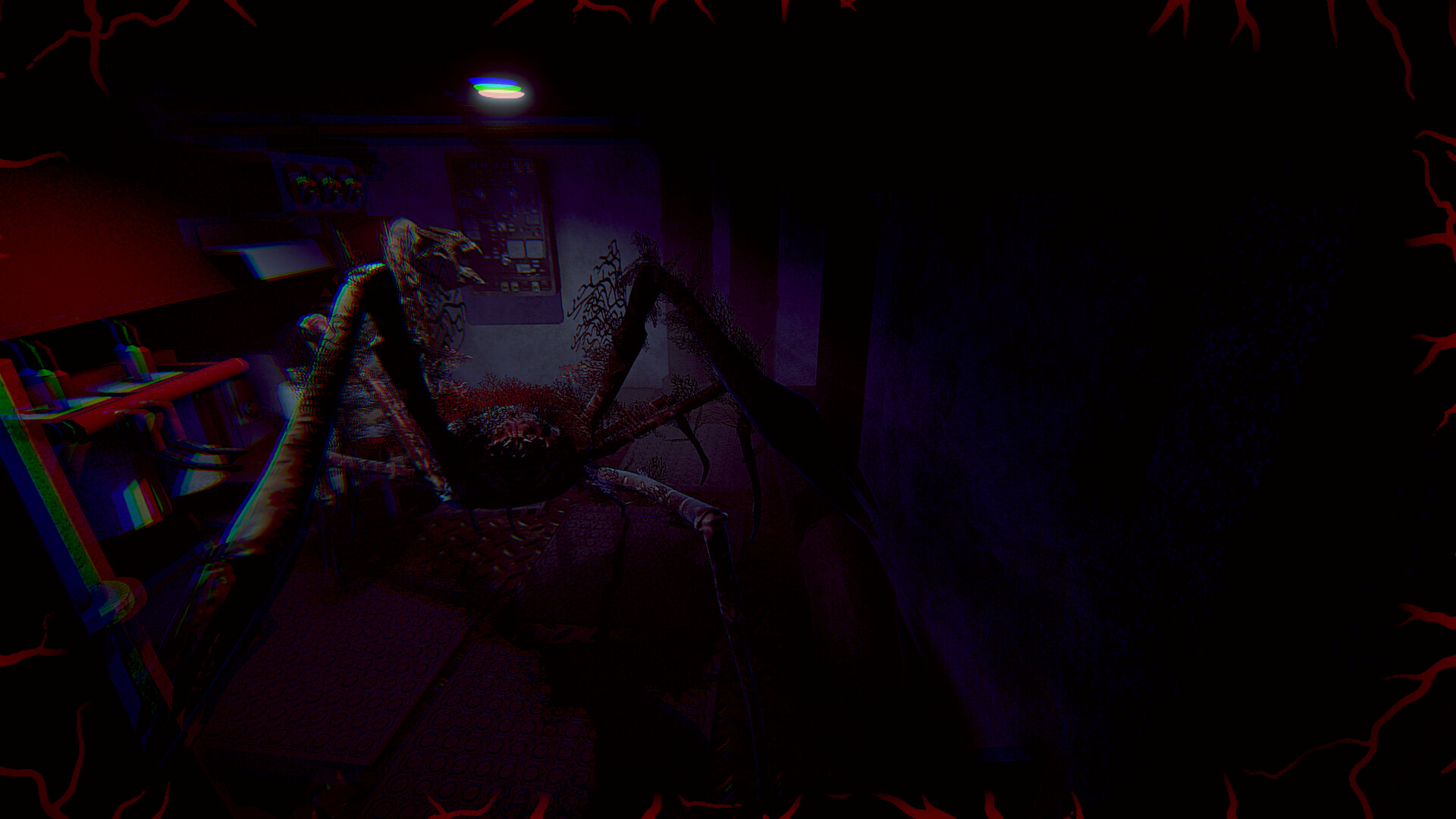
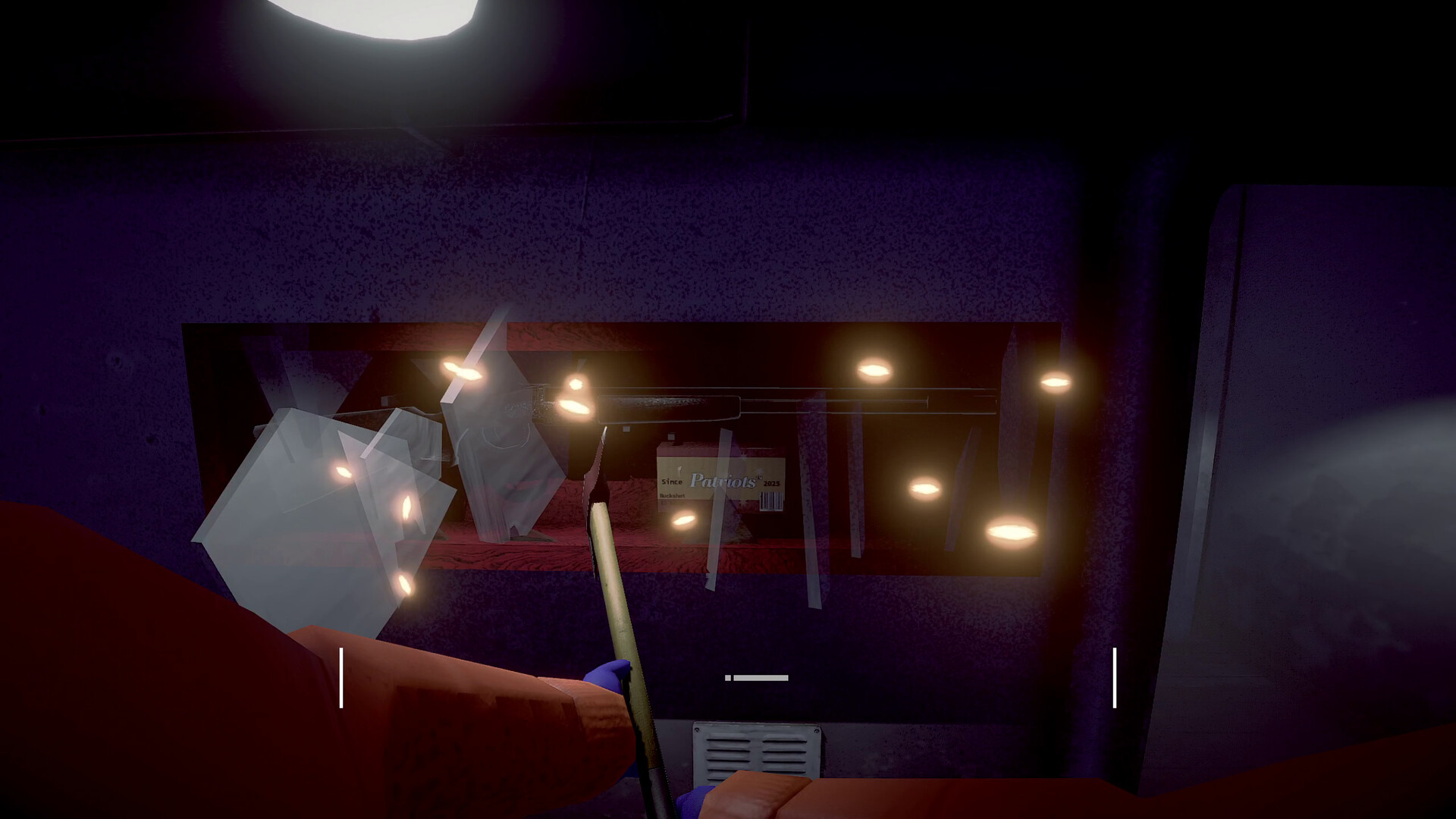
Crabmeat, an experimental hybrid of a survival simulator and atmospheric first-person horror, completely abandons the keyboard layout in favor of mouse controls. The slow pace deprives gamers of the ability to rely on reflexes, forcing them to methodically perform routine duties aboard a government vessel. The process of sinking traps into the black Antarctic waters is accompanied by growing anxiety, as the southern king crabs on the rope may turn out to be something else entirely.
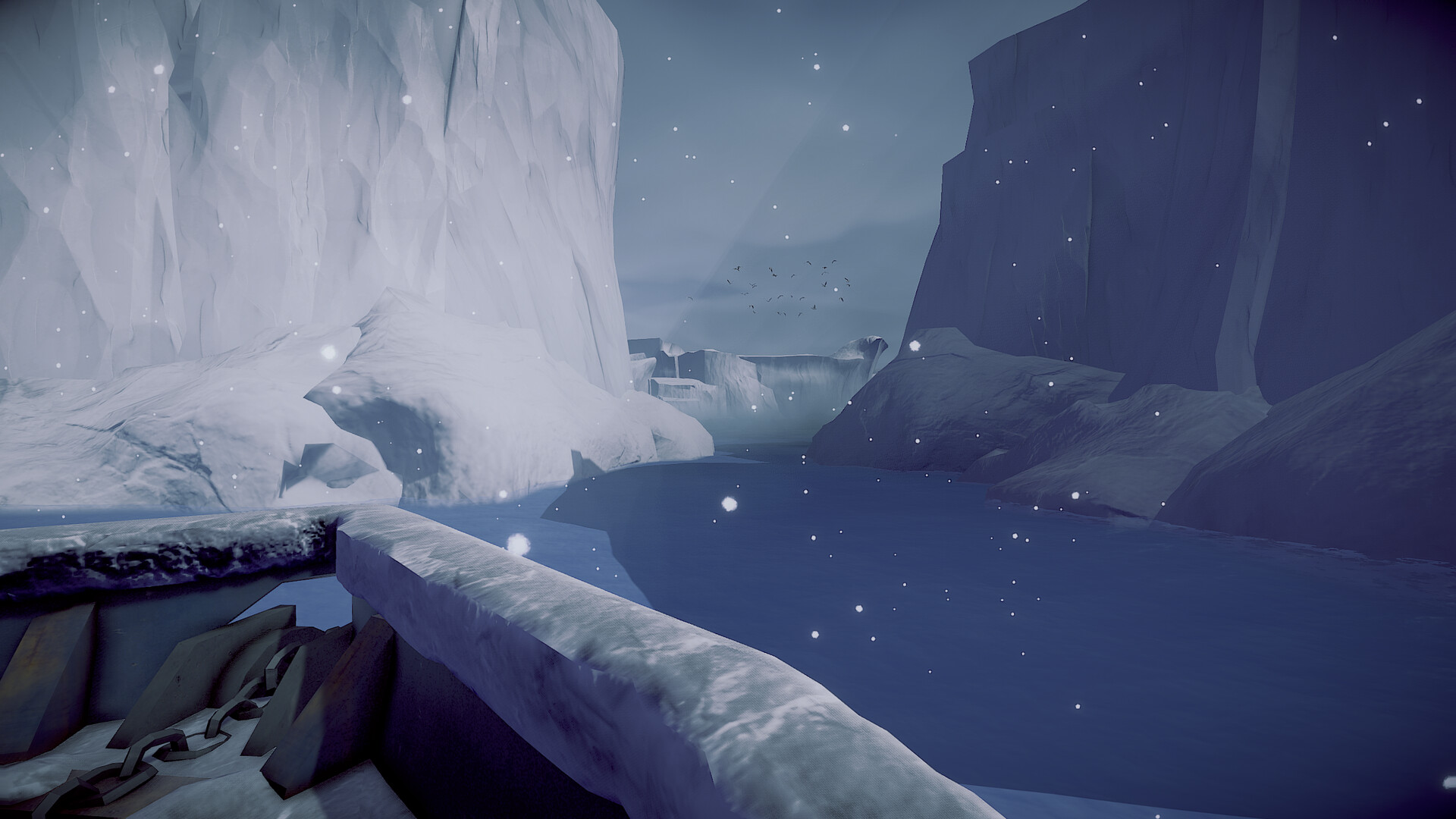
The surrounding area is shrouded in ice and thick fog, creating a sense of the constant presence of unknown creatures. The lack of cheap jump scares is compensated for by masterfully crafted suspense. For three hours, the oppressive atmosphere compels you to peer into the abyss, expecting an attack from the depths. Crabmeat plot unfolds the tragic fate of a debtor forced to work off a colossal fine owed to the Feodostate. He has exactly seven days to collect his crustacean quota. Failure of the mission guarantees immediate deportation of the protagonist and his family. Navigating alone among icebergs is compounded by a constant sense of paranoia.
NOTE. Uploaded version: 22 March 2026 [Build 22371415]. This is Full Release and latest version of game. The game is already Packaged in ISO File and ready to run, read the instruction below.
Game Details
- Title: Crabmeat
- Genre: Adventure, Point & Click, Horror, Simulation
- Developer: Nicholas McDonnell, Mitchell Pasmans
- Publisher: Searching Interactive
- Release year: 2026
- Available Languages: English
- Release Name: Crabmeat.Build.22371415-TENOKE
- Game Version: Build 22371415 (upd.22.03.2026)
- Game Releaser: TENOKE
- Size: 436.47 MB
Key Features
- properly bait and lower heavy tackle to the bottom;
- carefully monitor the technical condition of the ship's systems;
- exploring inhospitable waters in search of fertile shores;
- fending off attacks from aggressive inhabitants of the Antarctic depths.
System Requirements
Minimum:
Requires a 64-bit processor and operating system
OS: Windows 10, 64-bit
Processor: 2.8GHz CPU Quad Core
Memory: 8 GB RAM
Graphics: Geforce GTX 1080 or equivalent
Storage: 1250 MB available space
Sound Card: DirectX Compatible Sound Card
Recommended:
Requires a 64-bit processor and operating system
OS: Windows 10, 64-bit
Processor: 3.2GHz CPU Quad Core
Memory: 16 GB RAM
Graphics: Geforce RTX 2070 or equivalent
Storage: 1250 MB available space
Sound Card: DirectX Compatible Sound Card
Screenshots
Video
How to Install
1. The first thing we do is download the game's installation files.
2. Unzip the archive to the hard disk.
3. Mount or burn the ISO image in the disk emulator (UltraISO program).
4. After mount ISO, go to the folder and run the file «setup.exe».
5. During the installation, we specify the location on the disk where we want to install it.
6. Copy the contents of the folder «CRACK» in the folder with the game.
7. At the end of the unpacking process, a shortcut appears on the desktop.
8. Launch the game!
Download Crabmeat Build 22371415 (upd.22.03.2026) — TENOKE
Alternative Download Links
Alternative Mirrors
Game Update History
- Crabmeat → Build 22371415 [ 22.03.2026 ]