City Transport Simulator 2026 Build 22735502 (upd.15.04.2026) Expert Edition - Hypervisor
About The Game
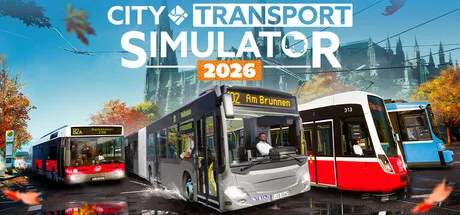
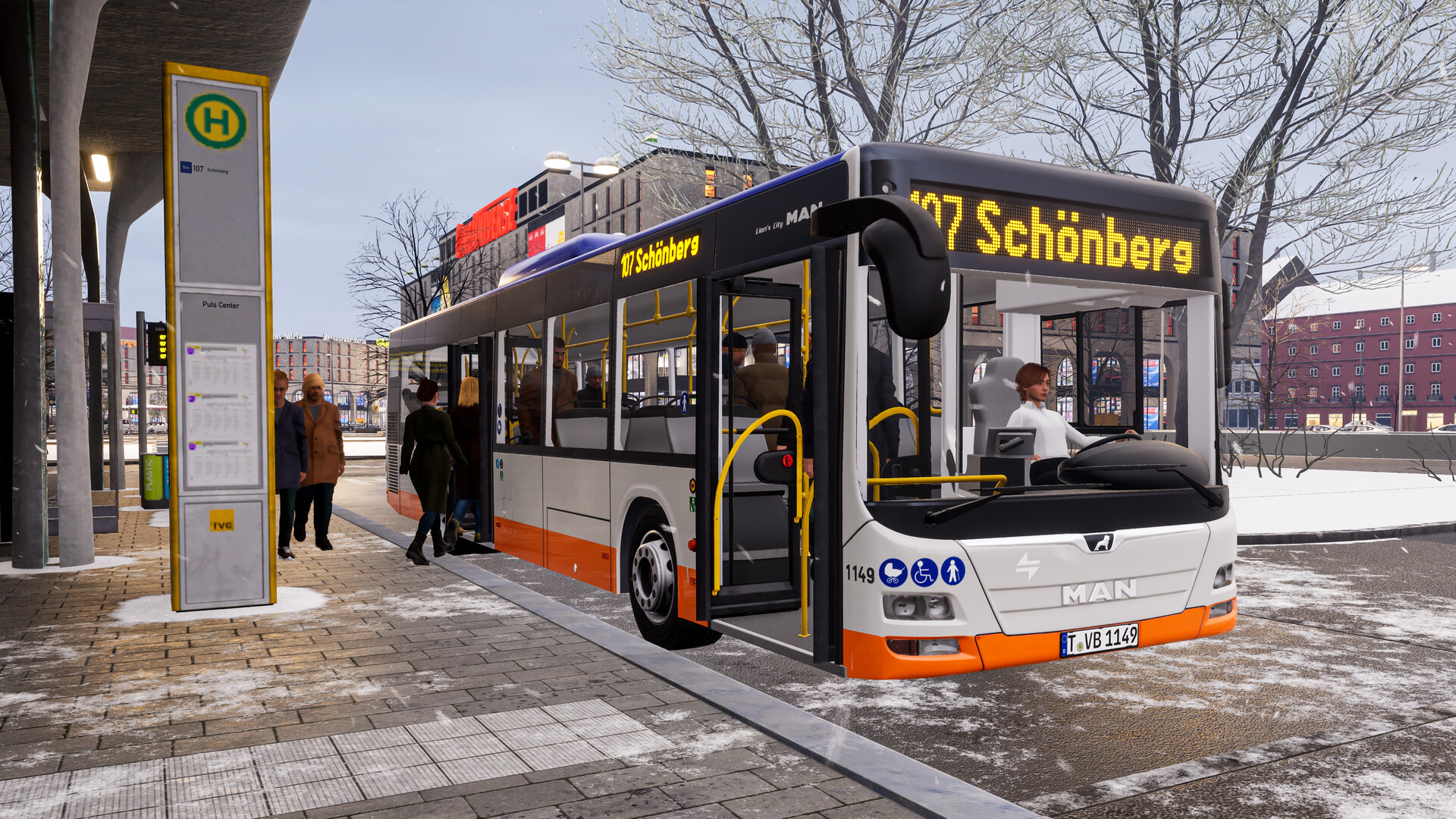
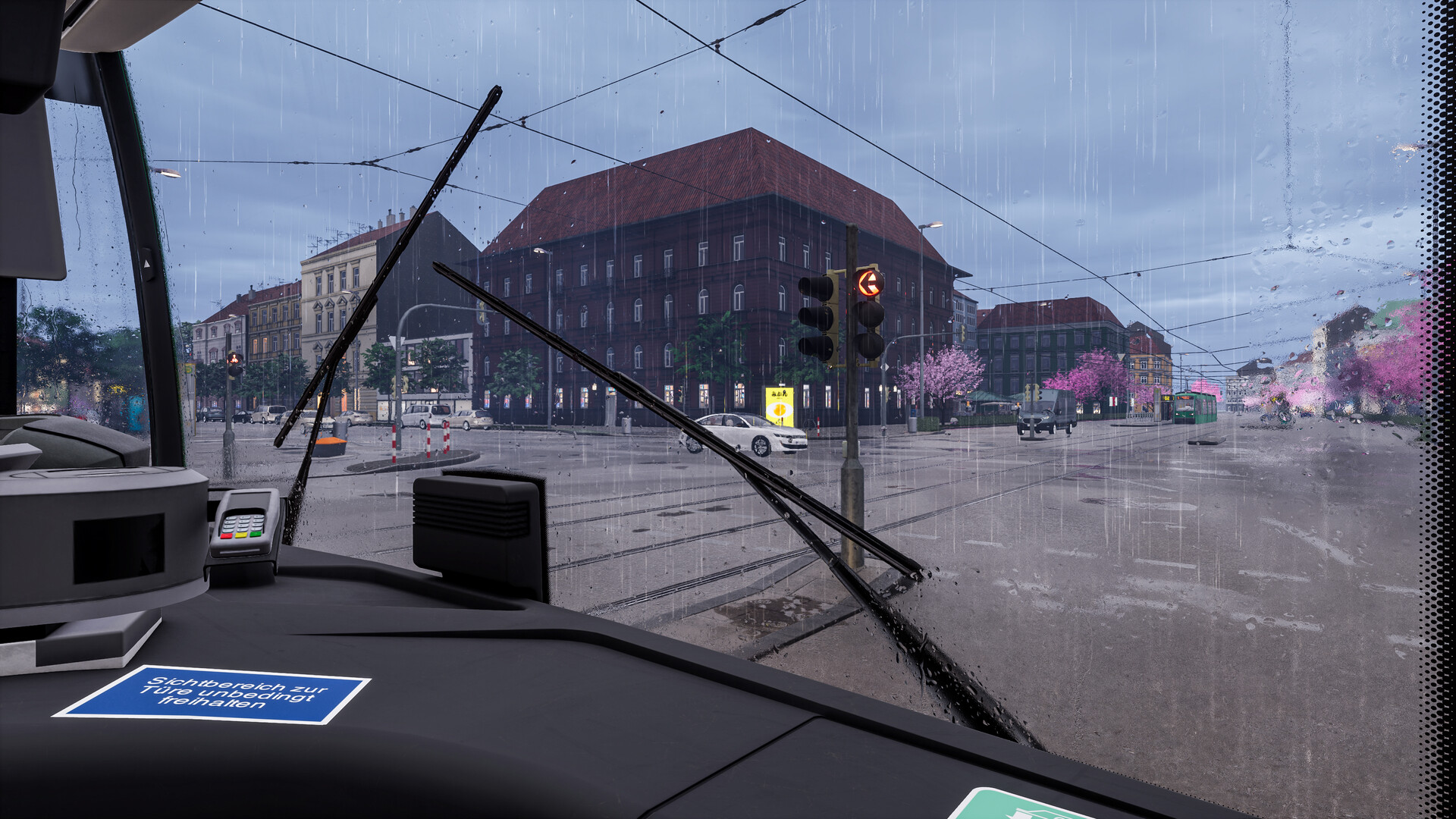
City Transport Simulator 2026 is a large-scale simulation of life in a European metropolis, where public transport management is a central element of the gameplay. A vast road network stretching over 50 km includes over 80 unique stops, requiring the driver's utmost concentration. The environment is constantly transformed by dynamic seasonal changes and weather conditions, from dense fog to thunderstorms and snowstorms. These climatic changes directly impact pedestrian behavior, such as wearing warm clothing or using umbrellas, as well as the tires' traction on the road surface. Free-roam mode allows you to instantly transition from walking to operating a vehicle, completely eliminating unnecessary loading screens.
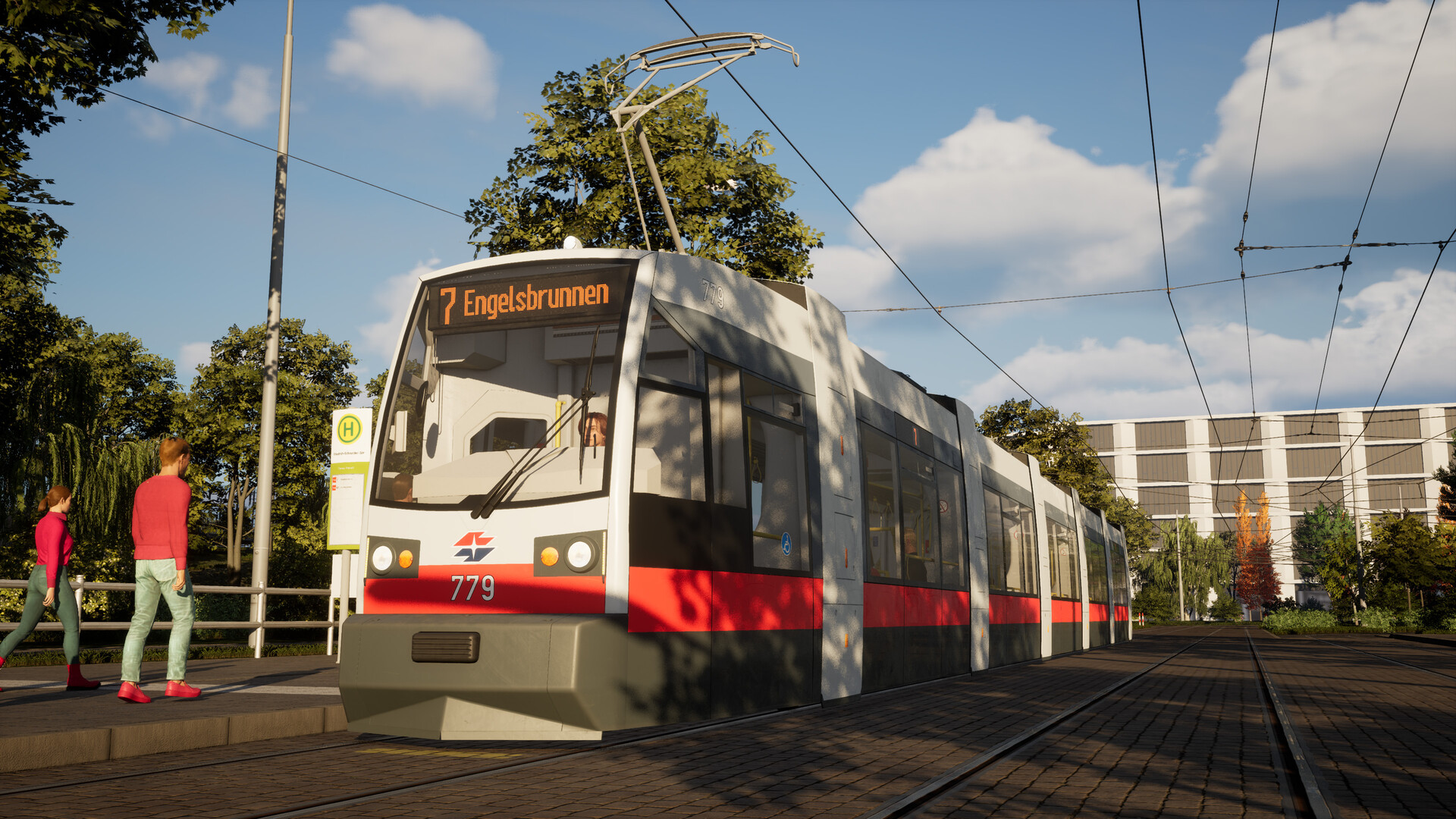
The cabin interiors are highly detailed, and all onboard systems are fully functional. Drivers have access to climate control, lighting controls, and authentic sound profiles for each vehicle. The realism of City Transport Simulator 2026 is enhanced by the detailed map of Vienna and its unique rolling stock, including the legendary Tatra KT4D tram with its unique pedal controls and acceleration characteristics.
NOTE. Uploaded version: 15 April 2026 [Expert Edition v62647 Build 22735502]. This is Full Release and latest version of game. The game is already Pre-Installed and ready to run, read the instruction below.
DLC:
- CTS 2026 - Tram DLC: Flexity Vienna
- CTS 2026 - Tram DLC: StadtRegioTram
- CTS 2026 - Tram DLC: E1 Vienna
- CTS 2026 - Tram DLC: GT8N Mannheim
- CTS 2026 - Tram DLC: GT6
- CTS 2026 - Bus DLC: MAN New Lion's City
- CTS 2026 - Bus DLC: MAN Lion's City A26 A47
- CTS 2026 - Cosmetic DLC: Basel Style
- CTS 2026 - Bus DLC: Citybus C2
- CTS 2026 - Map DLC: Tram Depot + Southern-Route
- CTS 2026 - Expert Upgrade
- CTS 2026 - Season Pass
Game Details
- Title: City Transport Simulator 2026
- Genre: Simulation
- Developer: ViewApp
- Publisher: ViewApp
- Release year: 2026
- Available Languages: English, French, Italian, German, Portuguese - Brazil, Simplified Chinese, Polish, Portuguese - Portugal, Russian
- Release Name: City.Transport.Simulator.2026.Build.22735502-Hypervisor
- Game Version: Build 22735502 (upd.15.04.2026) Expert Edition
- Game Releaser: Hypervisor
- Size: 17.1 GB
Key Features
- functional terminals for cash and contactless payment;
- intelligent assistance systems, including blind spot monitoring;
- optimal route planning through the city's extensive infrastructure;
- fine-tuning the visual appearance of vehicles and city branding elements.
System Requirements
Minimum:
Requires a 64-bit processor and operating system
OS: 64-bit Windows 10 or Windows 11
Processor: from 2.9 GHz AMD Ryzen 5 3600 or Intel Core i5-10400F or newer
Memory: 16 GB RAM
Graphics: NVIDIA GeForce GTX 1070 or AMD Radeon RX 6600 XT, each with 8 GB VRAM or better
DirectX: Version 12
Network: Broadband Internet connection
Storage: 20 GB available space
Sound Card: Integrated or dedicated compatible soundcard
Additional Notes: Requires mouse and keyboard or Xbox Controller The system requirements mentioned here cannot cover all systems and configurations, so that in individual cases there may be compatibility problems that prevent or impact the game's run ability or performance.
Recommended:
Requires a 64-bit processor and operating system
OS: 64-bit Windows 10 or Windows 11
Processor: from 3.6 GHz, 8 cores
Memory: 16 GB RAM
Graphics: NVIDIA GeForce RTX 2080 TI or AMD Radeon RX 6800 XT, each with 11 GB VRAM or better
DirectX: Version 12
Network: Broadband Internet connection
Storage: 20 GB available space
Sound Card: Integrated or dedicated compatible soundcard
Additional Notes: Requires mouse and keyboard or Xbox Controller The system requirements mentioned here cannot cover all systems and configurations, so that in individual cases there may be compatibility problems that prevent or impact the game's run ability or performance.
Screenshots
Video
How to Install
- Download to a convenient location – the most important rule: no Cyrillic characters in the full path to the game folder.
- Download the archive
City.Transport.Simulator.2026-DenuvOwO.zip- ⚠️ WARNING: The websites hosting this file contain aggressive advertisements. Be extremely careful — double-check what you are clicking and downloading.
- Read the instructions carefully and launch the game
- Copy the entire content of the
DenuvOwOfolder into the game directory. - Releases that rely on a hypervisor require disabling certain security features.
- To prepare your system for the hypervisor, run
VBS.cmdas administrator.- Carefully read all information displayed on screen before proceeding.
- Note about reboot: you will need to disable driver signature verification (restart with advanced options or via the script).
- After you finish playing, it is strongly recommended to revert the changes.
- (You can restore everything the same way — run
VBS.cmdas admin and press the number “3”.)
- (You can restore everything the same way — run
- The source code of the hypervisor driver is inside
DenuvOwO_SRC.7z.- This archive is intended for advanced users only — you do not need to extract or copy it anywhere.
- Launch the game via the original .exe file (
CityTransportSim-Win64-Shipping.exe, located atCityTransportSim\Binaries\Win64). Administrator rights will be requested automatically (if not already granted) — provided that the hypervisor autoload feature is enabled inreflex.ini. - If autoloading is disabled, running the game as administrator will not be required. In that case, you need to manually create and manage the driver service as shown in the advanced example below.
- Copy the entire content of the
⚙️ Advanced user section – manual driver service
This information is intended for advanced users. The required driver files are located in:DenuvOwO\CityTransportSim\Binaries\Win64\driver_amd or DenuvOwO\CityTransportSim\Binaries\Win64\driver_intel — adjust the path to your actual location.
Use the following commands in a Command Prompt (Admin):
- 🔵 AMD (SimpleSvm)
sc create SimpleSvm type= kernel binPath= "C:\Users\Test\Desktop\SimpleSvm.sys" <-- replace with YOUR full path to the driver file, keep quotessc start SimpleSvmsc stop SimpleSvm [after you exit the game]sc delete SimpleSvm
- 🔷 Intel (hyperkd)
sc create hyperkd type= kernel binPath= "C:\Users\Test\Desktop\hyperkd.sys" <-- replace with YOUR full path, keep quotessc start hyperkdsc stop hyperkd [after you exit the game]sc delete hyperkd
📁 Intel hypervisor (hyperdbg) uses additional files next to the .sys driver.
Make sure all companion files are present in the same folder as hyperkd.sys.
⚠️ Critical security & system warnings
- BitLocker: If you have BitLocker enabled, keep your recovery key at hand — hypervisor usage may trigger recovery mode. This is critical.
- Windows Hello: Prepare a traditional password/pin login method as a fallback.
- Anti-cheat services: Before using the hypervisor, ensure that all background anti-cheat services are stopped (for example, Vanguard from Riot Games, BattlEye, EAC, etc.). Otherwise conflicts may occur.
⚠️ FINAL WARNING
Running kernel drivers and hypervisors carries risks. Follow every step exactly. The original English instructions are also available inside DenuvOwO.nfo if you need them.
- The file
DenuvOwO.nfocontains the original English instruction for those who prefer it. - If you are not comfortable with driver management, use the automatic method (
VBS.cmd) instead of manualsccommands. - Always restart your system after toggling driver signature verification / hypervisor settings.
✅ Translated from the Ukrainian/Russian guide. Follow each step in order.
City Transport Simulator 2026 · DenuvOwO · hypervisor bypass method
Download City Transport Simulator 2026 Build 22735502 (upd.15.04.2026) Expert Edition — Hypervisor
Alternative Download Links
Alternative Mirrors
Direct link City.Transport.Simulator.2026-DenuvOwO.zip
DIRECT LINK1Other Versions & DLCs
Game Update History
- City Transport Simulator 2026 → Expert Edition v62647 Build 22735502 [15.04.2026]