
Jurassic World Evolution 2 v1.11.3.51848 (upd.18.06.2026) + 12 DLC (Premium Edition) - Hypervisor

About The Game
Immerse yourself in the Jurassic World in game for pc Jurassic World Evolution 2, learn more about different types of dinosaurs, start catching and rescuing certain species, test your management skills in a variety of modes and try to influence a world that has become completely different. The events of the game take place some time after the events that took place in the second part of the film Jurassic World. Now the world has changed forever, dinosaurs have left the park and now survive, wandering around the world and adapting to new conditions, in general, like people who adapt to life in the same world with dinosaurs. You will have to organize a new house for dinosaurs, which cannot adapt in any way. You will have to landscaping, creating favorable conditions for the dinosaurs, and making the most prosperous Jurassic park.
NOTE. Uploaded version: 18 June 2026 [v1.11.3.51848]. This is Full Release and latest version of game. The game is already Pre-Installed and ready to run, read the instruction below.
DLC:
- JWE 2 Pre-order Content
- Jurassic World Evolution 2: Deluxe Upgrade Pack
- Jurassic World Evolution 2: Early Cretaceous Pack
- Jurassic World Evolution 2: Camp Cretaceous Dinosaur Pack
- Jurassic World Evolution 2: Dominion Biosyn Expansion
- Jurassic World Evolution 2: Late Cretaceous Pack
- Jurassic World Evolution 2: Dominion Malta Expansion
- Jurassic World Evolution 2: Feathered Species Pack
- Jurassic World Evolution 2: Prehistoric Marine Species Pack
- Jurassic World Evolution 2: Cretaceous Predator Pack
- Jurassic World Evolution 2: Secret Species Pack
- Jurassic World Evolution 2: Park Managers' Collection Pack
Game Details
- Title: Jurassic World Evolution 2
- Genre: Simulation, Strategy
- Developer: Frontier Developments
- Publisher: Frontier Developments
- Release year: 2021
- Available Languages: English, French, Italian, German, Spanish - Spain, Japanese, Korean, Polish, Portuguese - Brazil, Russian, Simplified Chinese, Spanish - Latin America, Traditional Chinese
- Release Name: Jurassic-World-Evolution-2-v1.11.3.51848-Hypervisor
- Game Version: v1.11.3.51848 (upd.18.06.2026) + 12 DLC (Premium Edition)
- Game Releaser: Hypervisor
- Size: 10.77 GB
Full Description
As for the gameplay Jurassic World Evolution 2. so it is here based on the mechanics of a typical management simulator and strategy. Here you will be waiting for the construction of buildings, and making money, and working with dinosaurs, and competition, and much more. First of all, you will need to be engaged in the improvement of the territory where your dinosaurs will live. You will have a huge area at your disposal where you can place different buildings, build aviaries, create conditions for different types of dinosaurs, engage in security, and more. It all sounds quite simple, but in fact, all these processes are so complex that it is difficult to imagine. What’s even more interesting is that the more problems you solve, the more problems you will have.
The game itself will continually stimulate you to develop. There are quite a lot of dinosaurs here, then there will be even more of them due to additions and moreover, you can also recreate new species, revive prehistoric ones, and more. You will even have technologies from the category of genetic engineering at your disposal. And in Jurassic World Evolution 2, you will personally see how different types of carnivorous dinosaurs converge in fierce battles, and how herbivorous species interact with each other. Moreover, these processes have been recreated so realistically that it is difficult to imagine. In other words, it will be really interesting.
System Requirements
Requires a 64-bit processor and operating system
OS: Windows 10 64bit (min version 1809)
Processor: Intel i5-4590/AMD FX 8370
Memory: 8 GB RAM
Graphics: (4GB VRAM) NVIDIA GeForce GTX 1050Ti (Legacy GPU: GeForce GTX 960) / AMD Radeon RX 470
DirectX: Version 12
Storage: 14 GB available space
RECOMMENDED:
Requires a 64-bit processor and operating system
OS: Windows 10 64bit (min version 1809)
Processor: Intel i7-5775C/AMD Ryzen 5 1500X
Memory: 12 GB RAM
Graphics: (6GB VRAM) NVIDIA GeForce GTX 1070 / AMD RX 570 (8GB)
DirectX: Version 12
Storage: 14 GB available space
Screenshots
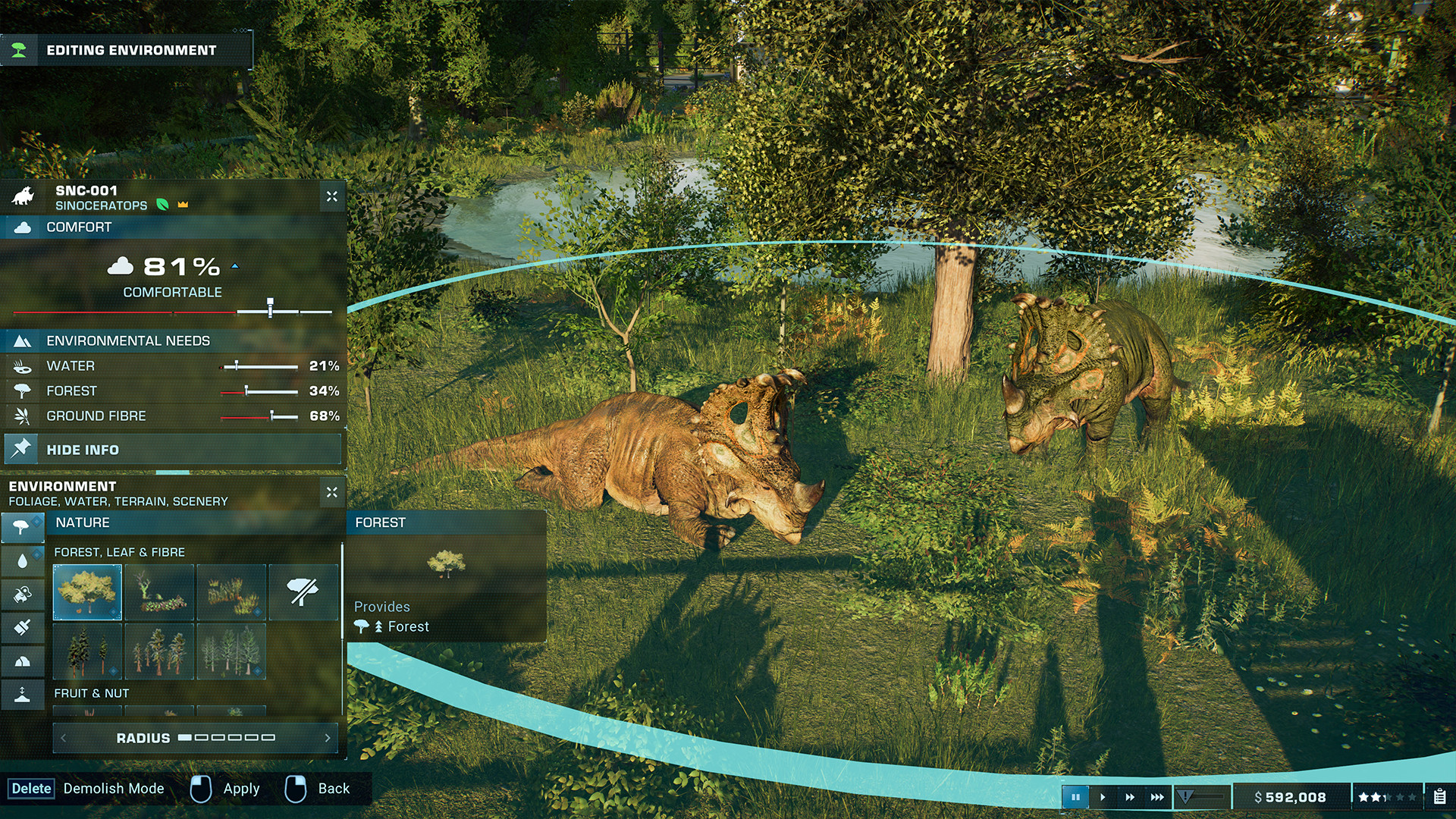
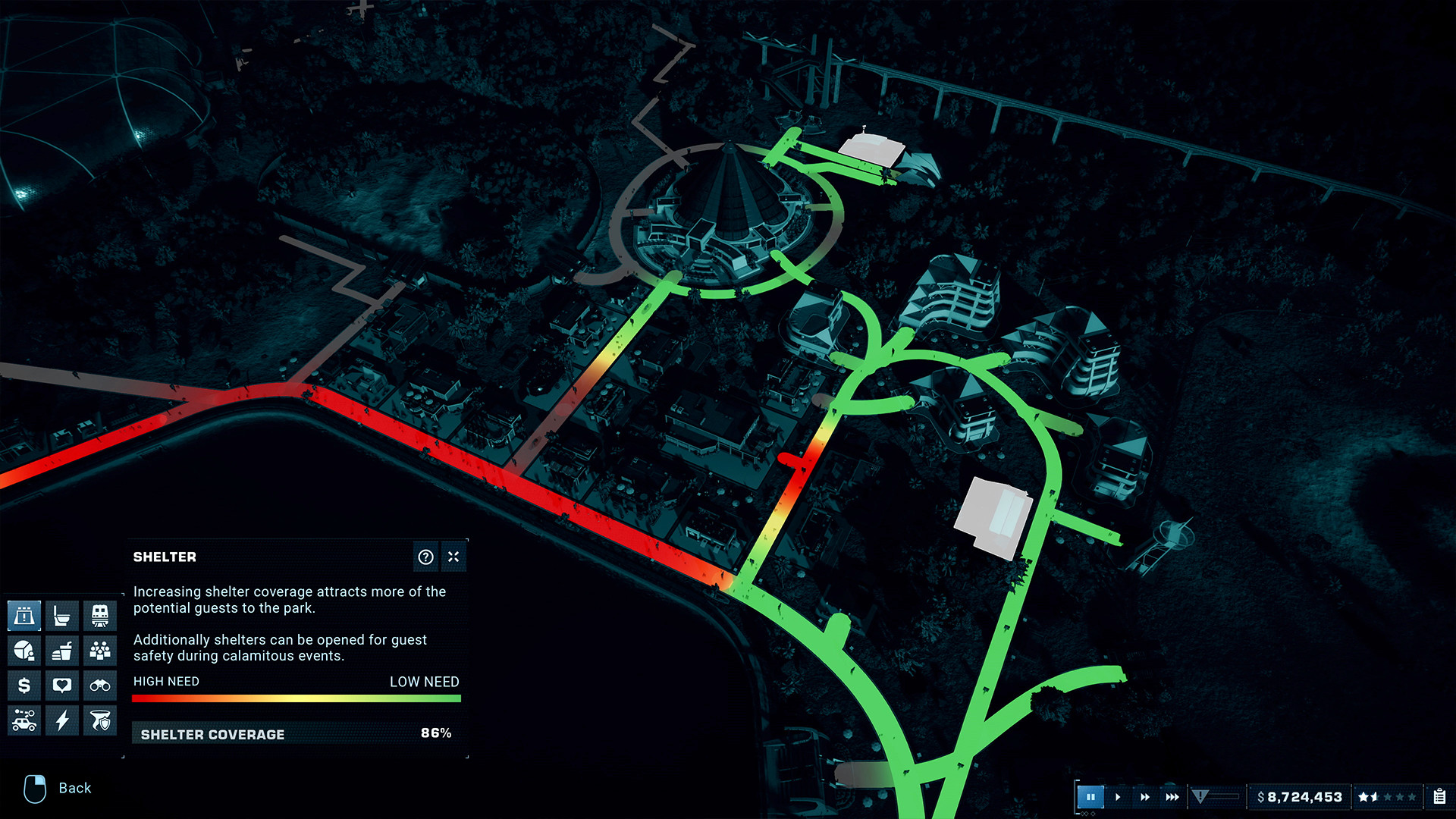
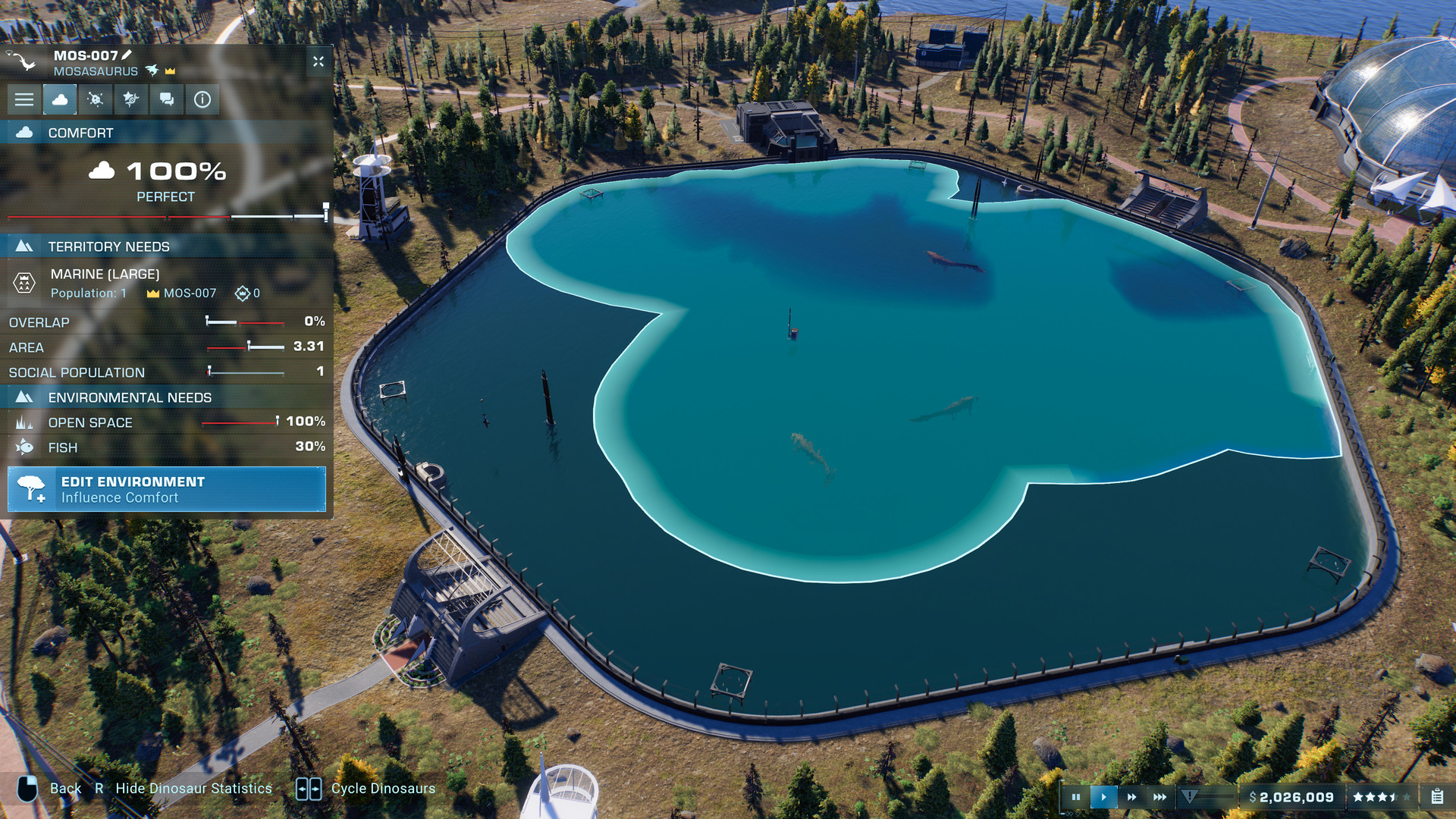
Video
How to Install
- Download to a convenient location – the most important rule: no Cyrillic characters in the full path to the game folder.
- Download the archive
Jurassic.World.Evolution.2-DenuvOwO.zip(#1 | #2)- ⚠️ WARNING: The websites hosting this file contain aggressive advertisements. Be extremely careful — double-check what you are clicking and downloading.
- Read the instructions carefully and launch the game
- Copy the entire content of the
DenuvOwOfolder into the game directory (whereJWE2.exeis located). - Releases that rely on a hypervisor require disabling some security features.
- To prepare your system for the hypervisor, run
VBS.cmdas administrator.- Carefully read all information displayed on screen before proceeding.
- Note about reboot: you will need to disable driver signature verification (restart with advanced options or via the script).
- After you finish playing, it is strongly recommended to revert the changes.
- (You can restore everything the same way — run
VBS.cmdas admin and press the number “3”.)
- (You can restore everything the same way — run
- The source code of the hypervisor driver is inside
DenuvOwO_SRC.zip.- This archive is intended for advanced users only — you do not need to extract or copy it anywhere.
- Launch the game via the original .exe file (
JWE2.exe, located in the main game folder). Administrator rights will be requested automatically (if not already granted). - If autoloading (auto-start of the driver service) is disabled, running the game as administrator will not be required. In that case, you need to manually create and manage the driver service as shown in the advanced example below.
- Copy the entire content of the
⚙️ Advanced user section – manual driver service
This information is intended for advanced users. The required driver files are located in:DenuvOwO\driver_amd or DenuvOwO\driver_intel — adjust the path to your actual location.
Use the following commands in a Command Prompt (Admin):
- 🔵 AMD (SimpleSvm)
sc create SimpleSvm type= kernel binPath= "C:\Users\Test\Desktop\SimpleSvm.sys" <-- replace with YOUR full path to the driver file, keep quotessc start SimpleSvmsc stop SimpleSvm [after you exit the game]sc delete SimpleSvm
- 🔷 Intel (hyperkd)
sc create hyperkd type= kernel binPath= "C:\Users\Test\Desktop\hyperkd.sys" <-- replace with YOUR full path, keep quotessc start hyperkdsc stop hyperkd [after you exit the game]sc delete hyperkd
📁 Intel hypervisor (hyperdbg) uses additional files next to the .sys driver.
Make sure all companion files are present in the same folder as hyperkd.sys.
⚠️ Critical security & system warnings
- BitLocker: If you have BitLocker enabled, keep your recovery key at hand — hypervisor usage may trigger recovery mode. This is critical.
- Windows Hello: Prepare a traditional password/pin login method as a fallback.
- Anti-cheat services: Before using the hypervisor, ensure that all background anti-cheat services are stopped (for example, Vanguard from Riot Games, BattlEye, EAC, etc.). Otherwise conflicts may occur.
⚠️ FINAL WARNING
Running kernel drivers and hypervisors carries risks. Follow every step exactly. The original English instructions are also available inside DenuvOwO.nfo if you need them.
- The file
DenuvOwO.nfocontains the original English instruction for those who prefer it. - If you are not comfortable with driver management, use the automatic method (
VBS.cmd) instead of manualsccommands. - Always restart your system after toggling driver signature verification / hypervisor settings.
✅ Translated from the Ukrainian/Russian guide. Follow each step in order.
Jurassic World Evolution 2 · DenuvOwO · hypervisor bypass method
Download Jurassic World Evolution 2 v1.11.3.51848 (upd.18.06.2026) + 12 DLC (Premium Edition) — Hypervisor
Alternative Download Links
Alternative Mirrors
Direct link Jurassic.World.Evolution.2-DenuvOwO.zip
DIRECT LINK1 DIRECT LINK2Other Versions & DLCs
Game Update History
- Jurassic World Evolution 2 Build 18857191 → v1.11.3.51848 [ 18.06.2026 ]
- Jurassic World Evolution 2 Build 7638928 → Build 18857191 [ 12.04.2026 ]
- Jurassic World Evolution 2 → Build 7638928 [ 09.11.2021 ]

























































