PBA Pro Bowling 2021 v20210219 - CODEX
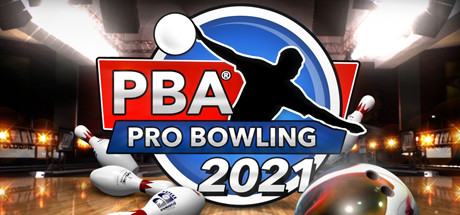
CODEX Full gameFree DownloadLatest version Torrent File
Game updated on 17-05-2021, 08:21. Current version: v20210219.
About The Game
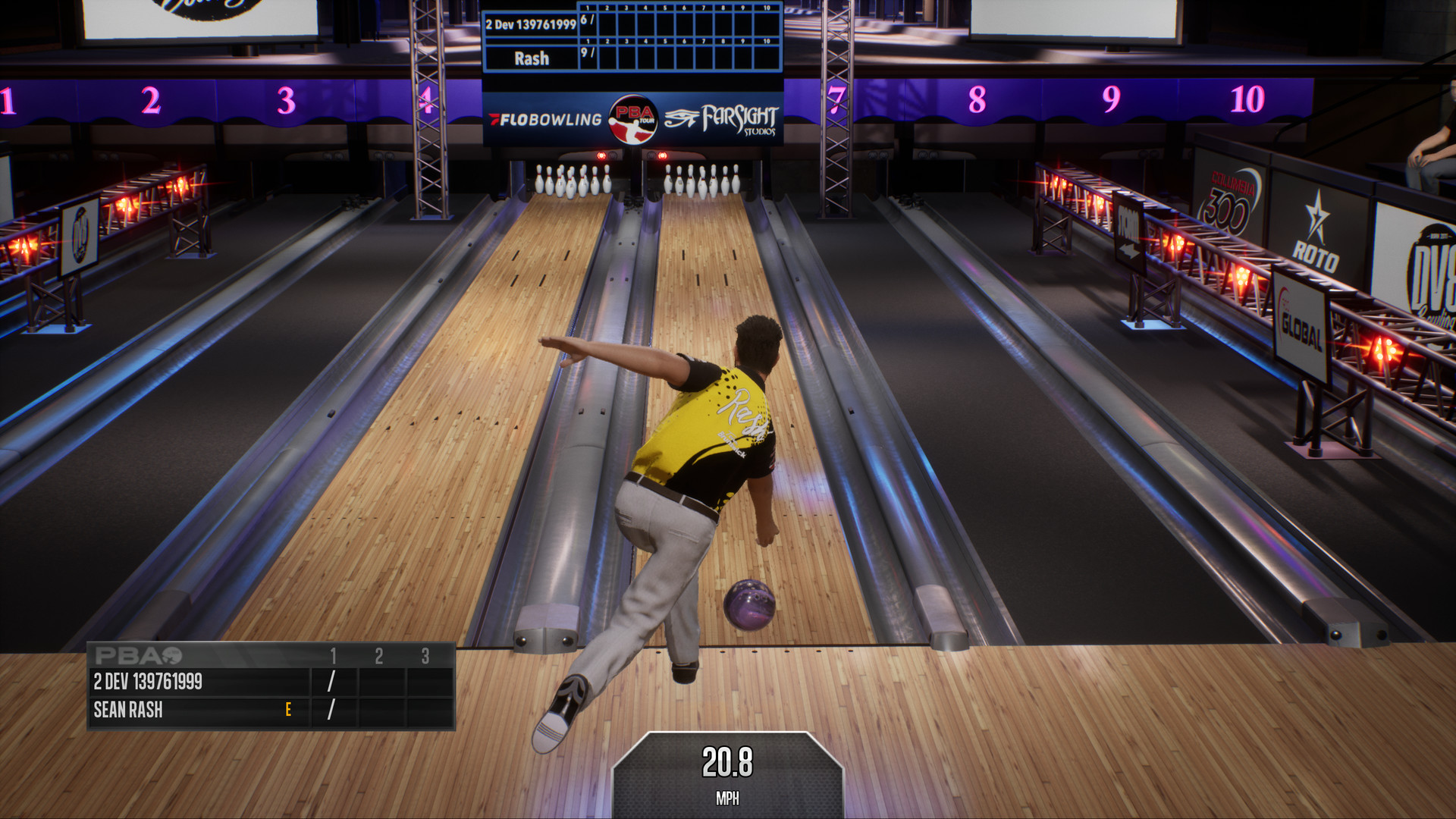
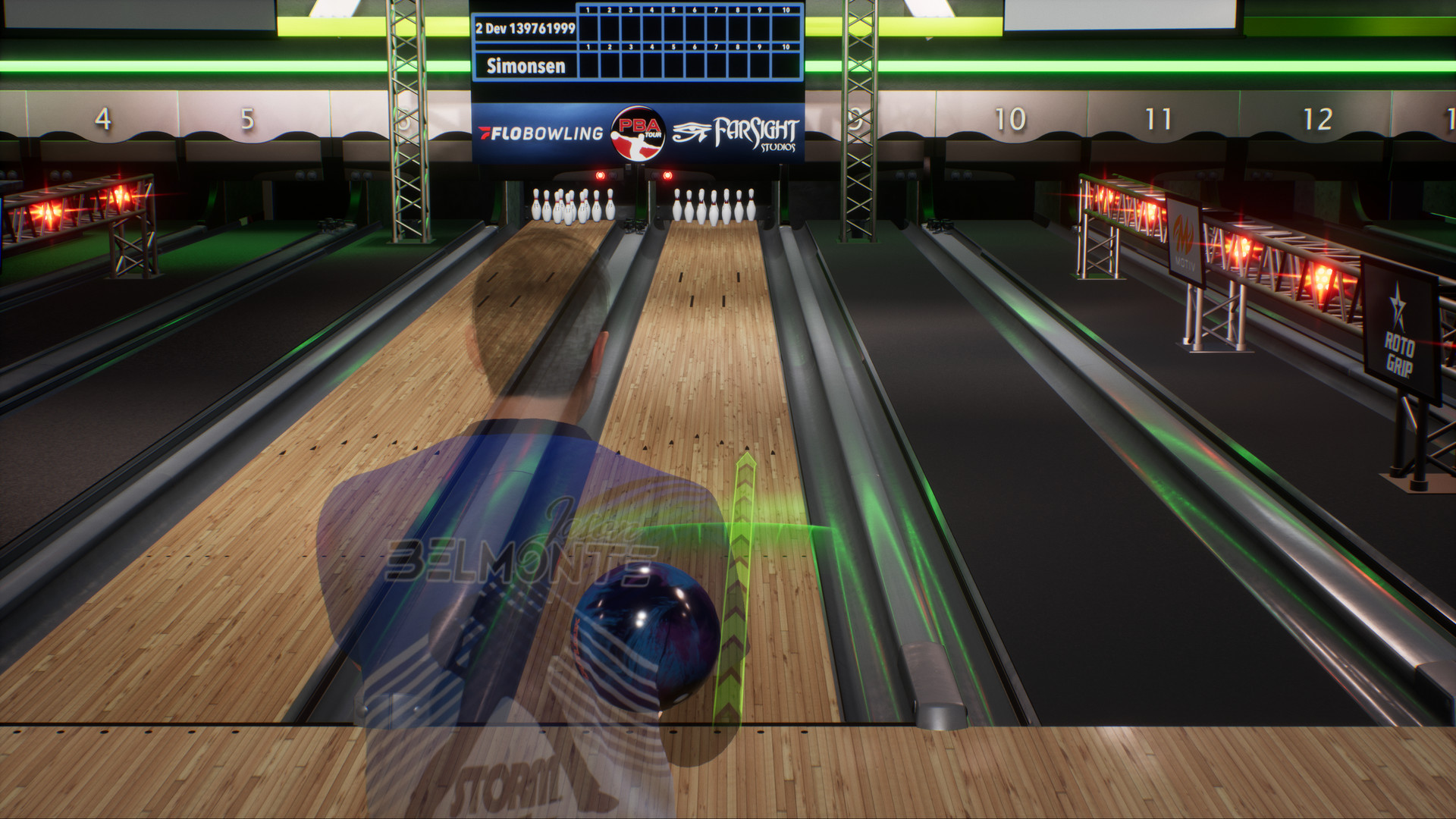
PBA Pro Bowling 2021 — is a sports simulator dedicated to such a sport as bowling. Here you will find unprecedented realism, tournaments, games with professionals, and not only. And the first thing to say is that this game was developed with the developers working together with an association of professional bowlers, so the game itself turned out to be so realistic. Moreover, the developers did not rely only on the usual game modes, and added a full-fledged story campaign, during which you can become a bowler, learn about the many tricks and subtleties of this game, and rise to the top of the professional Olympus.
Game Details
- Title: PBA Pro Bowling 2021
- Genre: Simulation, Sports
- Developer: FarSight Studios
- Publisher: FarSight Studios
- Release year: 2020
- Available Languages: English, French, Italian, German, Spanish - Spain
- Release Name: PBA.Pro.Bowling.2021-CODEX + Update v20210219
- Game Version: v20210219
- Game Releaser: CODEX
- Size: 2.80 GB
Key Features
- Online Head-to-Head Mode.
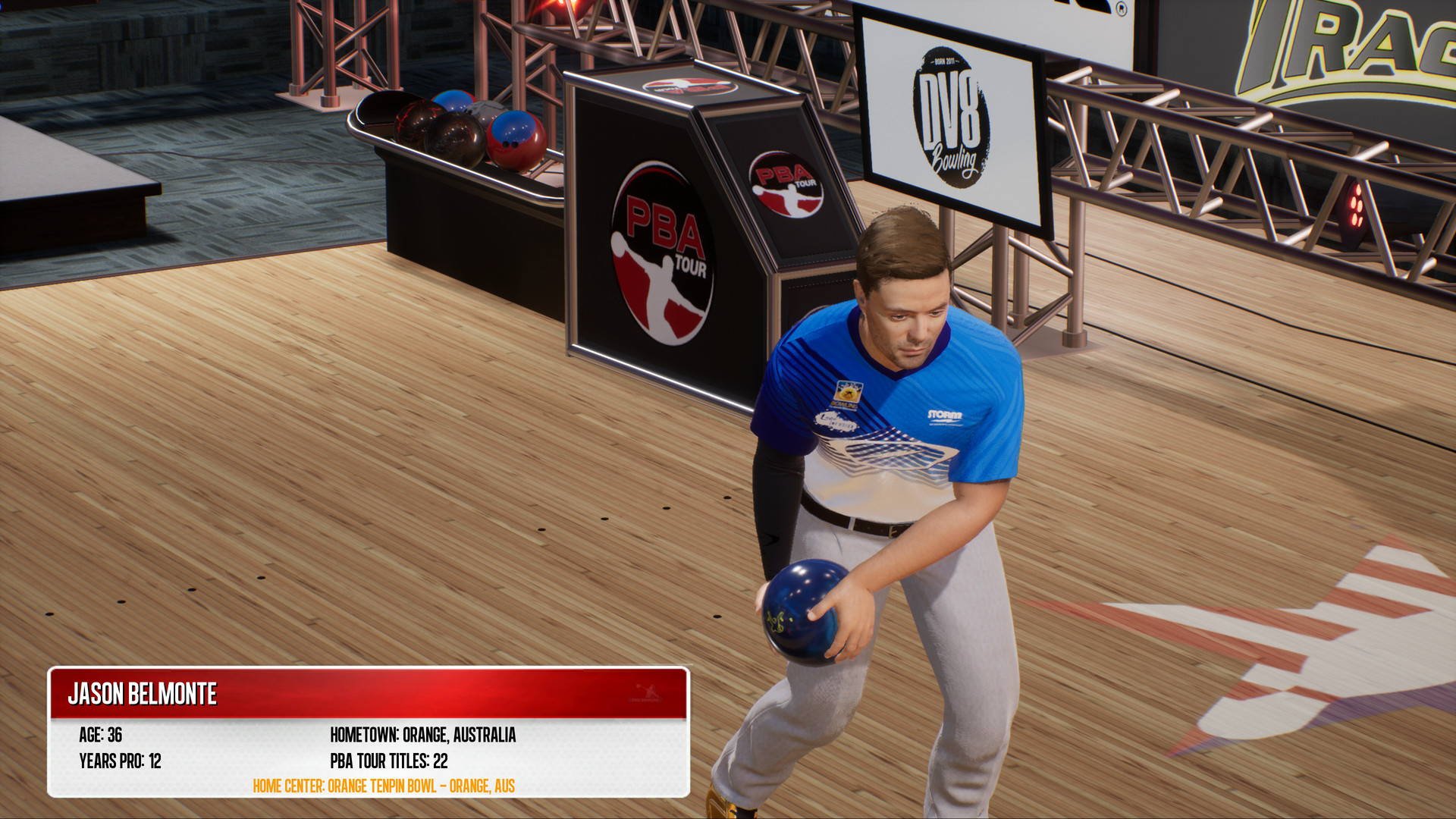
- Bowl as your Favorite PBA Pro.
- Stepladder Finals added to over 100 Career Mode Tournaments.
- Improved Ball and Pin Physics.
- Lane Physics now include Oil Pattern Breakdown and Carry-down.
- Andrew Anderson added to the game.
- Over 150 balls to choose from and earn — adding 40 of the hottest brand new balls from all of the top manufacturers that are used on the PBA Tour.
System Requirements
MINIMUM:
Requires a 64-bit processor and operating systemOS: 64-bit Windows 7, Windows 8.1, Windows 10
Processor: Intel i5 2500K or AMD FX-8350
Memory: 8 GB RAM
Graphics: Nvidia GeForce GTX 660 or AMD R9 270X
DirectX: Version 11
Storage: 4 GB available space
RECOMMENDED:
Requires a 64-bit processor and operating system
OS: 64-bit Windows 7, Windows 8.1, Windows 10
Processor: Intel i7 7700 or AMD Ryzen 1600X
Memory: 8 GB RAM
Graphics: Nvidia GeForce GTX 1060 or AMD RX 580
DirectX: Version 11
Network: Broadband Internet connection
Storage: 4 GB available space
Screenshots
Video
How to Install
1. The first thing we do is download the game’s installation files.
2. Mount or burn the ISO image in the disk emulator (UltraISO program).
3. During the installation, we specify the location on the disk where we want to install it.
4. Wait until the installation process is complete, a shortcut will appear on the desktop.
5. Download & install Update v20210219, in game folder.
6. Copy the contents of the folder «CODEX» in the folder with the game.
7. Start the game.
Download update only: PBA.Pro.Bowling.2021.Update.v20210219-CODEX [ 94.2 MB ]
2. Mount or burn the ISO image in the disk emulator (UltraISO program).
3. During the installation, we specify the location on the disk where we want to install it.
4. Wait until the installation process is complete, a shortcut will appear on the desktop.
5. Download & install Update v20210219, in game folder.
6. Copy the contents of the folder «CODEX» in the folder with the game.
7. Start the game.
Download update only: PBA.Pro.Bowling.2021.Update.v20210219-CODEX [ 94.2 MB ]
Download PBA Pro Bowling 2021 v20210219 — CODEX
File Size: 2.80 GB
How to get your file — 3 quick steps
VPN detected. Our download does not accept VPN connections. Please disable your VPN to continue.
Re-check
1
Click download
Use any button below
2
Install Opera
On the page that opens
Switch to the tab that just opened — Opera installer is already there. After install, open this page in Opera and click Check install.
Opera not detected. Make sure it's installed and open this page in Opera browser, then click Check install again.
Opera is a free, official browser by Opera Software AS — safe to install. [ Opera Install Guide ]
Alternative Download Links
Alternative Mirrors
Searching mirrors…
Source Name
Size
Seeds
Leeches
Other Versions & DLCs
Game Update History
- PBA Pro Bowling 2021 v1.0 → v20210219 [ 17.05.2021 ]
- PBA Pro Bowling 2021 → v1.0 [ 29.12.2020 ]