PBA Pro Bowling 2026 Open Lanes v3.0.9 (upd.20.06.2026) - RUNE
About The Game
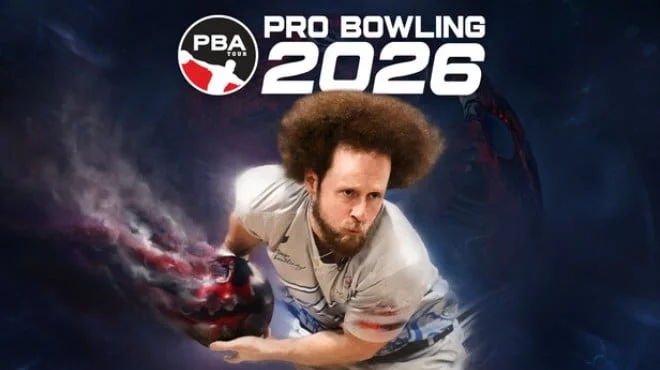
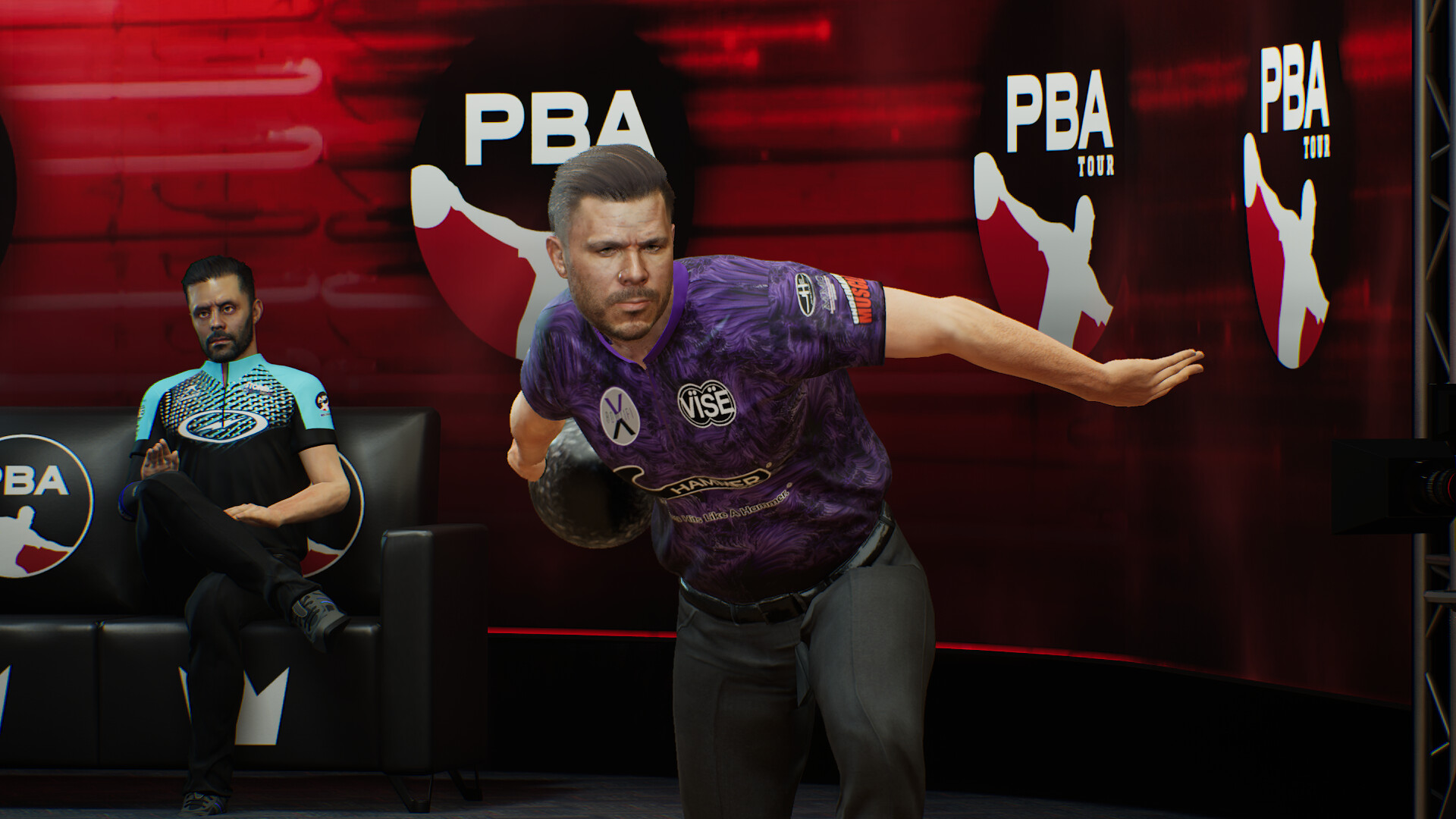
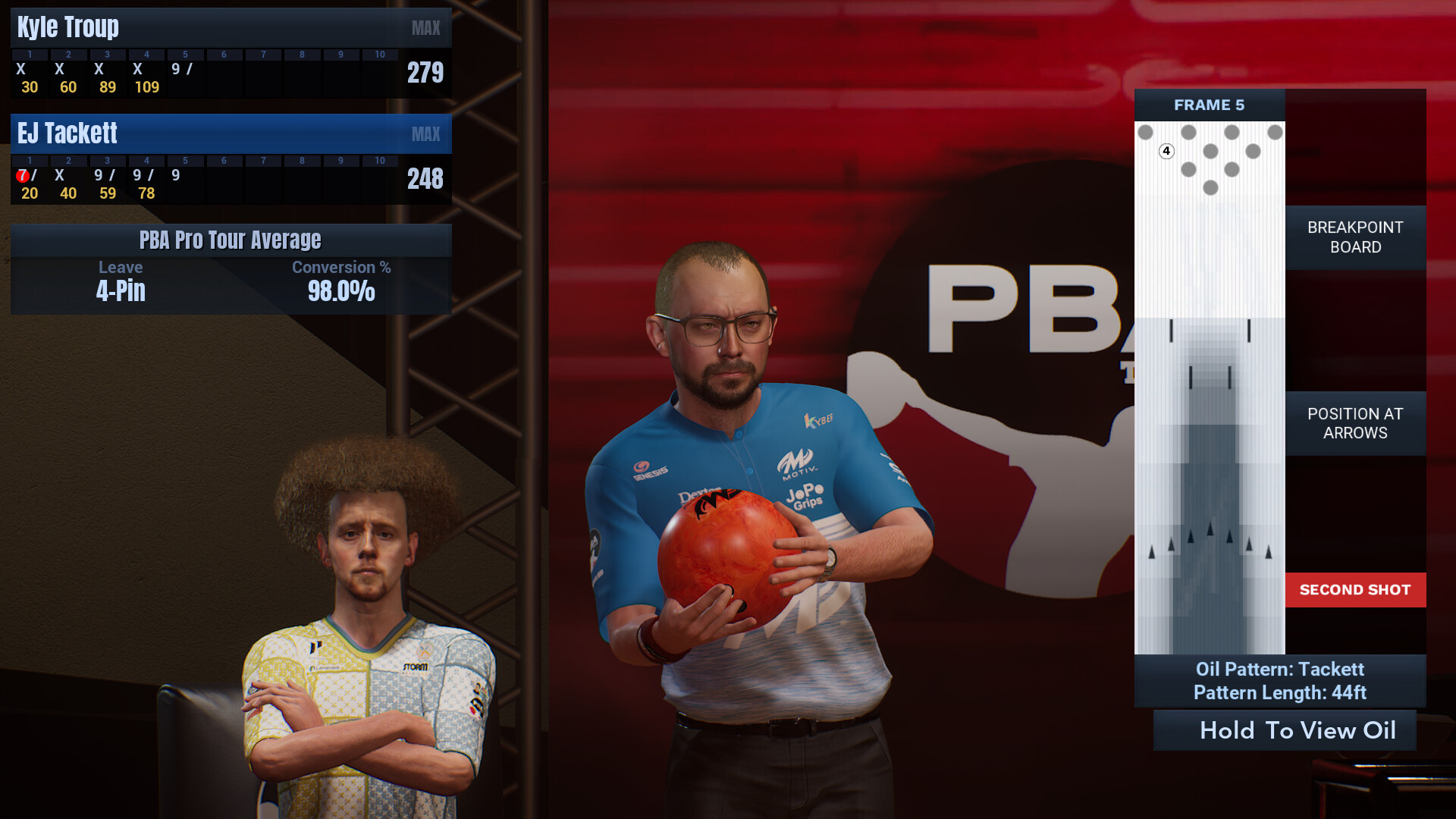
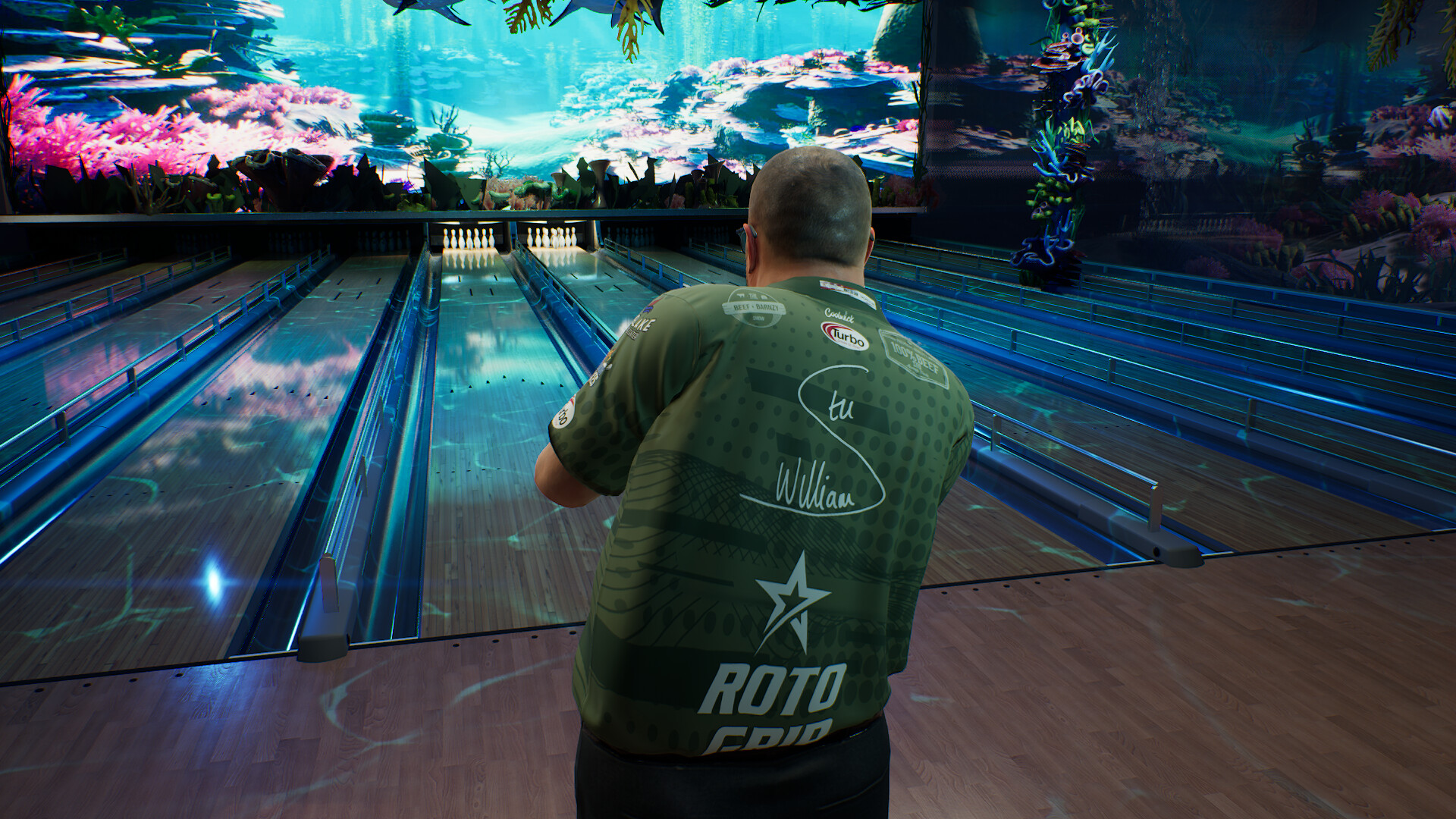
PBA Pro Bowling 2026 Open Lanes is a bowling simulation developed and published by FarSight Studios in 2025. The game puts players on licensed PBA lanes where oil pattern behavior directly affects how the ball travels and how pins react. Newcomers to the series will find a structured experience that teaches lane reading and ball selection through natural gameplay progression. The career mode starts players as rookies competing in local leagues and advances them through regional events toward the full PBA Pro Tour.
Each stage of the career introduces new lane conditions and opponents, requiring players to adapt their approach and equipment choices as they climb the ranks. FarSight Studios built the mode to reward consistency and strategic thinking rather than button timing alone. PBA Pro Bowling 2026 Open Lanes runs on Windows PC and is fully compatible with Steam Deck. Players can download the latest version of game from this page and start their career on any supported device.
NOTE. Uploaded version: 20 June 2026 [v3.0.9 Build 23829431]. This is Full Release and latest version of game. The game is already Pre-Installed and ready to run, read the instruction below.
This release is standalone and includes the following DLC:
- PBA Pro Bowling 2026: Roto Grip Gem Collection
- PBA Pro Bowling 2026: Storm Sports Collection
- PBA Pro Bowling 2026: Storm Tournament Collection
Game Details
- Title: PBA Pro Bowling 2026 Open Lanes
- Genre: Simulation
- Developer: FarSight Studios
- Publisher: FarSight Studios
- Release year: 2025
- Available Languages: English, French, Italian, German, Spanish - Spain, Spanish - Latin America
- Release Name: PBA.Pro.Bowling.2026.Open.Lanes.v3.0.9-RUNE
- Game Version: v3.0.9 (upd.20.06.2026)
- Game Releaser: RUNE
- Size: 10.51 GB
System Requirements
Minimum:
Requires a 64-bit processor and operating system
OS: 64-bit Windows 10
Processor: Intel i5 2500K or AMD FX-8350
Memory: 8 GB RAM
Graphics: Nvidia GeForce GTX 1060 or AMD RX 580
DirectX: Version 12
Storage: 40 GB available space
Recommended:
Requires a 64-bit processor and operating system
OS: 64-bit Windows 11
Processor: Intel i5 12600 or AMD Ryzen 3600X
Memory: 16 GB RAM
Graphics: Nvidia GeForce RTX 2080 or AMD RX 6800
DirectX: Version 12
Storage: 40 GB available space
Screenshots
Video
How to Install
1. The first thing we do is download the game's installation files.
2. Unzip the archive to the hard disk.
3. Mount or burn the ISO image in the disk emulator (UltraISO program).
4. After mount ISO, go to the folder and run the file «setup.exe».
5. During the installation, we specify the location on the disk where we want to install it.
6. Copy the contents of the folder «RUNE» in the folder with the game.
7. At the end of the unpacking process, a shortcut appears on the desktop.
8. Launch the game!
Download PBA Pro Bowling 2026 Open Lanes v3.0.9 (upd.20.06.2026) — RUNE
Alternative Download Links
Alternative Mirrors
Other Versions & DLCs
Game Update History
- PBA Pro Bowling 2026 Open Lanes → v3.0.9 Build 23829431 [ 20.06.2026 ]