Alan Sharp v1.0.8 (upd.21.06.2021) - DOGE
DOGE Full gameFree DownloadLatest version Torrent File
Game updated on 21-06-2021, 13:33. Current version: v1.0.8 (upd.21.06.2021).
About The Game
Alan Sharp — is a horror puzzle game in development since 2015. Go through exciting missions, mini-tasks, turn on logic and try to survive. Explore gloomy atmospheric locations as you plunge into a dark ephemeral world in which every wrong step can be your last. The storyline tells about two investigative detectives Sam Withers and Alan Sharp. The main character is Sam, and Alan is just his assistant. The story is twisted in a time continuum, so sometimes it will not be clear what time you are in now. Immerse yourself in this gloomy world and find out all the circumstances of a mysterious crime that happened before the arrival of your assistant. As you progress through you will learn the whole truth, not only about the very fact of the crime, but also about your assistant. It turns out that he will be investigating this strange case for a reason.
Game Details
- Title: Alan Sharp
- Genre: Adventure, Indie
- Developer: Mystive Studios
- Publisher: Mystive Studios
- Release year: 2021
- Available Languages: English, Italian, German, Spanish - Spain, Greek
- Release Name: Alan.Sharp-DOGE + Update v1.0.8
- Game Version: v1.0.8 (upd.21.06.2021)
- Game Releaser: DOGE
- Size: 5.45 GB
System Requirements
MINIMUM:
OS: Windows 64-bit Windows 7 / 64-bit Windows 8 / 64-bit Windows 10Processor: Intel Core i3-4160 or AMD Phenom II X4 955
Memory: 8 GB RAM
Graphics: 2GB / Radeon R9 200 Series or Nvidia GeForce GTX660
DirectX: Version 11
Sound Card: DirectX compatible
Additional Notes: Game should run in at least 30 FPS on LOW video settings
Screenshots
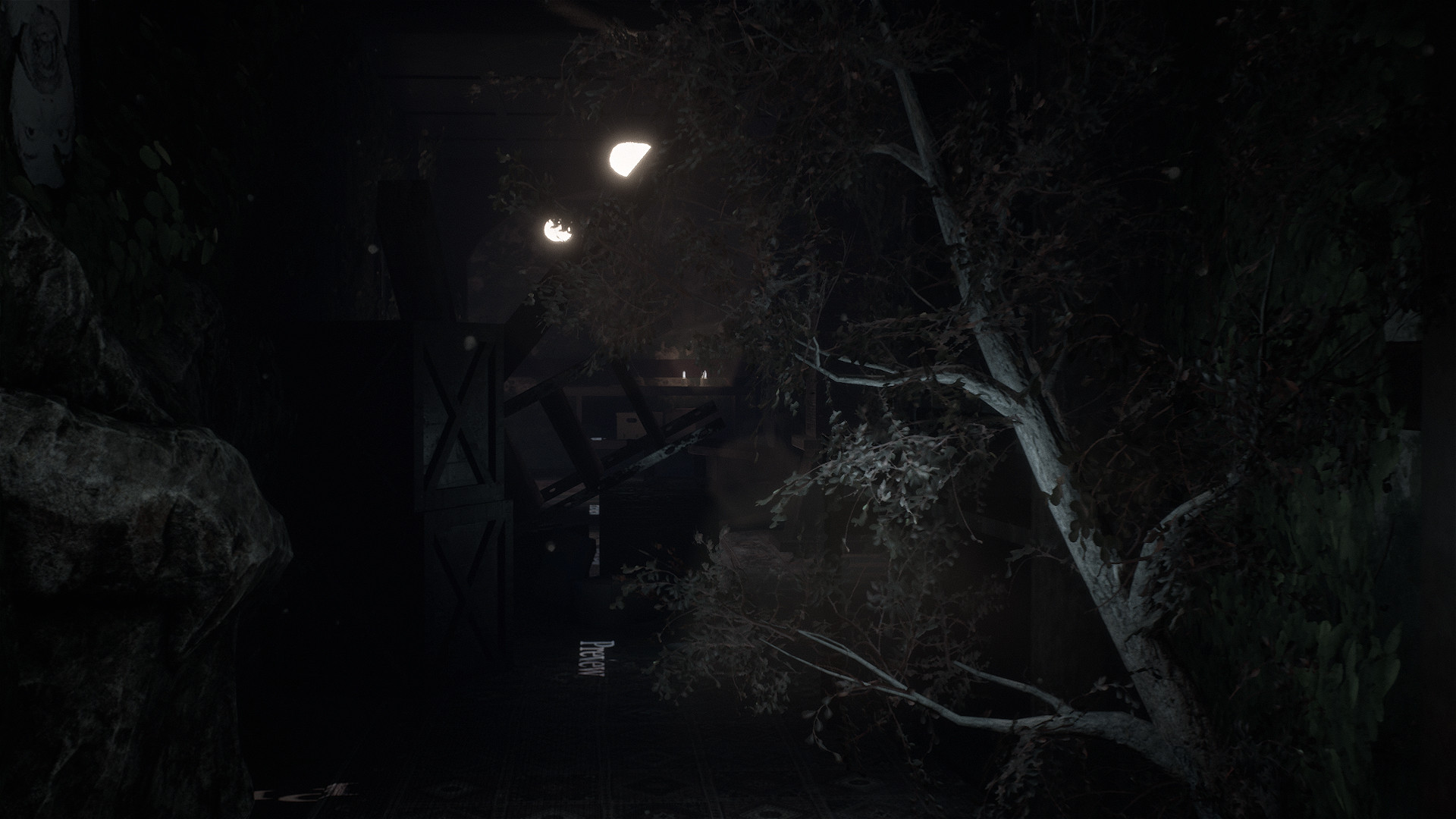
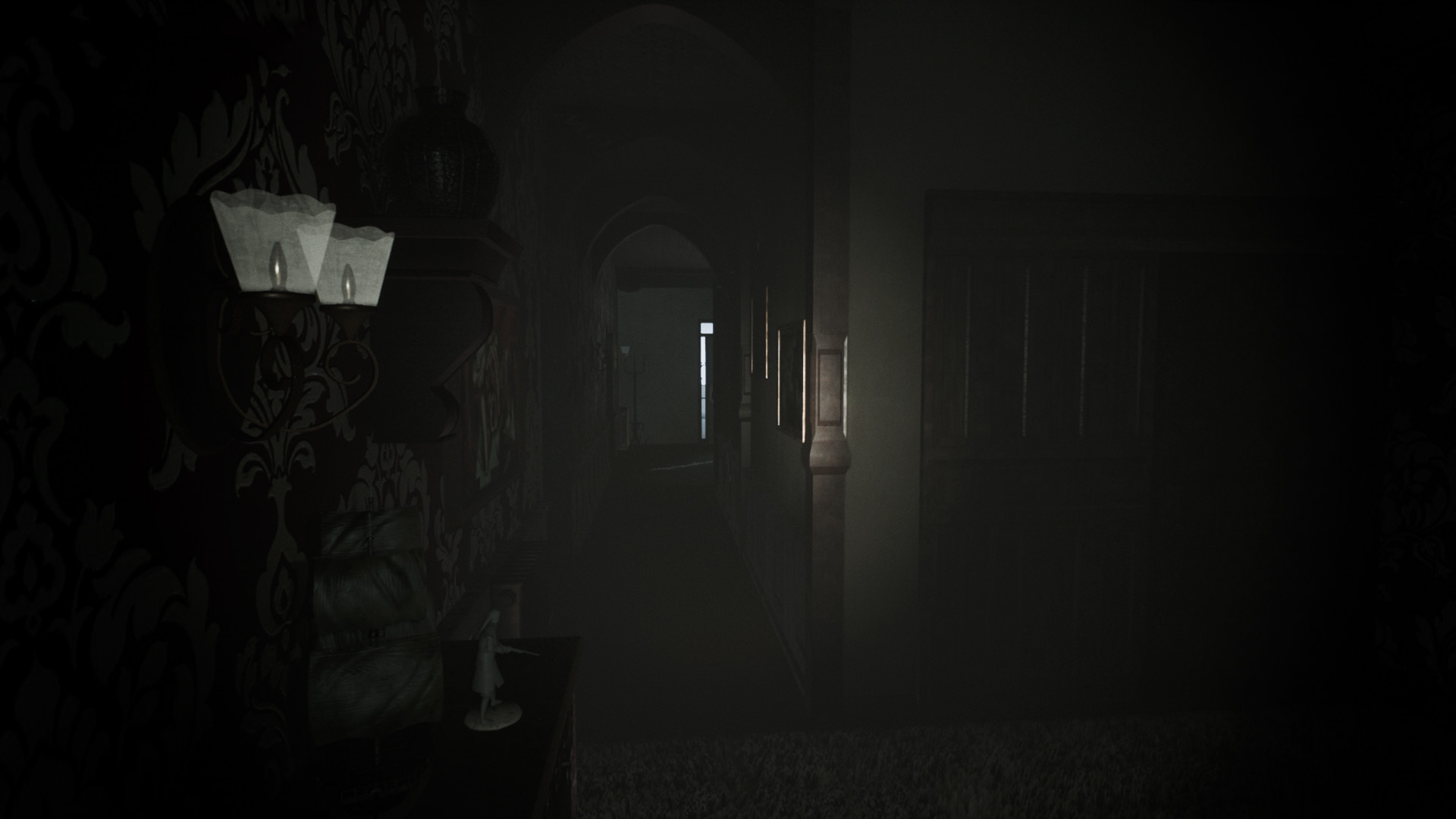
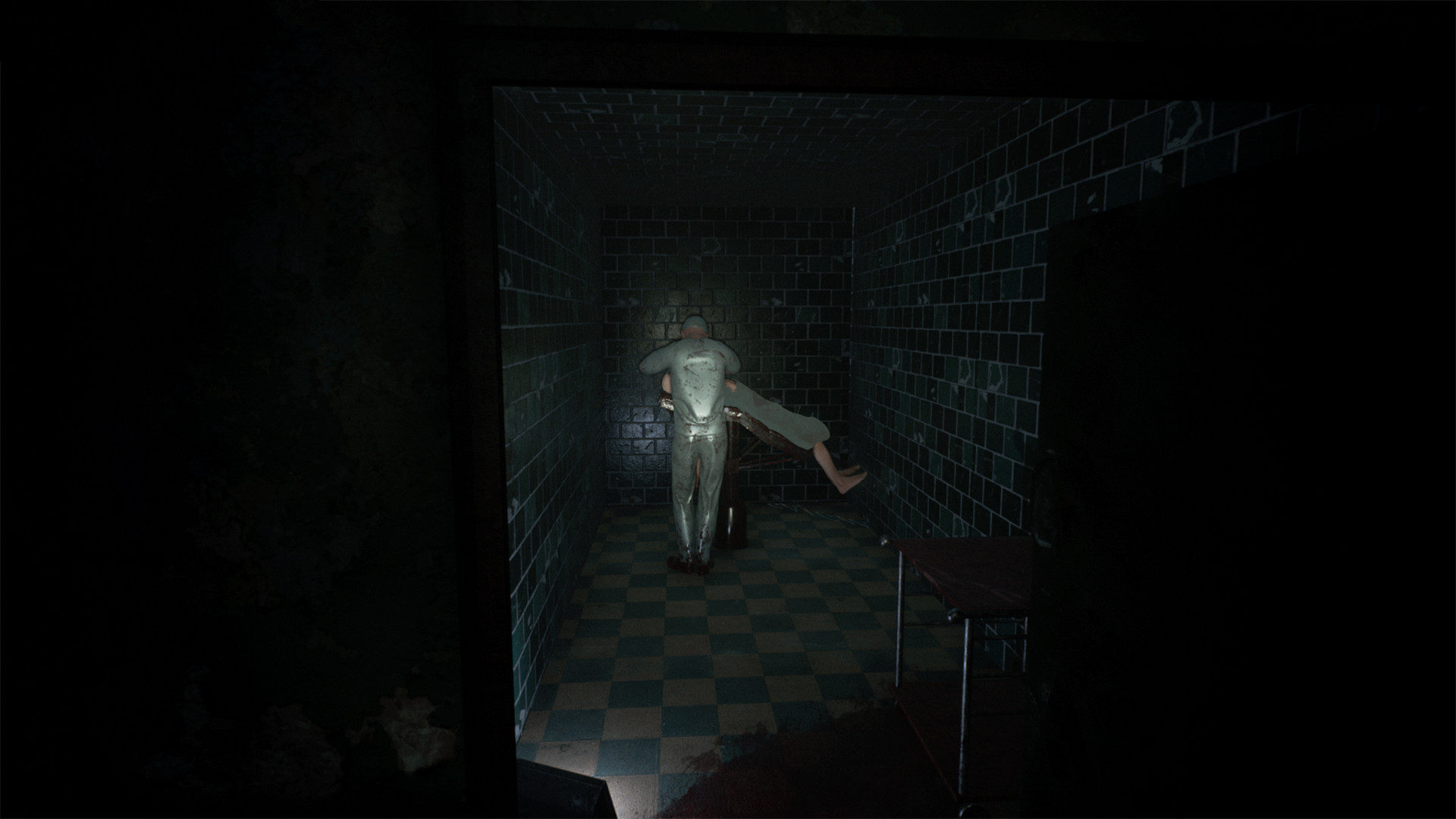
Video
How to Install
1. The first thing we do is download the game’s installation files.
2. Mount or burn the ISO image in the disk emulator (UltraISO program).
3. During the installation, we specify the location on the disk where we want to install it.
4. Wait until the installation process is complete, a shortcut will appear on the desktop.
5. Copy the contents of the folder «DOGE» in the folder with the game.
6. Download & install Update v1.0.8, in game folder.
7. Start the game.
Download update only: Alan.Sharp.Update.v1.0.8-ANOMALY [ 156.0 MB ]
2. Mount or burn the ISO image in the disk emulator (UltraISO program).
3. During the installation, we specify the location on the disk where we want to install it.
4. Wait until the installation process is complete, a shortcut will appear on the desktop.
5. Copy the contents of the folder «DOGE» in the folder with the game.
6. Download & install Update v1.0.8, in game folder.
7. Start the game.
Download update only: Alan.Sharp.Update.v1.0.8-ANOMALY [ 156.0 MB ]
Download Alan Sharp v1.0.8 (upd.21.06.2021) — DOGE
File Size: 5.45 GB
How to get your file — 3 quick steps
VPN detected. Our download does not accept VPN connections. Please disable your VPN to continue.
Re-check
1
Click download
Use any button below
2
Install Opera
On the page that opens
Switch to the tab that just opened — Opera installer is already there. After install, open this page in Opera and click Check install.
Opera not detected. Make sure it's installed and open this page in Opera browser, then click Check install again.
Opera is a free, official browser by Opera Software AS — safe to install. [ Opera Install Guide ]
Alternative Download Links
Alternative Mirrors
Searching mirrors…
Game Update History
- Alan Sharp v1.0 → v1.0.8 [ 21.06.2021 ]
- Alan Sharp → v1.0 [ 23.05.2021 ]