Dwarf Journey Build 6384179 (upd.26.07.2021) - P2P
P2P Full gameFree DownloadFirst Release Torrent File
About The Game
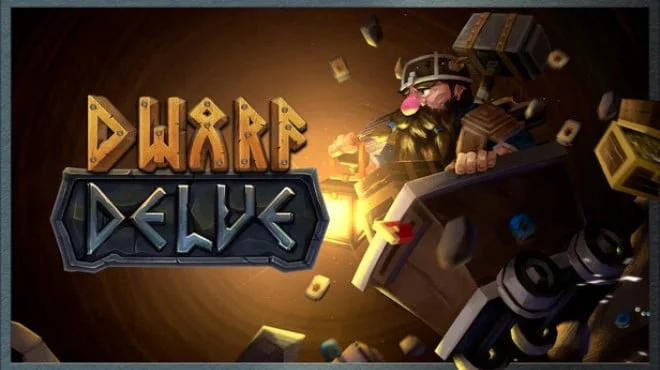
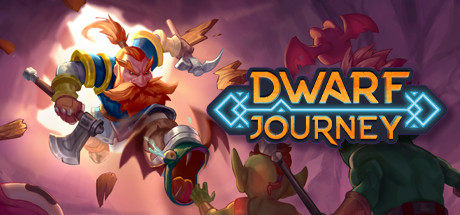
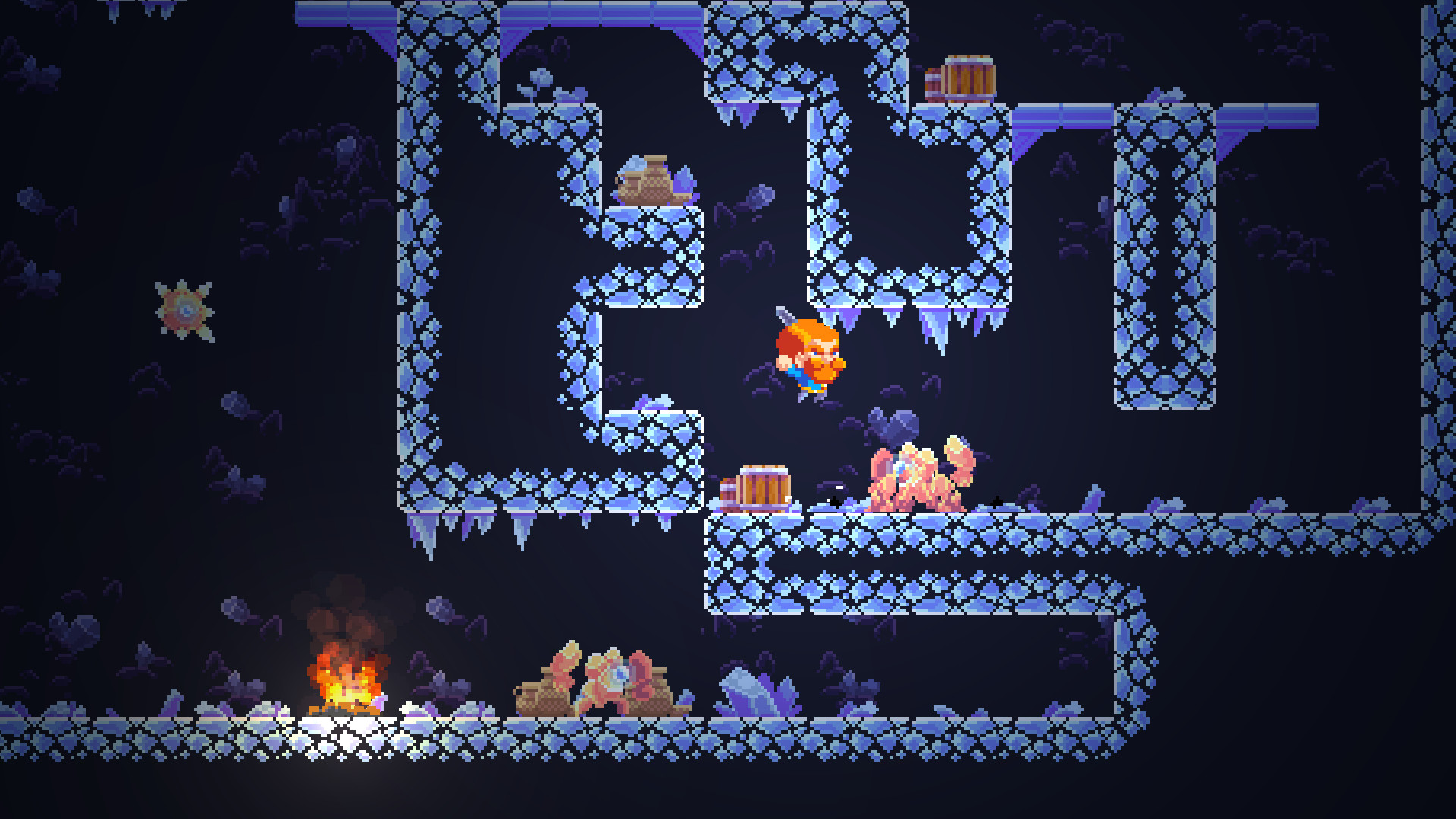
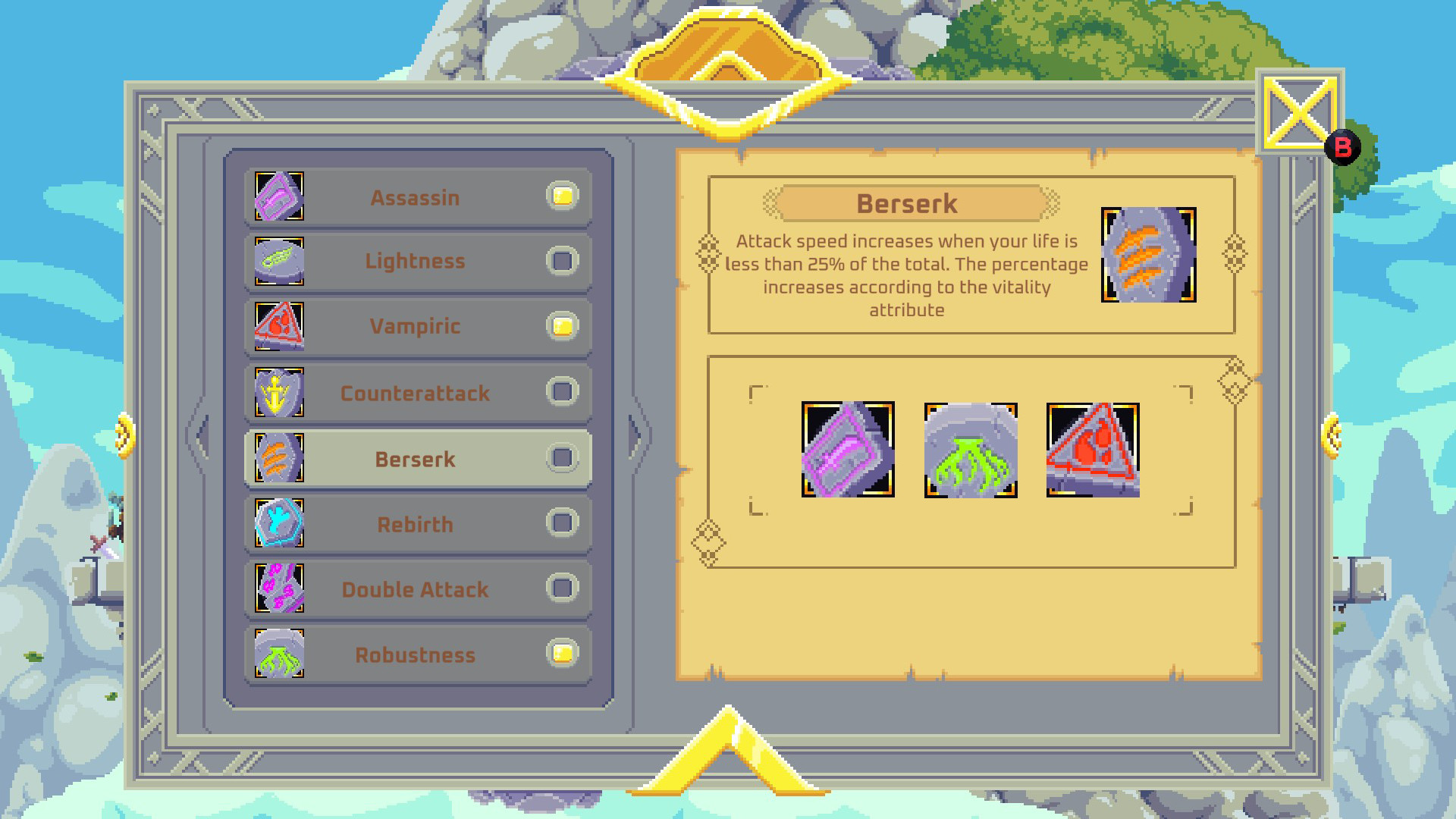
Dwarf Journey — is a roguelite platformer. Explore randomly generated levels. Defeat enemies and develop your character to discover new routes and gain experience, improve and customize your character as you wish. Collect minerals and weapon blueprints from the depths of the cave and take them to the village blacksmith to forge more advanced equipment. And fight even stronger and more powerful monsters. Collect sets of three runes, craft items and customize your character in your preferred style. Choose a strategy and customize your gameplay.
You have to fight evil bosses who will challenge all your forces and tactics. But be careful because the levels are randomly generated, you can open the boss doors right away. Have the wisdom in realizing your limits and knowing at what point to experience them. Help Gallar continue his long and glorious journey into eternity. Will you be able to fight to the end for the lost relic.
You have to fight evil bosses who will challenge all your forces and tactics. But be careful because the levels are randomly generated, you can open the boss doors right away. Have the wisdom in realizing your limits and knowing at what point to experience them. Help Gallar continue his long and glorious journey into eternity. Will you be able to fight to the end for the lost relic.
Game Details
- Title: Dwarf Journey
- Genre: Action, Adventure, Indie, RPG
- Developer: Orube Game Studio
- Publisher: Orube Game Studio
- Release year: 2021
- Available Languages: English, Portuguese - Brazil, French, Italian, German, Spanish - Spain, Japanese, Russian, Simplified Chinese
- Release Name: Dwarf.Journey.Build.6384179-P2P
- Game Version: Build 6384179 (upd.26.07.2021)
- Game Releaser: P2P
- Size: 127.0 MB
System Requirements
MINIMUM:
OS: Microsoft Windows 7 SP1, 8.1, 10Processor: 1.5 GHz CPU
Memory: 2 GB RAM
Graphics: Integrated Graphics Card
Storage: 300 MB available space
RECOMMENDED:
OS: Microsoft Windows 10
Processor: Multi-core 2Ghz CPU
Memory: 2 GB RAM
Graphics: OpenGL 3.0 (DirectX 10) compliant graphics card and driver
Storage: 300 MB available space
Screenshots

Video
How to Install
1. The first thing we do is download the game’s installation files.
2. After downloaded, go to the folder and run the file «setup.exe».
3. During the installation, we specify the location on the disk where we want to install it.
4. At the end of the unpacking process, a shortcut appears on the desktop.
5. Start the game.
2. After downloaded, go to the folder and run the file «setup.exe».
3. During the installation, we specify the location on the disk where we want to install it.
4. At the end of the unpacking process, a shortcut appears on the desktop.
5. Start the game.
Download Dwarf Journey Build 6384179 (upd.26.07.2021) — P2P
File Size: 127.0 MB
How to get your file — 3 quick steps
VPN detected. Our download does not accept VPN connections. Please disable your VPN to continue.
Re-check
1
Click download
Use any button below
2
Install Opera
On the page that opens
Switch to the tab that just opened — Opera installer is already there. After install, open this page in Opera and click Check install.
Opera not detected. Make sure it's installed and open this page in Opera browser, then click Check install again.
Opera is a free, official browser by Opera Software AS — safe to install. [ Opera Install Guide ]
Alternative Download Links
Alternative Mirrors
Searching mirrors…
Game Update History
- Dwarf Journey → Build 6384179 [ 26.07.2021 ]