Block The Monster Build 12588402 (upd.11.11.2023) - TENOKE
About The Game
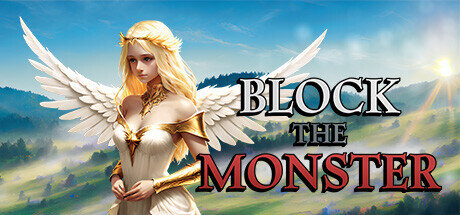
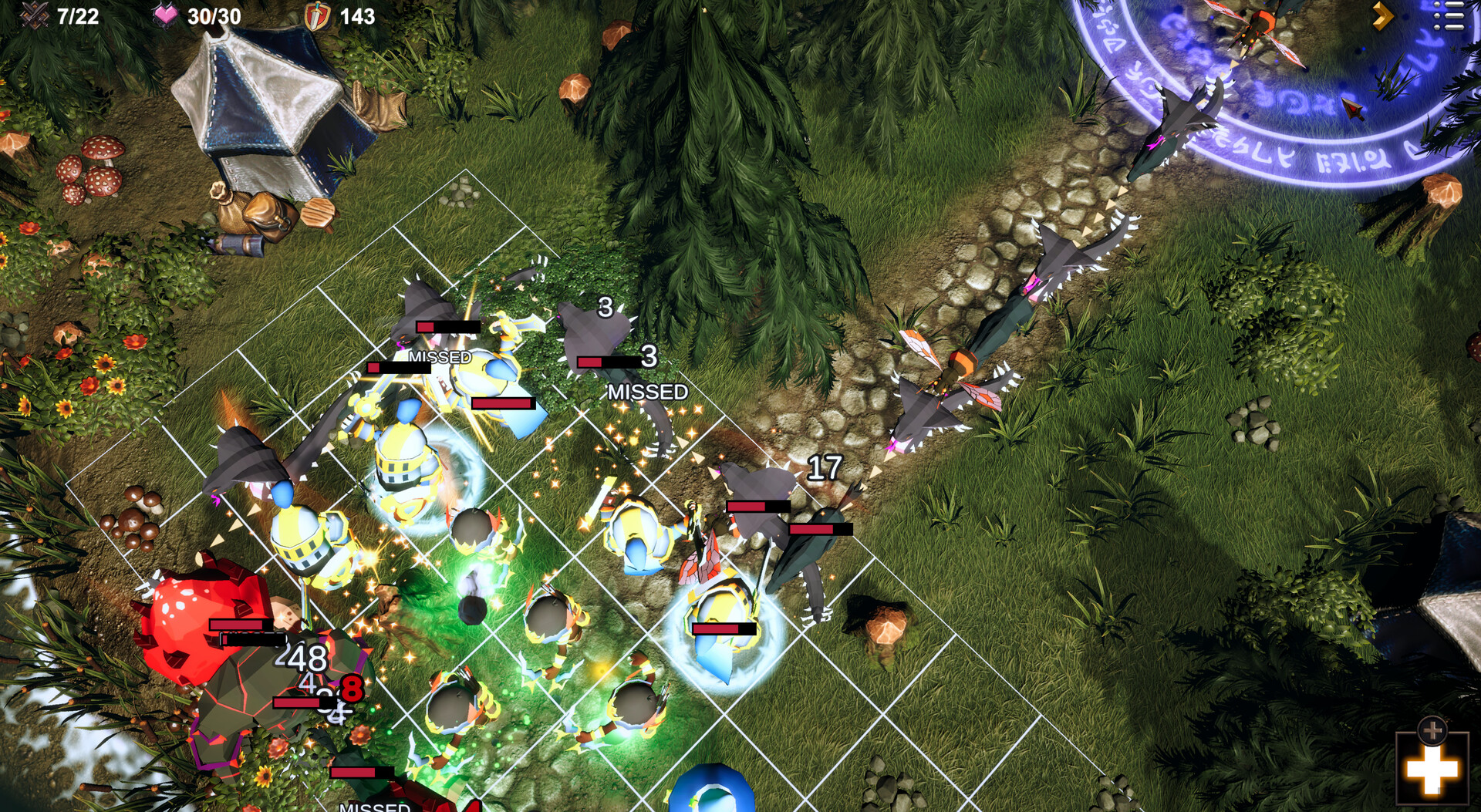
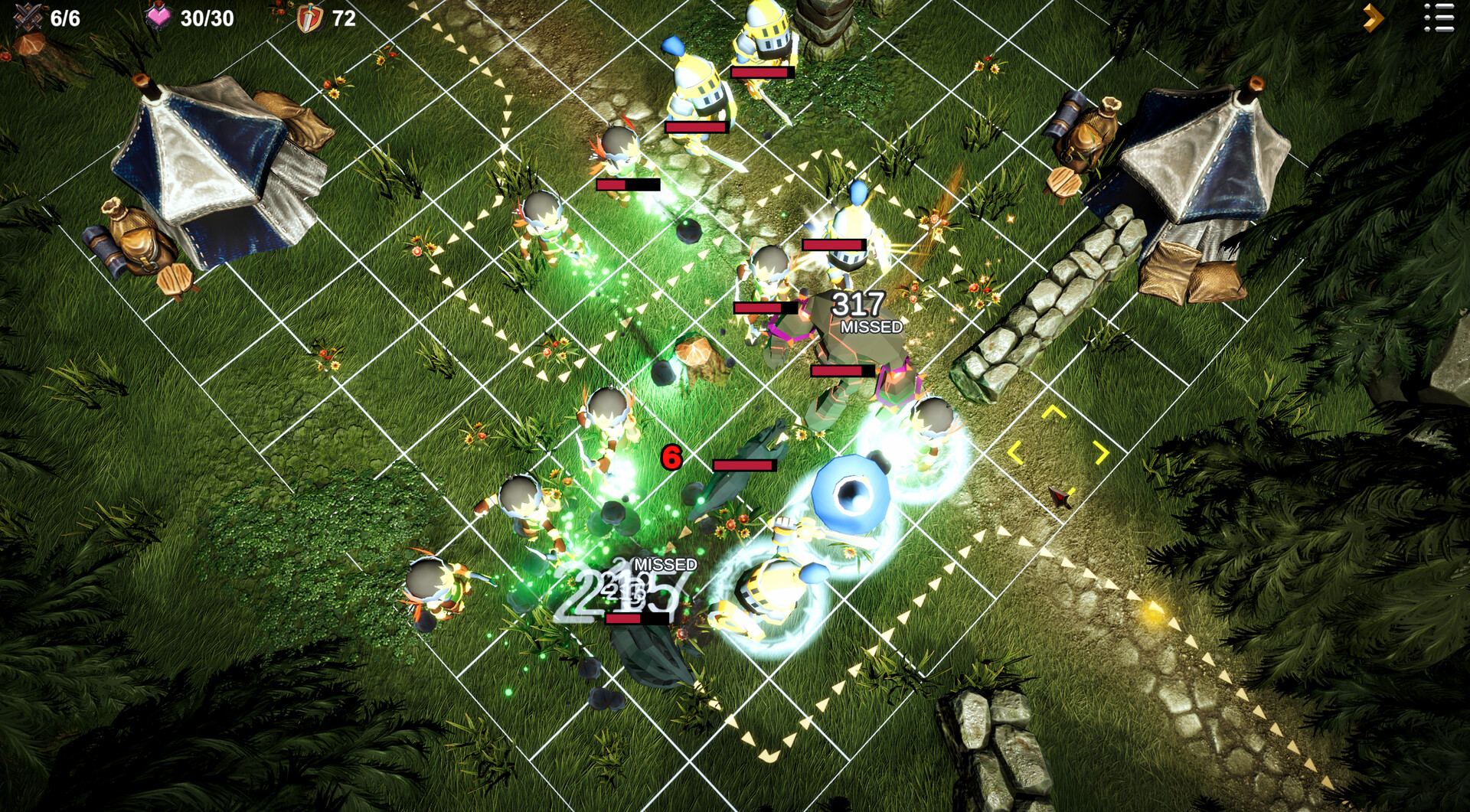
Block The Monster is a strategic masterpiece that emerges from the creative minds at Hit the Healing. Released in 2023, this indie strategy game challenges players to engage their minds and tactical skills to thwart an impending monster invasion. Developed and published by Hit the Healing, game delivers an immersive and addictive gaming experience within the strategy genre. The game unfolds in a dynamic world where players must strategically place and arrange blocks to obstruct the path of approaching monsters. The visual design of the game is simple yet captivating, with vibrant colors and charming graphics that enhance the overall gaming experience.
The user-friendly interface ensures that players can quickly grasp the mechanics and dive into the strategic challenges that lie ahead. Block The Monster requires players to think strategically and plan their moves carefully. Each block placement influences the path the monsters take, and players must leverage this to create effective barriers and obstacles. As the game progresses, the monsters become more formidable, requiring players to adapt their strategies and utilize new block types to counter the evolving threat. The strategic depth of the game is enhanced by a variety of block types, each with its own unique properties and effects. Players must strategically choose which blocks to deploy based on the characteristics of the approaching monsters and the layout of the playing field. This introduces an element of resource management and decision-making that keeps players engaged and invested in the evolving challenges.
Game Details
- Title: Block The Monster
- Genre: Strategy
- Developer: Hit the Healing
- Publisher: Hit the Healing
- Release year: 2023
- Available Languages: Korean, English
- Release Name: Block.The.Monster-TENOKE
- Game Version: Build 12588402 (upd.11.11.2023)
- Game Releaser: TENOKE
- Size: 2.67 GB
System Requirements
MINIMUM:
Requires a 64-bit processor and operating system
OS: Windows 10 64bit (22H2)
Processor: Intel i5-6600 / AMD Ryzen 5 1400
Memory: 16 GB RAM
Graphics: NVIDIA GeForce GTX 1060 (6GB VRAM) / AMD Radeon RX 5600XT (6GB VRAM)
DirectX: Version 12
Storage:7 GB available space
Additional Notes: For above 30 FPS at 1920 x 1080 with Low settings in all situations.
RECOMMENDED:
Requires a 64-bit processor and operating system
OS: Windows 10,11 64bit
Processor: Intel i7-8700 / AMD Ryzen 5 2600X
Memory: 16 GB RAM
Graphics: NVIDIA GeForce RTX 2070 Super (8GB VRAM) / AMD Radeon RX 6700 XT (12GB VRAM)
DirectX: Version 12
Storage:7 GB available space
Additional Notes: For 60 FPS or more at 1920 x 1080 with High settings in most situations.
Screenshots
Video
How to Install
1. The first thing we do is download the game’s installation files.
2. Unzip the archive to the hard disk.
3. Mount or burn the ISO image in the disk emulator (UltraISO program).
4. After mount ISO, go to the folder and run the file «setup.exe».
5. During the installation, we specify the location on the disk where we want to install it.
6. Copy the contents of the folder «CRACK» in the folder with the game.
7. At the end of the unpacking process, a shortcut appears on the desktop.
8. Launch the game!
Download Block The Monster Build 12588402 (upd.11.11.2023) — TENOKE
Alternative Download Links
Alternative Mirrors
Game Update History
- Block The Monster → Build 12588402 [ 11.11.2023 ]