Omega Crafter v1.0.5 (upd.25.10.2025) - TENOKE

About The Game
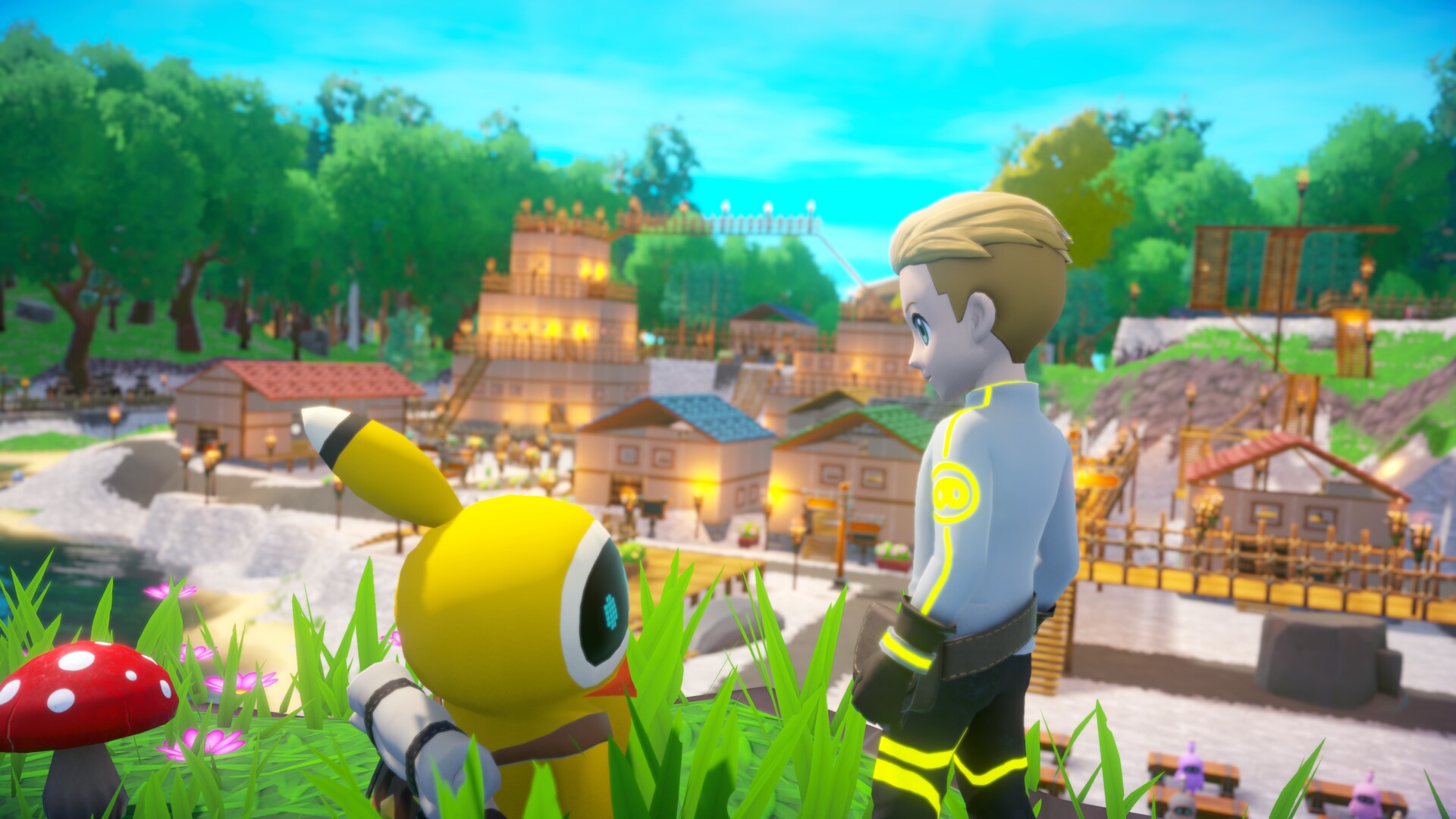
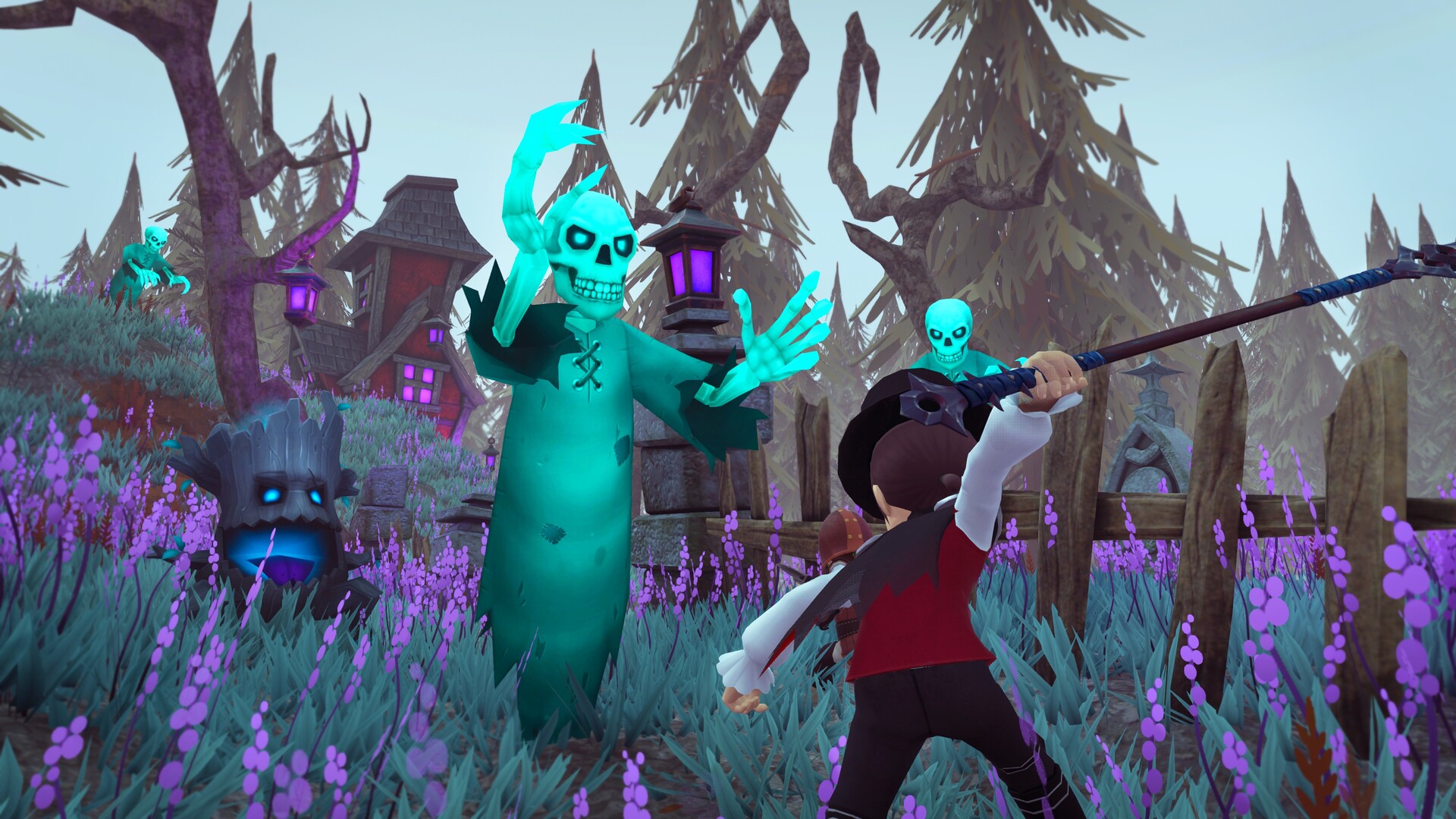
Omega Crafter is an open world survival crafting game that will captivate any gamer looking for an immersive experience. As a user thrust into an unfinished local harsh setting, you must adapt and confront the dangers of an ever-decaying environment. The title offers a multi-faceted experience that includes elements of exploration, construction, combat and problem solving, all within a vast and varied landscape. Omega Crafter differs from its analogues in its intriguing narrative and unique setting. As you delve deeper into the story, you will unravel the mysteries surrounding the onslaught of corruption. Chatting with colleagues and developers adds an extra layer of immersion as you work together to save everyone before it’s released. One of the most striking aspects of the title is the programmable companion named Grammie.
This adorable and customizable robot serves as an invaluable assistant in helping you with a wide range of tasks and problems. Whether it’s gathering resources, building structures, crafting items, or fighting, Grammi can be customized to suit your preferences in both appearance and personality. For those looking for communication, the project’s multiplayer mode allows you to join forces with friends online. Together you can begin joint actions, explore uncharted territories, build complex structures and participate in exciting battles. Additionally, the game’s procedurally generated world provides an endless number of new places to discover and things to do.
NOTE. Uploaded version: 16 May 2024 [Build 18475513] + Update v1.0.5 (upd.25.10.2025). This is Full Release and latest version of game. The game is already Packaged in ISO File and ready to run the game after install, read the instruction below.
Game Details
- Title: Omega Crafter
- Genre: Action, Adventure, Indie, RPG, Simulation, Early Access
- Developer: Preferred Networks
- Publisher: Preferred Networks
- Release year: 2024
- Available Languages: English, Japanese, French, German, Spanish - Spain, Thai, Portuguese - Portugal, Simplified Chinese, Traditional Chinese
- Release Name: Omega.Crafter-TENOKE + Update v1.0.5 (upd.25.10.2025)
- Game Version: v1.0.5 (upd.25.10.2025)
- Game Releaser: TENOKE
- Size: 4.60 GB
System Requirements
MINIMUM:
Requires a 64-bit processor and operating system
OS: Windows10
Processor: core i3
Memory: 8 GB RAM
Graphics: Geforce 950 or Radeon HD 7970
DirectX: Version 11
Storage: 5 GB available space
RECOMMENDED:
Requires a 64-bit processor and operating system
Screenshots

Video
How to Install
1. The first thing we do is download the game’s installation files.
2. Mount or burn the ISO image in the disk emulator (UltraISO program).
3. During the installation, we specify the location on the disk where we want to install it.
4. Wait until the installation process is complete, a shortcut will appear on the desktop.
5. Copy the contents of the folder «TENOKE» in the folder with the game.
6. Download and install Update v1.0.3 + Update v1.0.4 + Update v1.0.5, in game folder (if they are, if not - skip).
7. Start the game.
Download update only: Omega.Crafter.Update.v1.0.5-TENOKE [ 50 MB ]
- Extract.
- Run Update\PATCH.exe and install the update.
- Copy crack to install dir.
- Play!
Download update only: Omega.Crafter.Update.v1.0.4-TENOKE, MIRROR, MIRROR 2 [ 50 MB ]
Download update only: Omega.Crafter.Update.v1.0.3-TENOKE [ 62.2 MB ]
Download Omega Crafter v1.0.5 (upd.25.10.2025) — TENOKE
Alternative Download Links
Alternative Mirrors
Game Update History
- Omega Crafter v1.0.4 → Update v1.0.5 [ 25.10.2025 ]
- Omega Crafter v1.0.3 → Update v1.0.4 [ 13.08.2025 ]
- Omega Crafter Build 18475513 → Update v1.0.3 [ 02.07.2025 ]
- Omega Crafter Build 13929596 → Build 18475513 [ 16.05.2025 ]
- Omega Crafter v0.5.3 Build 13904449 → v0.5.5 Build 13929596 [ 07.04.2024 ]
- Omega Crafter → v0.5.3 Build 13904449 [ 02.04.2024 ]