Lorns Lure v20260325 (upd.11.05.2026) - TENOKE

About The Game
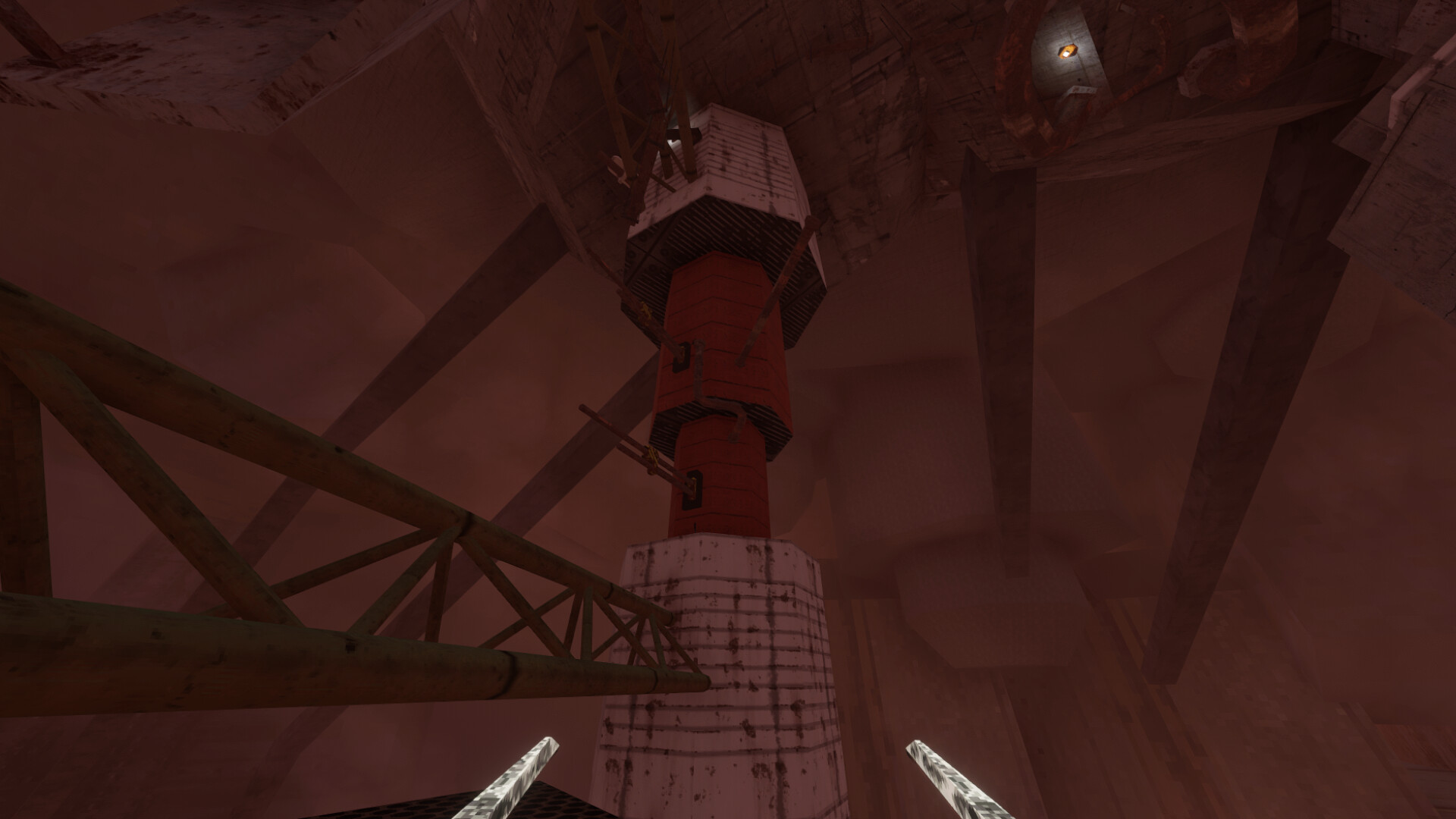
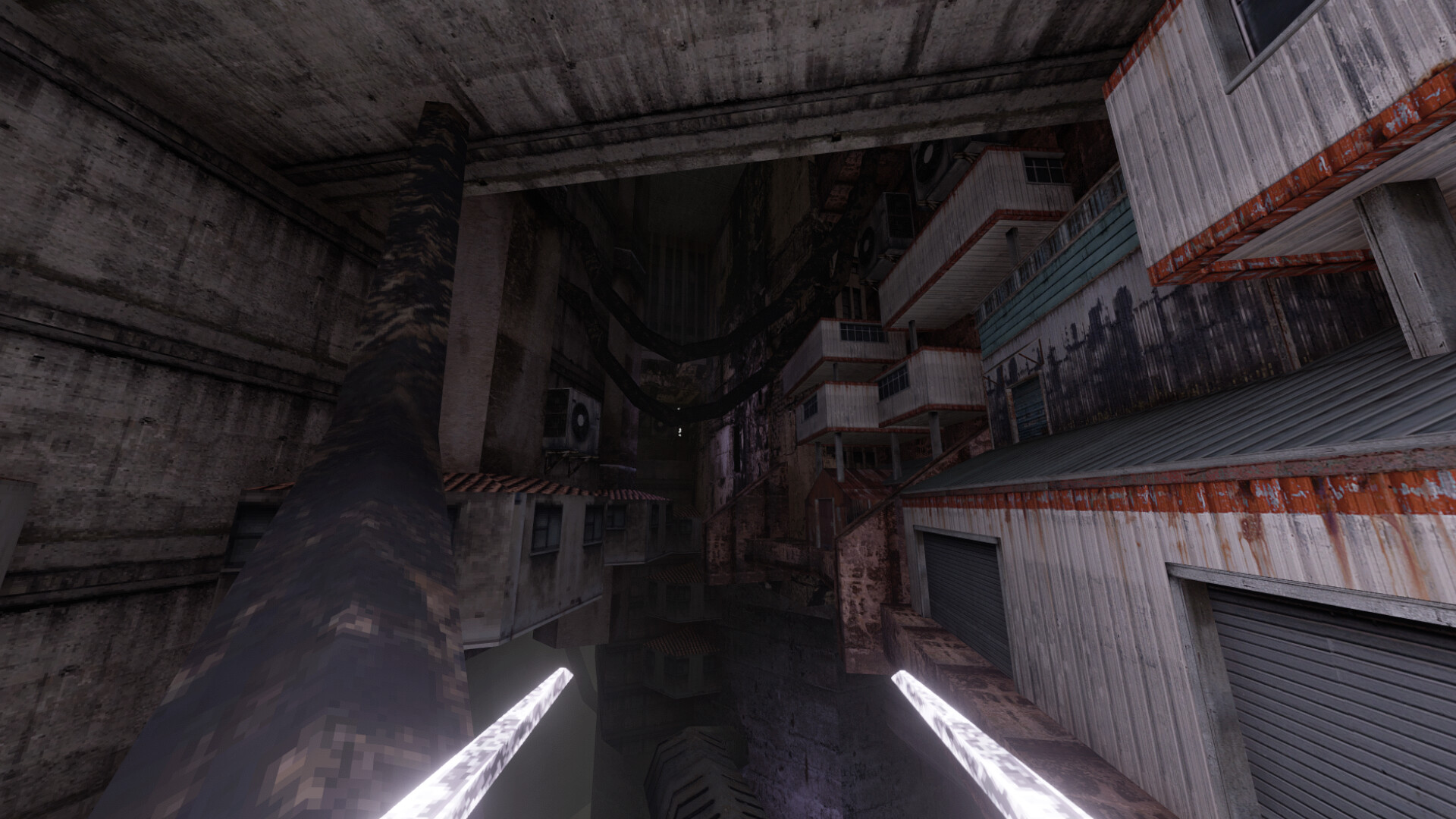
Lorns Lure is a dynamic first-person action platformer developed using retro graphics that refer to the project of the 90s of the last century. The user is invited to try himself in the role of a lost android who is forced to throw himself a difficult, almost impossible, challenge, exploring a giant cave that was not explored by his people before. Moving around the available locations is quite difficult, because the player is constantly surrounded by abysses, falling into which will mean returning to the checkpoint, of which there are very few. Due to hardcore jumps, which require an ideal sense of your own virtual protégé and his abilities, the Lorns Lure project will not give in to any gamer, and each new level requires more and more skill and speed of reaction.
Two one-handed pickaxes, which are used by climbers to climb steep slopes, will help the robotic creation on the way. With their help, the android can climb walls, run sideways along them, pull himself up and cling to the abyss after making a long or not entirely successful jump. The gameplay of the game is not built only on dynamic scenes, the user is given a choice to go through a single-player campaign thoughtfully, or at maximum speed. During the study of the underground depths, the protagonist stumbles upon secrets that need to be solved to complete additional activities.
NOTE. Uploaded version: 11 May 2026 [v20251215] + Update v20260325. This is Full Release and latest version of game. The game is already Packaged in ISO File and ready to run the game after install, read the instruction below.
Game Details
- Title: Lorns Lure
- Genre: Action, Adventure, Indie
- Developer: Rubeki Games
- Publisher: Rubeki Games
- Release year: 2024
- Available Languages: English, French, German, Spanish - Spain, Japanese, Korean, Polish, Portuguese - Brazil, Russian, Simplified Chinese, Turkish, Ukrainian
- Release Name: Lorns.Lure.Parkour.Map.Pack-TENOKE + Update v20260325 (upd.11.05.2026)
- Game Version: v20260325 (upd.11.05.2026)
- Game Releaser: TENOKE
- Size: 27.7 MB
Key Features
- Dark foreboding atmosphere
- Retro 90s PC graphics, with a modern flair.
- Uncover mysterious lore as you travel into the depths.
- Jump, climb, slide, and scan your way around difficult challenges, using simple mechanics.
- No "Parkour Ledges". Climb almost any vertical wall face using your pickaxes!
- It's a tough game, but not frustrating! Mistakes are not punished by redoing lengthy sections.
- Play fast or slow. Take in the sights as you traverse, or play as fast as a speed runner.
System Requirements
Minimum:
OS: Windows 10
Processor: AMD Athlon II X2 255
Memory: 4 GB RAM
Graphics: Anything above on-board graphics cards
Storage: 2 GB available space
Recommended:
OS: Windows 10+
Processor: Intel i7+, 2.6GHz+
Memory: 8 GB RAM
Graphics: GTX 960 and above or equivalent
Storage: 2 GB available space
Screenshots

Video
How to Install
1. The first thing we do is download the game’s installation files.
2. Mount or burn the ISO image in the disk emulator (UltraISO program).
3. During the installation, we specify the location on the disk where we want to install it.
4. Wait until the installation process is complete, a shortcut will appear on the desktop.
5. Copy the contents of the folder «TENOKE» in the folder with the game.
6. Download and install Update v20260325, in game folder.
7. Start the game.
Download update only: Lorns.Lure.Parkour.Map.Pack.Update.v20260325-TENOKE, MIRROR [ 27.7 MB ]
- Extract.
- Run setup.exe and install.
- Copy crack from TENOKE dir to install dir.
- Play!
Download update only: Lorns.Lure.Update.v20250319-TENOKE [ 28 MB ]
-
Extract.
-
Run Update\PATCH.exe and install the update.
- Copy crack to install dir.
-
Play!
Download update only: Lorns.Lure.Update.v20250204-TENOKE [ 27.5 MB ]
-
Extract.
-
Run Update\PATCH.exe and install the update.
- Copy crack to install dir.
-
Play!
Download update only: Lorns.Lure.Update.v20250115-TENOKE [ 29 MB ]
-
Extract.
-
Run Update\PATCH.exe and install the update.
- Copy crack to install dir.
-
Play!
Download update only: Lorns.Lure.Update.v20241115-TENOKE [ 56.4 MB ]
-
Extract.
-
Run Update\PATCH.exe and install the update.
- Copy crack to install dir.
-
Play!
Download Lorns Lure v20260325 (upd.11.05.2026) — TENOKE
Alternative Download Links
Alternative Mirrors
Game Update History
- Lorns Lure v20251215 → Update v20260325 [ 11.05.2026 ]
- Lorns Lure v20250319 → Update v20251215 + Parkour Map Pack [ 20.12.2025 ]
- Lorns Lure Build 17239373 → Update v20250319 [ 08.04.2025 ]
- Lorns Lure Build 16415308 → Update v20250204 Build 17239373 [ 03.03.2025 ]
- Lorns Lure Build 15765771 → Update v20241115 Build 16415308 [ 18.11.2024 ]
- Lorns Lure → Build 15765771 [ 22.09.2024 ]