CityDriver v55184 (upd.19.01.2026) - RUNE
About The Game
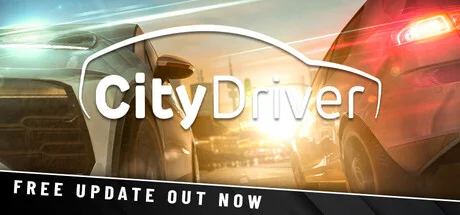
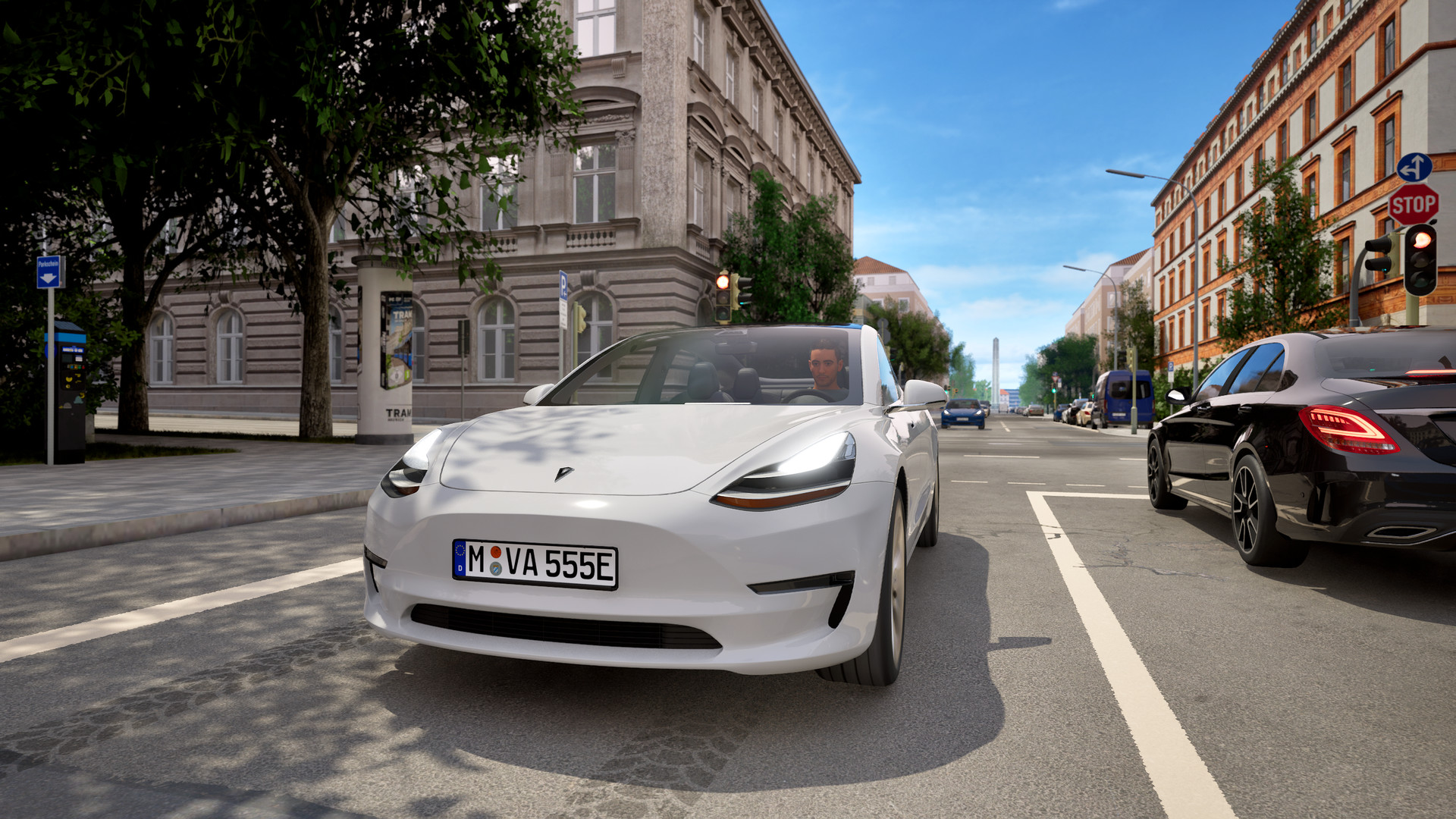
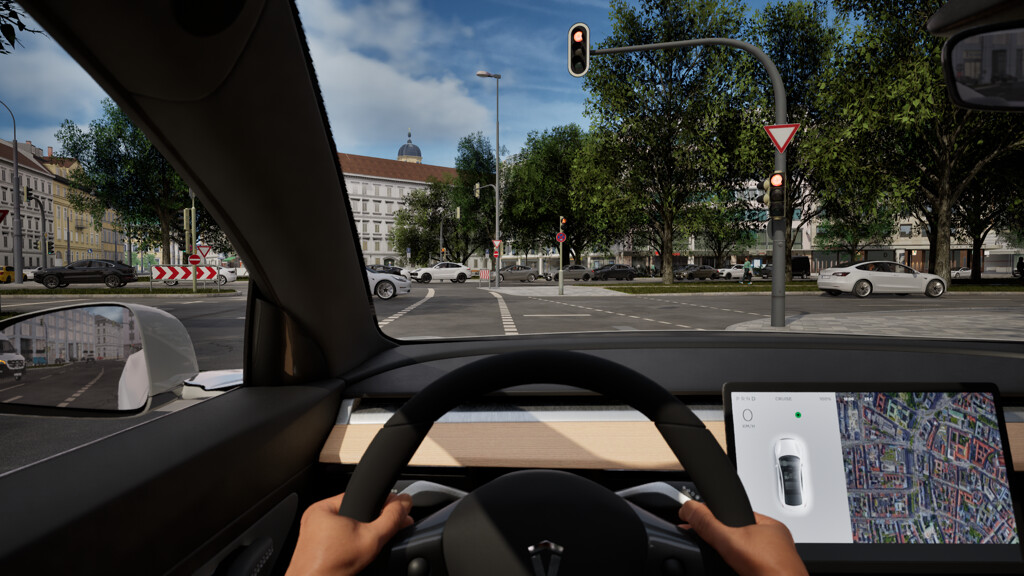
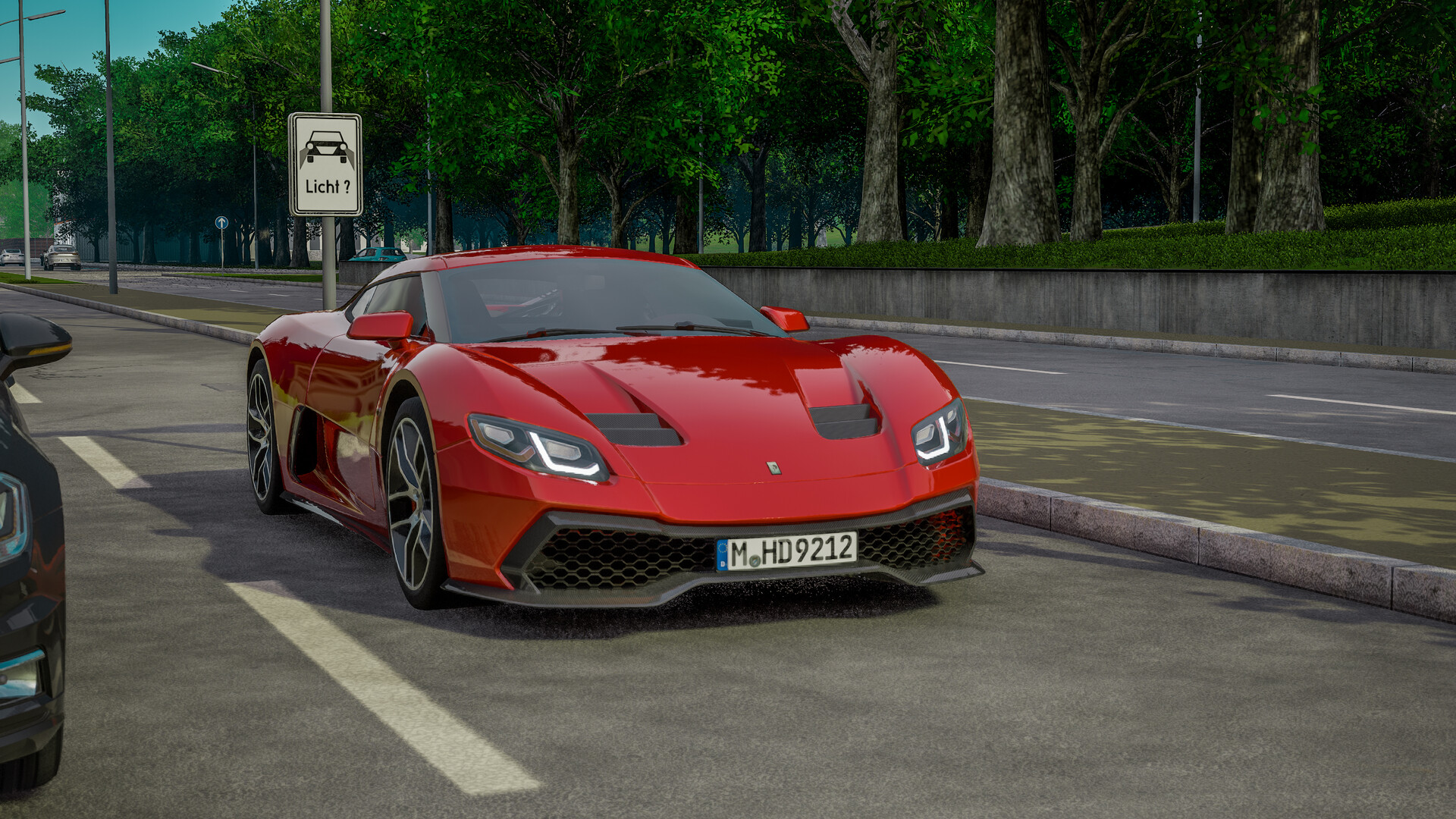
The app prides itself on providing realistic driving. Attention to detail in vehicle physics, AI behavior and compliance with traffic laws makes driving on the roads as realistic as possible. What’s more, participants can customize the settings to suit their skill level by toggling features such as AI collisions, traffic rules, and control difficulty, which is suitable for both beginners and experienced drivers.
NOTE. Uploaded version: 1 July 2025 [v1.0 19011930] + Update v55184 (upd.19.01.2026). This is Full Release and latest version of game. The game is already Packaged in ISO File and ready to run the game after install, read the instruction below.
Game Details
- Title: CityDriver
- Genre: Casual, Indie, Simulation
- Developer: ViewApp
- Publisher: Aerosoft GmbH
- Release year: 2025
- Available Languages: English, French, Italian, German, Spanish - Spain, Japanese, Polish, Portuguese - Brazil, Simplified Chinese
- Release Name: CityDriver-RUNE + Update v55184 (upd.19.01.2026)
- Game Version: v55184 (upd.19.01.2026)
- Game Releaser: RUNE
- Size: 21.1 GB
System Requirements
Minimum:
OS: Windows 10 (64-bit) or Windows 11
Processor: AMD Ryzen 5 5600 or Intel Core i5-11400F (6 cores, 12 threads, ~3.5 GHz)
Memory: 16 GB RAM
Graphics: NVIDIA GeForce RTX 2060 or AMD Radeon RX 6700, each with 8 GB VRAM or better
DirectX: Version 12
Network: Broadband Internet connection
Storage: 30 GB available space
Sound Card: integrated or dedicated compatible soundcard
Additional Notes: For optimal performance, we recommend installing the game on an SSD and keeping your graphics drivers up to date. Some system configurations may still experience compatibility issues that can impact functionality or performance.
Recommended:
OS: Windows 10 (64-bit) or Windows 11
Processor: AMD Ryzen 7 5800X or Intel Core i7-12700 (8+4 cores, 16 threads)
Memory: 32 GB RAM
Graphics: NVIDIA GeForce RTX 3080 or AMD Radeon RX 7900 XT, with 12 GB VRAM or better
DirectX: Version 12
Network: Broadband Internet connection
Storage: 30 GB available space
Sound Card: integrated or dedicated compatible soundcard
Additional Notes: For optimal performance, we recommend installing the game on an SSD and keeping your graphics drivers up to date. Some system configurations may still experience compatibility issues that can impact functionality or performance.
Screenshots
How to Install
1. The first thing we do is download the game’s installation files.
2. Mount or burn the ISO image in the disk emulator (UltraISO program).
3. During the installation, we specify the location on the disk where we want to install it.
4. Wait until the installation process is complete, a shortcut will appear on the desktop.
5. Copy the contents of the folder «RUNE» in the folder with the game.
6. Download and install Update v55184, in game folder.
7. Start the game.
Download update only: CityDriver.Update.v55184-RUNE, MIRROR [ 283.7 MB ]
- Extract.
- Run setup.exe and install the update.
- Copy crack from RUNE dir to install dir.
- Play!
Download CityDriver v55184 (upd.19.01.2026) — RUNE
Alternative Download Links
Alternative Mirrors
Game Update History
- CityDriver Build 19011930 → Update v55184 [ 19.01.2026 ]
- CityDriver → Build 19011930 [ 01.07.2025 ]