ChipWits Build 19203842 (upd.14.07.2025) - TENOKE
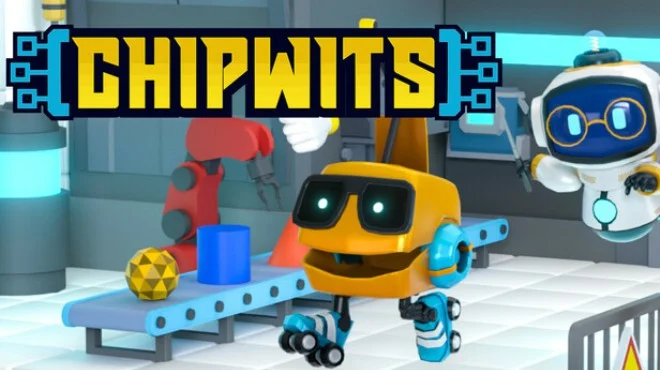
About The Game
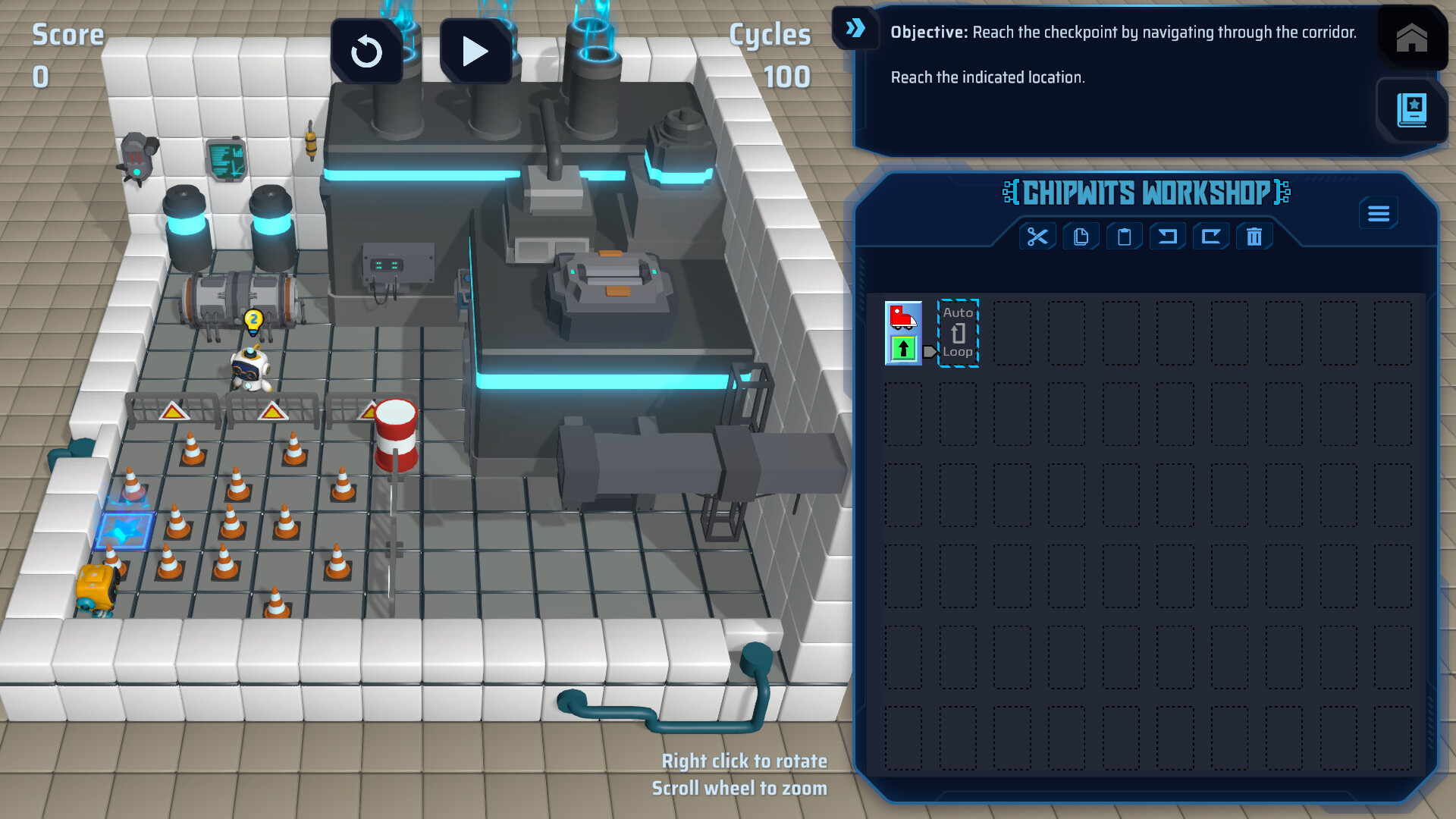
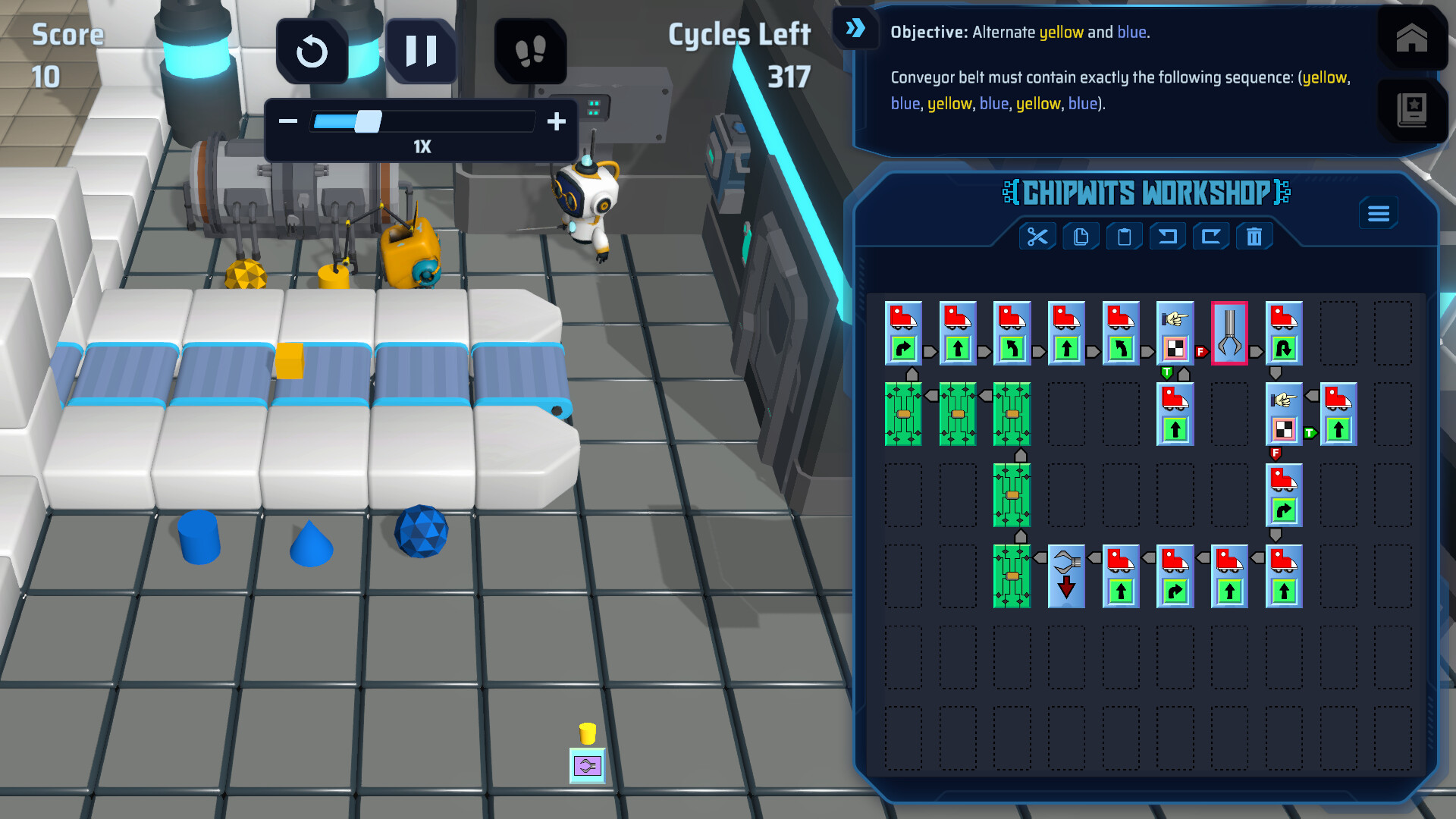
ChipWits plunges you into the labyrinthine circuits of Droog Station, a derelict space outpost overrun by rogue AI, Dr. Droog. This puzzle sim challenges you to program a quirky robot, ChipWit Model CW-03.24, through hazardous digital corridors. Each maze hides logic traps or vital clues, directly shaping your mission’s success. Faint electric pulses hint at an unseen intelligence monitoring your every move. The core challenge in ChipWits is crafting clever code with an icon-based system to guide your robot past obstacles. You’ll solve intricate puzzles, disable hostile bots, and rescue trapped crew, relying on a cryptic manual with sparse hints. Your goal is to outwit Dr. Droog’s schemes, unlocking new missions and leaderboard ranks. Quick thinking is essential, as each programmed move shapes your path to saving the station.
NOTE. Uploaded version: 14 July 2025 [Build 19203842]. This is Full Release and latest version of game. The game is already Packaged in ISO File and ready to run the game after install, read the instruction below.
Game Details
- Title: ChipWits
- Genre: Puzzle, Simulation, Casual
- Developer: ChipWits
- Publisher: ChipWits
- Release year: 2025
- Available Languages: English, French, Portuguese - Brazil, Simplified Chinese
- Release Name: ChipWits-TENOKE
- Game Version: Build 19203842 (upd.14.07.2025)
- Game Releaser: TENOKE
- Size: 1.7 GB
System Requirements
Minimum:
Requires a 64-bit processor and operating system
OS *: Windows 7 (SP1+), Windows 10 and Windows 11
Processor: x86, x64 architecture with SSE2 instruction set support
Memory: 4 GB RAM
Graphics: WXGA (1366x768)
DirectX: Version 10
Storage: 600 MB available space
Recommended:
Requires a 64-bit processor and operating system
OS *: Windows 7 (SP1+), Windows 10 and Windows 11
Processor: x86, x64 architecture with SSE2 instruction set support
Memory: 4 GB RAM
Graphics: Full HD (1920x1080)
DirectX: Version 10
Storage: 600 MB available space
Screenshots

How to Install
1. The first thing we do is download the game’s installation files.
2. Unzip the archive to the hard disk.
3. Mount or burn the ISO image in the disk emulator (UltraISO program).
4. After mount ISO, go to the folder and run the file «setup.exe».
5. During the installation, we specify the location on the disk where we want to install it.
6. Copy the contents of the folder «CRACK» in the folder with the game.
7. At the end of the unpacking process, a shortcut appears on the desktop.
8. Launch the game!
Download ChipWits Build 19203842 (upd.14.07.2025) — TENOKE
Alternative Download Links
Alternative Mirrors
Game Update History
- ChipWits → Build 19203842 [ 14.07.2025 ]