Tiny Bookshop v1.1.6 (upd.18.05.2026) - TENOKE
About The Game
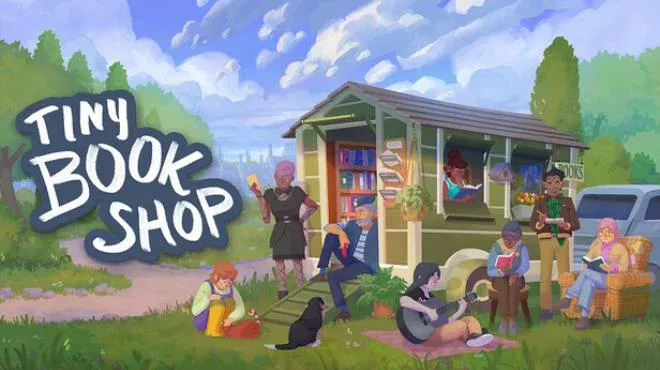
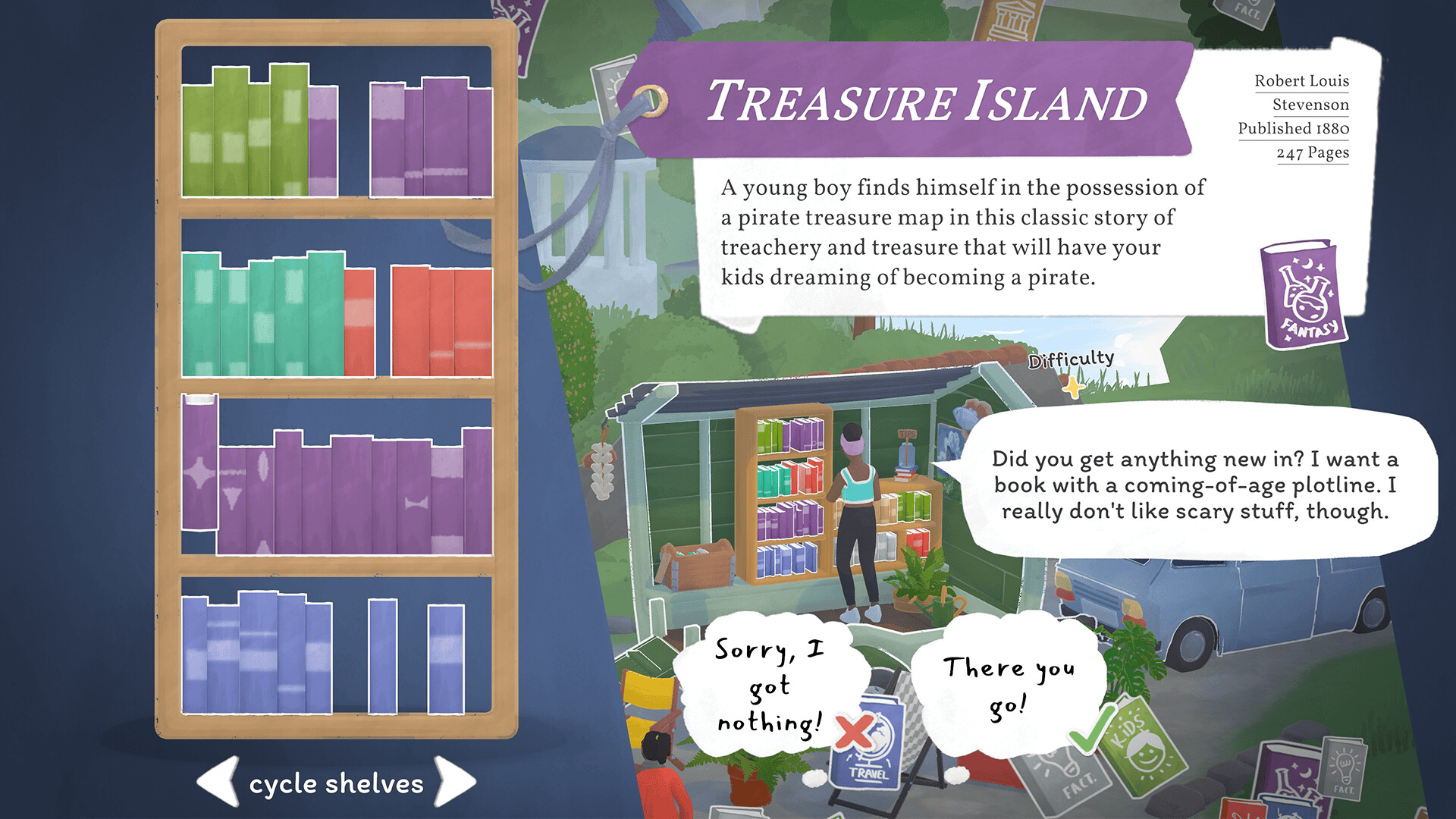
Tiny Bookshop – it’s time to open a small bookstore in this incredible narrative manager! So hurry up and buy different books and items. Visit different places and meet the diverse locals. Collect used books and decorations to make the bookstore truly unique! At the same time, try to collect books of different genres to then make your readers satisfied. In addition, the developers have added the ability to customize the bookstore. But that's not all! Visit picturesque places and communicate with the diverse locals.
NOTE. Uploaded version: 18 May 2026 [v1.1.6]. This is Full Release and latest version of game. The game is already Pre-Installed and ready to run the game, read the instruction below.
Game Details
- Title: Tiny Bookshop
- Genre: Management, Casual, Simulation, RPG
- Developer: neoludic games
- Publisher: Skystone Games, 2P Games
- Release year: 2025
- Available Languages: English, German, French, Spanish - Spain, Japanese, Russian, Simplified Chinese, Traditional Chinese, Turkish
- Release Name: Tiny.Bookshop.v1.1.6-TENOKE
- Game Version: v1.1.6 (upd.18.05.2026)
- Game Releaser: TENOKE
- Size: 844.29 MB
Key Features
- Travel through colorful Bookstonbury-by-the-Sea
- Communication with various characters and their amazing stories
- The ability to make decisions and shape the world around you
System Requirements
Minimum:
Requires a 64-bit processor and operating system
OS *: Windows 7 or newer
Processor: Intel Core i5-7360U or better
Memory: 8 GB RAM
Graphics: Intel UHD 630 or Better
Storage: 2 GB available space
Recommended:
Requires a 64-bit processor and operating system
OS: Windows 10
Processor: AMD Ryzen 5600G
Memory: 8 GB RAM
Graphics: GTX 1060 or better
DirectX: Version 11
Storage: 3 GB available space
Screenshots


How to Install
1. The first thing we do is download the game's installation files.
2. Unzip the archive to the hard disk.
3. Mount or burn the ISO image in the disk emulator (UltraISO program).
4. After mount ISO, go to the folder and run the file «setup.exe».
5. During the installation, we specify the location on the disk where we want to install it.
6. Copy the contents of the folder «CRACK» in the folder with the game.
7. At the end of the unpacking process, a shortcut appears on the desktop.
8. Launch the game!
Download update only: Tiny.Bookshop.Update.v20250815-TENOKE, MIRROR, MIRROR 2 [ 47.4 MB ]
- Extract.
- Run Update\PATCH.exe and install the update.
- Copy crack to install dir.
- Play!
Download Tiny Bookshop v1.1.6 (upd.18.05.2026) — TENOKE
Alternative Download Links
Alternative Mirrors
Game Update History
- Tiny Bookshop Build 19611048 → v1.1.6 [ 18.05.2026 ]
- Tiny Bookshop Build 19513764 → Update 5 Build 19611048 [ 16.09.2025 ]
- Tiny Bookshop → Build 19513764 [ 08.08.2025 ]