SiNiSistar 2 Build 23210101 (upd.17.05.2026) - TENOKE
About The Game
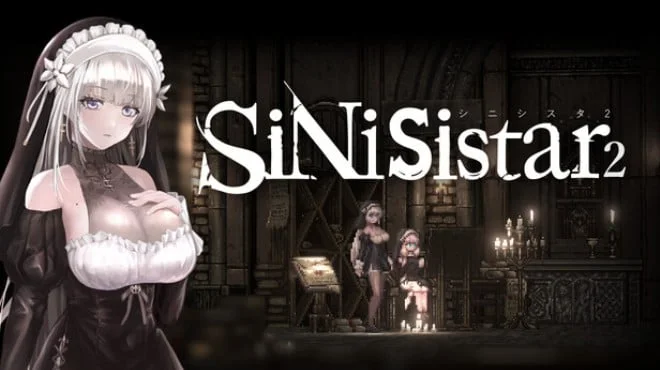
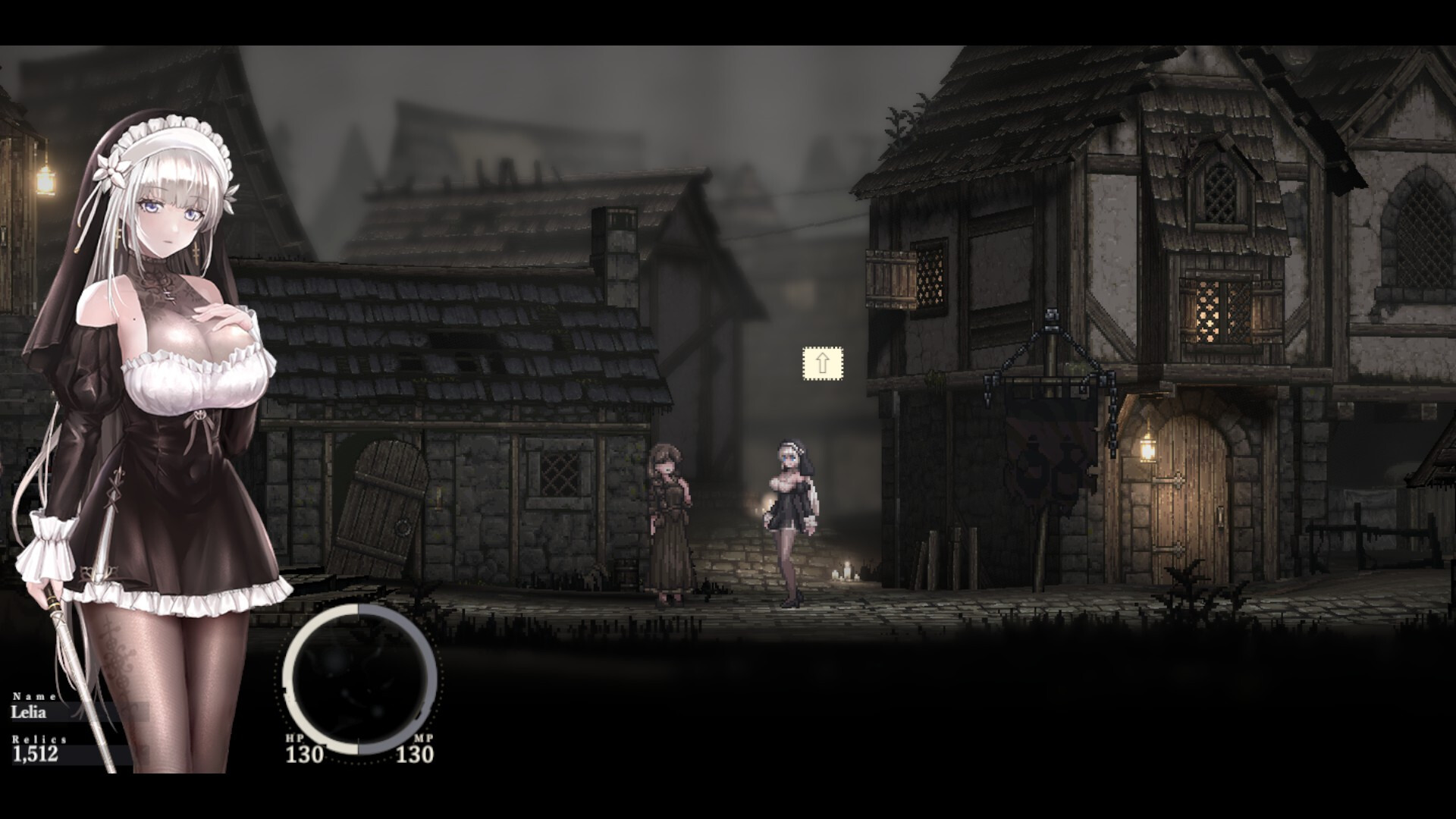
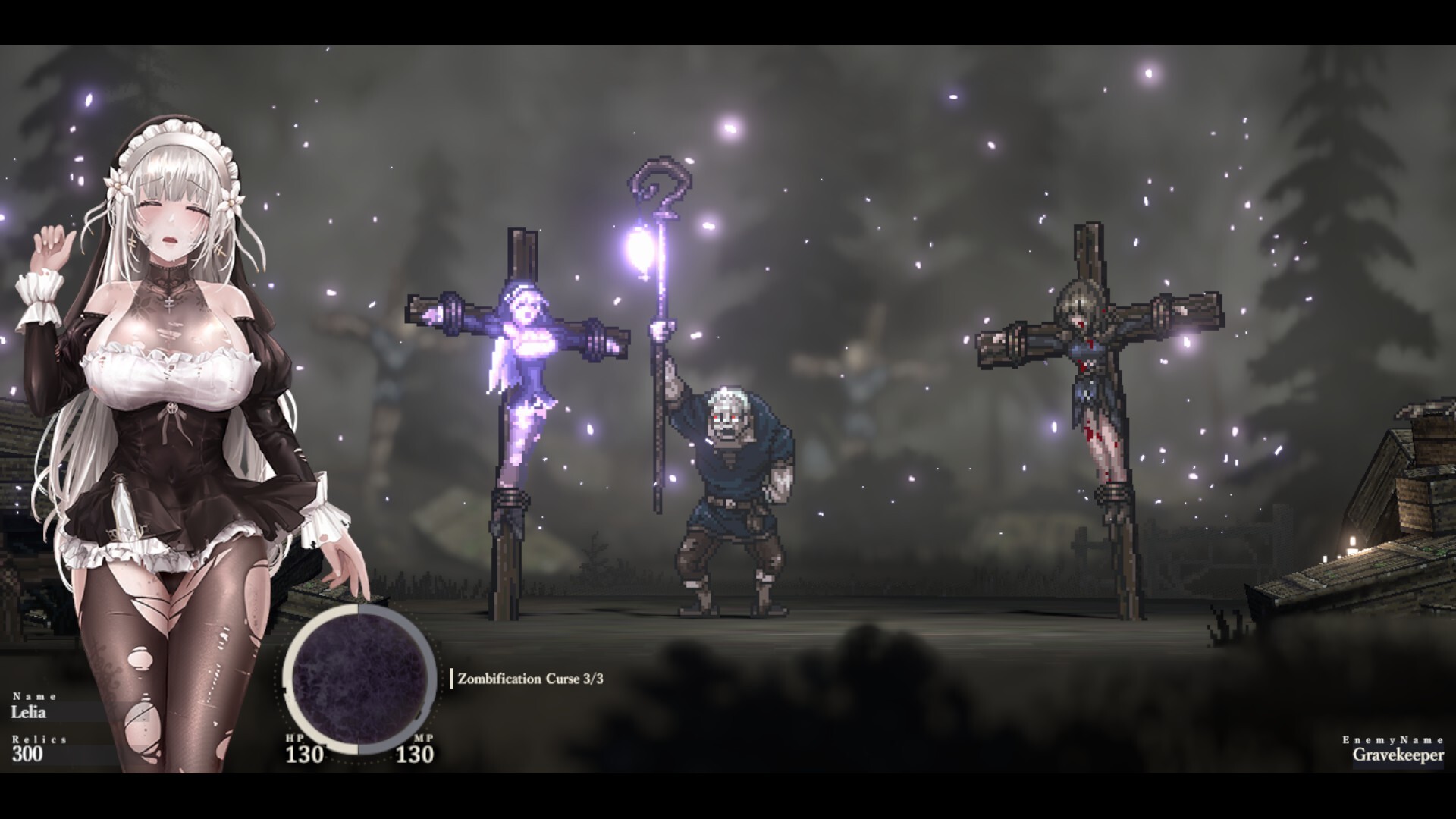
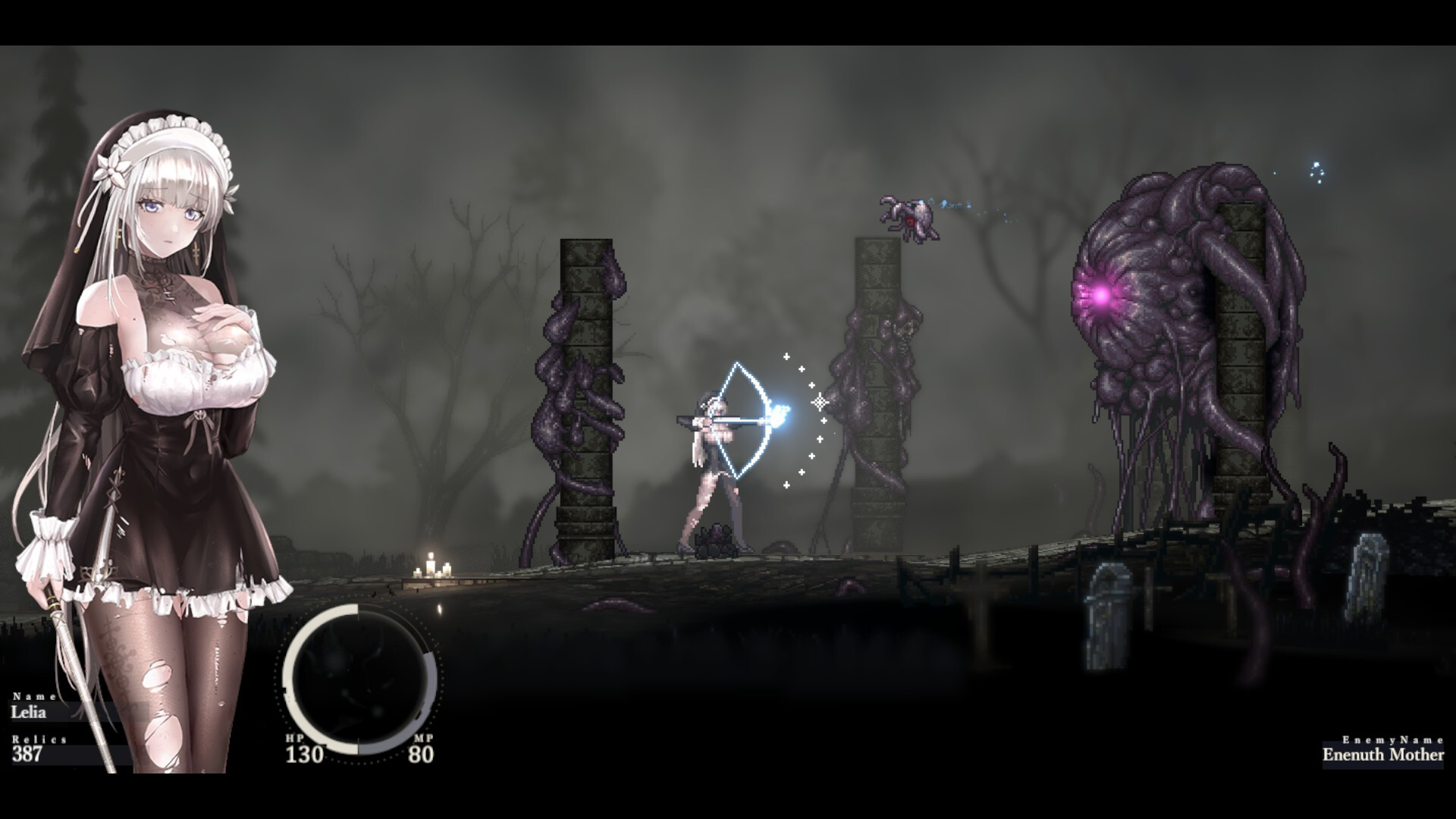
In SiNiSistar 2, you'll play as Rabiana, a sister entrusted by the church with a grim mission: to banish monstrous creatures from a land suffocated by a sinister curse. Don't expect an easy rise to power here. The adventure is steeped in a dark atmosphere, exploring themes of self-harm, the longing for death's embrace, and the terror of facing unspeakable horrors. SiNiSistar 2 is a 2D action game, so expect straightforward side-scrolling combat.
While the developers haven't revealed details about the combat system, the focus on Rabiana's inner struggles suggests you'll encounter more than just physical threats. The developers have made a conscious decision to give the game's visuals a modern twist on classic pixel art. This means you'll enjoy the charm of older games with the added benefit of sharper details and a potentially wider color palette. The project even included post-ending scenes to encourage gamers to see the story through to its possibly dark conclusion.
NOTE. Uploaded version: 17 May 2026 [Build 23210101]. This is Full Release and latest version of game. The game is already Pre-Installed and ready to run, read the instruction below.
Game Details
- Title: SiNiSistar 2
- Genre: Anime, RPG, Action, Adventure, Hack and Slash
- Developer: Uu
- Publisher: Eroge Japan
- Release year: 2026
- Available Languages: English, Japanese, Simplified Chinese, Traditional Chinese, Korean
- Release Name: SiNiSistar.2.Build.23210101-TENOKE
- Game Version: Build 23210101 (upd.17.05.2026)
- Game Releaser: TENOKE
- Size: 1.71 GB
System Requirements
Minimum:
Requires a 64-bit processor and operating system
OS: Microsoft Windows 10, 11
Processor: Intel 10th Generation Core or higher
Memory: 4 GB RAM
Graphics: DirectX 11, or 12 compatible video card
DirectX: Version 11
Storage: 2 GB available space
Sound Card: Integrated Sound Chip
Recommended:
Requires a 64-bit processor and operating system
Screenshots
Video
How to Install
1. The first thing we do is download the game's installation files.
2. Unzip the archive to the hard disk.
3. Mount or burn the ISO image in the disk emulator (UltraISO program).
4. After mount ISO, go to the folder and run the file «setup.exe».
5. During the installation, we specify the location on the disk where we want to install it.
6. Copy the contents of the folder «CRACK» in the folder with the game.
7. At the end of the unpacking process, a shortcut appears on the desktop.
8. Launch the game!
Download SiNiSistar 2 Build 23210101 (upd.17.05.2026) — TENOKE
Alternative Download Links
Alternative Mirrors
Game Update History
- SiNiSistar 2 → Build 23210101 [ 17.05.2026 ]