Blippo Plus v1.0.3 (upd.17.10.2025) - TENOKE

About The Game
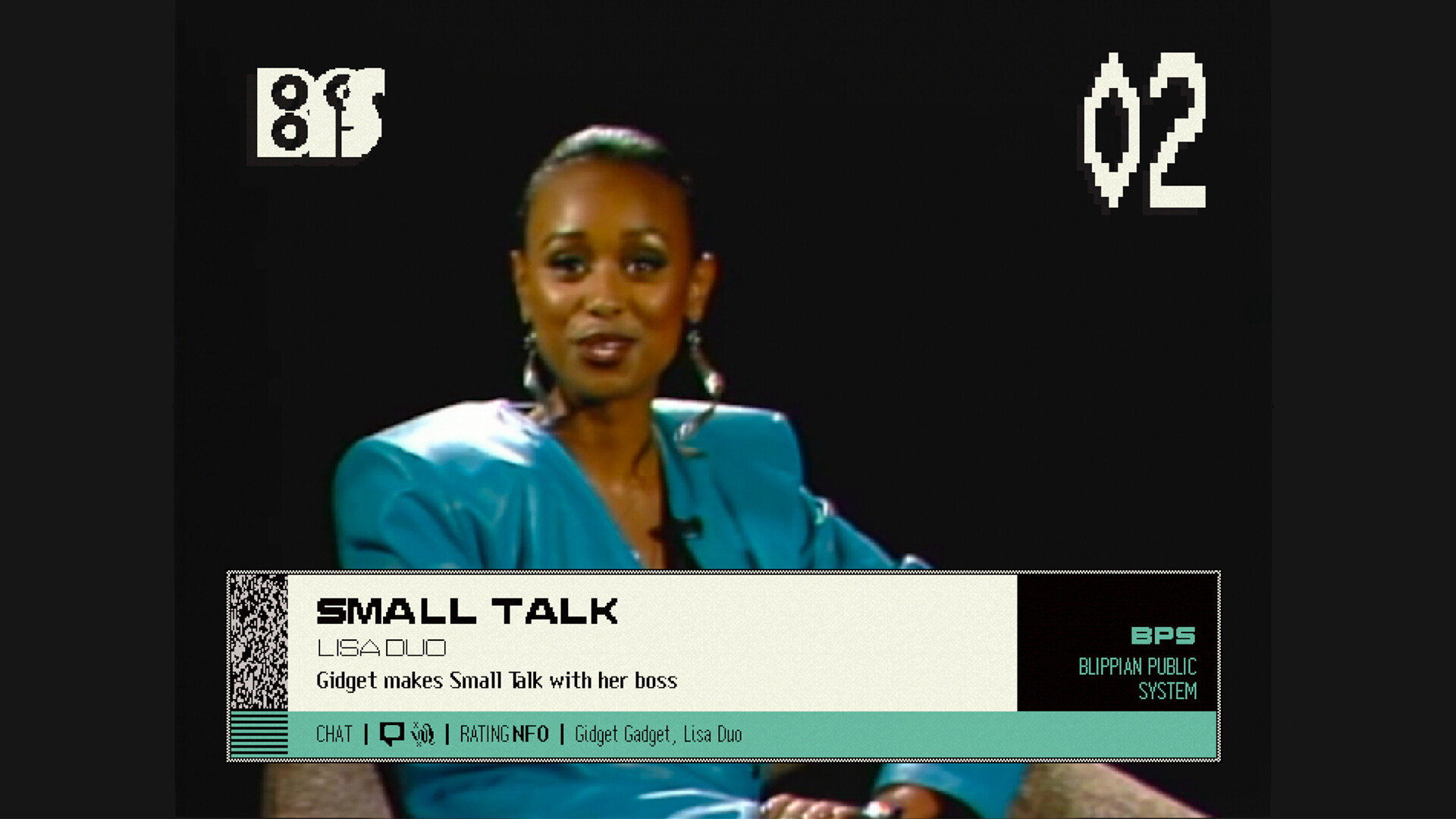
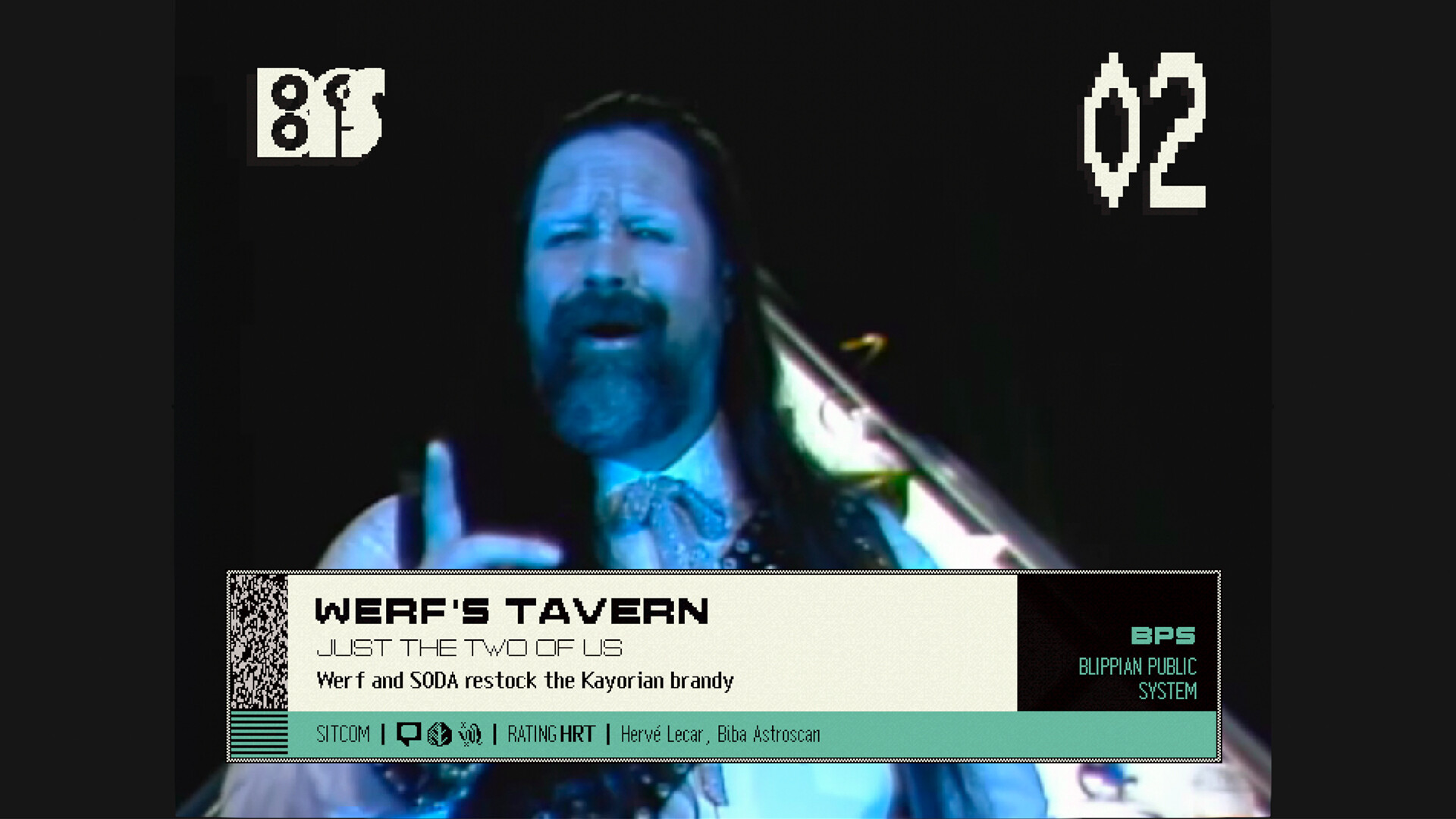
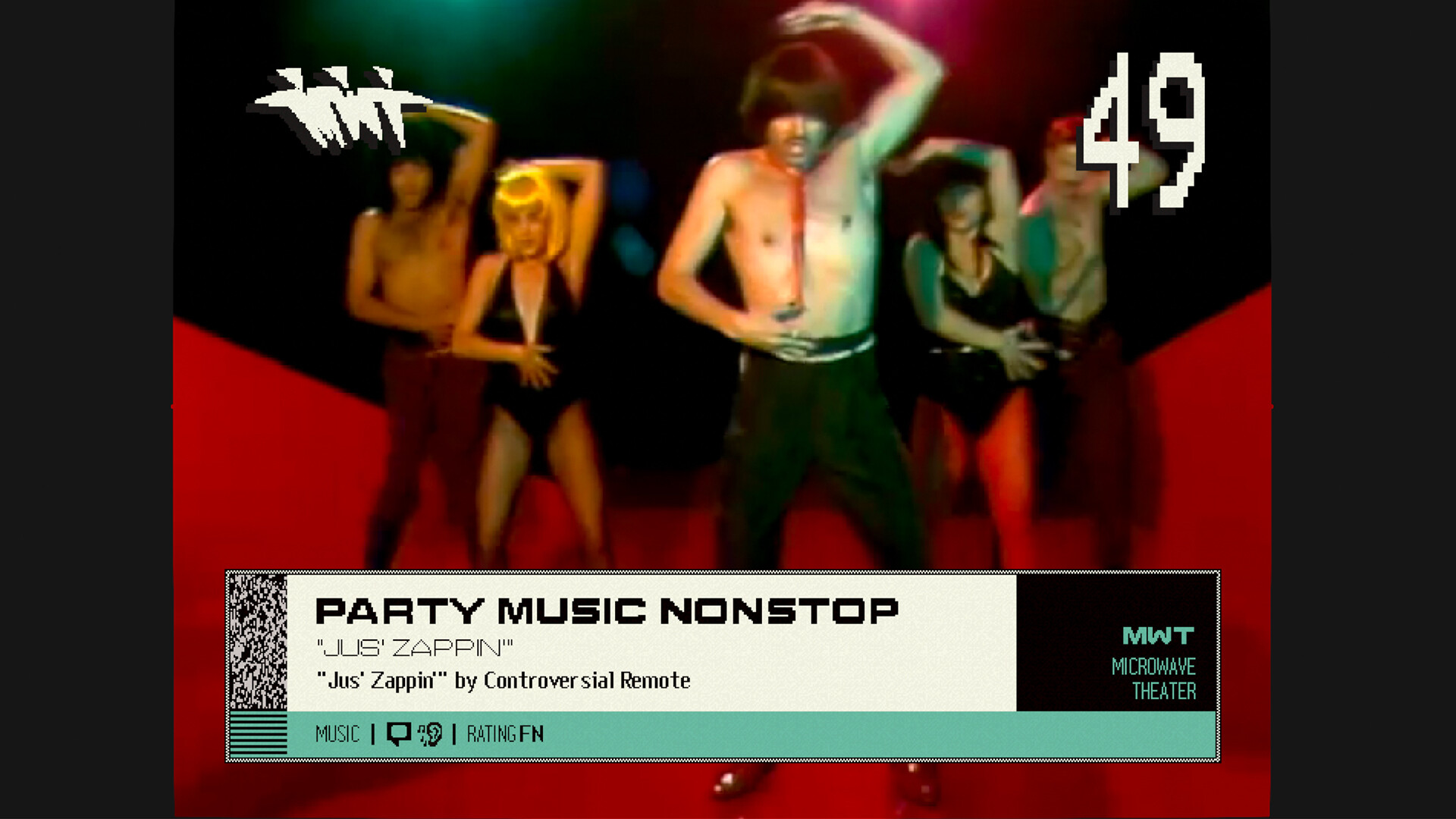
Blippo Plus is a live-action television simulator that immerses you in the bizarre world of Planet Blip, where you watch an eclectic mix of alien programming. Developed by YACHT, Telefantasy Studios, and Noble Robot, this indie game recreates the atmosphere of underground cable and pirate television through authentic live-action shows featuring real actors in vibrant costumes.
The game centers on exploring the culture of Planet Blip through its television programs, including soap operas with cloned stars, creepy talk shows, news programs, and sitcoms hosted by quirky alien characters like mad scientists and action heroes. As you watch these programs, you unlock data packets and new episodes, uncovering a larger story that ties them all together.
Beyond passive viewing, you can delve into planetary «videotext» forums called Femtofax to learn more about Blippo society and customize your television experience. The game presents a comprehensive story that pays tribute to forgotten corners of television history, from public broadcasting to video art. All of this comes to life through original scripts and a genre-defining soundtrack by Grammy-nominated composers YACHT. Whether you enjoy punk, new wave, or just plain weird television, Blippo+ offers a nostalgic yet refreshing look at the golden age of unusual broadcasting.
NOTE. Uploaded version: 17 October 2025 [Build 20276439] + Update v1.0.3. This is Full Release and latest version of game. The game is already Packaged in ISO File and ready to run the game, read the instruction below.
Game Details
- Title: Blippo Plus
- Genre: Casual, Indie
- Developer: YACHT, Telefantasy Studios, Noble Robot
- Publisher: Panic
- Release year: 2025
- Available Languages: English, Spanish - Spain, Portuguese - Brazil, Simplified Chinese
- Release Name: Blippo.Build.20276439-ТЕNОКЕ + Update v1.0.3
- Game Version: v1.0.3 (upd.17.10.2025)
- Game Releaser: TENOKE
- Size: 421 MB
System Requirements
Minimum:
OS: Windows 10 version 21H1 (64-bit)
Processor: x86-64 compatible
Memory: 4 GB RAM
Graphics: Integrated graphics
DirectX: Version 10
Storage: 8 GB available space
Recommended:
OS: Windows 11 version 24H2 (64-bit)
Processor: x86-64 compatible
Memory: 8 GB RAM
Graphics: Dedicated graphics
DirectX: Version 11
Storage: 8 GB available space
Screenshots
How to Install
1. The first thing we do is download the game’s installation files.
2. Mount or burn the ISO image in the disk emulator (UltraISO program).
3. During the installation, we specify the location on the disk where we want to install it.
4. Wait until the installation process is complete, a shortcut will appear on the desktop.
5. Copy the contents of the folder «CRACK» in the folder with the game.
6. Download and install Update v1.0.3, in game folder.
7. Start the game.
Download update only: Blippo.Plus.Update.v1.0.3-TENOKE, MIRROR [ 39.1 MB ]
- Extract.
- Run setup.exe and install the update.
- Copy crack to install dir.
- Play!
Download Blippo Plus v1.0.3 (upd.17.10.2025) — TENOKE
Alternative Download Links
Alternative Mirrors
Game Update History
- Blippo Plus Build 20276439 → Update v1.0.3 [ 25.01.2026 ]
- Blippo Plus → Build 20276439 [ 17.10.2025 ]