Dodo Duckie Build 24337014 (upd.24.07.2026) - TENOKE

About The Game
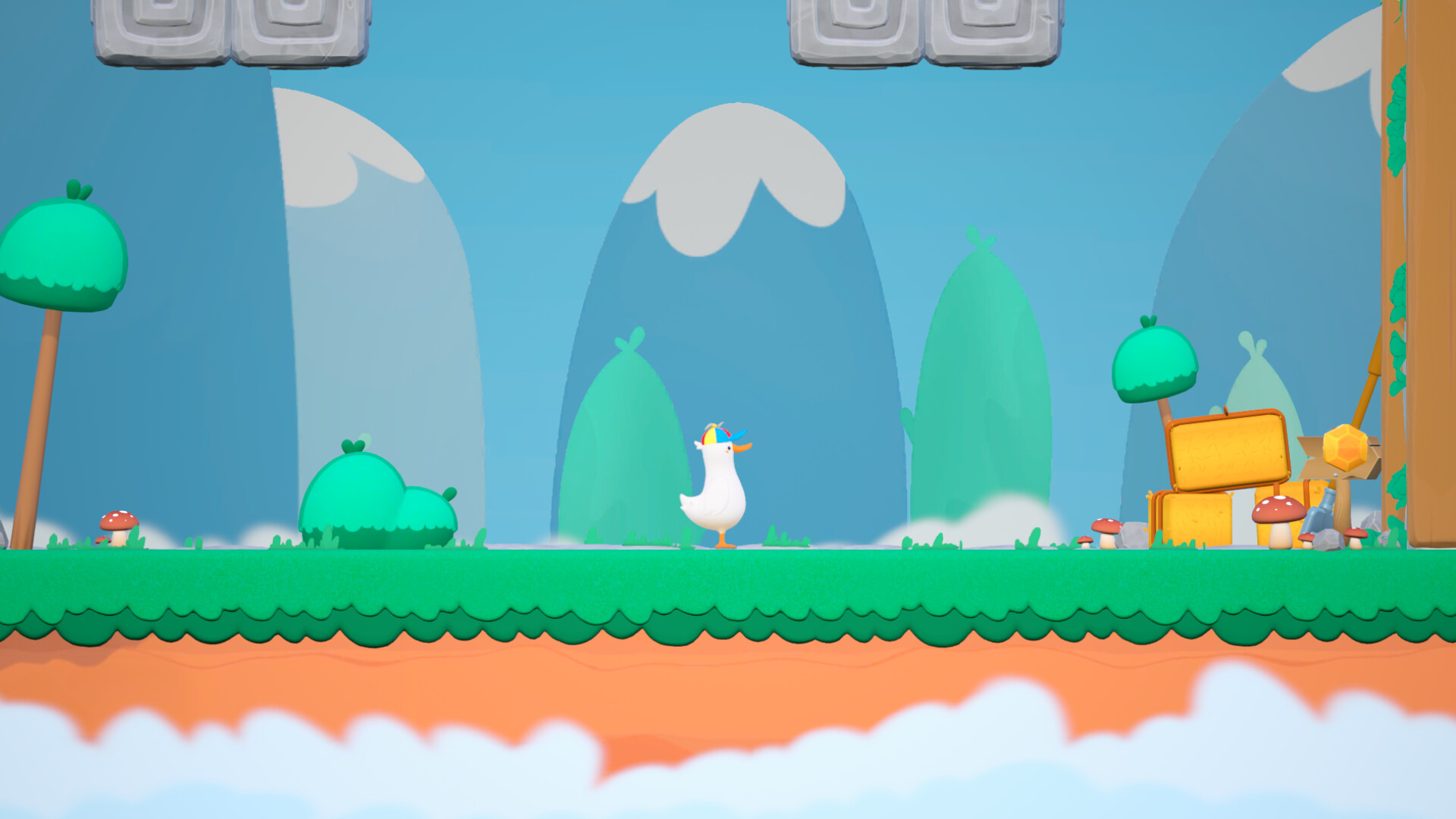
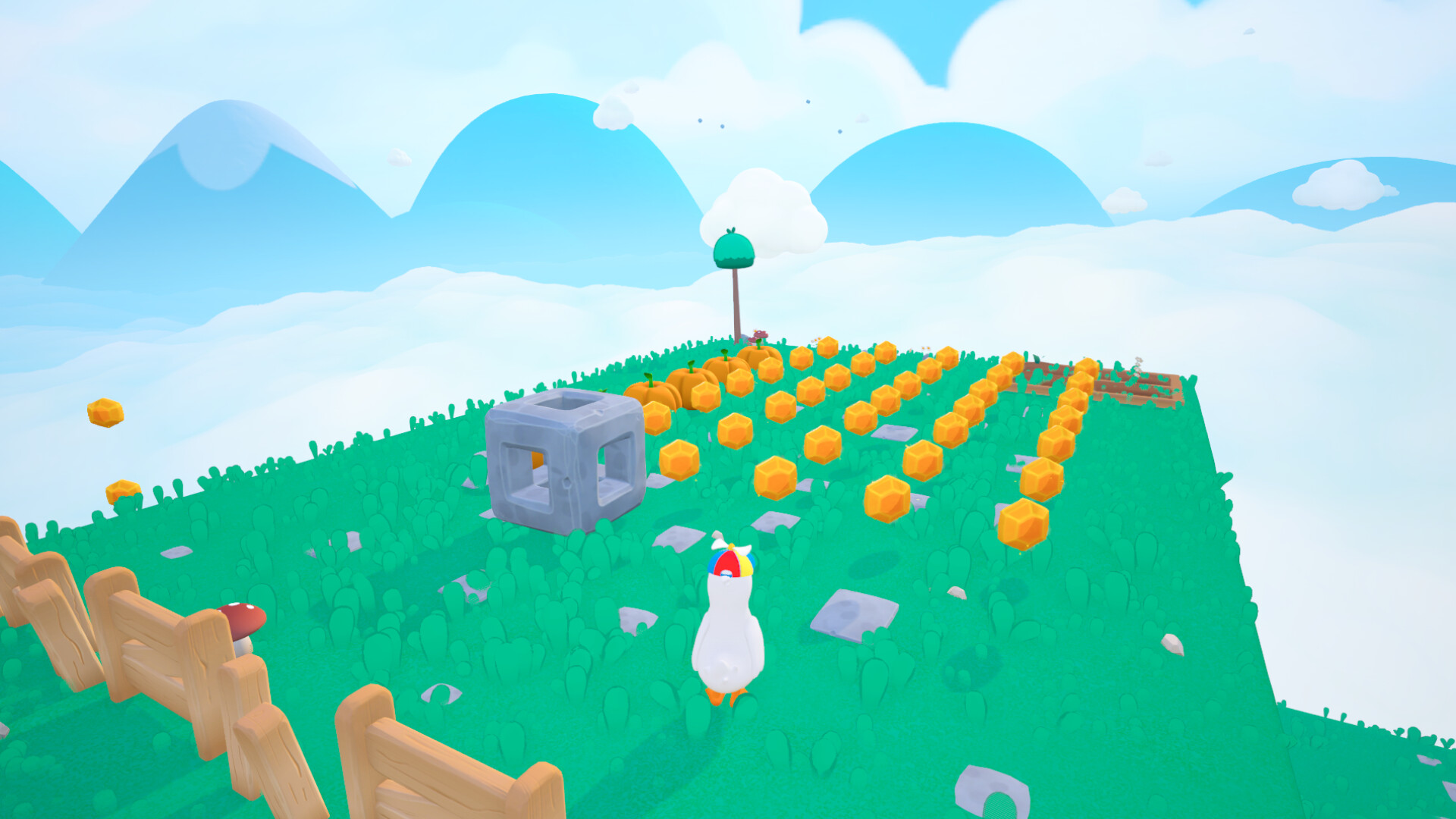
Dodo Duckie is a blend of humor and platforming, where you play as a duckling determined to get his family back. A day on the farm ended in disaster when aliens kidnapped the chickens. Now you must navigate glitchy levels full of puzzles and strange twists. Survival requires only your wits and a unique mechanic the transition between 2D and 3D dimensions. Every puzzle, every jump, and every strange moment revolves around this ability. The duck's funny animations add charm and a touch of madness to the game. The journey is filled with surreal scenes, absurd humor, and unusual encounters. Here you'll encounter worlds where reality breaks down, and unexpected characters offer help or raise even more questions—all for the sake of getting your chickens home.
NOTE. Uploaded version: 24 July 2026 [Build 24337014]. This is Full Release and latest version of game. The game is already Packaged in ISO File and ready to run after install, read the instruction below.
Game Details
- Title: Dodo Duckie
- Genre: Adventure, Casual, Puzzle
- Developer: BornMonkie
- Publisher: Solo Game
- Release year: 2026
- Available Languages: English, French, Italian, German, Spanish - Spain, Japanese, Korean, Portuguese - Brazil, Russian, Simplified Chinese, Traditional Chinese
- Release Name: Dodo.Duckie.Build.24337014-TENOKE
- Game Version: Build 24337014 (upd.24.07.2026)
- Game Releaser: TENOKE
- Size: 2.07 GB
Key Features
- Unique dimension-shifting mechanics.
- A platforming game with surreal puzzles.
- Weird humor and unexpected characters.
- A story of saving a family in an absurd world.
System Requirements
Minimum:
OS: Windows 10 x64 Bit
Processor: Intel Core i5-9400F / AMD Ryzen 5 2600
Memory: 8 GB RAM
Graphics: NVIDIA GeForce GTX 1660 (6 GB) / AMD Radeon RX 580 (8 GB)
DirectX: Version 12
Storage: 7 GB available space
Additional Notes: Low Quality setting, 1080p, producing 45 FPS, SSD Required
Recommended:
OS: Windows 10 x64 Bit
Processor: Intel Core i5-12400F / AMD Ryzen 5 5600
Memory: 8 GB RAM
Graphics: NVIDIA GeForce RTX 2060 (6 GB) / AMD Radeon RX 5600 XT
DirectX: Version 12
Storage: 10 GB available space
Additional Notes: High Quality setting, 1080p, producing 60 FPS, SSD Required
Screenshots
Video
How to Install
1. The first thing we do is download the game's installation files.
2. Unzip the archive to the hard disk.
3. Mount or burn the ISO image in the disk emulator (UltraISO program).
4. After mount ISO, go to the folder and run the file «setup.exe».
5. During the installation, we specify the location on the disk where we want to install it.
6. Copy the contents of the folder «CRACK» in the folder with the game.
7. At the end of the unpacking process, a shortcut appears on the desktop.
8. Launch the game!
Download Dodo Duckie Build 24337014 (upd.24.07.2026) — TENOKE
Alternative Download Links
Alternative Mirrors
Game Update History
- Dodo Duckie → Build 24337014 [ 24.07.2026 ]