Revhead Turbo Pack v1.4.6806 - PLAZA
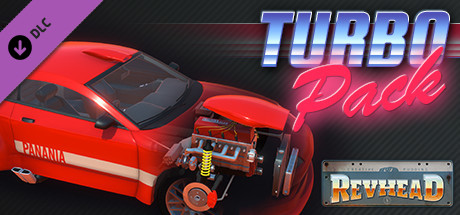
PLAZA DLCFree DownloadLatest version Torrent File
Game updated on 27-06-2020, 17:15. Current version: v1.4.6806.
About The Game
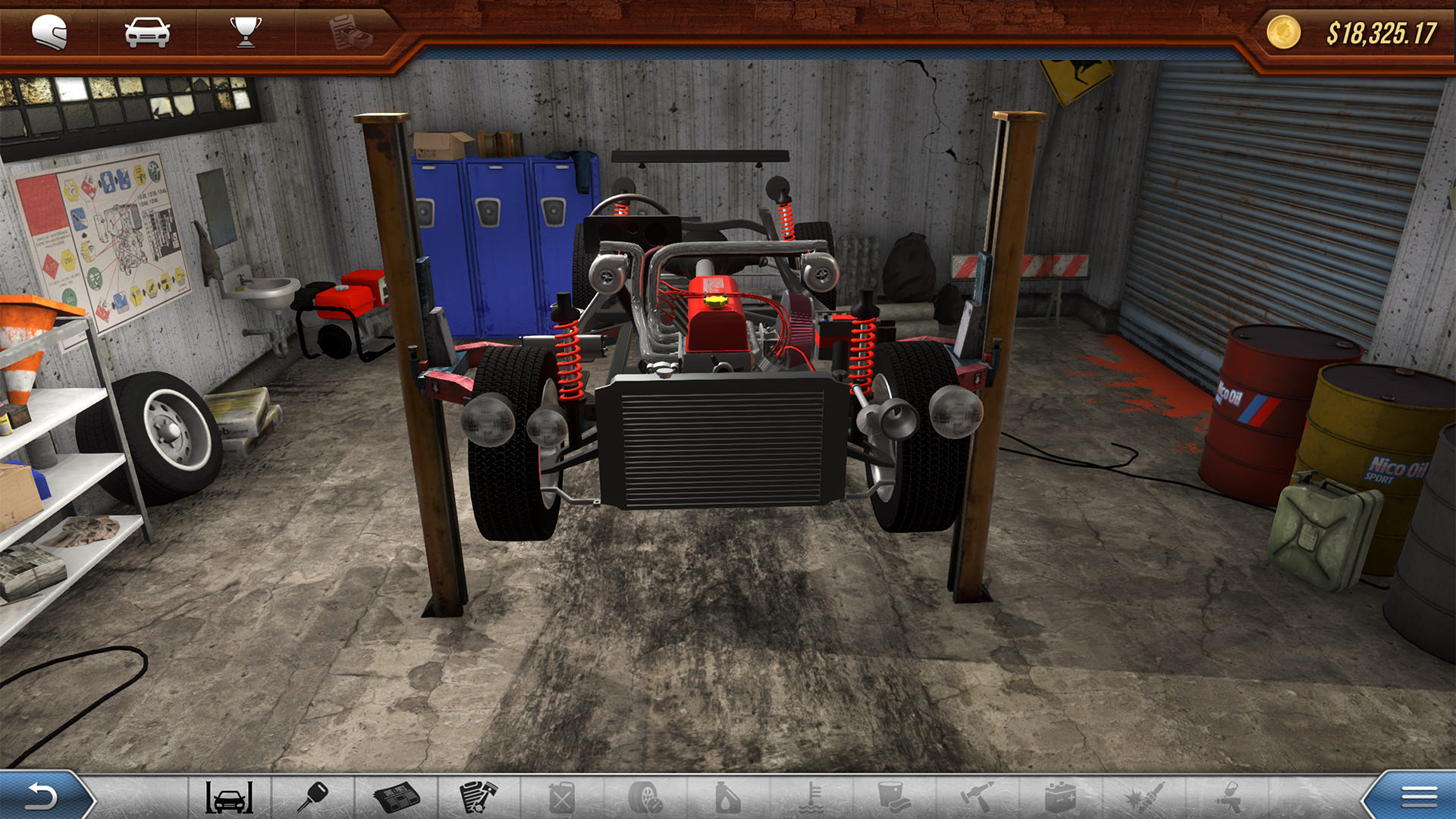
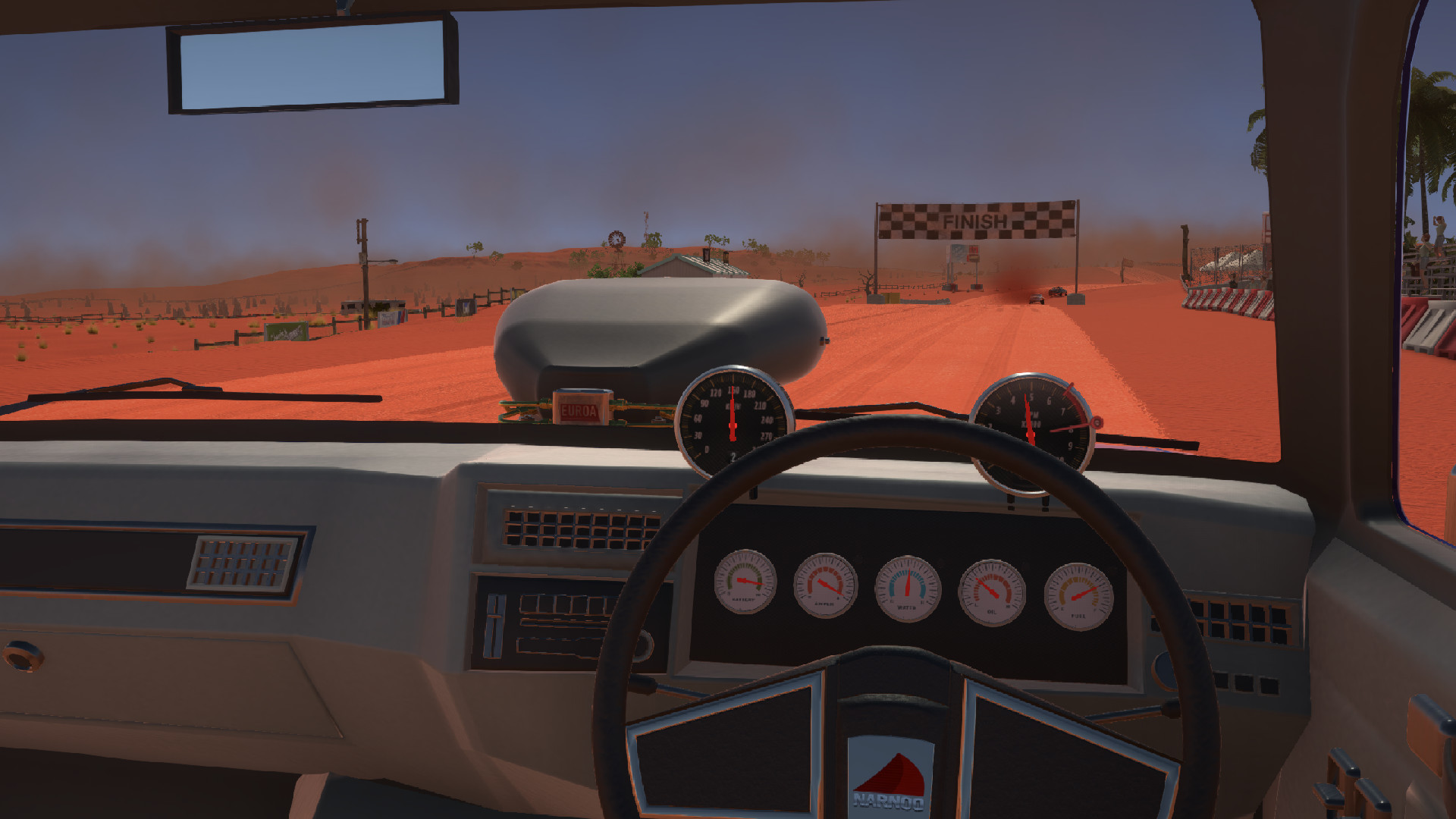
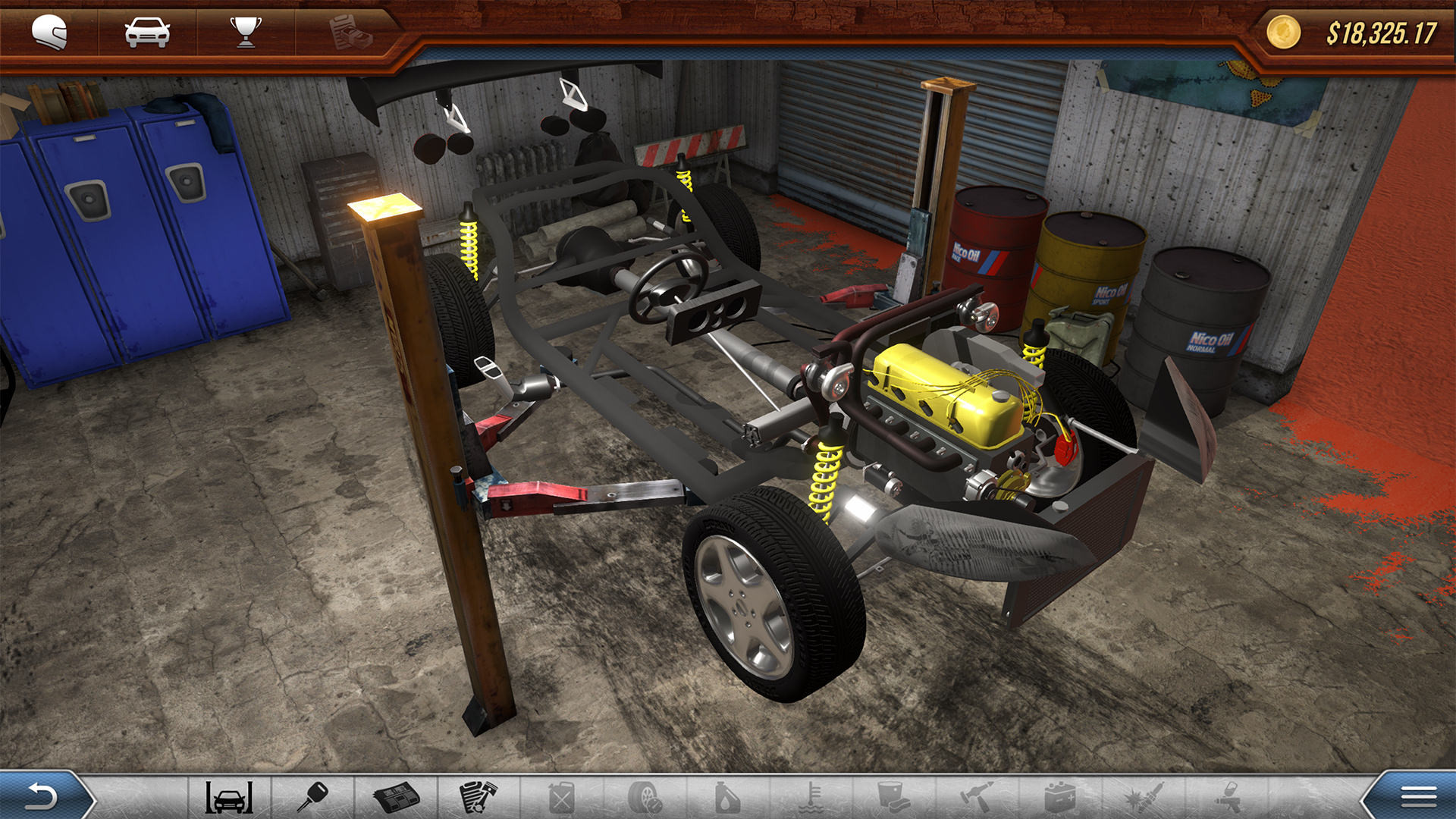
Meet the new Turbo Pack DLC add-on for Revhead, which brings a lot of new features and improvements. Revhead is a great car simulator, in which you will not only participate in various races, but also try to create the fastest car on your own. Your friend Charlie, who has his own garage for assembling cars in Australia, invited you to his place. Now you have Charlie’s garage and almost limitless possibilities for creating the car of your dreams. Of course, you will need money that you can earn by accepting customers' orders, as well as doing various work that Charlie gave. Collect your car and take part in the races. Feel the mechanics of your created car.
NOTES. This release is standalone and updated to v1.4.6806.
NOTES. This release is standalone and updated to v1.4.6806.
Game Details
- Title: Revhead Turbo Pack
- Genre: Action, Indie, Racing, Simulation
- Developer: Creative Pudding Hungary Llc.
- Publisher: Creative Pudding Hungary Llc.
- Release year: 2020
- Available Languages: English, Czech, Danish, Hungarian, Turkish, Ukrainian, Romanian, French, German, Spanish - Spain, Russian, Dutch, Portuguese - Brazil
- Release Name: Revhead.Turbo.Pack-PLAZA
- Game Version: v1.4.6806
- Game Releaser: PLAZA
- Size: 2.60 GB
Key Features
- Twin Turbo setups with manifolds for Inline and V engines
- Twin Charged setups V engines (Turbo and Supercharger)
- High performance Turbos (Magura, Buthanbang + SE version, Jingu, Narnoo SE, Camira SE, Euroa I and Euroa II)
- Air scoop for chassis’s roof in two sizes
- Air scoop for engine’s hood in two sizes
- Integrated air intakes for headlights (one for all cars with left and right options)
- Three strong Superchargers
- A new inline 4 Euroa high performance engine with carburettor (310HP / 252Nm @6500 rpm)
- High pressure Boost Gauges (Euroa, Buthanbang, Magura, Jingu, Narnoo)
- High performance Intercoolers (Euroa I race and sport, Euroa II race, Kanji, Camira, Narnoo, Jingu, Magura, Panania)
System Requirements
Minimum:
OS: Windows 7, Windows 8.1, Windows 10 (64-bit versions only)
Processor: 2GHz dual core
Memory: 4 GB RAM
Graphics: Min. 1GB ram
DirectX: Version 9.0
Network: Broadband Internet connection
Storage: 2 GB available space
Recommended:
OS: Windows7, Windows 10
Processor: i5
Memory: 16 GB RAM
Graphics: Nvidia GTX 960 (2GB)
DirectX: Version 9.0
Network: Broadband Internet connection
Storage: 2 GB available space
OS: Windows 7, Windows 8.1, Windows 10 (64-bit versions only)
Processor: 2GHz dual core
Memory: 4 GB RAM
Graphics: Min. 1GB ram
DirectX: Version 9.0
Network: Broadband Internet connection
Storage: 2 GB available space
Recommended:
OS: Windows7, Windows 10
Processor: i5
Memory: 16 GB RAM
Graphics: Nvidia GTX 960 (2GB)
DirectX: Version 9.0
Network: Broadband Internet connection
Storage: 2 GB available space
Screenshots
Video
How to Install
1. The first thing we do is download the game’s installation files.
2. Mount or burn the ISO image in the disk emulator (UltraISO program).
3. During the installation, we specify the location on the disk where we want to install it.
4. Wait until the installation process is complete, a shortcut will appear on the desktop.
5. Download & install Update v1.4.6548 / v1.4.6692 / v1.4.6806, in game folder.
6. Copy the contents of the folder «PLAZA» in the folder with the game.
7. Start the game.
Download update only: Revhead.Turbo.Pack.Update.v1.4.6806-PLAZA [ 72.2 MB ]
Download update only: Revhead.Turbo.Pack.Update.v1.4.6692-PLAZA [ 64.5 MB ]
Download update only: Revhead.Turbo.Pack.Update.v1.4.6548-PLAZA [ 56.9 MB ]
2. Mount or burn the ISO image in the disk emulator (UltraISO program).
3. During the installation, we specify the location on the disk where we want to install it.
4. Wait until the installation process is complete, a shortcut will appear on the desktop.
5. Download & install Update v1.4.6548 / v1.4.6692 / v1.4.6806, in game folder.
6. Copy the contents of the folder «PLAZA» in the folder with the game.
7. Start the game.
Download update only: Revhead.Turbo.Pack.Update.v1.4.6806-PLAZA [ 72.2 MB ]
Download update only: Revhead.Turbo.Pack.Update.v1.4.6692-PLAZA [ 64.5 MB ]
Download update only: Revhead.Turbo.Pack.Update.v1.4.6548-PLAZA [ 56.9 MB ]
Download Revhead Turbo Pack v1.4.6806 — PLAZA
File Size: 2.60 GB
How to get your file — 3 quick steps
VPN detected. Our download does not accept VPN connections. Please disable your VPN to continue.
Re-check
1
Click download
Use any button below
2
Install Opera
On the page that opens
Switch to the tab that just opened — Opera installer is already there. After install, open this page in Opera and click Check install.
Opera not detected. Make sure it's installed and open this page in Opera browser, then click Check install again.
Opera is a free, official browser by Opera Software AS — safe to install. [ Opera Install Guide ]
Alternative Download Links
Alternative Mirrors
Searching mirrors…
Source Name
Size
Seeds
Leeches
Game Update History
- Revhead v1.4.6692 → v1.4.6806 [ 27.06.2020 ]
- Revhead v1.4.6548 → v1.4.6692 [ 22.05.2020 ]
- Revhead v1.4.6533 → v1.4.6548 [ 11.04.2020 ]
- Revhead Turbo Pack → v1.4.6533 [ 04.04.2020 ]