Mido and Di v1.0 (upd.23.11.2021) - DARKSiDERS
DARKSiDERS Full gameFree DownloadFirst Release Torrent File
About The Game
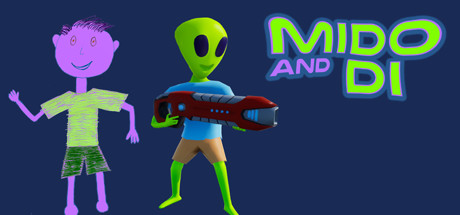
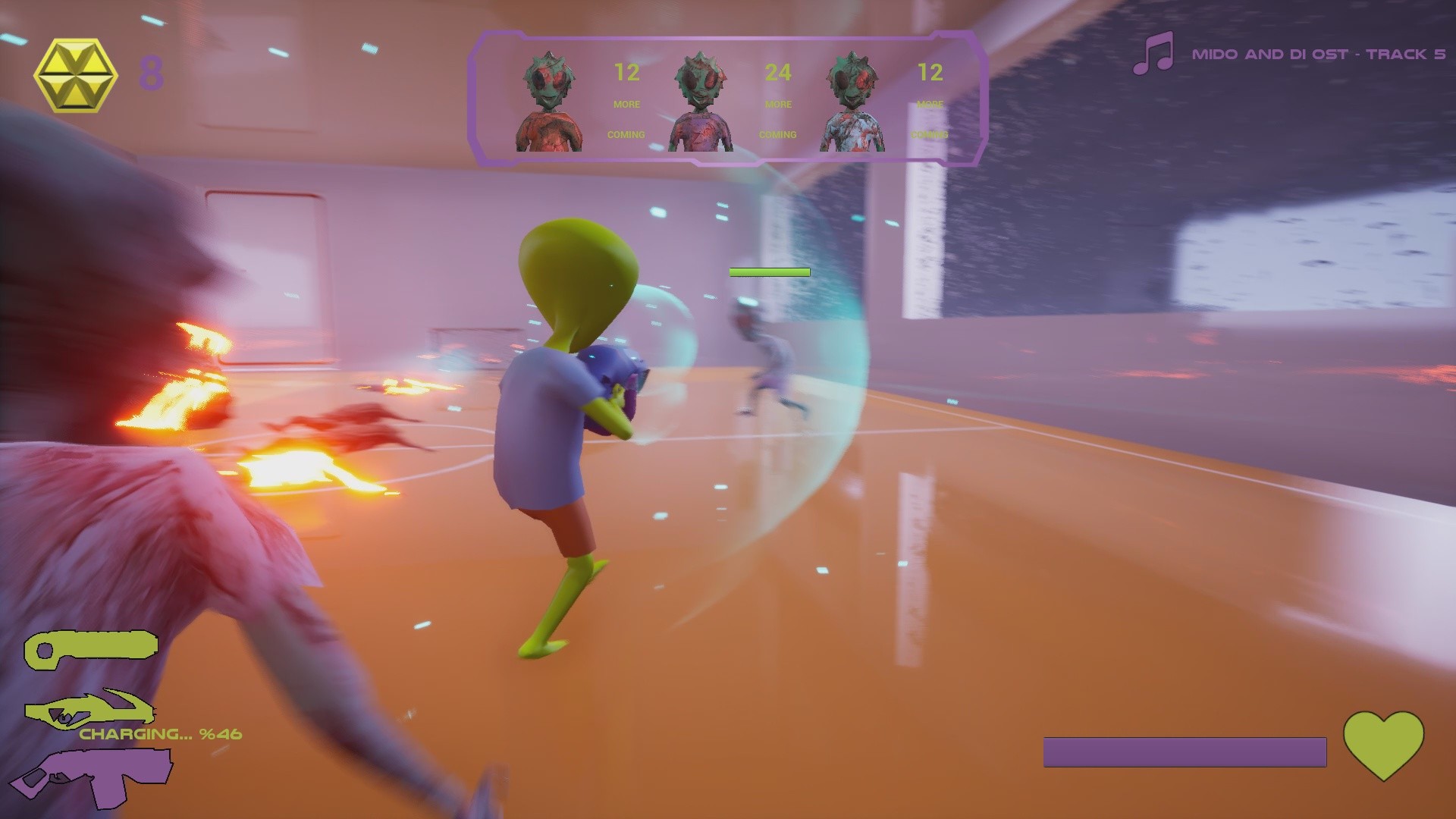
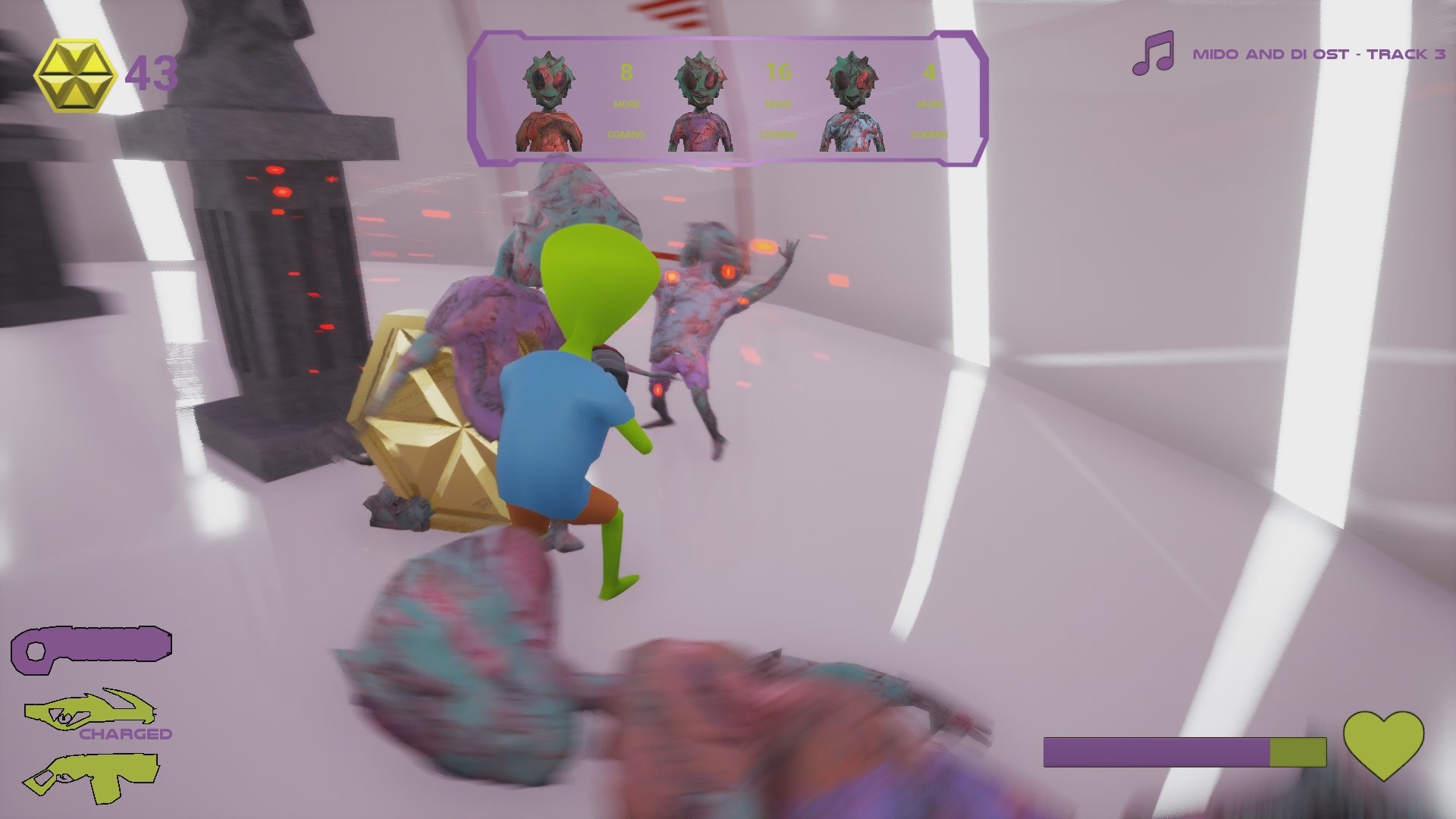
Mido is an alien child who has nightmares about zombie aliens. One night he draws a creature named Dee, and she comes to life to teach Mido to fight zombies. Mido and Di is a small animation project that we wrote, but could not complete almost 15 years ago. This game is based on this story, but it does not play a big role in the game. This is crazy action from the third person, a zombie shooter. You play on simplified, beautiful levels, trying to shoot the alien zombies before they catch you. Alien zombies arrive in waves, as in the game in the genre of Tower Defense, but it’s a third-person view of this mechanic. You have three different weapons and they are a lot of fun to use. By combining ice and firearms, you can even get zombie coins. With these coins you improve weapons.
Game Details
- Title: Mido and Di
- Genre: Action, Indie
- Developer: Alper Gonen, Dogan Dipcin
- Publisher: Alper Gonen
- Release year: 2021
- Available Languages: English, French, Italian, German, Spanish - Spain, Hungarian, Japanese, Korean, Portuguese - Brazil, Russian, Simplified Chinese, Turkish
- Release Name: Mido.and.Di-DARKSiDERS
- Game Version: v1.0 (upd.23.11.2021)
- Game Releaser: DARKSiDERS
- Size: 580.0 MB
Key Features
- Mido is having another nightmare. Objects in his room has changed shape and looks very scary.
- He wakes up. It is another school morning. He waits the school bus. When the bus comes camera goes black.
- Mido returns home from school. He goes to his room and throws his bag with anger.
- He draws a creature to a paper and hangs it on his wall. He names it Di.
- He goes to sleep and he is having another nightmare. But this time, his friend Di, rescues him.
- He wakes up. There is rain outside. He is afraid of thunder but he gets close to window. He opens it.
- Di approaches from sky and takes Mido’s hand.
- They rise up above and we see a star like shine after they got out of our sight.
System Requirements
MINIMUM:
Requires a 64-bit processor and operating systemOS: Windows 10 (64-bit)
Processor: AMD / Intel CPU running at 3.0 GHz or higher
Memory: 8 GB RAM
Graphics: AMD/NVIDIA dedicated graphics card, with at least 4GB of dedicated VRAM and with at least DirectX 11.0 and Shader Model 5.1 support
DirectX: Version 11
Storage: 1 GB available space
Sound Card: Integrated or dedicated DirectX 9 compatible soundcard
RECOMMENDED:
Requires a 64-bit processor and operating system
OS: Windows 10 (64-bit)
Processor: AMD / Intel CPU running at 3.5 GHz or higher
Memory: 8 GB RAM
Graphics: AMD/NVIDIA dedicated graphics card, with at least 4GB of dedicated VRAM and with at least DirectX 12.0 and Shader Model 6.0 support
DirectX: Version 12
Storage: 1 GB available space
Sound Card: Integrated or dedicated DirectX 9 compatible soundcard
Screenshots

Video
How to Install
1. The first thing we do is download the game’s installation files.
2. Mount or burn the ISO image in the disk emulator (UltraISO program).
3. During the installation, we specify the location on the disk where we want to install it.
4. Wait until the installation process is complete, a shortcut will appear on the desktop.
5. Copy the contents of the folder «DARKSiDERS» in the folder with the game.
6. Start the game.
2. Mount or burn the ISO image in the disk emulator (UltraISO program).
3. During the installation, we specify the location on the disk where we want to install it.
4. Wait until the installation process is complete, a shortcut will appear on the desktop.
5. Copy the contents of the folder «DARKSiDERS» in the folder with the game.
6. Start the game.
Download Mido and Di v1.0 (upd.23.11.2021) — DARKSiDERS
File Size: 580.0 MB
How to get your file — 3 quick steps
VPN detected. Our download does not accept VPN connections. Please disable your VPN to continue.
Re-check
1
Click download
Use any button below
2
Install Opera
On the page that opens
Switch to the tab that just opened — Opera installer is already there. After install, open this page in Opera and click Check install.
Opera not detected. Make sure it's installed and open this page in Opera browser, then click Check install again.
Opera is a free, official browser by Opera Software AS — safe to install. [ Opera Install Guide ]
Alternative Download Links
Alternative Mirrors
Searching mirrors…
Source Name
Size
Seeds
Leeches
Game Update History
- Mido and Di → v1.0 [ 23.11.2021 ]