Small Saga Build 23666480 (upd.12.06.2026) - TENOKE
About The Game
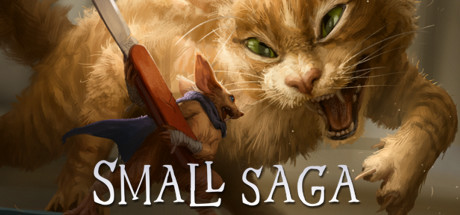
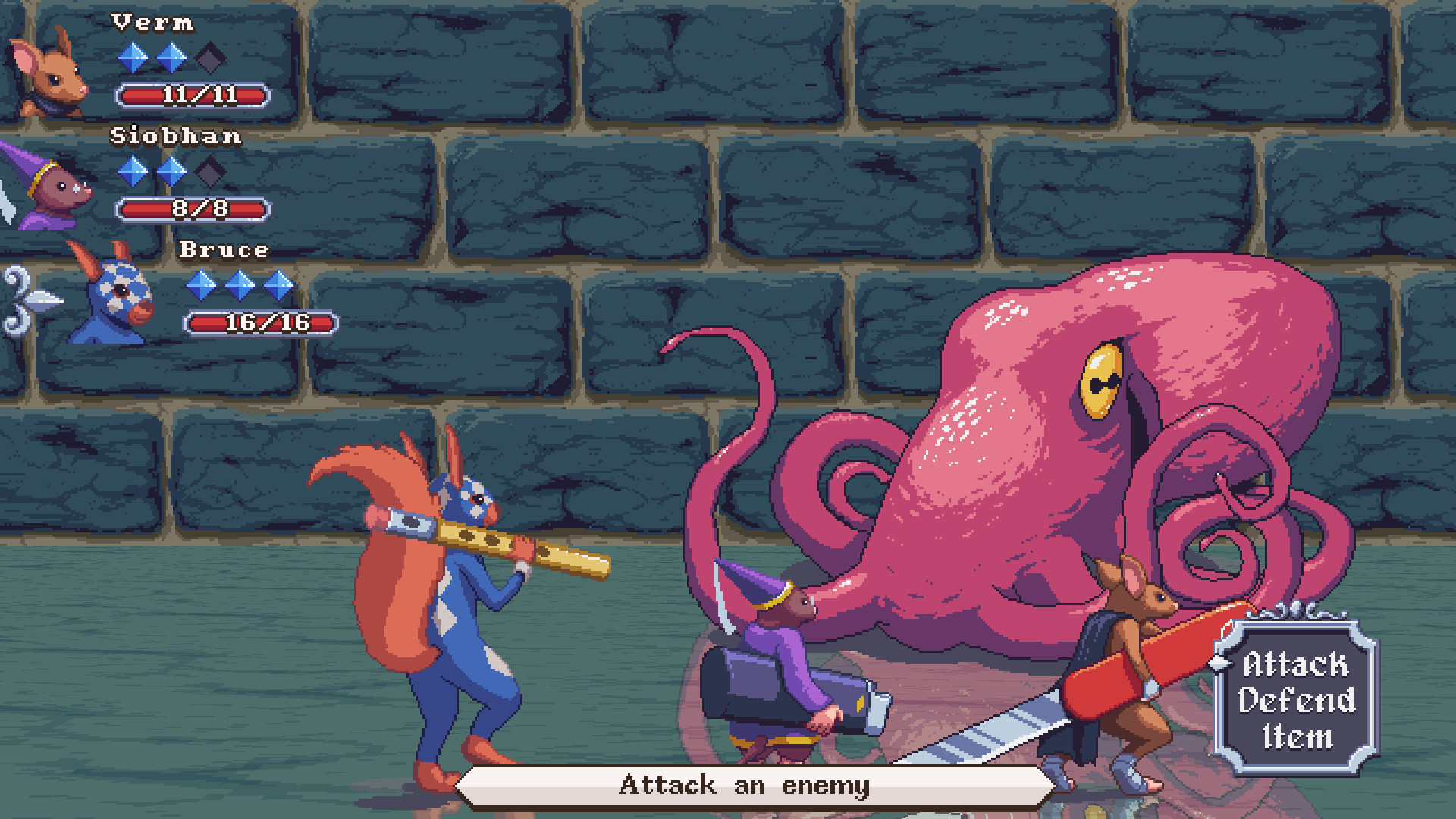
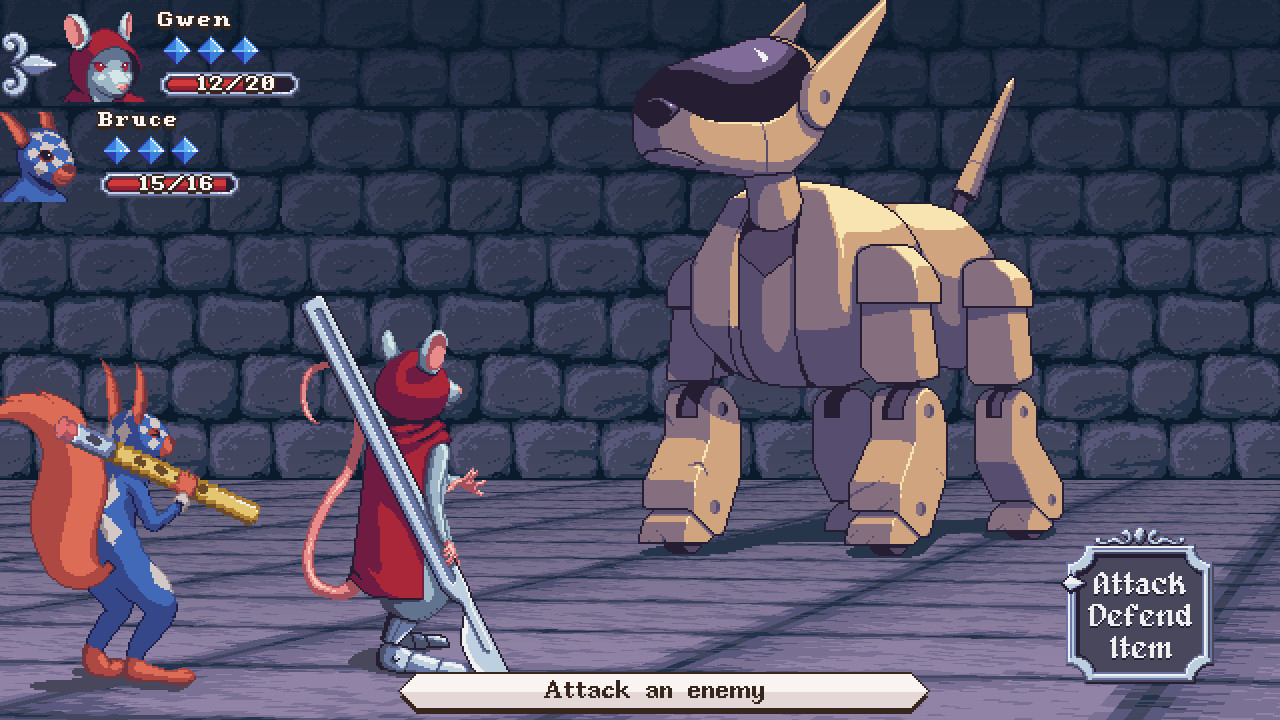
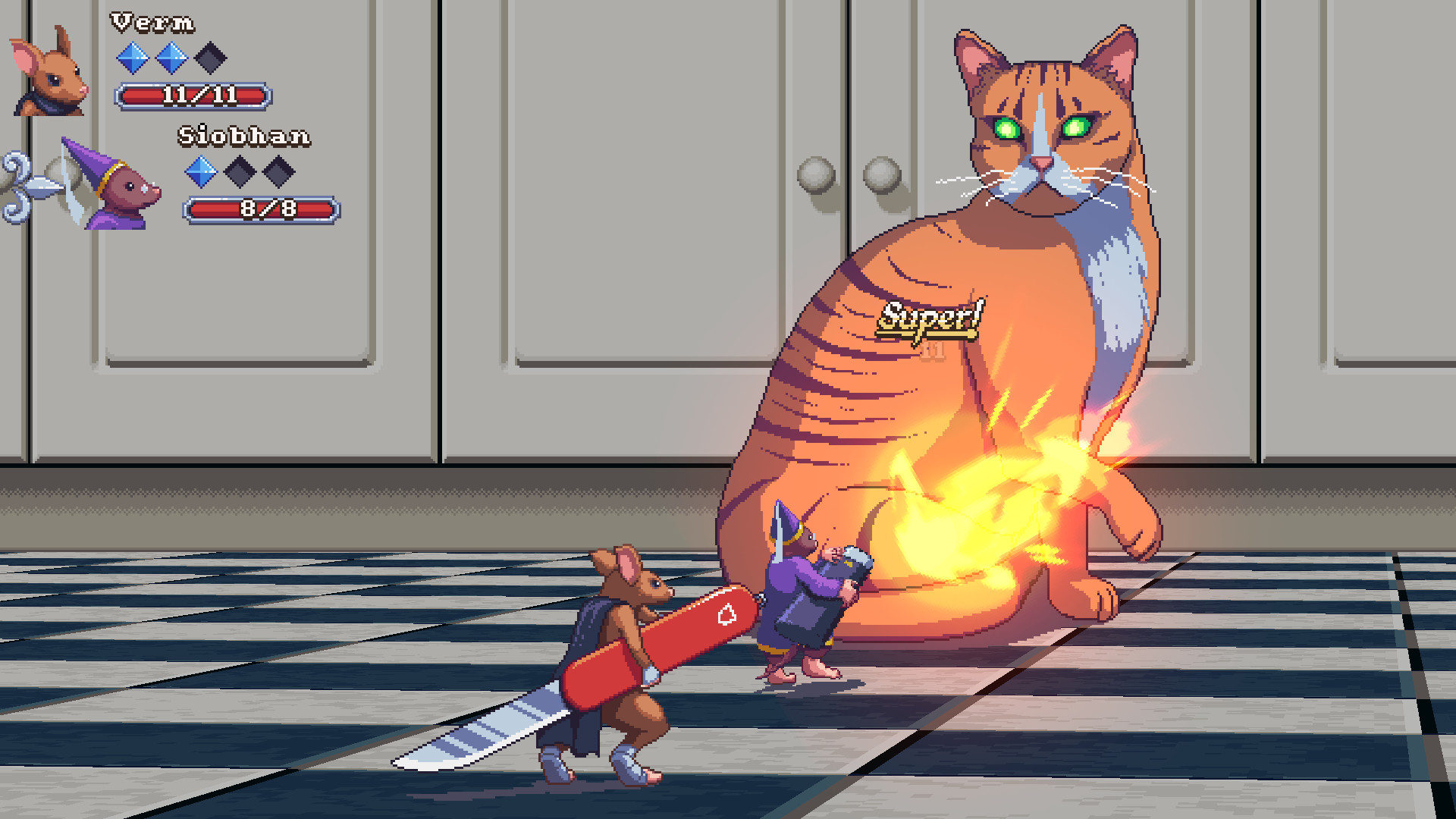
Small Saga — an atmospheric RPG-adventure in pixel design, where in the role of a target named Verm you have to go on a dangerous journey to find his tail, which was stolen by the insidious Yellow God of Death. The game tells the story of the kingdom of mice, rats, squirrels and other animals that exists somewhere in London. The connection is that the target Verma stole the tail of the Yellow God of Death. He needs to gather a team of loyal friends and return his treasure. The combat system is based on the classic turn-based JRPG, and players can expect a very interesting game world with a lot of familiar and funny details. For example, a magician-pyromaniac, who will be in the Verma team, conjures with a lighter, and in one of the rooms of the game you can see a phone resembling the Nokia 3210. Probably, it is in the treasury of the king.
NOTE. Uploaded version: 12 June 2026 [Build 12789796] + Update v20260610. This is Full Release and latest version of game. The game is already Packaged in ISO File and ready to run the game after install, read the instruction below.
Game Details
- Title: Small Saga
- Genre: Adventure, Indie, RPG
- Developer: Jeremy Noghani
- Publisher: Jeremy Noghani
- Release year: 2022
- Available Languages: English
- Release Name: Small_Saga-TENOKE + Update v20260610 (upd.12.06.2026)
- Game Version: Build 23666480 (upd.12.06.2026)
- Game Releaser: TENOKE
- Size: 556 MB
System Requirements
MINIMUM:
Requires a 64-bit processor and operating system
OS: Windows 7, 8, or 10
Processor: Intel Core i3 or similar
Memory: 2 GB RAM
Storage: 500 MB available space
RECOMMENDED:
Requires a 64-bit processor and operating system
Screenshots
Video
How to Install
1. The first thing we do is download the game’s installation files.
2. Unzip the archive to the hard disk.
3. Mount or burn the ISO image in the disk emulator (UltraISO program).
4. After mount ISO, go to the folder and run the file «setup.exe».
5. During the installation, we specify the location on the disk where we want to install it.
6. Copy the contents of the folder «CRACK» in the folder with the game.
7. Download and install Update v20231130 + Update v20260610, in game folder. [ how to update the game ]
8. Launch the game!
Download update only: Small.Saga.Update.v20260610-TENOKE, MIRROR [ 174.4 MB ]
- Extract.
- Run setup.exe and install.
- Copy crack from TENOKE dir to install dir.
- Play!
Download update only: Small.Saga.Update.v20231130-TENOKE [ 84.3 MB ]
Download Small Saga Build 23666480 (upd.12.06.2026) — TENOKE
Alternative Download Links
Alternative Mirrors
Game Update History
- Small Saga Build 12840998 → Build 23666480 Update v20260610 [ 12.06.2026 ]
- Small Saga Build 12789796 → Update v20231130 (Build 12840998) [ 04.12.2023 ]
- Small Saga Build 12761268 → Build 12789796 (TENOKE RELEASE) [ 25.11.2023 ]
- Small Saga Build 12719843 → Build 12761268 [ 22.11.2023 ]
- Small Saga demo → Build 12719843 [ 17.11.2023 ]
- Small Saga → demo [ 20.01.2022 ]