Jigsaw Realm 3D Build 10534042 (upd.13.02.2023)
About The Game
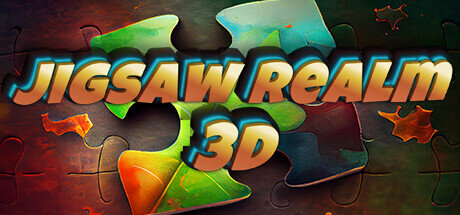
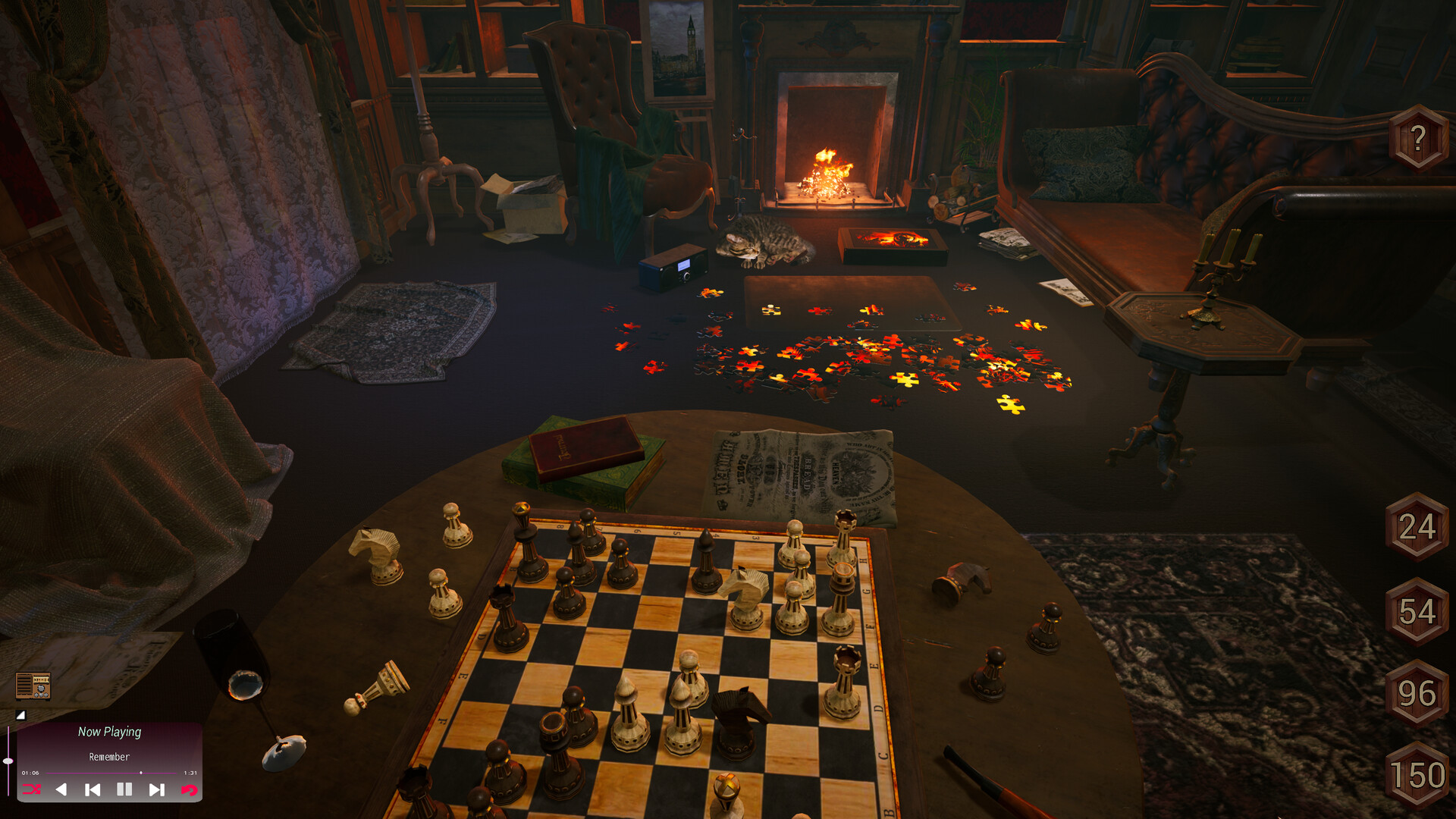
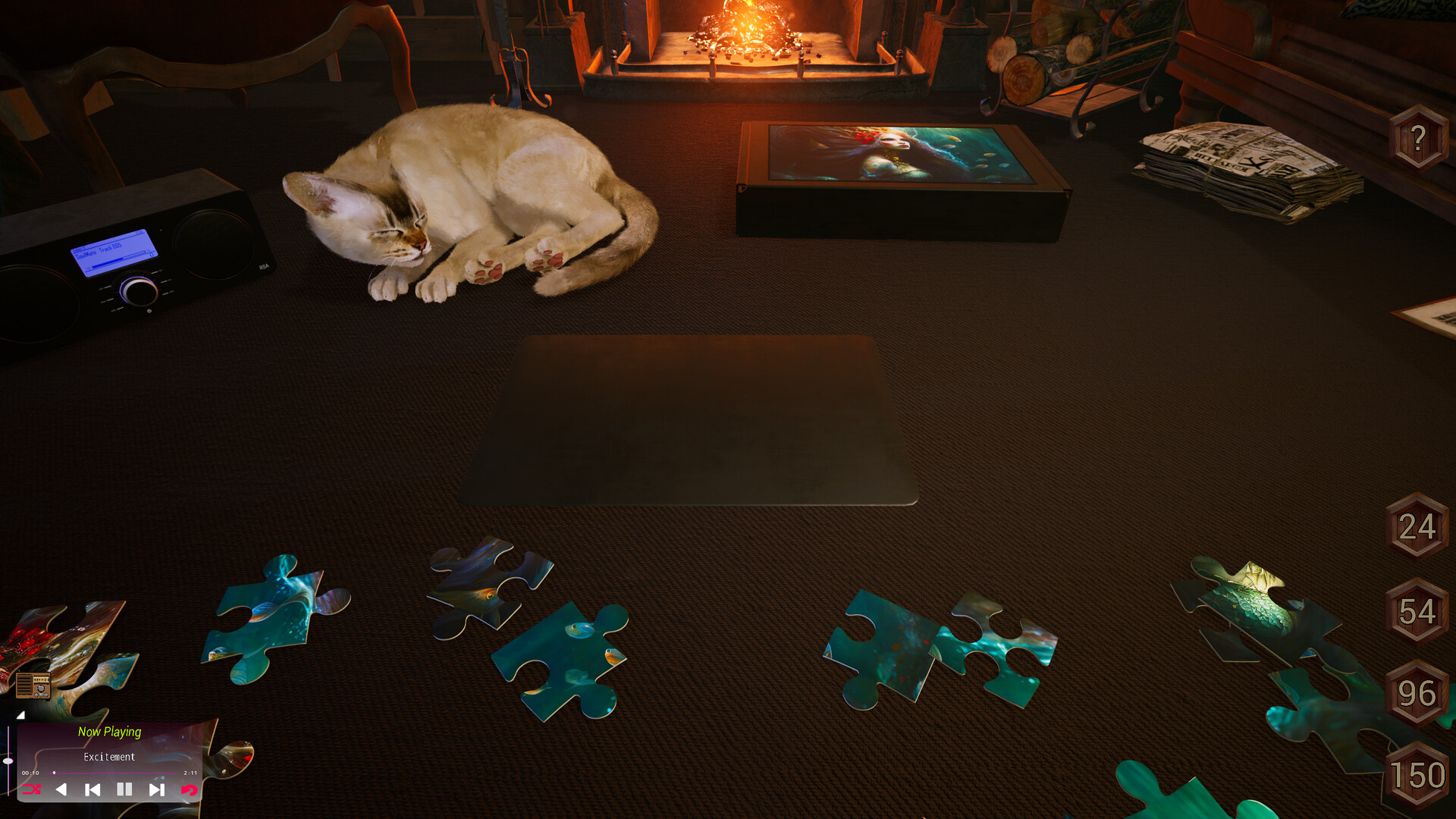
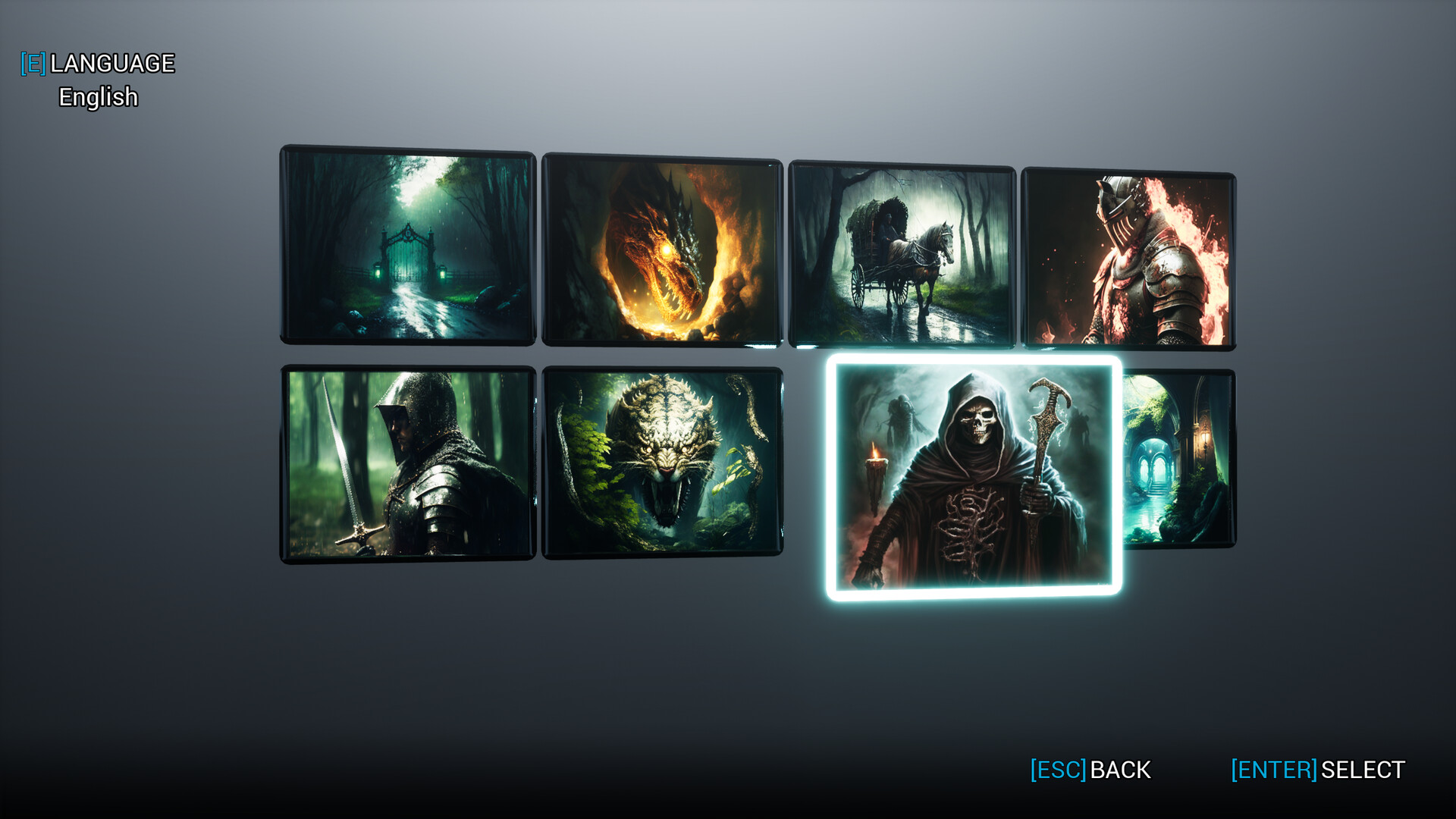
Jigsaw Realm 3D is a puzzle for relaxation, assemble the puzzle in a cozy room, with the cat purring, the sounds of the fireplace and pleasant music in the background. Jigsaw Realm 3D has no donation and no microtransactions, choose what you like and start the game. 72 unique images. 9 categories Fantasy, Art, Water, Architecture, Waterfalls, Nature, Animals, Flowers, Food. Full 3D. 4 problems. Hints. More than 40 pleasant musical compositions. A convenient player with a selection of music. Built-in radio.
Pleasant modern graphics with a warm atmosphere. A smart system for saving each picture. Assembly will continue from where you left off last time. Jigsaw Realm 3D is being developed by one person, and proceeds from the game and future DLC will go towards the development of Jigsaw Realm 3D’s vampire-themed story game. In it, a full-fledged plot and story awaits you, which will be revealed after assembling various locations of the game world. The game is sure to please every lover of such puzzles.
Game Details
- Title: Jigsaw Realm 3D
- Genre: Casual
- Developer: Jiest Dev
- Publisher: Jiest Dev
- Release year: 2023
- Available Languages: English, Italian, Spanish - Spain, French, German, Korean, Portuguese - Portugal, Russian, Turkish, Finnish, Swedish, Japanese
- Release Name: Jigsaw_Realm_3D_Build_10534042
- Game Version: Build 10534042 (upd.13.02.2023)
- Size: 1.02 GB
System Requirements
MINIMUM:
Requires a 64-bit processor and operating system
OS: Windows 7, 8, 10 (64-bit)
Processor: Intel® Core™ i3-10100 or AMD FX™-4300 or better
Memory: 4 GB RAM
Graphics: NVIDIA® GeForce® GTX 760 or AMD Radeon™ R7 260x with 2GB Video RAM
DirectX: Version 11
Storage: 800 MB available space
RECOMMENDED:
Requires a 64-bit processor and operating system
Screenshots
Video
How to Install
1. The first thing we do is download the game’s installation files.
2. After downloaded, go to the folder and run the file «setup.exe».
3. During the installation, we specify the location on the disk where we want to install it.
4. At the end of the unpacking process, a shortcut appears on the desktop.
5. Start the game.
Download Jigsaw Realm 3D Build 10534042 (upd.13.02.2023)
Alternative Download Links
Alternative Mirrors
Game Update History
- Jigsaw Realm 3D → Build 10534042 [ 13.02.2022 ]