Eternights Build 12239405 (upd.09.01.2024) - TENOKE

About The Game
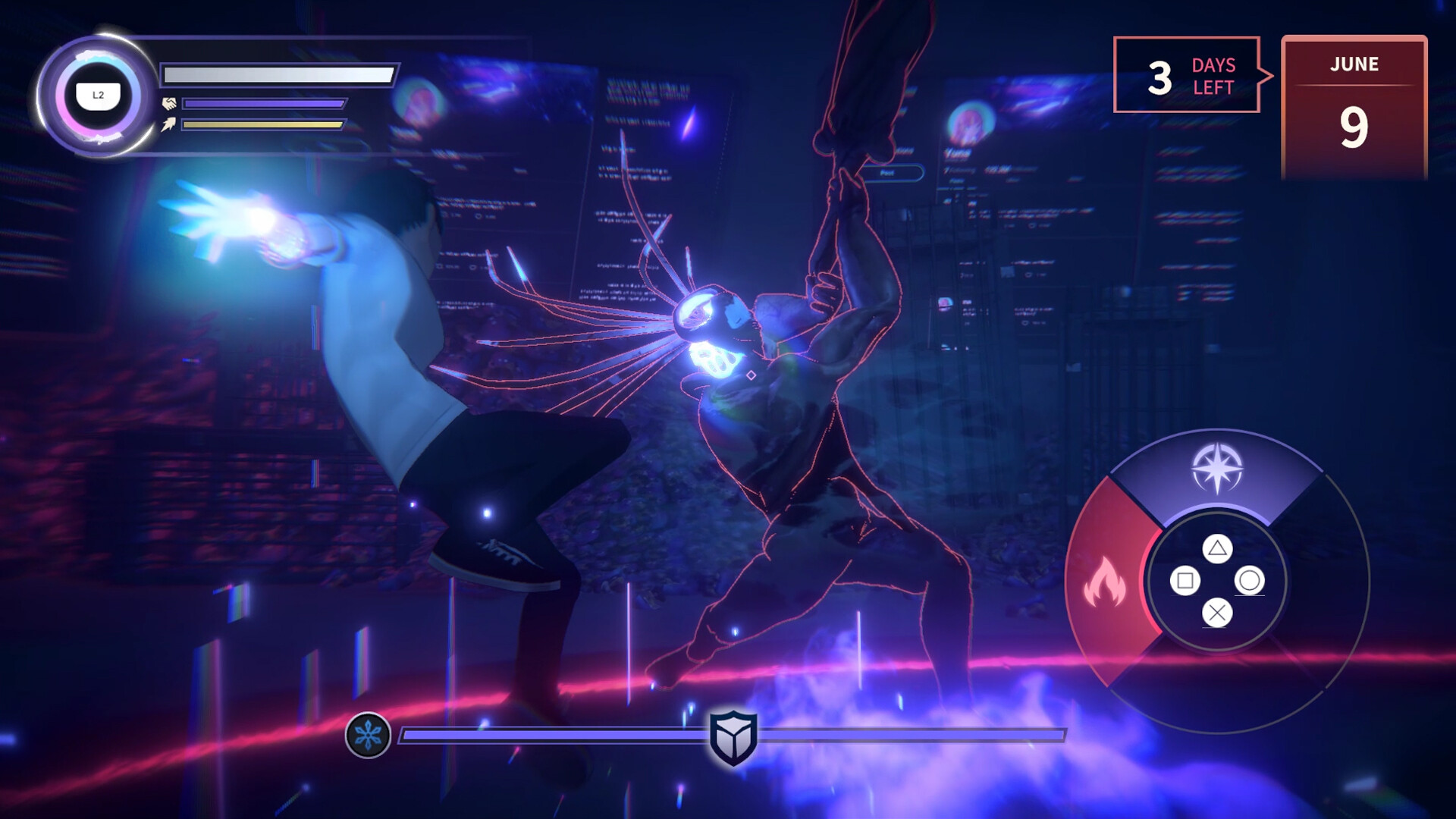
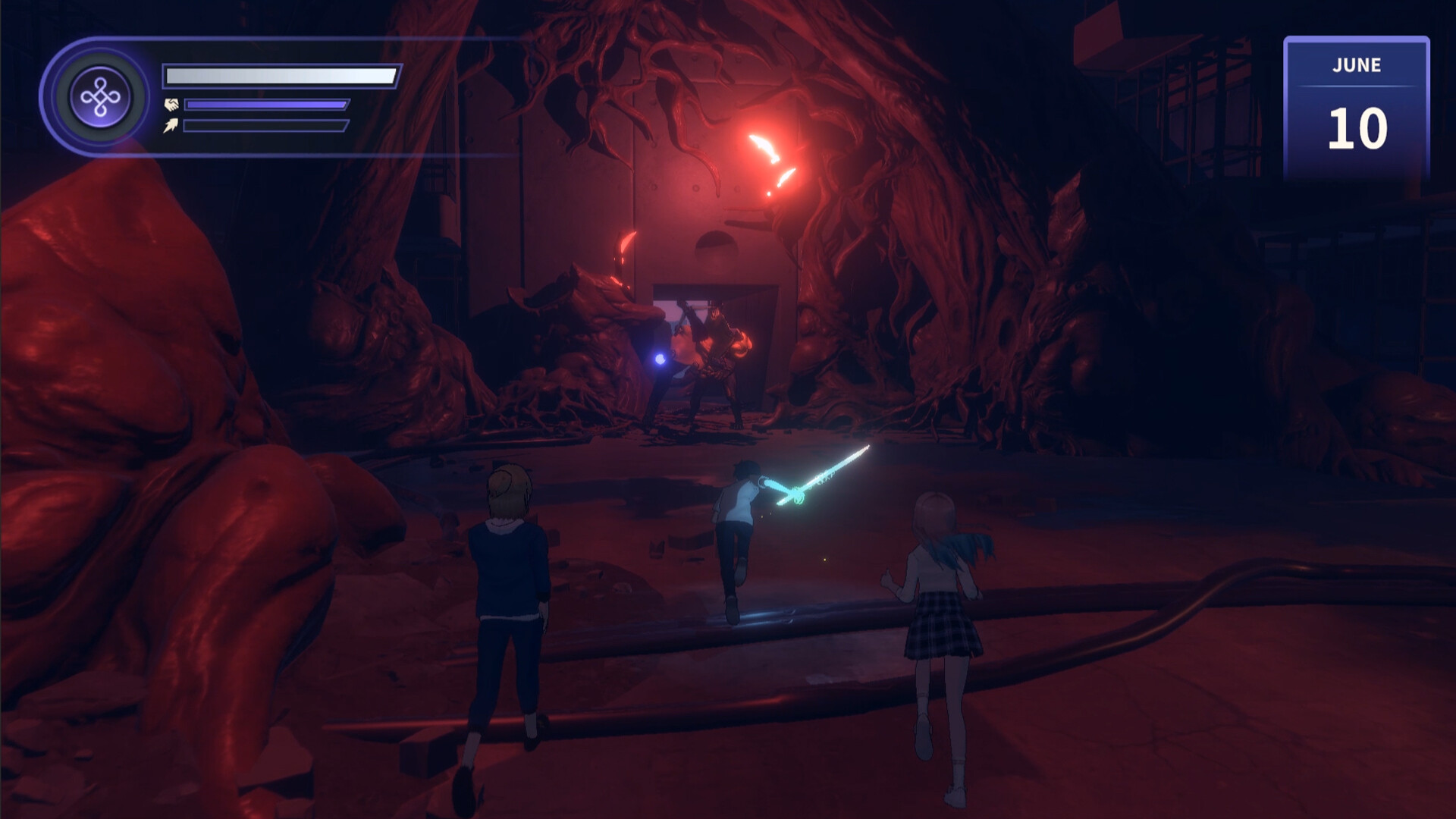
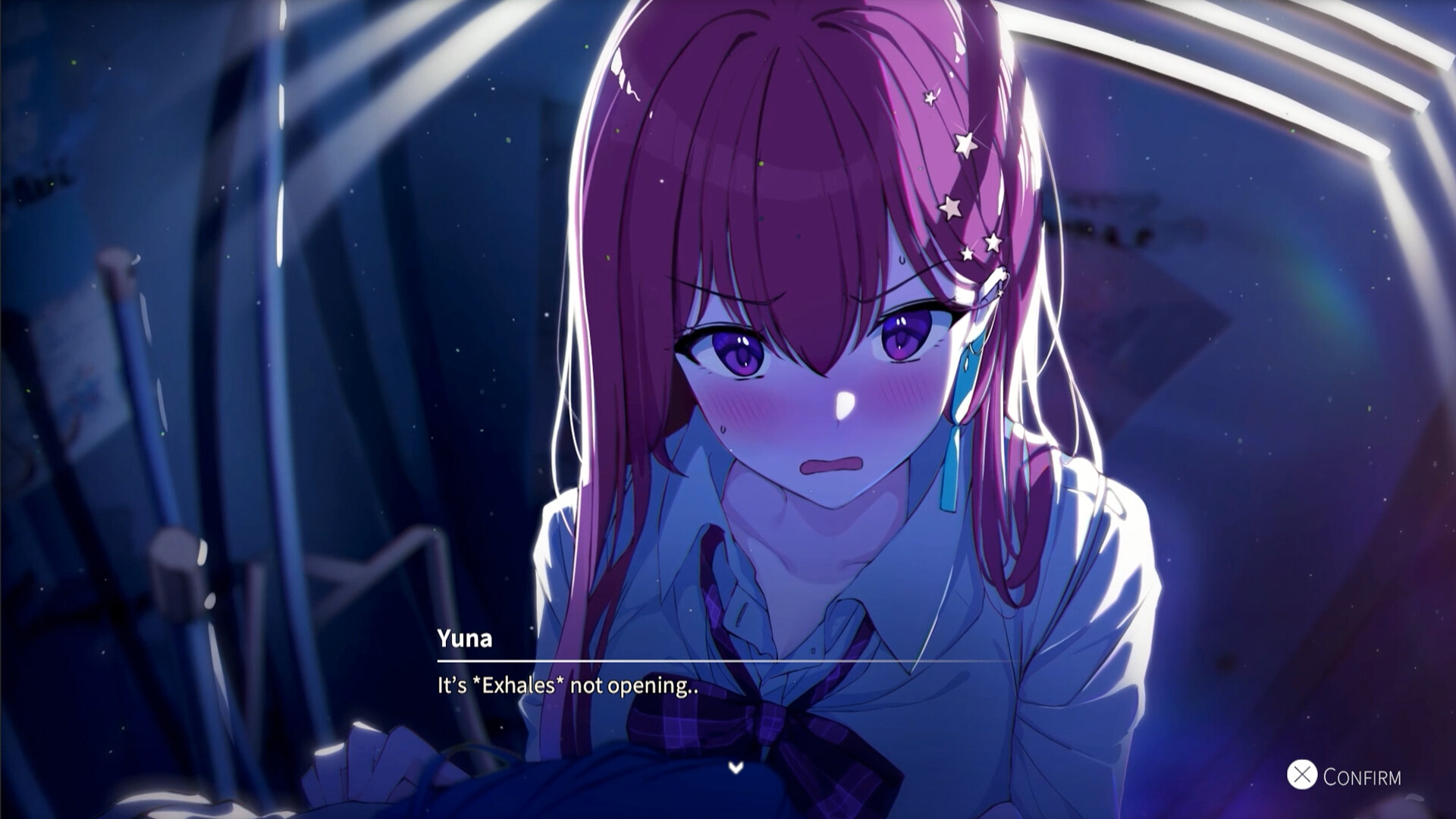
Eternnights is a third-person action game with elements of a dating simulator, the debut work of the Studio Sai development team. Players engage in battles with terrible monsters, and between tasks they arrange romantic dates with non-player characters. Events take place in the near future, where humanity is on the verge of complete destruction. The planet is covered by a mysterious epidemic, turning the population into terrible creatures. Players take on the role of a guy with supernatural powers. In a team of close people, he decides to stop the apocalypse and find out the reasons for its beginning. The arcade combat system offers battles against hordes of monsters.
The locations contain not only opponents, but also traps and useful things, thanks to which you can unlock new skills and weapons. During the journey, users control only the main character; the companions are supported by artificial intelligence. After each mission, the hero returns to the main base, where he develops relationships and learns the history of the characters. Strong connections help unlock skills and spells. Each mission has a limited amount of time, so players must deploy each action.
Game Details
- Title: Eternights
- Genre: Action, Casual, Indie, RPG
- Developer: Studio Sai
- Publisher: Studio Sai
- Release year: 2023
- Available Languages: English, French, Italian, German, Japanese, Korean, Simplified Chinese, Traditional Chinese, Portuguese - Brazil, Spanish - Latin America
- Release Name: Eternights-TENOKE + Update v20230920 (Build 12239405)
- Game Version: Build 12239405 (upd.09.01.2024)
- Game Releaser: TENOKE
- Size: 13.25 GB
System Requirements
MINIMUM:
Requires a 64-bit processor and operating system
OS: Windows 7 64-Bit or Windows 10 64-Bit
Processor: Intel Core i3-4340 or AMD FX-6300
Memory: 8 GB RAM
Graphics: NVIDIA GeForce GTX 670, GeForce GTX 1650, Radeon HD 7950
DirectX: Version 12
Storage: 15 GB available space
Sound Card: DirectX Compatible
RECOMMENDED:
Requires a 64-bit processor and operating system
OS: Windows 10 64 Bit
Processor: Intel Core i5-2500K or AMD Ryzen R5 1600X
Memory: 16 GB RAM
Graphics: NVIDIA GeForce GTX 970, GTX 1660 or Radeon R9 390, AMD RX 580
DirectX: Version 12
Storage: 15 GB available space
Sound Card: DirectX Compatible
Screenshots
Video
How to Install
1. The first thing we do is download the game’s installation files.
2. Unzip the archive to the hard disk.
3. Mount or burn the ISO image in the disk emulator (UltraISO program).
4. After mount ISO, go to the folder and run the file «setup.exe».
5. During the installation, we specify the location on the disk where we want to install it.
6. Copy the contents of the folder «CRACK» in the folder with the game.
7. Download and install Update v20230916 + Update v20230920, in game folder.
8. Launch the game!
Download update only: Eternights.Update.v20230920-TENOKE [ 199.1 MB ]
-
Extract.
-
Run Update\PATCH.exe and install the update.
- Copy crack to install dir.
-
Play!
Download update only: Eternights.Update.v20230916-TENOKE [ 122.5 MB ]
Download Eternights Build 12239405 (upd.09.01.2024) — TENOKE
Alternative Download Links
Alternative Mirrors
Game Update History
- Eternights v20230916 → Update v20230920 (Build 12239405) [ 09.01.2024 ]
- Eternights Build 11956762 → Update v20230916 [ 18.09.2023 ]
- Eternights → Build 11956762 [ 12.09.2023 ]