The Cub Build 13206271 (upd.19.01.2024) - RUNE

About The Game
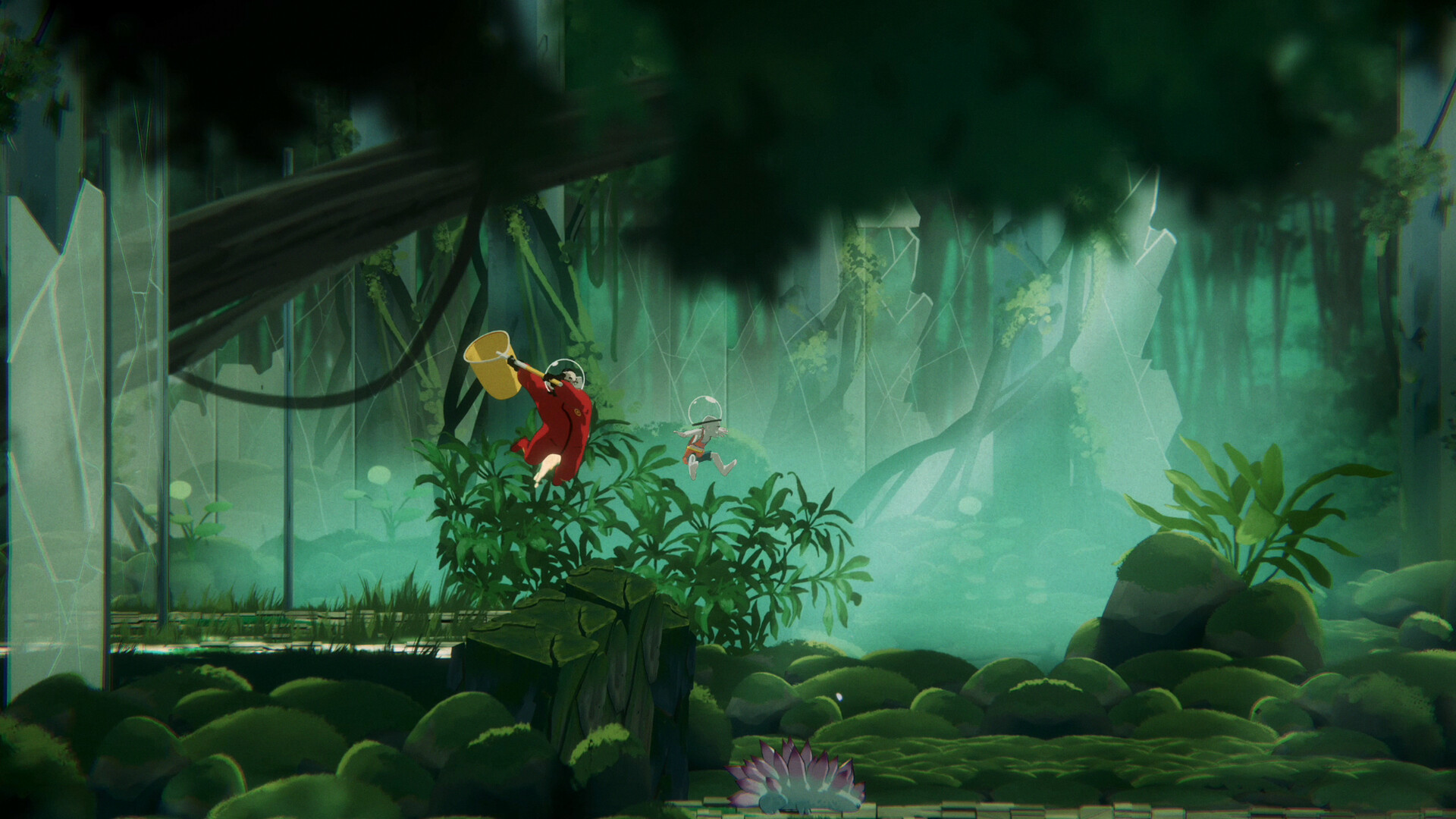
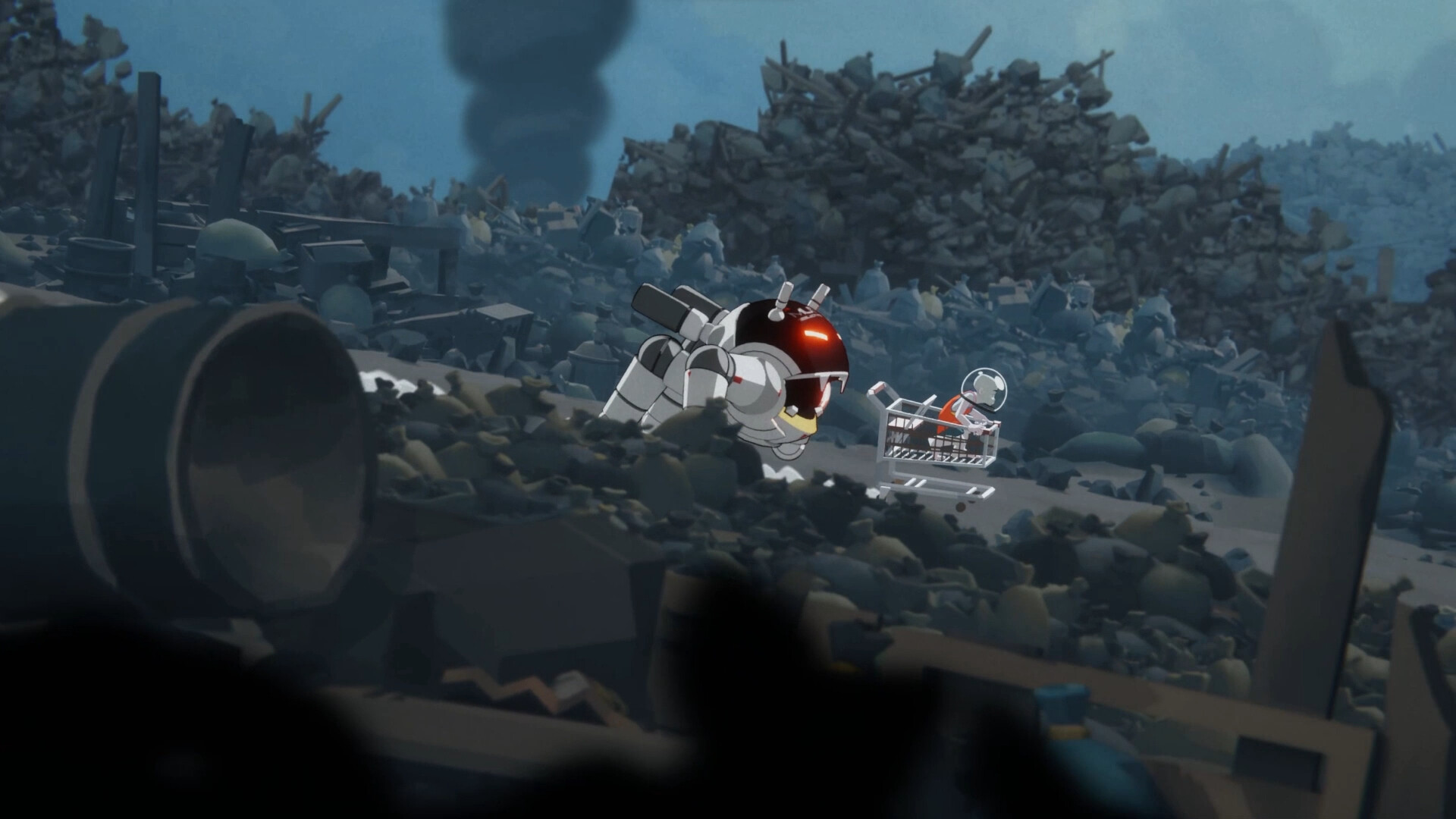
The Cub is an immersive, richly detailed open-world adventure game in which players control a young and curious cub as they seek to uncover the secrets of their forest home. The game tells the story of a cub who explores the world around him, meeting new creatures, solving puzzles and completing tasks. Along the way, the cub must learn to forage for food, avoid predators, and gather resources to survive in the wild. As you progress, the cub will be able to unlock new abilities, weapons and items that will help him overcome increasingly difficult challenges. For example, a cub can learn to climb trees to reach new areas, or use stealth to evade enemies and stay hidden in the shadows. The action takes place in a beautifully rendered forest, in which different areas have unique conditions.
The cub will meet many different creatures, from friendly animals to dangerous predators, each of which has its own habits and habits. In addition to the main story mode, there are many side quests and challenges that allow players to explore the world at their own pace and discover its many secrets. The Cub is a visually stunning and immersive game that combines exploration, puzzle solving and action into a smooth and fun experience. Featuring a charming protagonist, varied environments, and addictive gameplay, it’s a must-play for any adventure fan.
Game Details
- Title: The Cub
- Genre: Adventure, Casual, Indie
- Developer: Demagog Studio
- Publisher: Untold Tales, Gamersky Games
- Release year: 2024
- Available Languages: English, French, German, Japanese, Simplified Chinese, Spanish - Latin America, Traditional Chinese, Spanish - Spain, Portuguese - Brazil, Portuguese - Portugal
- Release Name: The.Cub-RUNE
- Game Version: Build 13206271 (upd.19.01.2024)
- Game Releaser: RUNE
- Size: 2.10 GB
System Requirements
Requires a 64-bit processor and operating system
OS: WINDOWS® 7, 8.1, 10 (64-BIT Required)
Processor: Intel® Core™ i5-4460 or AMD FX™-6300 or better
Memory: 4 GB RAM
Graphics: NVIDIA® GeForce® GTX 760 or AMD Radeon™ R7 260x with 2GB Video RAM
DirectX: Version 11
Storage: 12 GB available space
RECOMMENDED:
Requires a 64-bit processor and operating system
OS: WINDOWS® 10 (64-BIT Required)
Processor: Intel® Core™ i7-3770 or AMD FX™-8370 or better
Memory: 6 GB RAM
Graphics: NVIDIA® GeForce® GTX 1060 or AMD Radeon™ RX 480 with 3GB VRAM
DirectX: Version 11
Storage: 12 GB available space
Screenshots

Video
How to Install
1. The first thing we do is download the game’s installation files.
2. Mount or burn the ISO image in the disk emulator (UltraISO program).
3. During the installation, we specify the location on the disk where we want to install it.
4. Wait until the installation process is complete, a shortcut will appear on the desktop.
5. Copy the contents of the folder «RUNE» in the folder with the game.
6. Start the game.
Download The Cub Build 13206271 (upd.19.01.2024) — RUNE
Alternative Download Links
Alternative Mirrors
Other Versions & DLCs
Game Update History
- The.Cub-RUNE → v1.0 Build 13206271 [ 19.01.2024 ]