gogh Focus with Your Avatar v3.1.0 (upd.28.06.2026) - TENOKE
About The Game
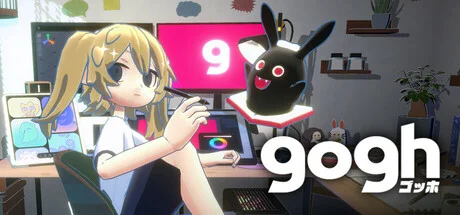
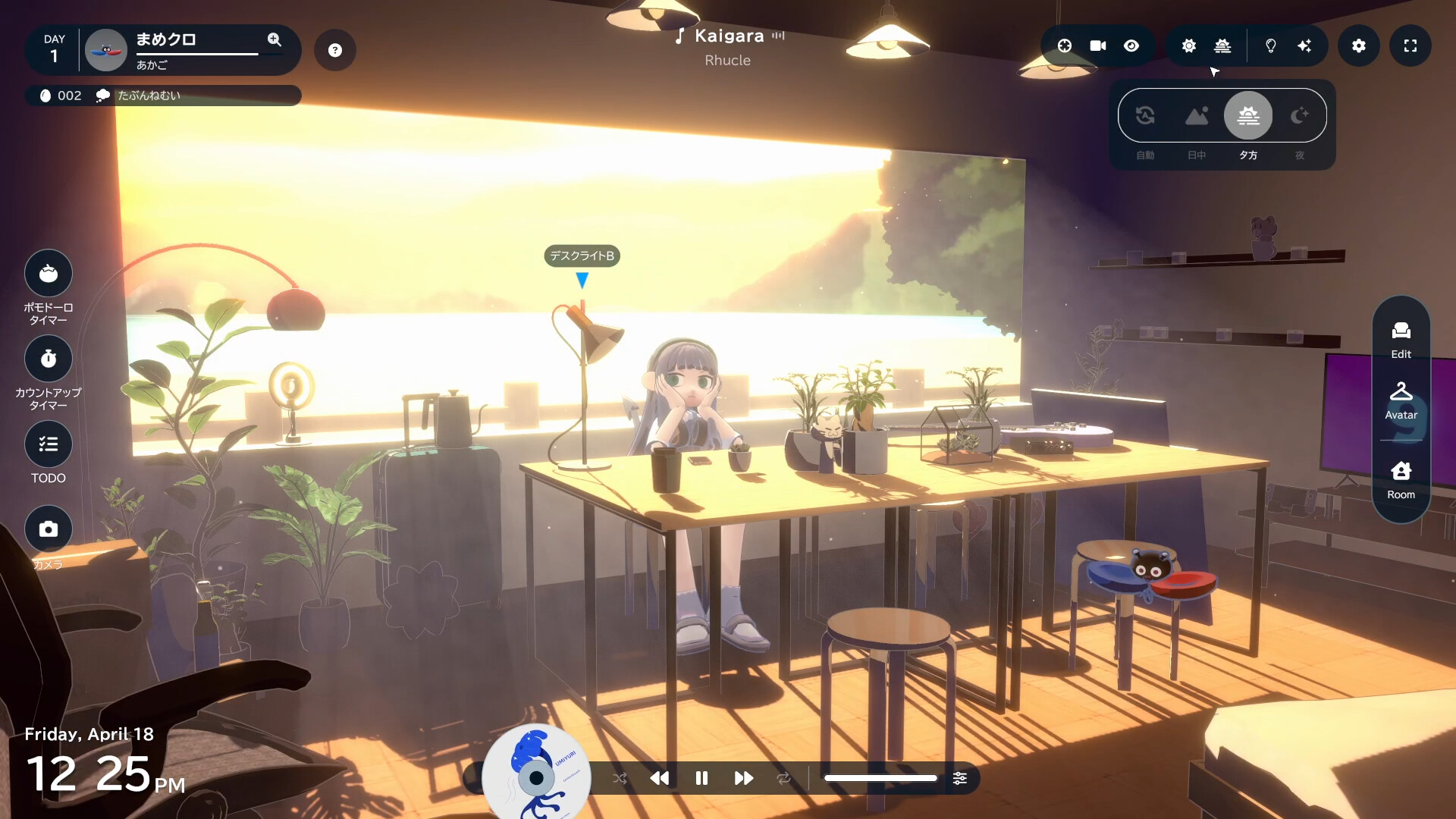
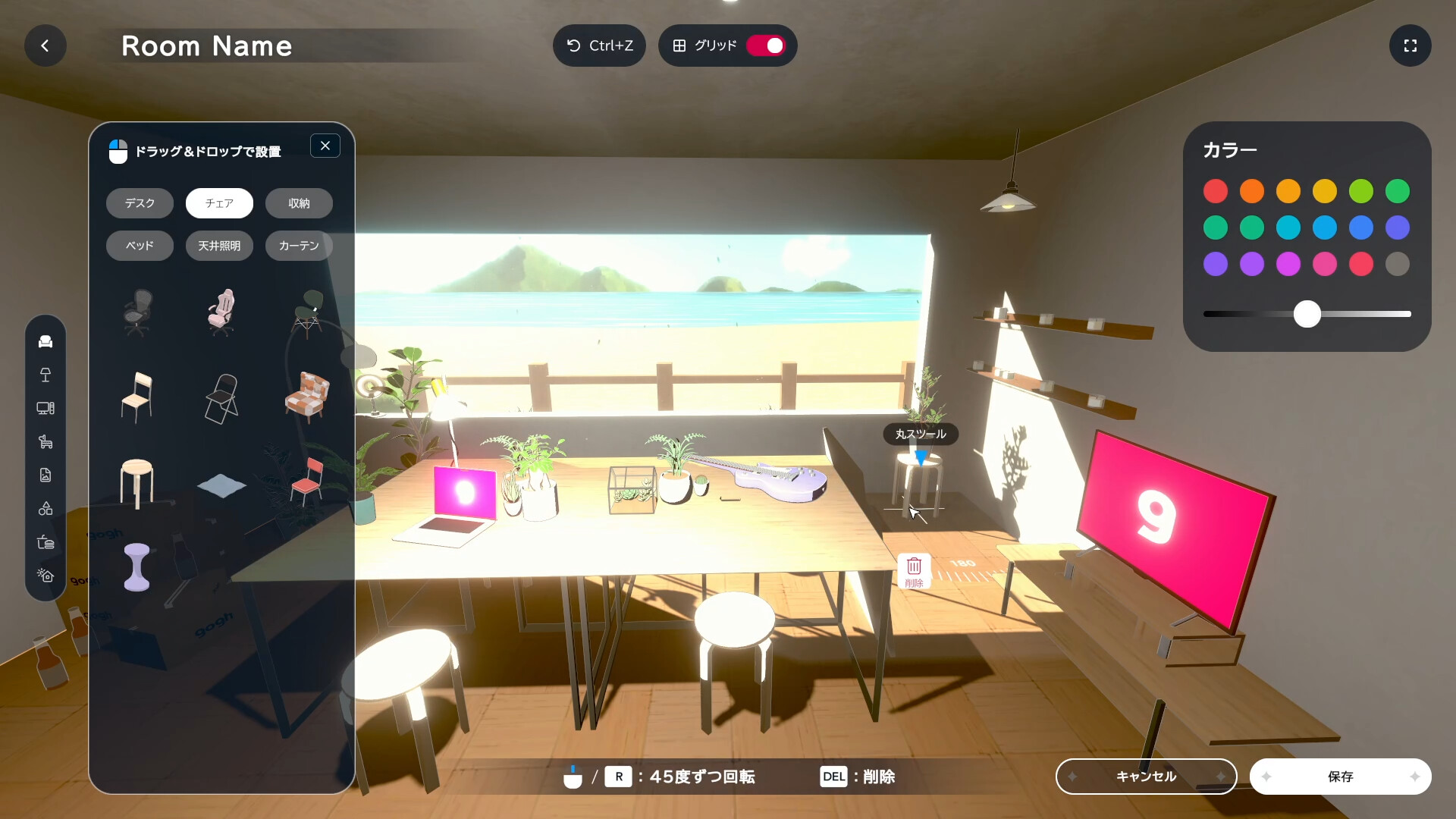
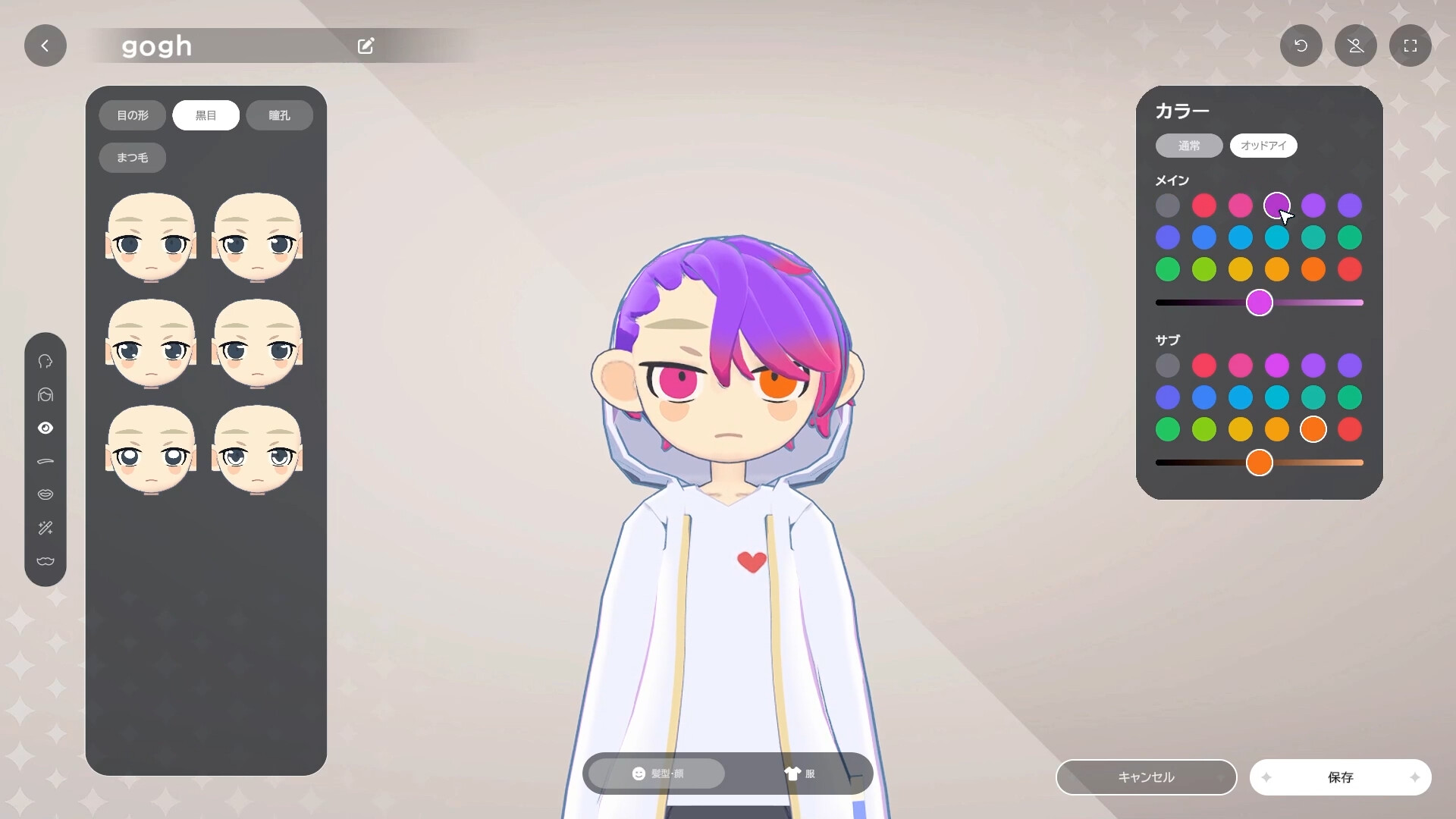
gogh Focus with Your Avatar is a casual indie sim that turns productivity into a cozy gaming experience. Create your own personal virtual room with customizable furniture, decorations, and the ability to add your own images to monitors and posters. The game features anime-style avatars that you can customize with different hairstyles and outfits, and who work alongside you during Pomodoro sessions. The quirky companion evolves as you complete tasks, adding motivation to the workflow. The process is accompanied by a lofi beat from Japanolofi Records and ambient ASMR sounds that sync with your avatar’s actions. Key features include Pomodoro and counting timers, to-do lists, changing weather and time of day, multiple room themes, and a virtual pet that grows depending on your productivity. The app is currently available for Windows, with Mac support planned for the near future.
NOTE. Uploaded version: 28 June 2026 [v2.13.1] + Update v3.1.0. This is Full Release and latest version of game. The game is already Packaged in ISO File and ready to run the game after install, read the instruction below.
Game Details
- Title: gogh Focus with Your Avatar
- Genre: Anime, Simulation, Casual, Building
- Developer: ambr
- Publisher: ambr
- Release year: 2025
- Available Languages: English, Simplified Chinese, Japanese, Korean, French, Italian, German, Spanish - Spain, Indonesian, Spanish - Latin America, Thai, Vietnamese, Portuguese - Brazil, Russian, Traditional Chinese
- Release Name: gogh.Focus.with.Your.Avatar.v2.2.1-TENOKE + Update v3.1.0 (upd.28.06.2026)
- Game Version: v3.1.0 (upd.28.06.2026)
- Game Releaser: TENOKE
- Size: 1.2 GB
System Requirements
Minimum:
Requires a 64-bit processor and operating system
OS: Windows 10 / 11
Processor: Intel Core i5-1235U
Memory: 8 GB RAM
Graphics: Intel Iris Xe Graphics
DirectX: Version 11
Storage: 3 GB available space
Recommended:
Requires a 64-bit processor and operating system
OS: Windows 10 / 11
Processor: Intel Core i7-6700 / AMD Ryzen 5 2600
Memory: 16 GB RAM
Graphics: NVIDIA GTX 1060 / Radeon RX580
DirectX: Version 11
Storage: 3 GB available space
Screenshots
Video
How to Install
1. The first thing we do is download the game’s installation files.
2. Unzip the archive to the hard disk.
3. Mount or burn the ISO image in the disk emulator (UltraISO program).
4. After mount ISO, go to the folder and run the file «setup.exe».
5. During the installation, we specify the location on the disk where we want to install it.
6. Copy the contents of the folder «CRACK» in the folder with the game.
7. Download and install Update v2.9.1 + Update v2.13.1 + Update v3.1.0, in game folder.
8. Launch the game!
Download update only: gogh.Focus.with.Your.Avatar.Stasis.And.Flux.Bookmarks.Update.v3.1.0-TENOKE, MIRROR [ 490.9 MB ]
- Extract.
- Run setup.exe and install.
- Copy crack from TENOKE dir to install dir.
- Play!
Download update only: gogh.Focus.with.Your.Avatar.Stasis.And.Flux.Bookmarks.Update.v2.13.1.incl.DLC-TENOKE, MIRROR [ 259 MB ]
Download update only: gogh.Focus.with.Your.Avatar.Stasis.And.Flux.Bookmarks.Update.v2.9.1.incl.DLC-TENOKE, MIRROR [ 247.5 MB ]
Download gogh Focus with Your Avatar v3.1.0 (upd.28.06.2026) — TENOKE
Alternative Download Links
Alternative Mirrors
Game Update History
- gogh Focus with Your Avatar v2.13.1 → Update v3.1.0 [ 28.06.2026 ]
- gogh Focus with Your Avatar v2.2.1 → Update v2.13.1 [ 12.03.2026 ]
- gogh Focus with Your Avatar v2.2.1 → Update v2.9.1 [ 17.01.2026 ]
- gogh Focus with Your Avatar v2.2.0 → v2.2.1 [ 28.10.2025 ]
- gogh Focus with Your Avatar v1.3.0 → Update v2.2.0 [ 21.10.2025 ]
- gogh Focus with Your Avatar v1.2.3 → Update v1.3.0 [ 01.09.2025 ]
- gogh Focus with Your Avatar v1.0.10 → Update v1.2.3 [ 25.07.2025 ]
- gogh Focus with Your Avatar Build 18292550 → Update v1.0.10 [ 09.06.2025 ]
- gogh Focus with Your Avatar → Build 18292550 [ 01.05.2025 ]